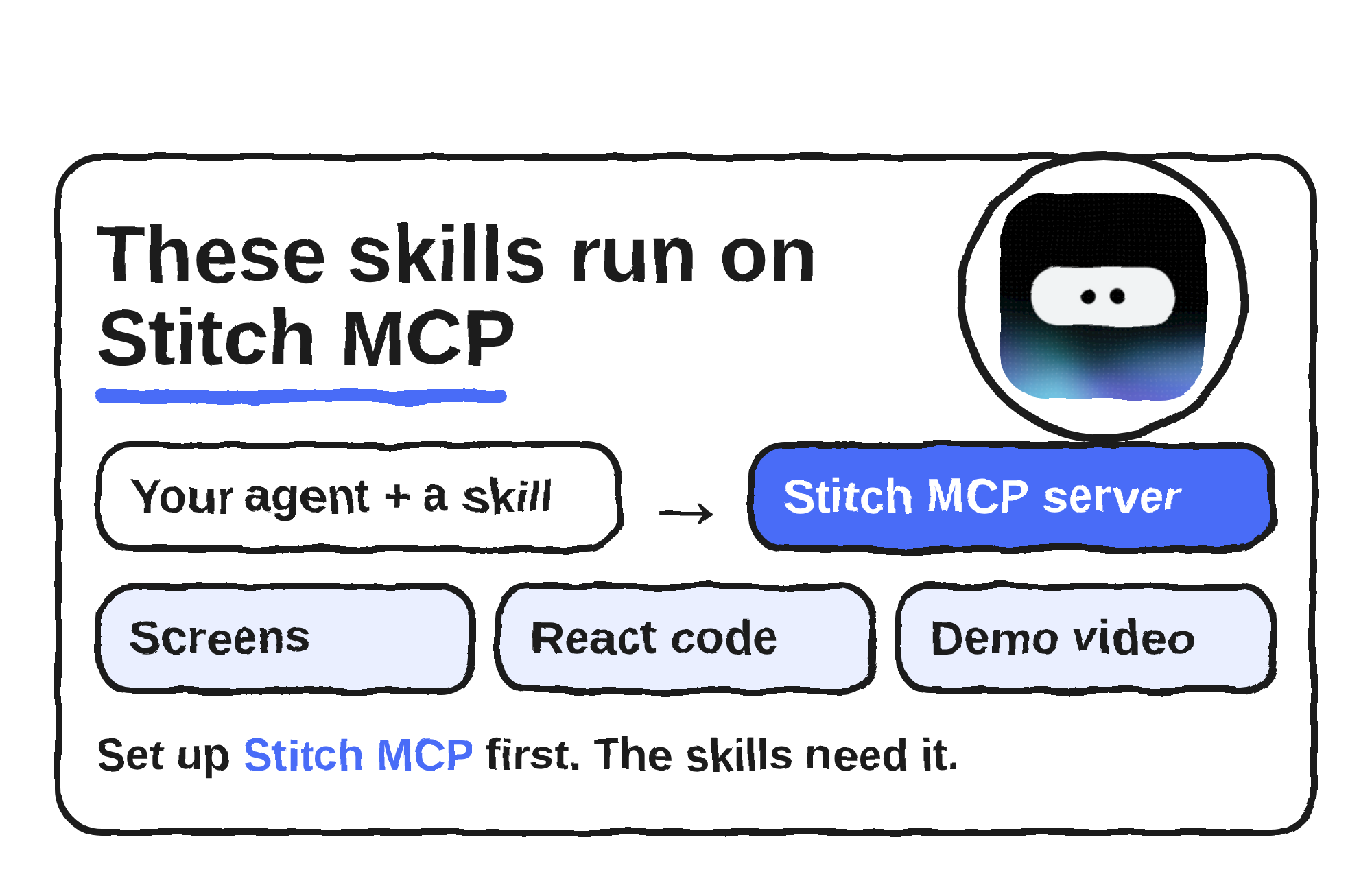
Google Labs publishes stitch-skills, an Apache-2.0 GitHub repository of agent skills that let coding agents design and build with Google Stitch, its AI tool for generating app and web interfaces. The README lists 15 skills across three plugins, and every one of them needs the Stitch MCP server set up first.
The repo isn’t new. It was created on 16 January 2026, and I read its commit history: the skills moved into the current three-plugin layout on 10 May 2026, and the latest commit is dated 17 August 2026. The README says the skills work with coding agents such as Codex, Antigravity, Gemini CLI, Claude Code and Cursor, with a manual install for OpenCode, and that each follows the open Agent Skills standard.
Where Stitch comes in
Google introduced Stitch on 20 May 2025 as a Google Labs experiment that turns prompts and images into UI designs and frontend code. On 18 March 2026, Rustin Banks, a product manager at Google Labs, announced a redesign that makes Stitch an AI-native design canvas. He wrote that people can use the recently released Stitch MCP server and SDK to reach Stitch through skills and tools, and he pointed to the skills repo, then at 2.4k stars.
MCP, the Model Context Protocol, is the standard that lets an agent call outside tools. Here it’s the bridge: a skill tells the agent what to do, and the Stitch MCP server is how the agent reaches your Stitch projects.
What the 15 skills do
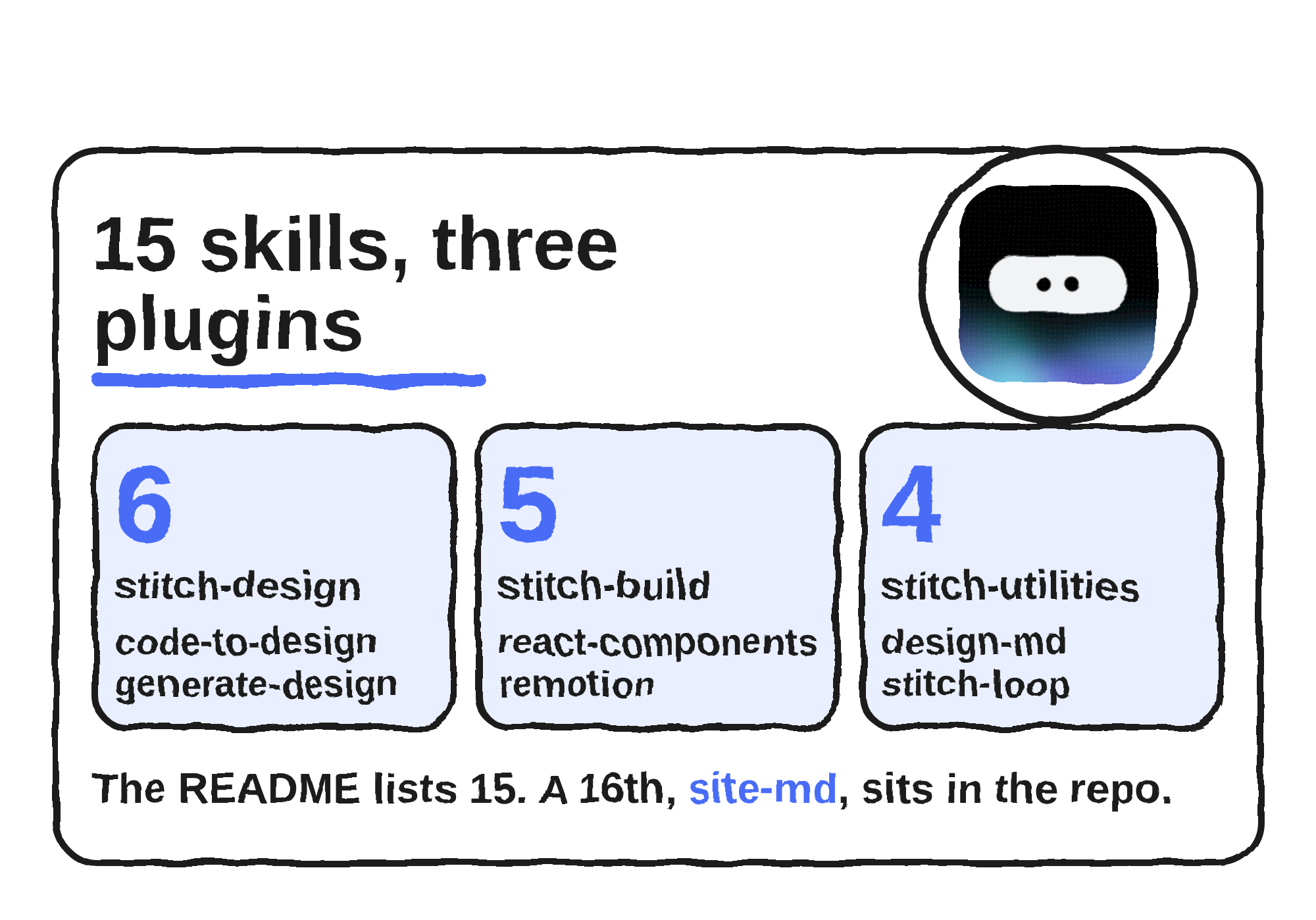
The README groups them into three plugins: stitch-design for working inside Stitch, stitch-build for turning designs into code and video, and stitch-utilities for prompts and design specs.
| Plugin | Skill | What the README says it does |
|---|---|---|
| stitch-design | code-to-design | Converts frontend code such as React or Vue into a Stitch design |
| stitch-design | generate-design | Generates screens from text or images, edits screens and makes variants |
| stitch-design | manage-design-system | Uploads a DESIGN.md and applies themes to screens |
| stitch-design | extract-design-md | Extracts a DESIGN.md from frontend source code |
| stitch-design | extract-static-html | Pulls self-contained static HTML from a running web app |
| stitch-design | upload-to-stitch | Uploads local images, mockups and HTML to a Stitch project |
| stitch-build | react-components | Converts Stitch screens to React components with validation and consistent design tokens |
| stitch-build | react-native | Converts Stitch HTML designs to React Native components |
| stitch-build | remotion | Makes walkthrough videos from a Stitch project with transitions and zooming |
| stitch-build | shadcn-ui | Guides integration of shadcn/ui components |
| stitch-build | react-vite-dashboard | Converts Stitch screens to React and Vite dashboards with TanStack Query |
| stitch-utilities | design-md | Analyses Stitch projects and writes a DESIGN.md |
| stitch-utilities | enhance-prompt | Turns vague UI ideas into Stitch-optimised prompts |
| stitch-utilities | stitch-loop | Builds multi-page websites from a single prompt with automated validation |
| stitch-utilities | taste-design | Writes DESIGN.md files that enforce premium, anti-generic UI standards |
The repo also contains a 16th skill, site-md, added on 12 August 2026. Its SKILL.md says it writes a SITE.md “constitution” that keeps coding agents aligned across successive build iterations. The README table and directory tree don’t list it yet.
One DESIGN.md keeps screens consistent
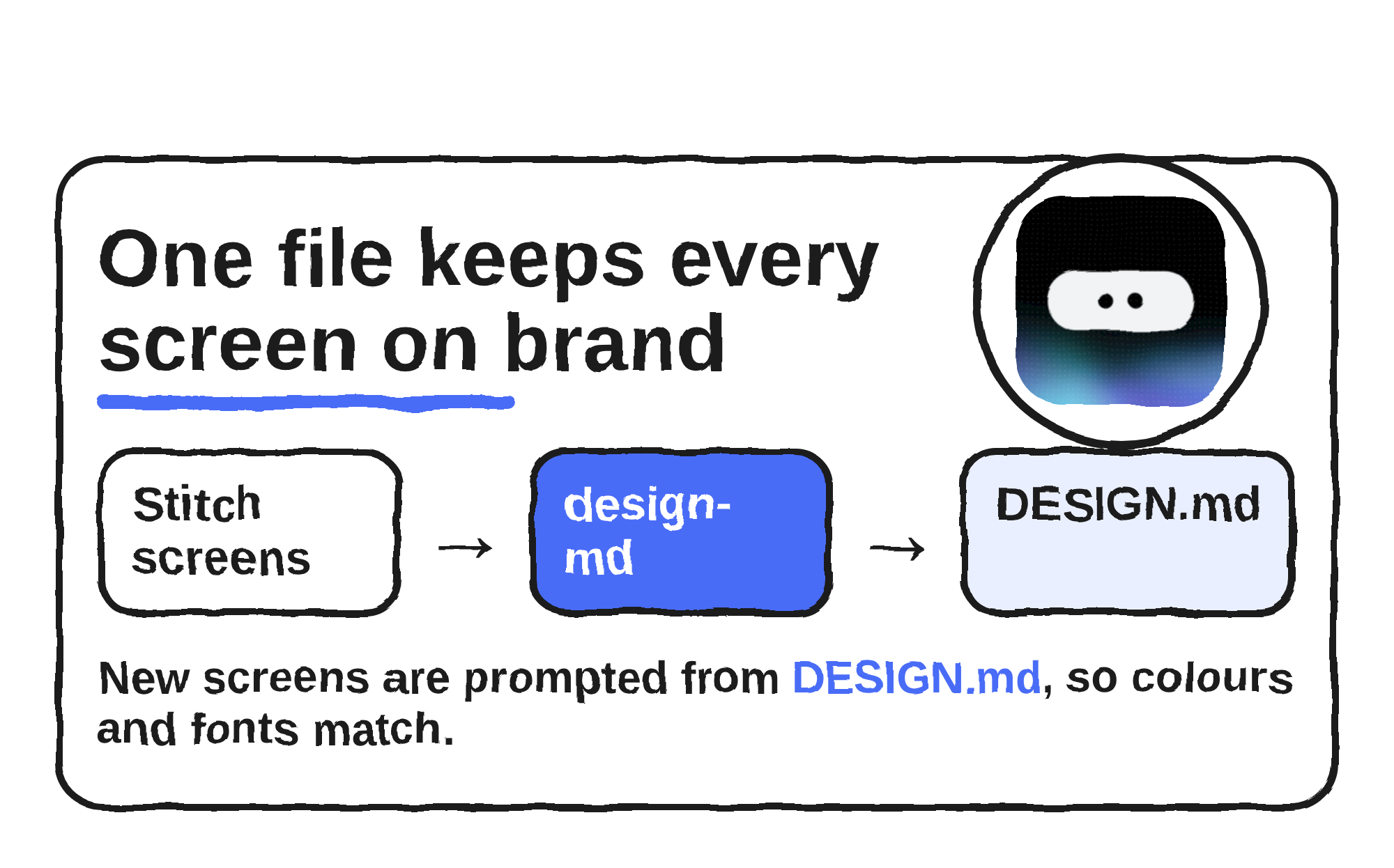
Most of the skills orbit one file. DESIGN.md is an agent-friendly markdown file that holds a project’s design rules, and Stitch uses it to export or import those rules between projects. On 21 April 2026, Cassia Xu, a software engineer at Google, wrote that Google was open-sourcing the draft specification so any tool can use it. The spec lives in the google-labs-code/design.md repo, where a file pairs machine-readable design tokens with prose that explains why the values exist.
The design-md skill’s instructions tell the agent to read a Stitch project’s screens and theme, then write a DESIGN.md that acts as the source of truth for prompting Stitch to generate new screens in the same design language. Other skills feed or use the same file: extract-design-md builds one from your code, manage-design-system uploads one, and taste-design writes one with stricter standards. The generate-design skill checks first. If a project already has a design system, it leaves colours and fonts out of the prompt; if none exists, it hands off to manage-design-system before generating screens.
How to set it up
Start with the Stitch MCP server, using Google’s setup guide. Google’s Antigravity and Stitch codelab shows the key step: open Stitch settings from your profile picture, create an API key, and paste it into the Stitch MCP entry in your coding agent.
Then install the skills. For Claude Code, the README gives npx plugins add google-labs-code/stitch-skills --scope project --target claude-code, and the Cursor version swaps in --scope workspace --target cursor. Codex users add the repo as a plugin marketplace and pick stitch-design, stitch-build or stitch-utilities. To pick individual skills, run npx skills add google-labs-code/stitch-skills, and keep each skill’s dependencies, because the README warns the skills often depend on one another. OpenCode needs a manual copy, and skills named with a stitch:: prefix must be renamed to lowercase kebab-case first.
The README describes the project as not an officially supported Google product and not eligible for Google’s Open Source Software Vulnerability Rewards Program. The README says new skills follow the same layout: a SKILL.md, scripts, resources and examples.
Discover more from Sulat AI & Tech News
Subscribe to get the latest posts sent to your email.