Synaptics, the company behind DisplayLink, has released DisplayLink Manager 17.1 for Macs, and its release notes list a fix for a memory leak in the DisplayLink Privileged Helper on macOS. Its macOS download page dates the release 5 November 2026 and lists support for macOS 14 Sonoma, 15 Sequoia, 26 Tahoe and 27 Golden Gate.
The release landed as a MacBook Air owner in Japan blamed an Anker Prime dock for a slowdown. International Cyber Digest reports the owner says DisplayLink used about 30% of the processor non-stop and leaked about 80MB of memory an hour. Anker’s Prime 14-in-1 Triple Display dock runs its extra screens through DisplayLink, and Anker’s support page says the DisplayLink driver is required for external display output.
‼️ A MacBook Air owner in Japan says a $300 Anker dock was behind the laptop’s slowdown, eating about 30% of its processor non-stop. The Anker Prime dock runs extra screens through DisplayLink. The Mac records its own screen, compresses it and sends it over USB, all on its own CPU. The owner also reports a memory leak of about 80MB an hour. DisplayLink says it fixed a macOS memory leak on 5 November.
— International Cyber Digest (@IntCyberDigest) November 14, 2026
Why a dock can load the processor
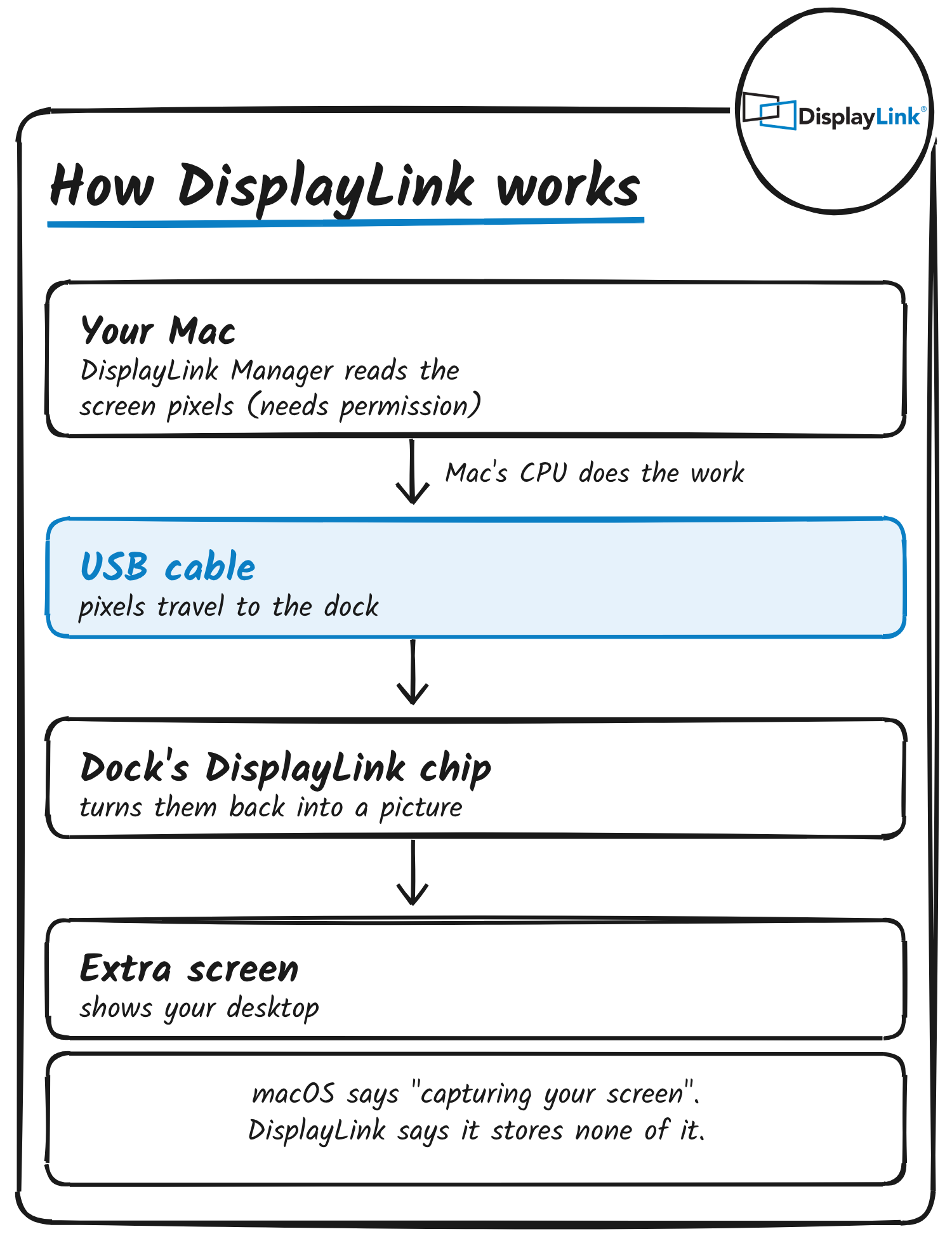
A DisplayLink dock doesn’t take video straight from the Mac’s graphics output. Plugable, which sells DisplayLink docks, says DisplayLink Manager builds the display image in software and sends the data over USB to the DisplayLink hardware. DisplayLink’s support pages say macOS requires Screen Recording permission so the driver can read the pixels it sends, and that DisplayLink Manager “does not store or record any screen content”.
Synaptics has fixed processor load in DisplayLink Manager before: its 16.0 notes list a fix for “increased CPU usage related to DisplayLink Manager”.
What 17.1 changes
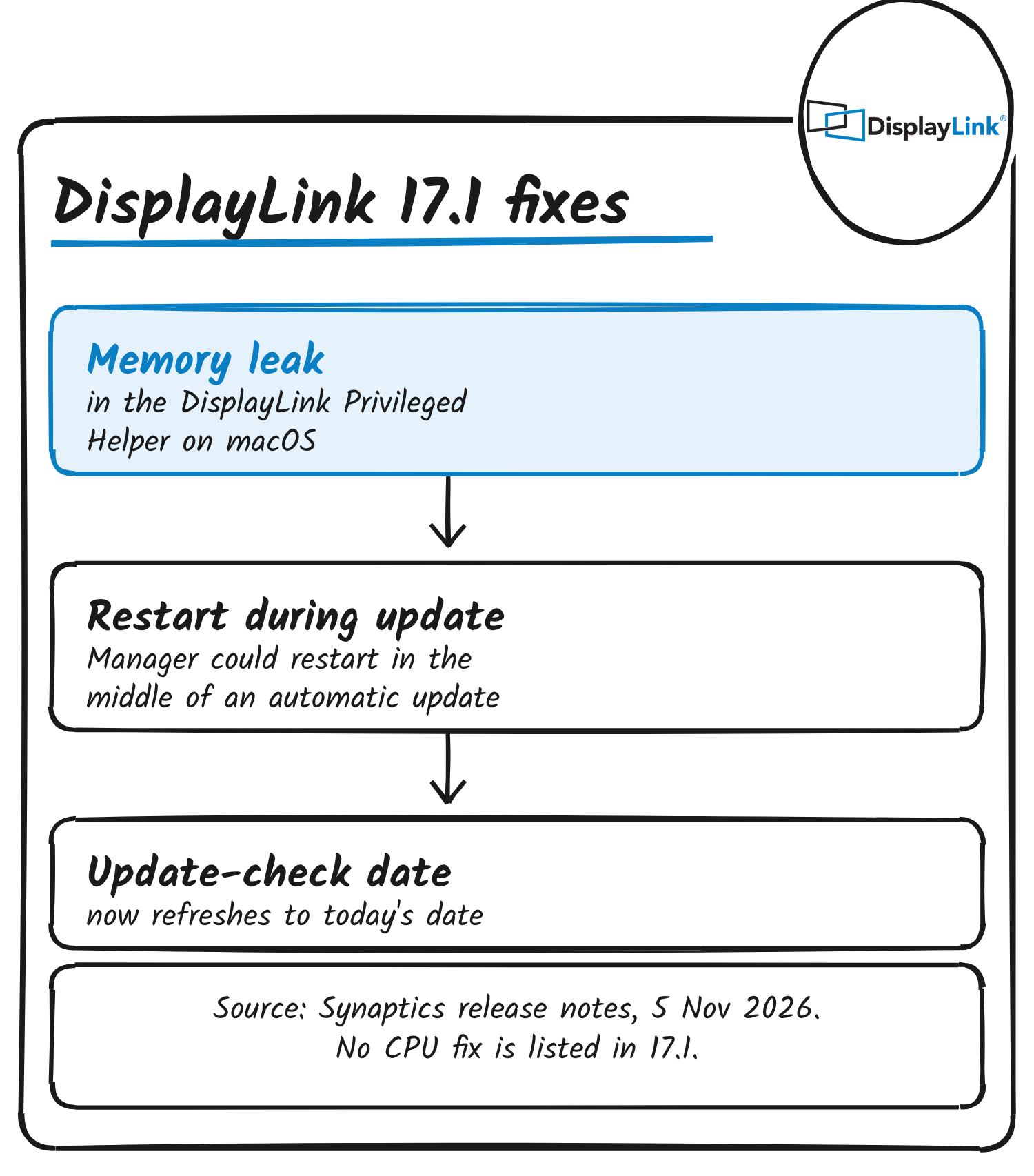
Besides the leak, the 17.1 notes list a fix for DisplayLink Manager restarting during an automatic update and a fix for the “Check for updates” date not changing to the current date. They don’t give the size of the leak or the Macs it affected, and they list no CPU change.
One Mac user in Japan documented the update on 5 November. On an M1 Pro MacBook Pro with 32GB running macOS 26.7.1, Activity Monitor showed DisplayLinkPrivilegedHelper at 6.55GB on DisplayLink Manager 17.0.24 and 2.8MB right after the move to 17.1. The author writes that the helper restarted with the update, so the fix and the restart can’t be told apart, and that they hadn’t checked whether it grows back. They also report the in-app updater said 17.0.24 was up to date while Synaptics’ site had 17.1.
If you use a DisplayLink dock
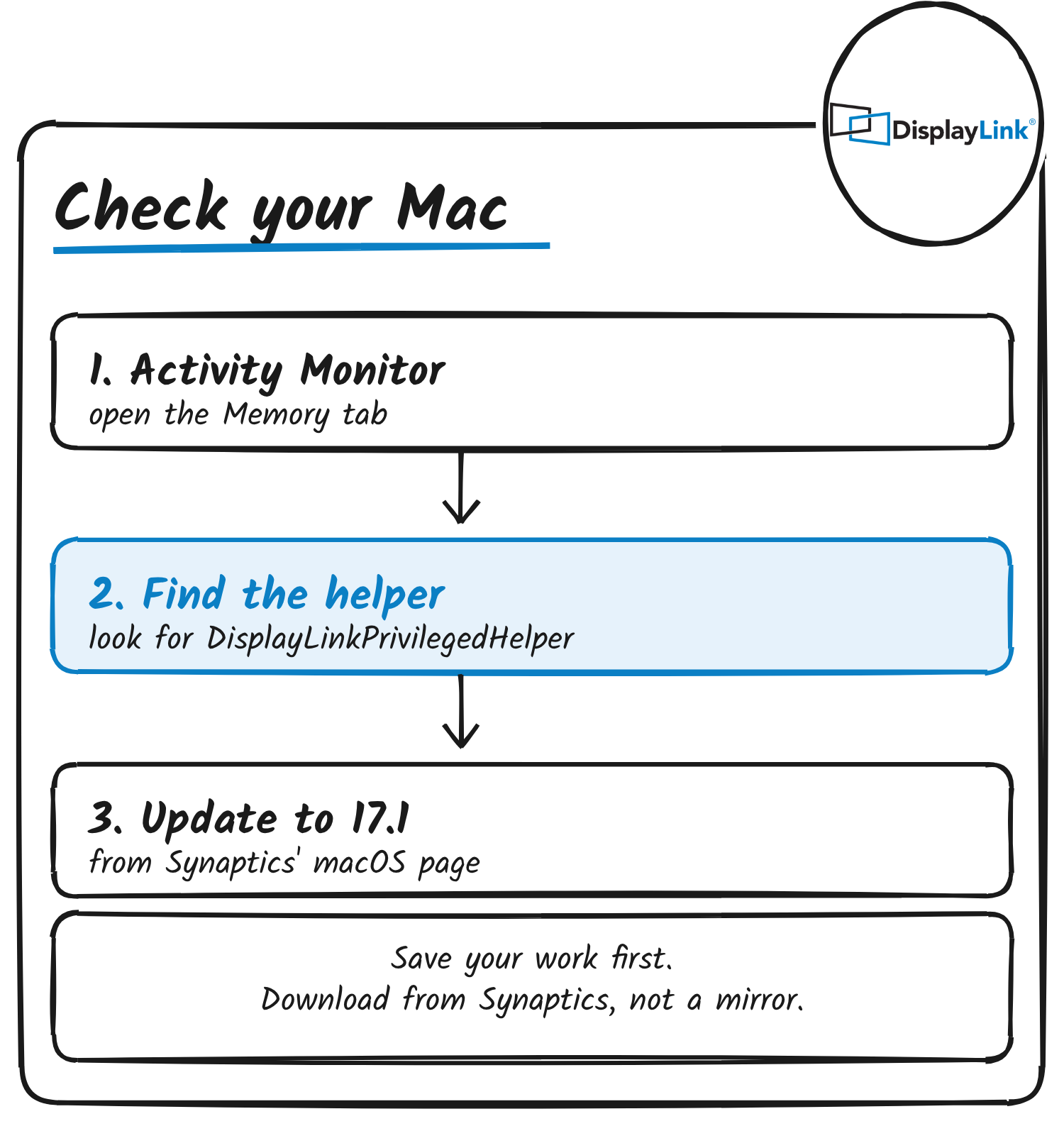
Open Activity Monitor, pick the Memory tab and look for DisplayLinkPrivilegedHelper. Save your work, then download 17.1 from Synaptics’ macOS page. Anker’s setup instructions for the Prime dock point to the same page for the macOS driver.
The 17.1 notes don’t mention the processor load the owner describes. Synaptics publishes new builds and release notes on its macOS download page, which also has a sign-up for release notifications.
Discover more from Sulat AI & Tech News
Subscribe to get the latest posts sent to your email.