Canva has added two controls that let Free and Pro users turn off its generative AI features and see fewer AI-generated templates and design elements, 9to5Mac reports. Canva’s help page says both are rolling out gradually, so some accounts don’t have them yet.
Canva announced the controls on 19 November US time, according to 9to5Mac, which quotes the company saying “the future of creativity isn’t a choice between AI and no AI.” Canva told its community it knows people disagree on whether AI belongs in creative work, and that “both views are valid.” The controls cost nothing extra and can be flipped back at any time.
Canva introduces new controls to hide generative AI features https://t.co/GlOzJmqwD8 by @mvcmendes
— 9to5Mac (@9to5mac) November 19, 2026
What each switch does
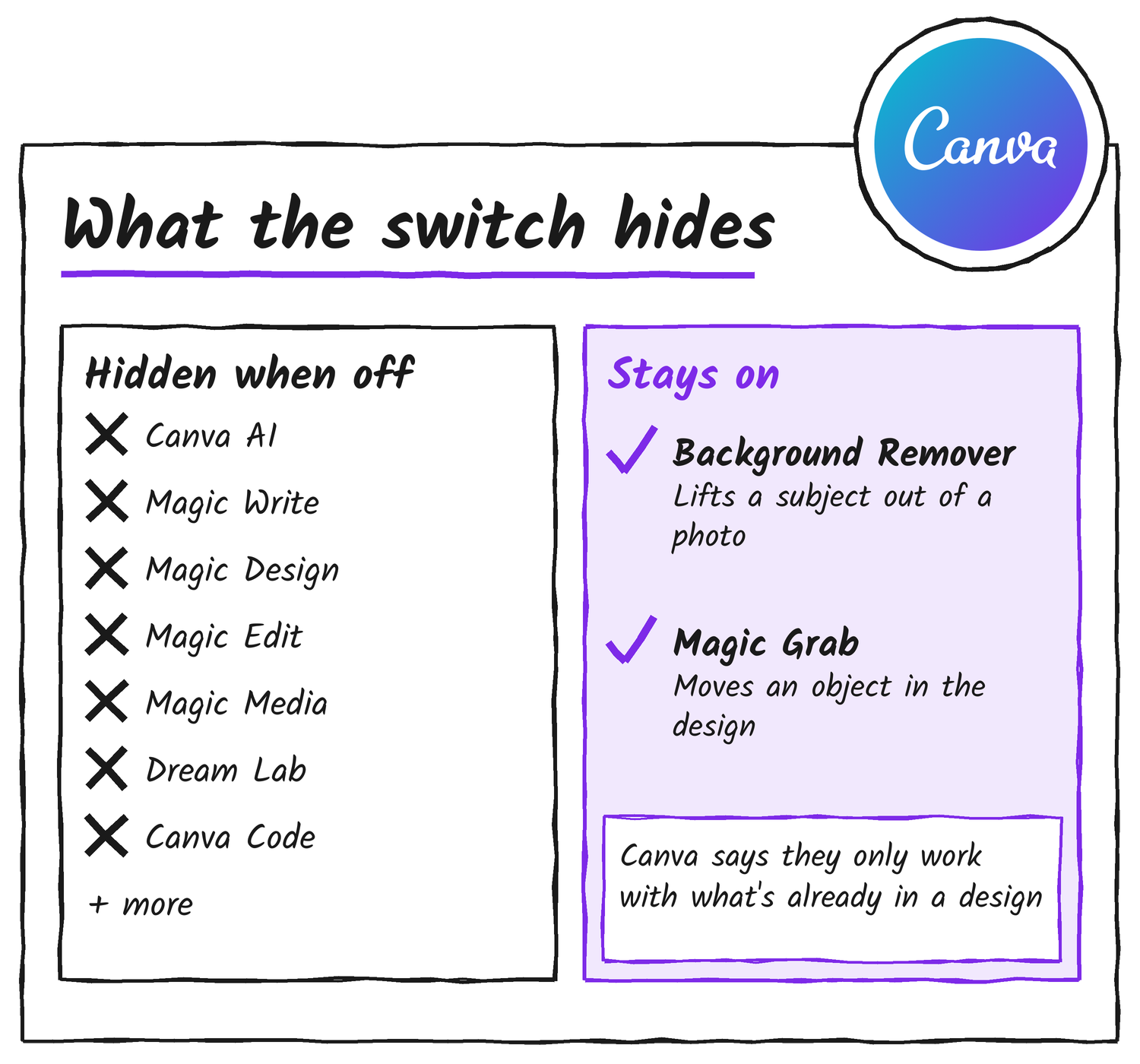
The first switch hides the generative tools. You’ll find it under Profile, Settings, then Permissions, labelled Enable generative AI features. It’s on by default, so nothing changes until you turn it off. Canva’s help page lists what goes, among others: Canva AI, Magic Write, Magic Design, Magic Edit, Magic Media, Dream Lab, Canva Code, AI Shapes, AI Charts, Image to Video and Translate designs. New generative features will follow the setting as Canva adds them. The Verge adds that Magic Expand, the tool that extends photos with AI, and image generation in Canva’s chatbot are switched off too.
The second switch is about the library. It sits under Profile, Your account, then AI personalization, labelled AI-generated content, and it’s also on by default. Turning it off reduces the AI-tagged templates and elements in Search and recommendations. Canva says “a small portion of the library is AI-generated content made by Canva, including some abstract backgrounds and illustrated graphics,” and that its community wants an easier way to find assets made by real people.
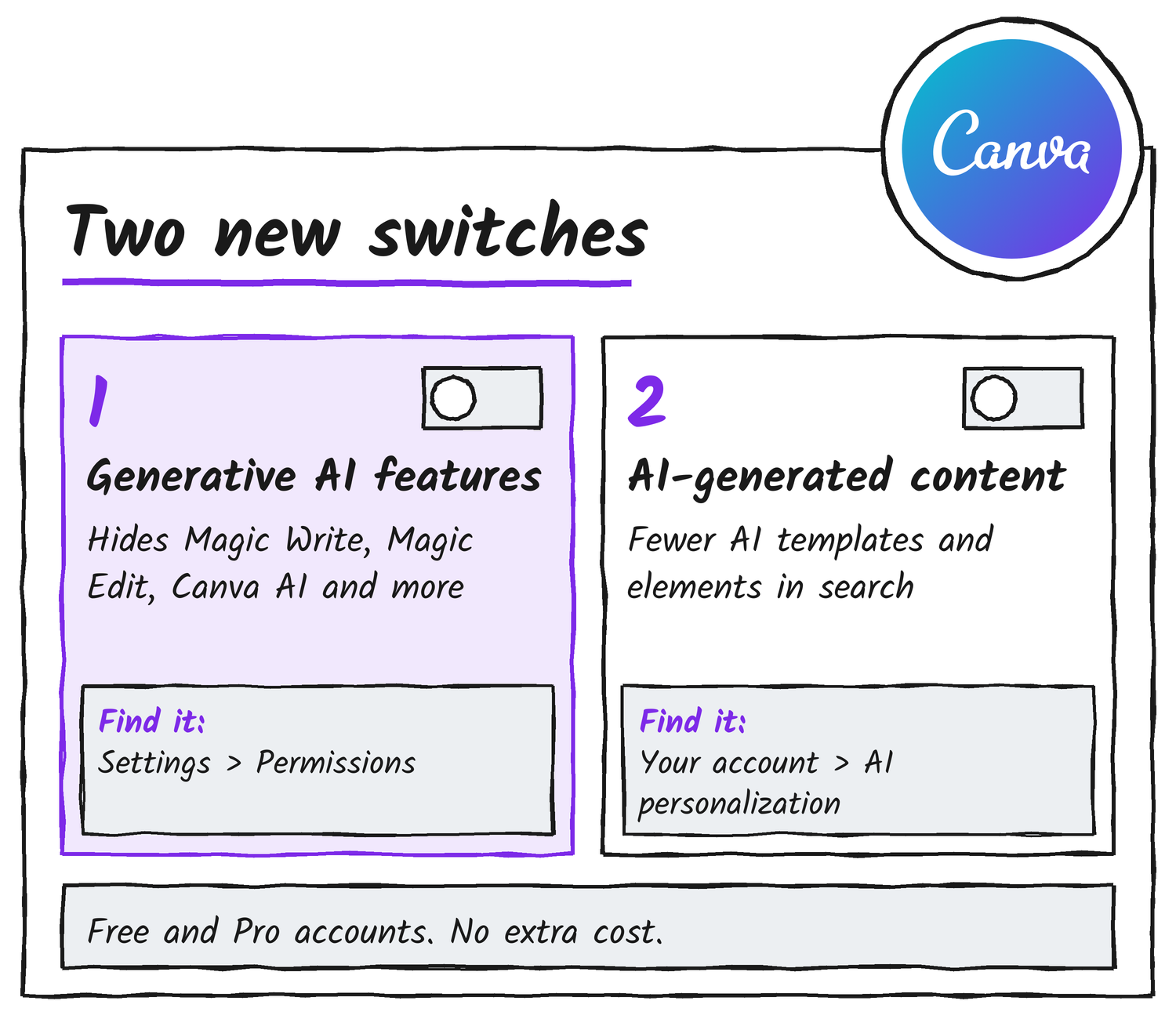
Only Free and Pro accounts have either switch. Admins on Business, Enterprise, Teams and Education plans already had AI permissions that decide what their members can use, 9to5Mac notes. The generative AI setting doesn’t carry over if an account moves between those plan types and Free or Pro.
What stays on
Two AI-assisted tools keep working with the generative switch off. Canva says Background Remover, which lifts a subject out of a photo in one click, and Magic Grab, which lets you select an object in an image and move it elsewhere in the design, “work only with what’s already in a design.” Neither adds an AI label to a design’s metadata, because Canva reserves that label for AI-generated content. The help page adds a cost note: using a non-generative AI tool that Canva classes as Standard, Premium or Ultra can still use your plan’s AI allowance.
What the library switch leaves alone
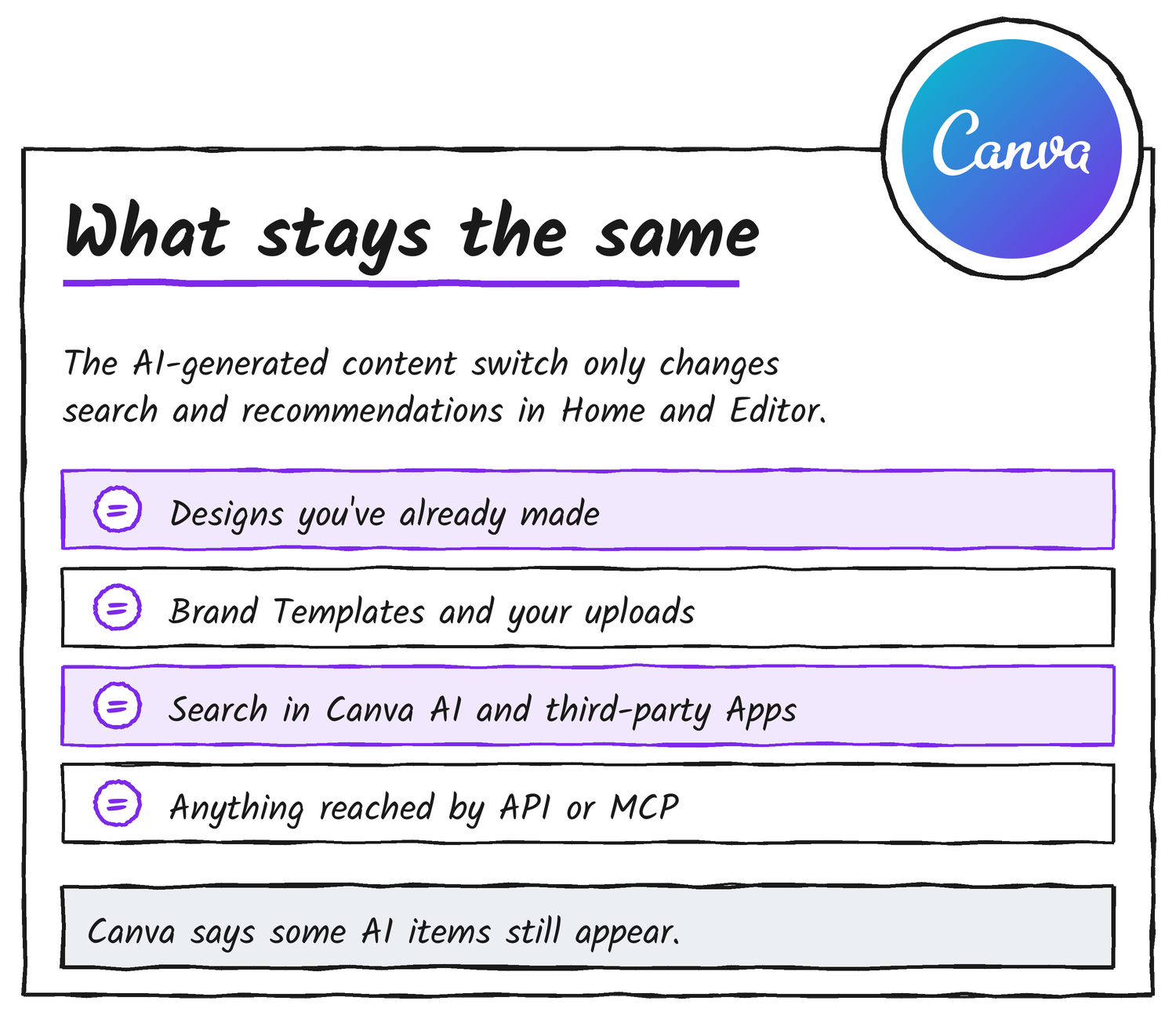
Canva’s help page lists the limits. The AI-generated content switch applies to your own account only, and only to Search and recommendations in Home and the editor. It doesn’t change AI-generated content you’ve already added to a design, Brand Templates, or searches of your own uploads and designs. It doesn’t affect search or recommendations inside Canva AI or third-party Apps, or when you use Canva through an API or an MCP server. It doesn’t label content as AI-generated, and the help page says some AI-generated templates and elements still appear.
Canva has kept releasing AI tools recently. Its newsroom lists Canva Craft on 23 October, and on 30 October it said Canva Brush, a vision-language model for design, was powering supported design edits in Canva AI for Pro subscribers. Engadget also covers the new switches. 9to5Mac said Canva’s own announcement post would follow on its newsroom; the steps and limits above come from Canva’s help page.
Discover more from Sulat AI & Tech News
Subscribe to get the latest posts sent to your email.