KDE has published Kwi v0.1.0, the first tagged release of its new terminal emulator, and Kwi has passed KDE Review, which makes it an official KDE project. Eike Hein, the developer behind it, announced both in his 20 November This Week in Kwi post. The source archive is on KDE’s download server. A Flathub listing has been submitted but isn’t live yet.
Hein introduced Kwi on 1 November as a modern, fast terminal for KDE Plasma and other desktops. The first release lands 19 days later. In the new post he writes that “we can’t use the ‘it’s not even a v0.1.0 yet’ excuse any longer.”
What passing KDE Review means
KDE Review is a quality gate that graduates new projects from experiments into official KDE projects. Kwi’s request is work item 10 on KDE Invent. On 4 November Hein reported that Kwi had completed every checklist item except a KDE neon build, which he called irrelevant because build.neon.kde.org times out. Reviewers including Tobias Fella and Nate Graham ticked off items such as the GitLab CI build jobs, a bugs.kde.org product and documentation.
The review has a mandatory minimum of two weeks, and Hein said Kwi would clear it on 18 November. He closed the work item on 20 November. Two things follow from passing: KDE’s translators start contributing translations, and the project gets access to KDE’s release infrastructure. That infrastructure is how the release tarball reached download.kde.org.
What Kwi is
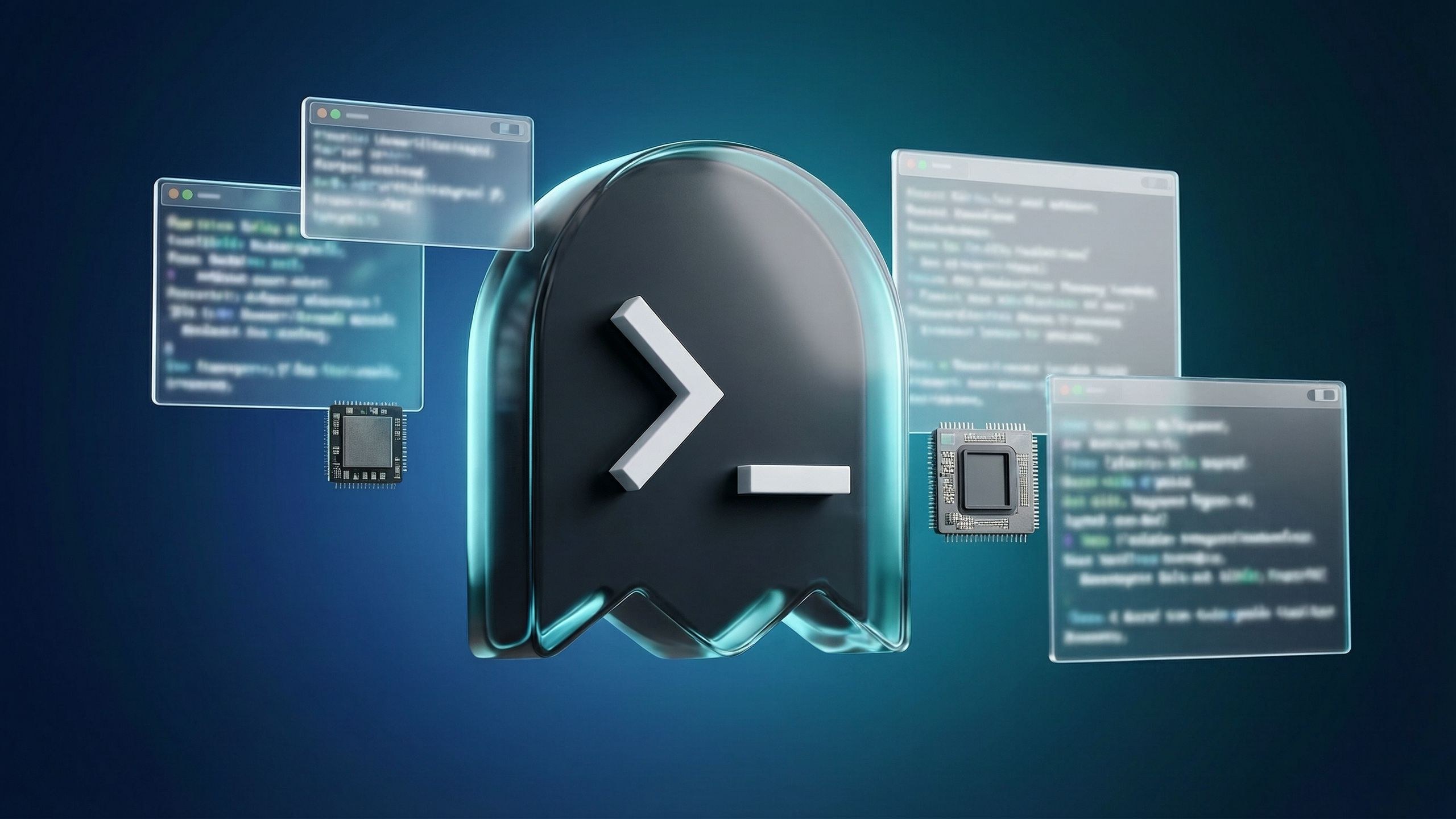
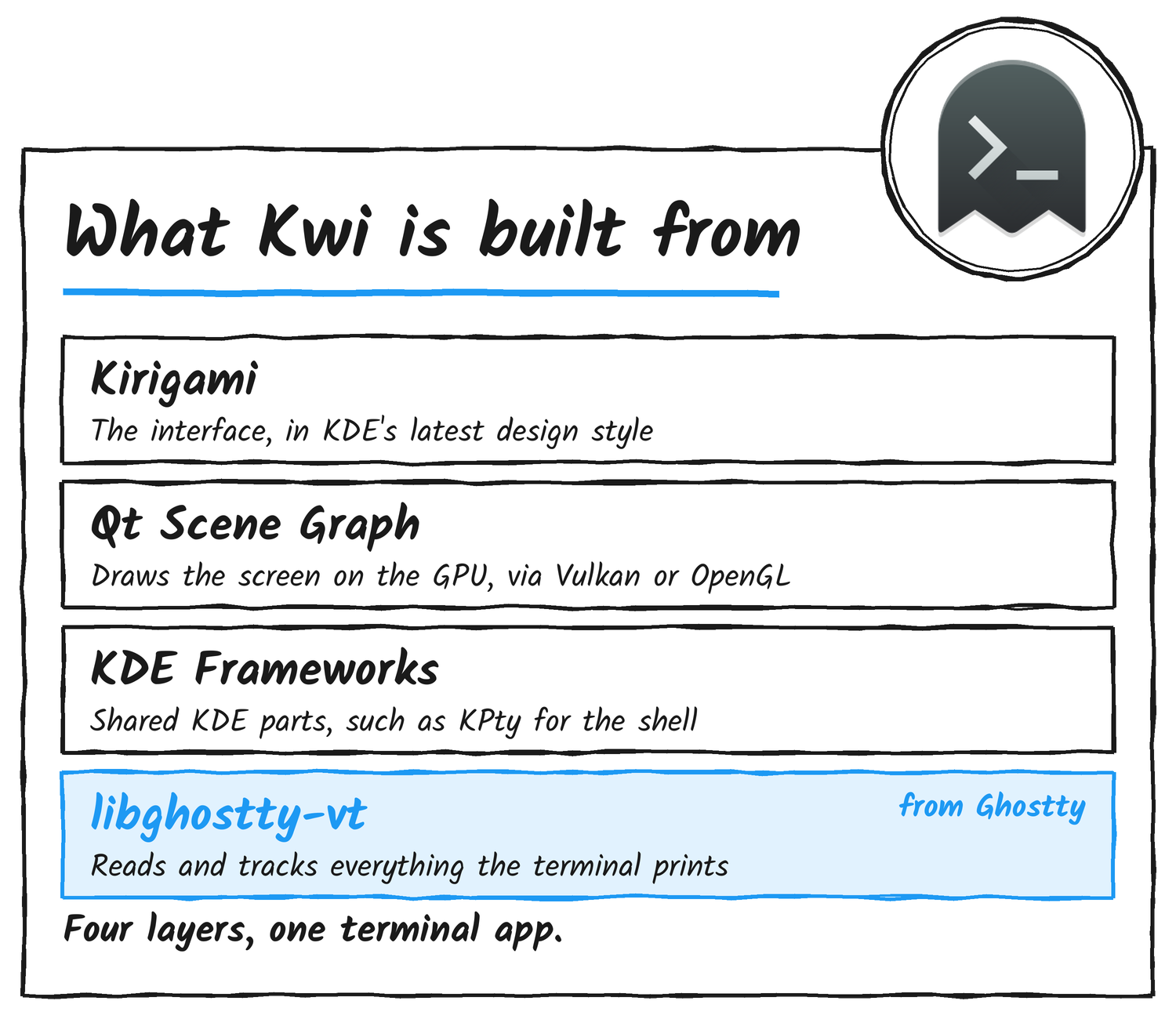
Kwi is pronounced “kwee”. The name comes from kwisin, a romanised form of the Korean word for ghost, and the logo is a small terminal ghost. The terminal engine is libghostty-vt, a headless library from the Ghostty project that handles terminal parsing and state. Around it Kwi uses KDE Frameworks such as KPty, a Kirigami interface and a renderer built on the Qt Scene Graph, which draws through Vulkan or OpenGL. The application is licensed GPL-2.0-only or GPL-3.0-only, and its libraries are LGPL.
How it compares with Konsole
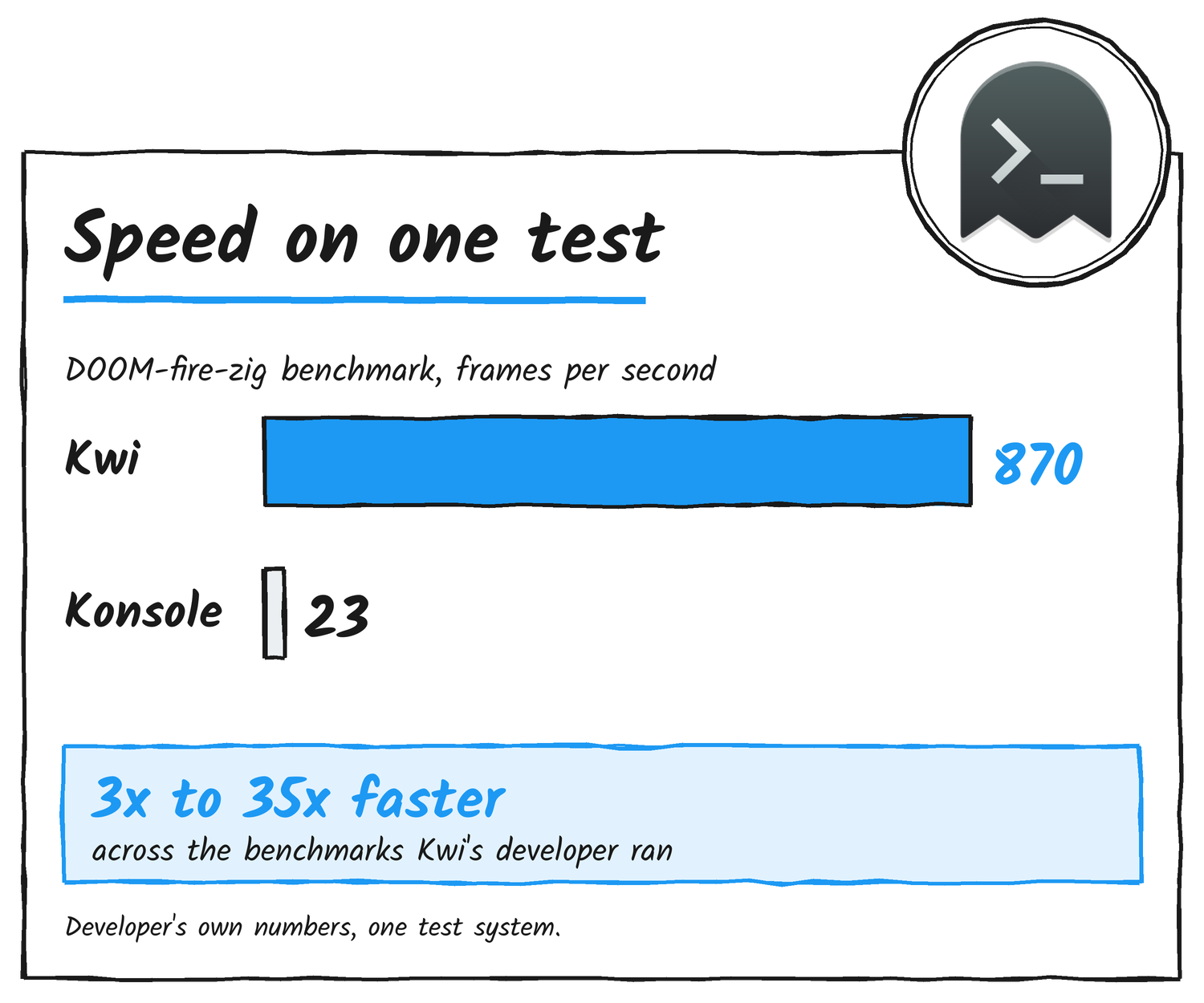
Konsole is built on the older QWidget toolkit and typically renders on the CPU. Kwi uses Qt Quick, like Plasma itself, and renders on the GPU. In the 1 November post Hein put the gain at 3x to 35x depending on the benchmark. His example was 870 frames per second in DOOM-fire-zig on his test system, against 23 in Konsole. Those are his figures from one machine.
Kwi does less than Konsole today. Hein describes its feature set as more streamlined, and split panes aren’t in yet. They’re planned before v1.0. Kwi reads Konsole colour scheme files, and Hein wrote that it’s “in no way a match for the 29 years of continuous development work on Konsole.” He also called Kwi an option and an experiment on 1 November, not an announcement of KDE’s future direction.
Yakuake, Dolphin and Kate
Yakuake, Dolphin and Kate embed a terminal through Konsole’s KPart plugin. Kwi ships a drop-in replacement plugin, but those apps need a one-line code change to load it, or a user has to override Konsole’s plugin with a symlink. Hein calls a Plasma setting that lets people choose their embedded terminal a high priority. He plans to run the idea past the maintainers of the components involved.
Kwi also installs a public QML module so Qt Quick and Kirigami apps can embed a terminal, which Konsole doesn’t offer. The Kwi application is built on that same module, so the settings reachable from the KPart match the ones in the app. In v0.1.0, a fix for keyboard shortcut conflicts stops the embedded terminal breaking New Tab in Yakuake. Foreground process information now refreshes the moment a host app asks, which stops Dolphin sending directory change commands at the wrong time.
What’s in v0.1.0
- Tabs: an option to hide the tab bar when there’s one tab, Ctrl+Tab in last-used order, and narrower tab buttons so more fit before the bar scrolls.
- Theming: a choice of system colour scheme for the window, separate from the terminal’s scheme, and the background opacity setting now covers the scrollbar.
- Interface: global menus, a menu button on the window title bar, and an on-screen keyboard that opens when you tap Kwi on a touchscreen.
- Keyboard: Shift-Up and Shift-Down scroll by line, and line and page scrolling shortcuts are configurable.
- Links: hover decorations always show, opening one still takes Ctrl by default, and link detection has fewer false positives.
Kwi’s work also reaches other KDE projects. In Kirigami Application Components, the Shortcuts Editor now lets you search by key binding, and the Find Action dialog accepts Enter and Return to run an action. Hein notes that translation work is only beginning, so Kwi’s translations will improve over later releases.
How to get it
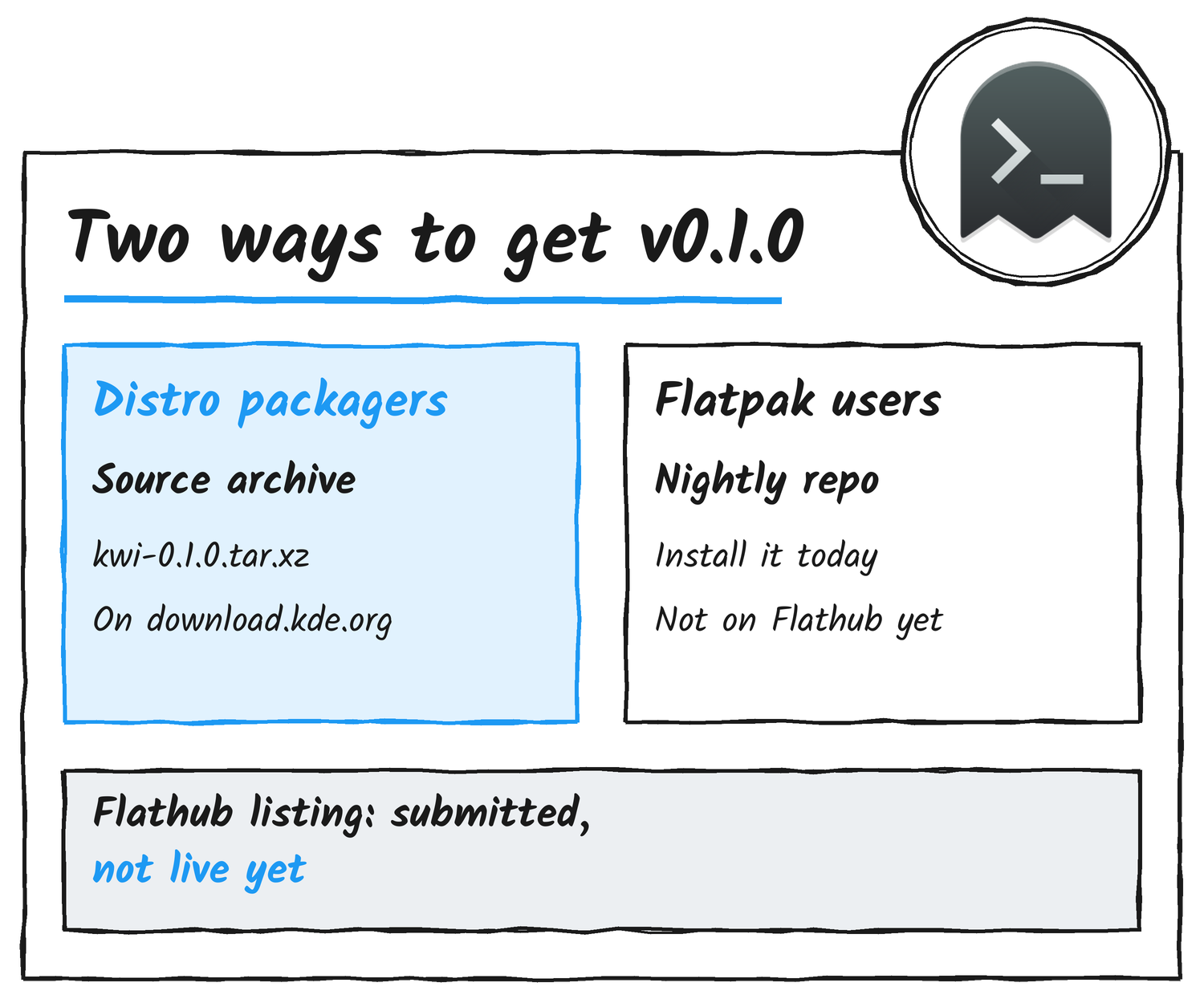
Distro packagers should use the source archive on download.kde.org. It’s kwi-0.1.0.tar.xz, about 304 KB, with a signature file beside it. Flatpak users can’t get Kwi from Flathub yet. Hein says the submission is in and he hopes it lands in the coming days. Until then, KDE’s nightly Flatpak builds are the way in: the project README links a nightly package and a nightly repository. Nightly builds now label themselves as nightly in menus and launchers.
What’s next
Ghostty released libghostty-vt v1.0 earlier this month, which gives Kwi a stable API and ABI to build against, and Kwi now depends on v1.0.1. On 6 November he put Kwi v1.0 at roughly the next couple of months, with several interim releases before it. The Plasma embedding setting and early split pane work are the two projects he named. Next week’s update is paused while he travels.
Sources
- KDE Blogs: This Week in Kwi: First release!
- KDE Blogs: Introducing Kwi, a new KDE terminal emulator
- KDE Blogs: This Week in Kwi: Flight
- KDE Blogs: This Week in Kwi: Liftoff
- KDE Invent: Kwi repository
- KDE Invent: Kwi KDE Review request
- KDE download server: Kwi 0.1.0
Discover more from Sulat AI & Tech News
Subscribe to get the latest posts sent to your email.