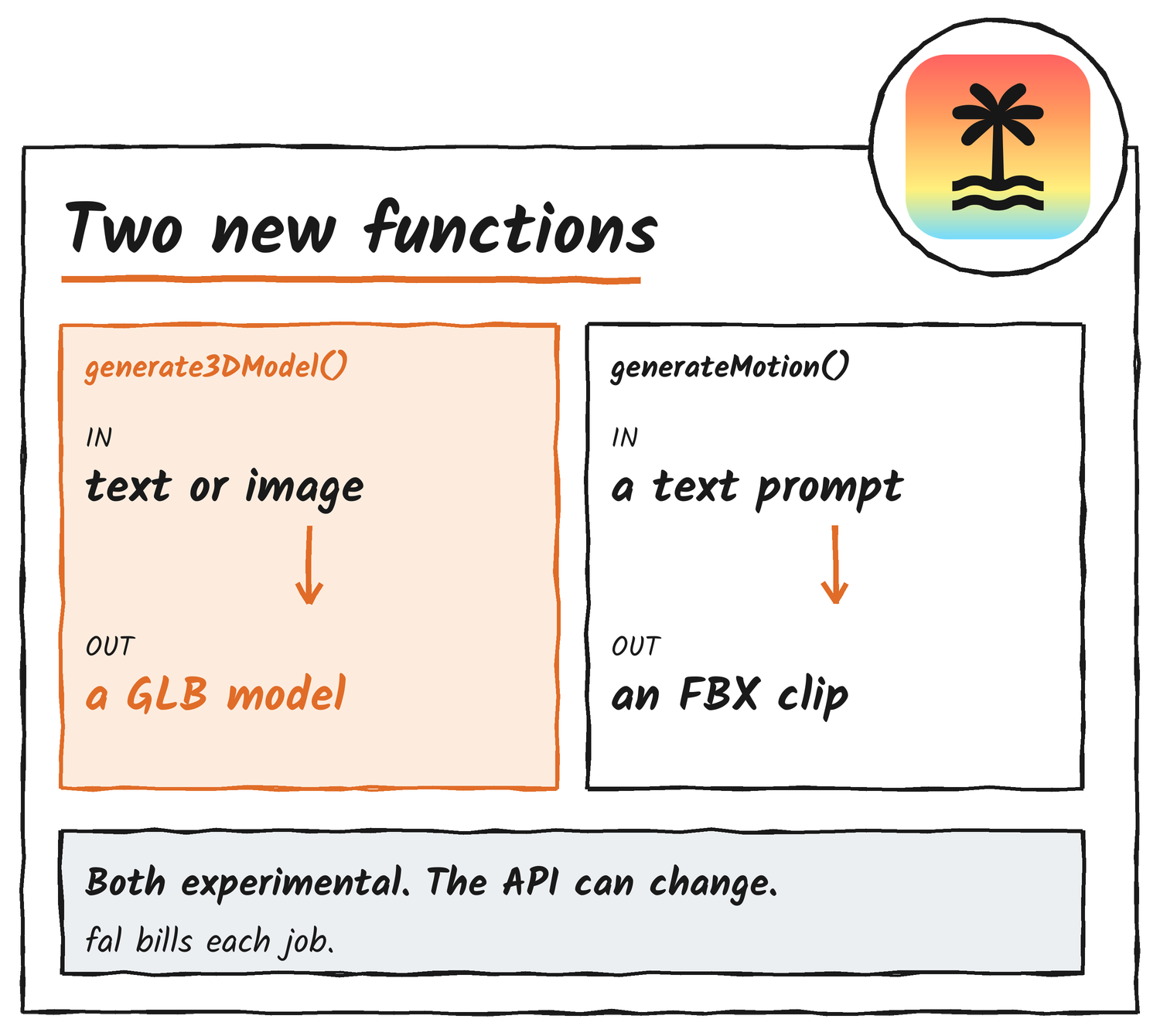
TanStack AI has added two experimental functions for game assets. generate3DModel() turns a text prompt or an image into a 3D model file, usually a GLB, and generateMotion() turns a prompt into a skeletal animation clip. TanStack announced both on X on 19 November, with an orc from the first function and its leap from the second. The library reached 1.0 on 23 October.
What generate3DModel does
The 3D docs describe a job that runs at the provider for a few minutes. You hand it a concept image or a prompt, and it returns a model file plus a preview image when the provider makes one. Five models are listed. Hunyuan3D v3.1 Pro handles detailed props from concept art and also comes in a text-to-3D version. A Hunyuan3D v3 endpoint does low-poly meshes, Meshy 7.1 covers props and characters with quad topology, rigging and animation, and Tripo 2.5 makes clean meshes with a face limit. All of them run through fal, which bills each job at a price that depends on the model.
The docs also carry a Game Asset Pipeline tutorial that chains four fal jobs. A flux-2 model draws concept art for a chest, Meshy builds a low-poly mesh from it, flux-2 edit draws a gold skin, and Meshy retextures the original mesh. A full run takes 10 to 20 minutes, and you can look at each step’s result before paying for the next.
What generateMotion does
The motion docs start from the problem: keyframing an attack clip by hand takes hours. The function takes a prompt and a duration and returns an FBX file you import into your engine. The built-in fal adapter uses Hunyuan Motion, returns FBX and JSON files and supports a seed, so you can repeat a take. A clip takes anywhere from seconds to a few minutes.
To get the clip on your own character, the docs point to Uthana. You upload a humanoid FBX or GLB, and Uthana returns FBX or GLB files on that rig. A job on its 3.0 model takes about two minutes, and a four-second clip costs about US$0.40. Meshy’s text-to-motion is on the provider list too, but TanStack AI has no built-in adapter for it yet.
A job, not a request
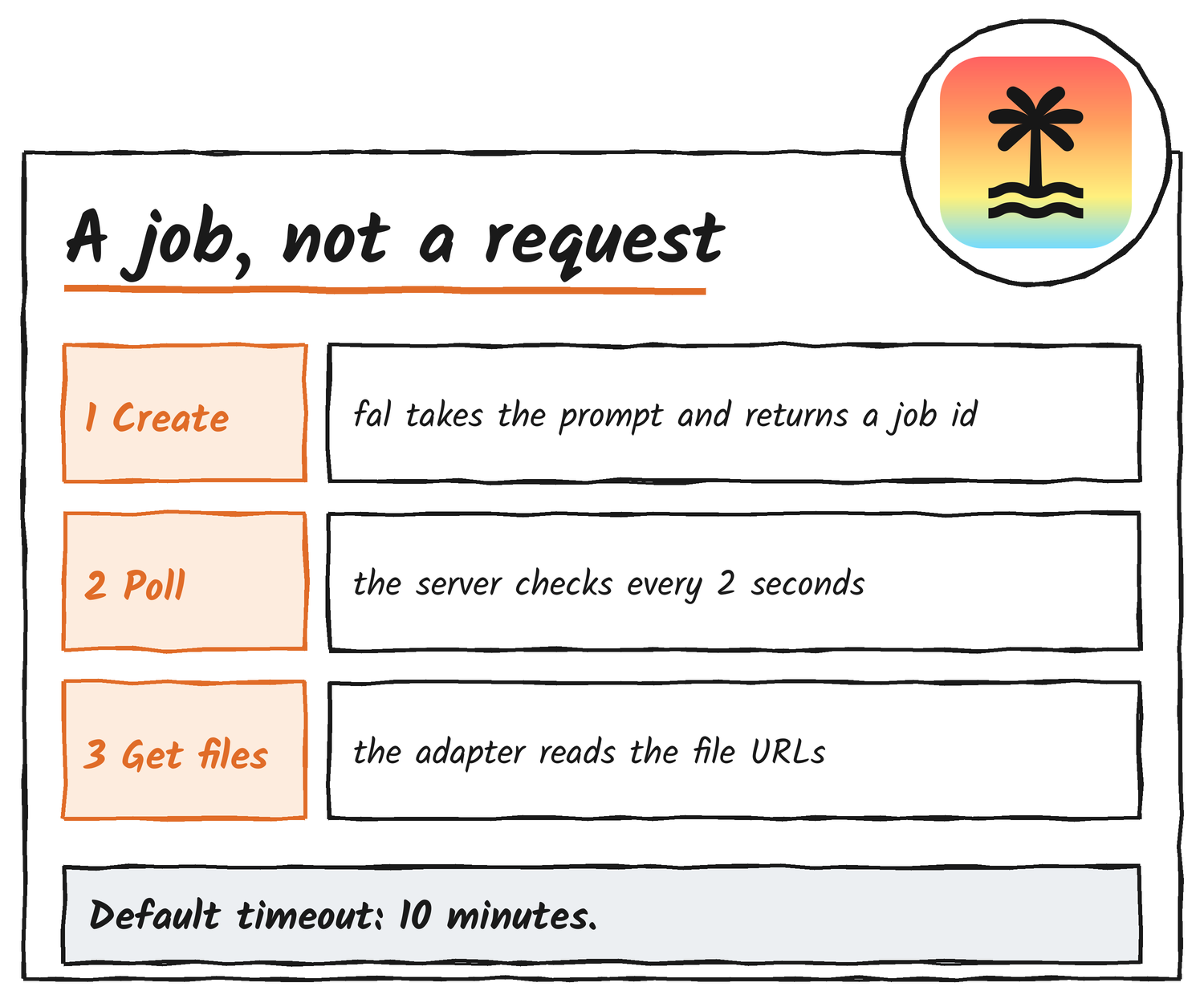
Both functions work the same way. The server creates a job, checks its status every two seconds and reads the file URLs when the job is done. The default timeout is 10 minutes. fal doesn’t report a percentage, so progress reads 0 until the job finishes.
Stopping is where it gets expensive. For motion, an abort signal or a closed stream only stops the local work, and the provider job keeps running and billing. cancelMotionJob() asks the provider to stop it: fal removes a queued job, but one that’s already running can still finish. The 3D function asks fal to cancel on a timeout or abort, and fal can refuse once the job is running.
What you still do
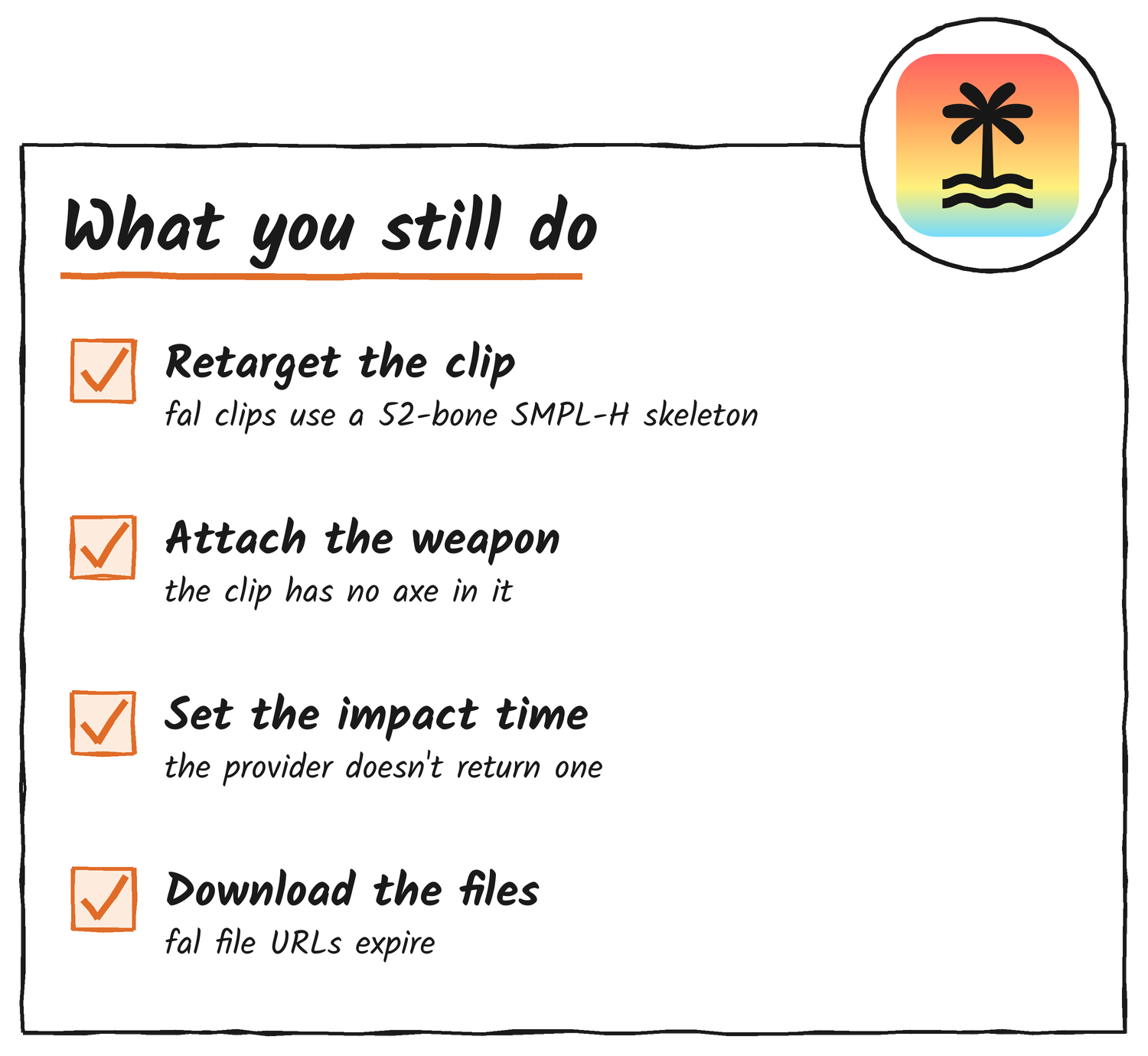
The docs are plain about the gaps. fal’s motion files hold an SMPL-H skeleton with 52 bones and a Pelvis root at 30 frames a second, so you retarget them to your rig, for example with Unity’s Humanoid rig type or Unreal’s IK Retargeter. fal takes no character or skeleton input. The clip has no weapon, so your engine attaches the axe to the hand bone. fal doesn’t return clip length, root motion or contact timing, which means a designer sets the impact time. File URLs expire, so download and store each file.
Setup
Install @tanstack/ai and @tanstack/ai-fal, and the adapter reads FAL_KEY from your environment. Uthana needs @tanstack/ai-uthana and a UTHANA_API_KEY. The 3D function landed in the TanStack AI repository on 19 November in pull request 2186, tutorial included. Both docs pages carry a warning that the API can change.
Hero illustration features the TanStack logo, which remains the trademark of its owner.
Discover more from Sulat AI & Tech News
Subscribe to get the latest posts sent to your email.