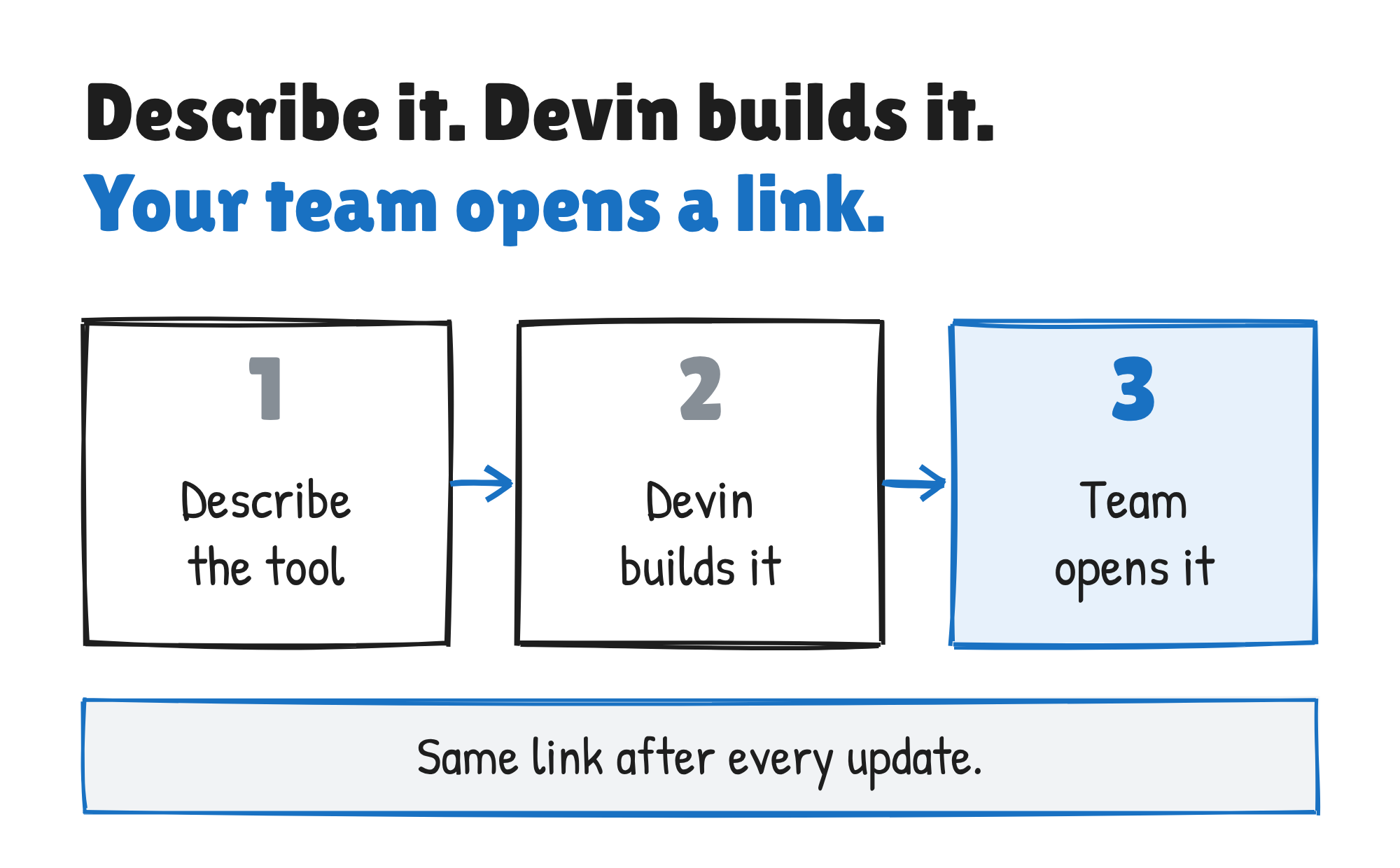
Cognition has launched Devin Apps, private web applications that Devin builds and hosts on its own cloud computer, according to a company blog post dated 13 November 2026. You describe the tool your team needs, Devin builds it, and your team opens it from a link.
Cognition announced the launch on X, calling the apps “private, secure, sharable web applications” for internal tools, preview deployments and “extensions to Devin itself.”
Introducing: Devin Apps
November 13, 2026
Private, secure, sharable web applications running directly on Devin’s cloud computer.
Devin Apps are designed to power your most ambitious internal tools, preview deployments, and extensions to Devin itself.
How you create one
Open Apps in the Devin sidebar, describe what the App should do and click Build with Devin. You can start from a prompt template instead, such as a metrics dashboard, a project status page or a review queue. Devin opens a session, asks its questions in the first message, then builds the App and puts it online. The App shows up on the Apps page straight away with its URL, marked Building until the first version is live.
You can also ask for an App from any session. If Devin has already shown you a browser preview, you can ask it to publish that preview as an App. Because the App runs on Devin’s machine, Cognition says it can use your existing MCPs (the connectors that let Devin reach other tools), integrations and codebase, and it can be built with your own tech stack and components.
Who can open it
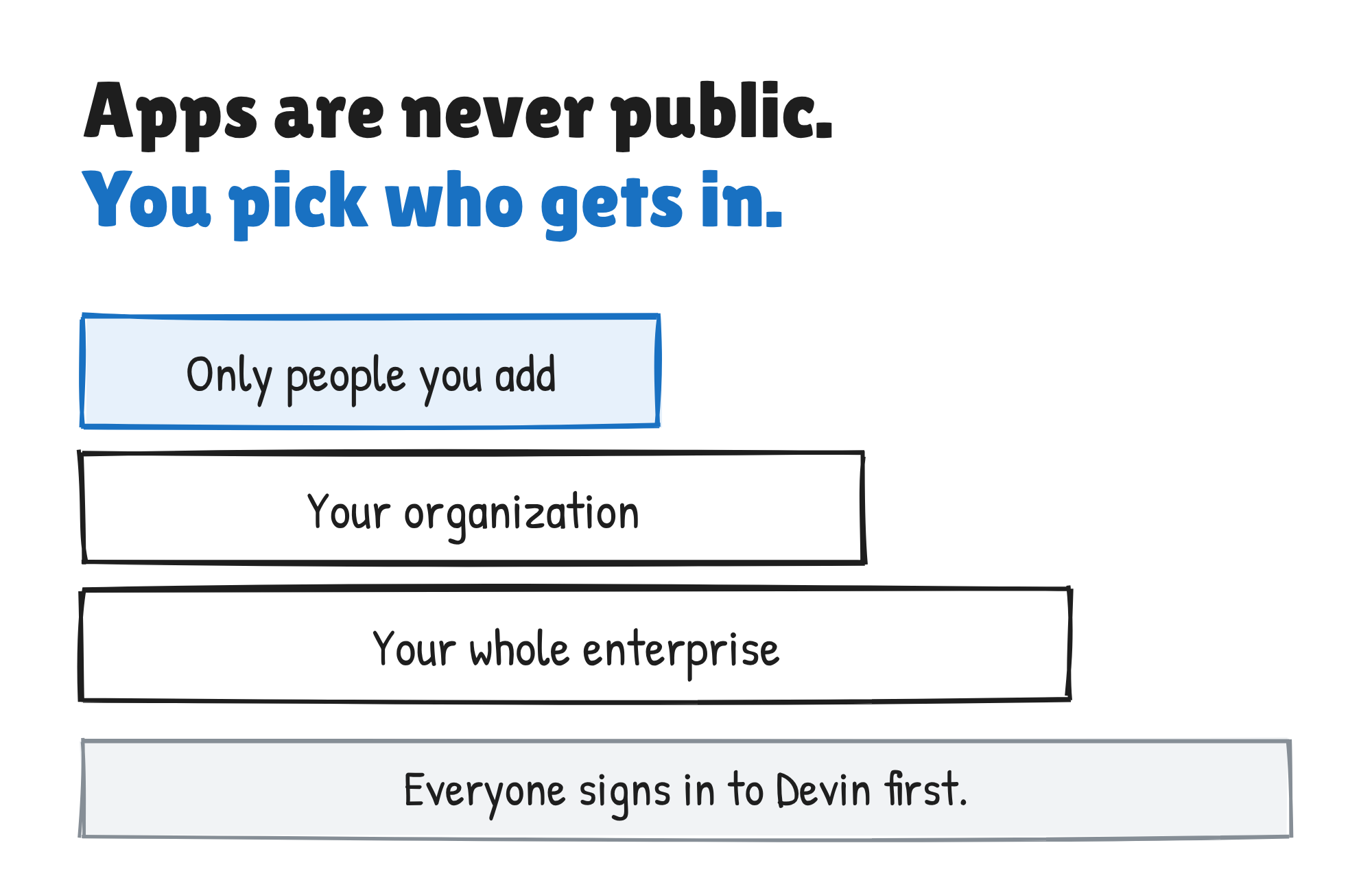
Each App has a stable URL, and everyone who opens it has to sign in to Devin. Cognition’s docs say Apps are never public. The Share button sets one of three levels: only the people you add, everyone in your organisation, or every organisation in your enterprise. You can pin the Apps you use most, and organisation admins can pin an App for everyone.
To change an App, open it and click Edit in session, then tell Devin what to change. Devin builds a new version and puts it online at the same URL. Every version is listed under Deployments, and if a new version fails to start, the previous one keeps serving.
An automation can also keep an App current, either on a schedule or by redeploying it each time a branch changes. The docs warn that every automation run is a Devin session and is billed like one, so an App that updates every few minutes can cost much more than the App itself.
How it runs and what it costs
Devin Apps are built on memory snapshots, saved copies of the machine’s memory that let Devin hibernate between tasks. Cognition’s docs say the machine goes to sleep five minutes after the last request and wakes when someone opens the App. The first load after a sleep can take a few seconds.
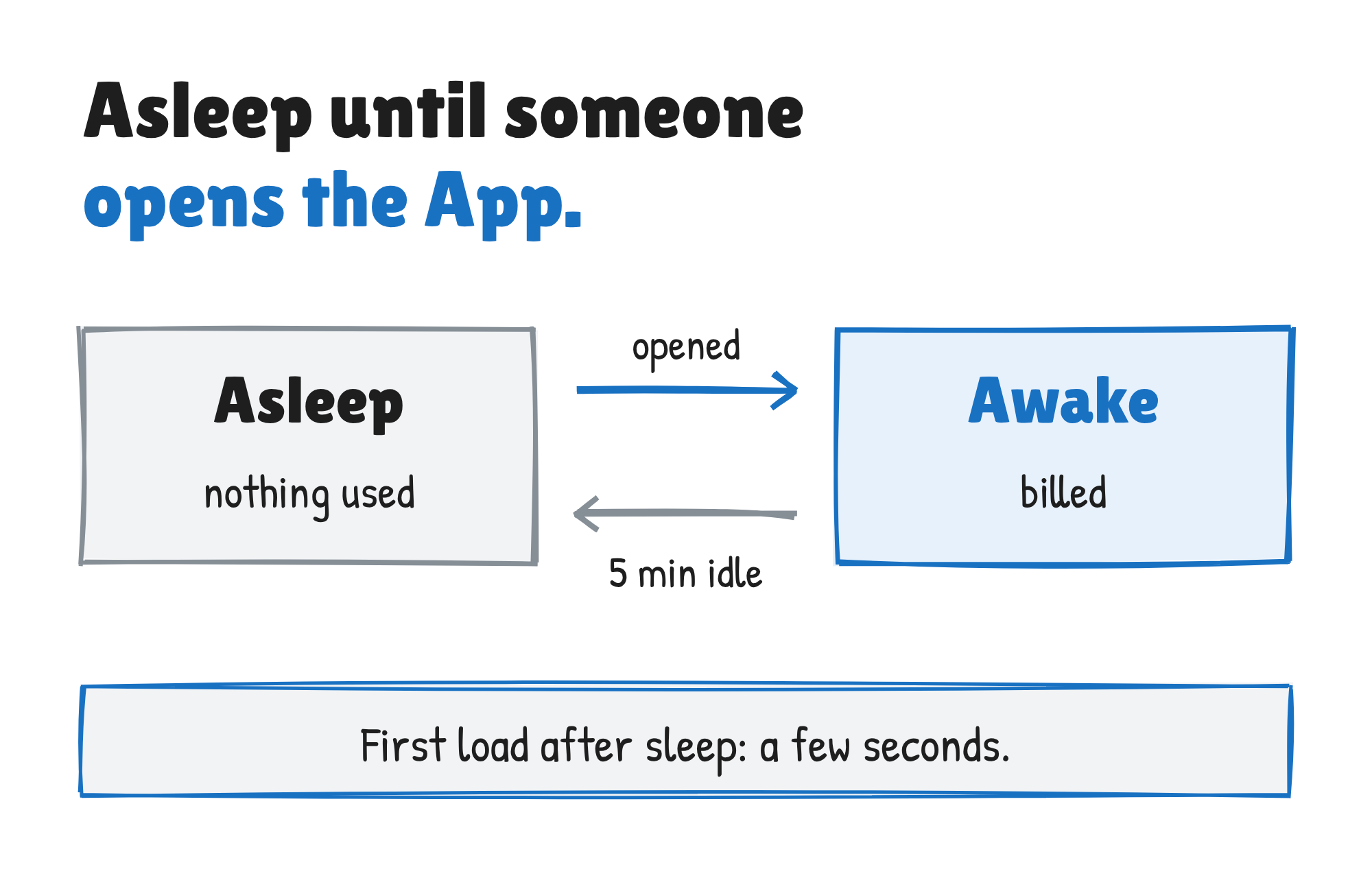
Billing for an App is based on how long the machine is awake. Building and changing the App is billed like any other session. The Apps docs give no rate and point to the Usage page instead.
Devin can use any stack that serves HTTP on a port. An App can keep its data in a database such as SQLite or Postgres on the same machine, and it can call the Devin API, which lets you build your own tools on top of Devin. The docs list admin panels, request forms, approval queues, dashboards, rollout trackers, demos and beta or staging copies of your product as uses.
What Apps don’t do
An App runs on one machine. Cognition says that suits internal tools and dashboards, not high-traffic production services, and tells teams to deploy those to their own infrastructure. Apps can’t be made public and can’t register a service worker, so offline mode for progressive web apps isn’t available.
An App also depends on the session that built it. Archiving or ending the session takes the App offline, and nothing restarts a crashed server: the URL shows an error page until you ask Devin to deploy again. An App that calls the Devin API with a personal access token acts as the token’s owner, so everyone who uses it acts with that person’s permissions.
Devin Apps are rolling out gradually. If Apps isn’t in your sidebar, it isn’t turned on for you yet.
Discover more from Sulat AI & Tech News
Subscribe to get the latest posts sent to your email.