Obsidian Skills, the open-source plugin that teaches AI agents to work with Obsidian vaults, now has seven skills, Steph Ango, Obsidian’s CEO, said on X. The newest, obsidian-headless, lets an agent run Obsidian Sync and Obsidian Publish from a terminal without the desktop app.
Obsidian Skills now has seven skills that teach your agents how to fully operate your vaults and wikis
— kepano (@kepano) November 14, 2026
1. obsidian-markdown
Create and edit Obsidian Flavored Markdown with wikilinks, embeds, callouts, properties, and other advanced syntax
2. obsidian-bases
Create and edit Obsidian Bases (.base) with views, filters, formulas, and summaries
3. json-canvas
Create and edit JSON Canvas files (.canvas) with nodes, edges, groups, and connections
4. obsidian-cli
Interact with Obsidian vaults via the Obsidian CLI including plugin and theme development
5. obsidian-headless
Sync and publish vaults from the command line with Obsidian Headless, without the desktop app
6. defuddle
Extract clean markdown from web pages using Defuddle, removing clutter to save tokens
7. knap
Render Markdown templates from JSON or CSV data using Knap, including batch Markdown file generation
The skills live in the obsidianmd/obsidian-skills repository on GitHub under an MIT licence. The repository moved from Ango’s account to Obsidian’s on 11 November, when version 1.1.0 became one plugin for Claude Code, Codex and Cursor, according to the release notes. Old links redirect. Obsidian added the headless skill the same day in pull request 155.
What the seven skills cover
| Skill | What it does |
|---|---|
| obsidian-markdown | Creates and edits Obsidian Flavored Markdown with wikilinks, embeds, callouts and properties |
| obsidian-bases | Creates and edits Bases (.base files) with views, filters, formulas and summaries |
| json-canvas | Creates and edits JSON Canvas (.canvas) files with nodes, edges, groups and connections |
| obsidian-cli | Works with vaults through the Obsidian CLI, including plugin and theme development |
| obsidian-headless | Syncs and publishes vaults from the command line, without the desktop app |
| defuddle | Extracts clean markdown from web pages, removing clutter to save tokens |
| knap | Renders Markdown templates from JSON or CSV data, including batch file generation |
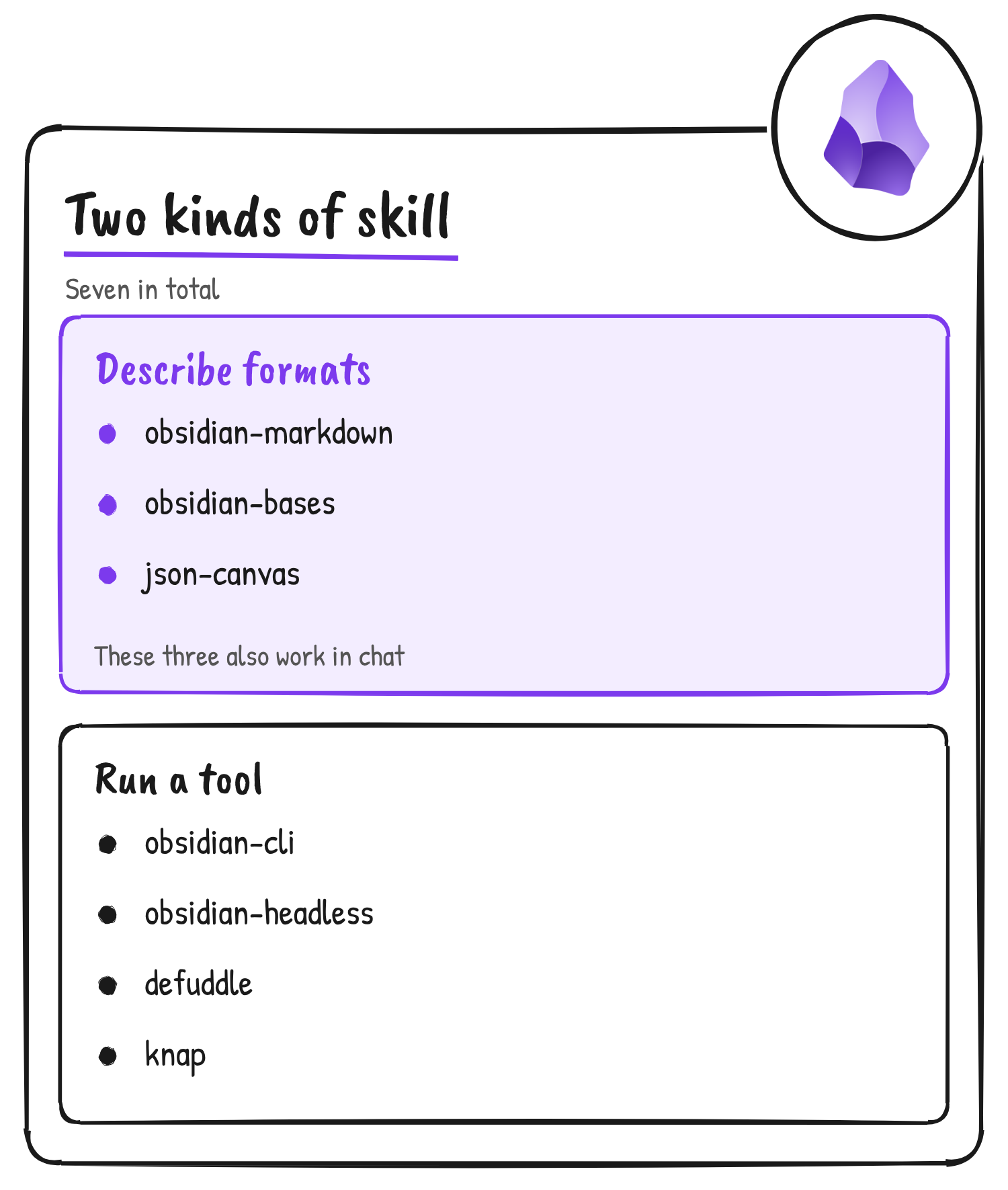
The plugin’s README says the Markdown, Bases and Canvas skills only describe file formats, so they also work in chat. The other four run tools. Obsidian Headless, Defuddle and Knap aren’t bundled with the plugin, and the README says the skill asks before installing a missing one from npm. Knap needs Node.js 20 or later.
What Obsidian Headless adds
Obsidian Headless is a standalone client, still in open beta, that syncs vaults and publishes sites from the command line. It installs with npm install -g obsidian-headless, needs Node.js 22 or later and runs as the ob command. Sync and Publish each need an active subscription, the skill says. Obsidian’s help page lists automated backups, automated website publishing and giving agentic tools access to a vault without access to the full computer among its uses.
The skill sets guardrails for the agent. It tells the agent to ask the user to run ob login in their own terminal and never to ask for a password, to ask for a backup of the vault folder before the first sync, and to run ob publish with --dry-run and show the changes first. A publish includes only notes with publish: true in their properties unless the user asks for --all. Obsidian’s help also warns against using the desktop app’s Sync and Headless Sync on the same device, because it can cause data conflicts.
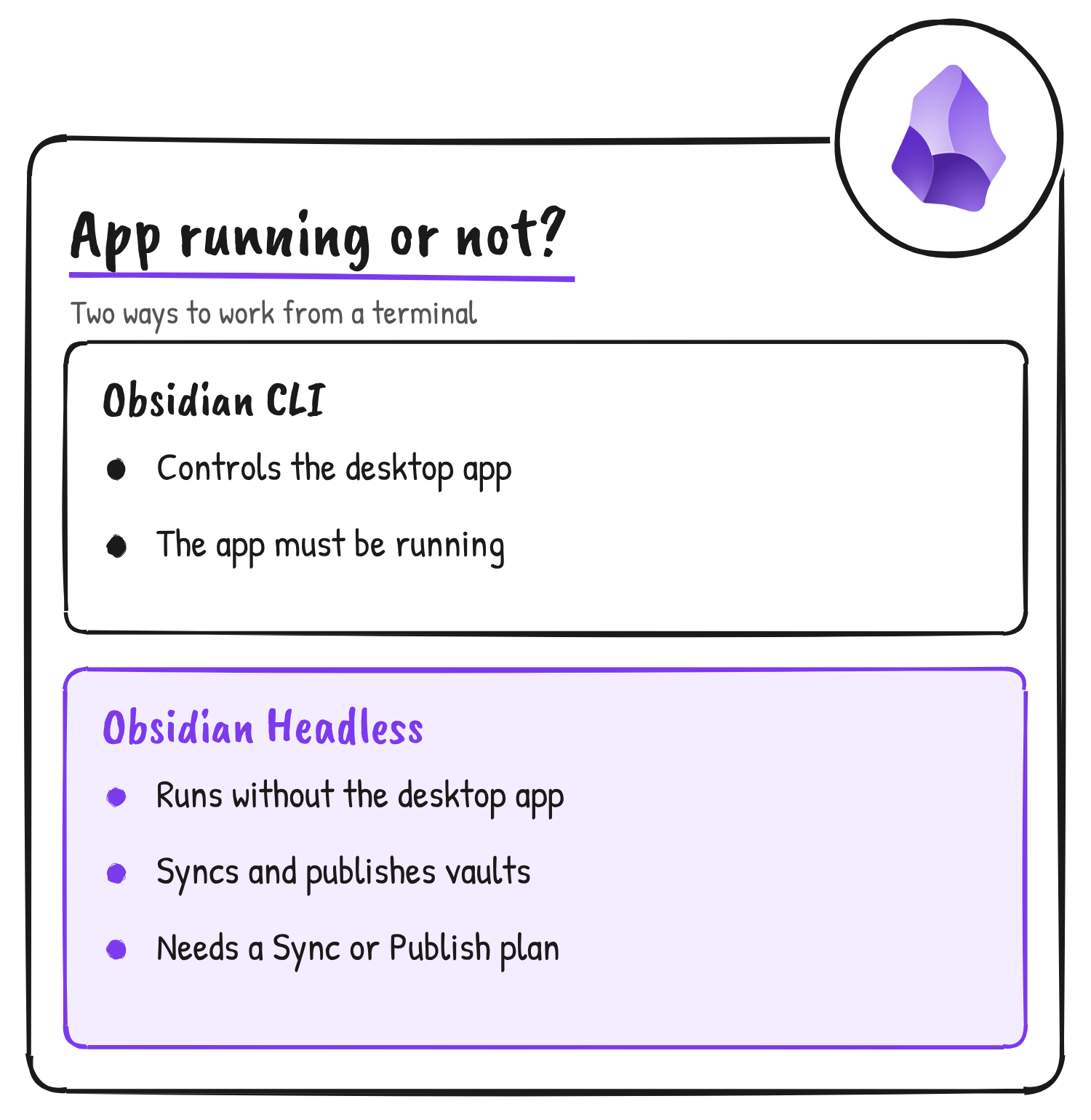
Headless is separate from the obsidian-cli skill. Obsidian’s help says the CLI controls the desktop app and needs it running, with installer version 1.12.7 or later and the command line interface switched on in Settings. Headless runs on its own.
How to install it
In Claude Code, the README gives two terminal commands:
claude plugin marketplace add obsidianmd/obsidian-skills
claude plugin install obsidian@obsidian-skills
Codex users run codex plugin marketplace add obsidianmd/obsidian-skills, then install Obsidian from the plugin directory in Codex or the ChatGPT desktop app. Cursor users install Obsidian from the Cursor Marketplace. npx skills add https://github.com/obsidianmd/obsidian-skills also works.
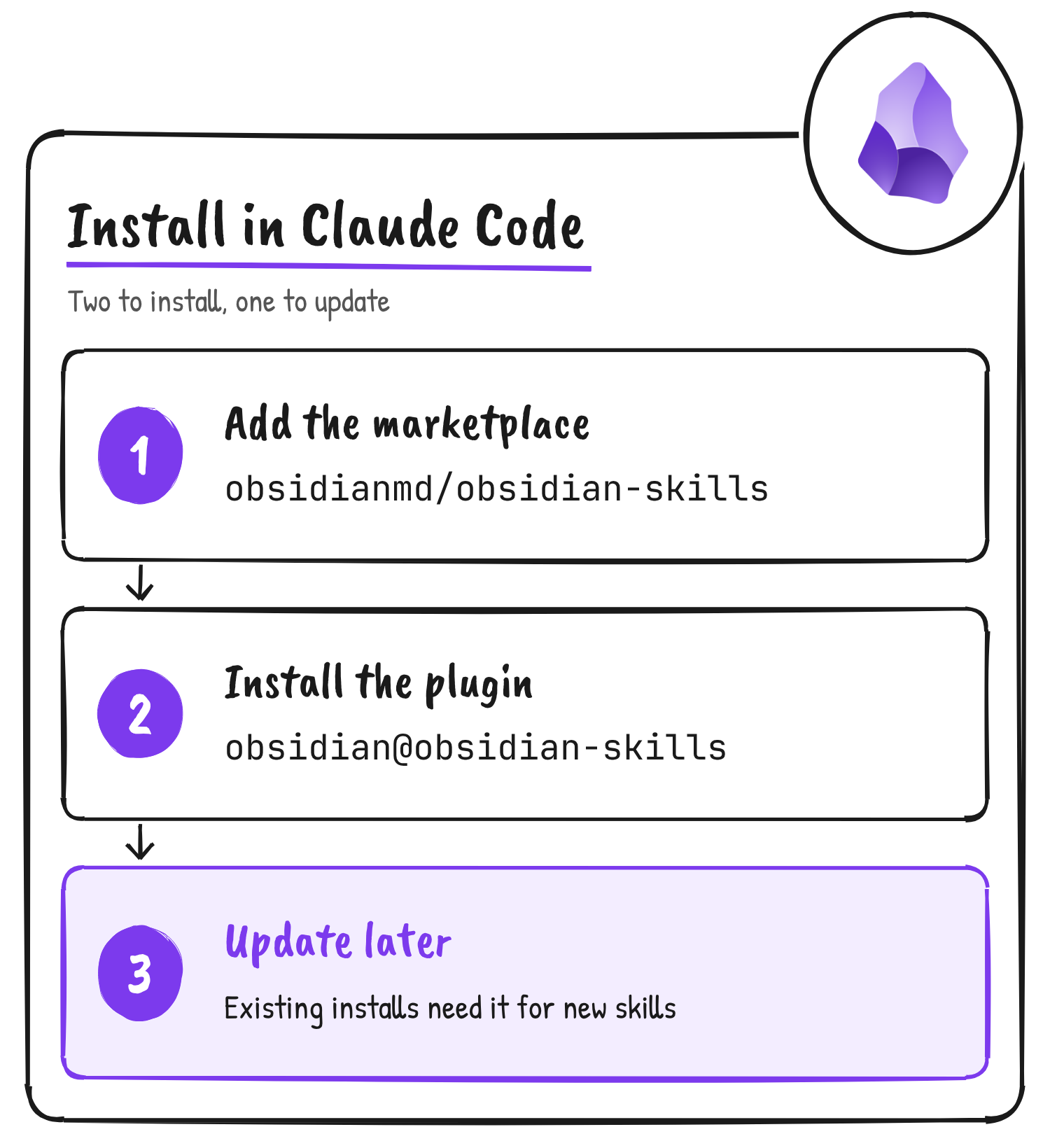
Existing Claude Code installs need claude plugin update obsidian@obsidian-skills to get new skills. The 1.1.0 release notes say earlier changes, including the Knap skill, didn’t reach existing installs because the plugin version stayed at 1.0.1, and a bump script now sets the version in every manifest.
Discover more from Sulat AI & Tech News
Subscribe to get the latest posts sent to your email.