Wise has published an official MCP server that lets an AI assistant read balances, transfers, recipients and exchange rates from a Wise account. Wise’s Wise for AI page says the connection is read-only, so the assistant can’t change the account or move money. MCP, the Model Context Protocol, is the open standard AI assistants use to connect to outside data and tools.
The page names ChatGPT and Claude as the assistants supported at launch. Wise’s technical docs list the clients they cover as Claude Code, ChatGPT and Codex CLI, with setup steps for each. Wise says there’s no extra charge for the connection: your usual Wise pricing applies, and your AI provider can charge separately for its own service.
What you can ask it
Wise’s page gives four example questions: how much you hold across GBP, EUR and USD, when a transfer to a named person will arrive, whether money from someone has arrived, and what converting £1,000 to USD would cost today with Wise’s fees included. The assistant answers by calling Wise’s tools, which return only what the permissions you granted allow.
How to connect it
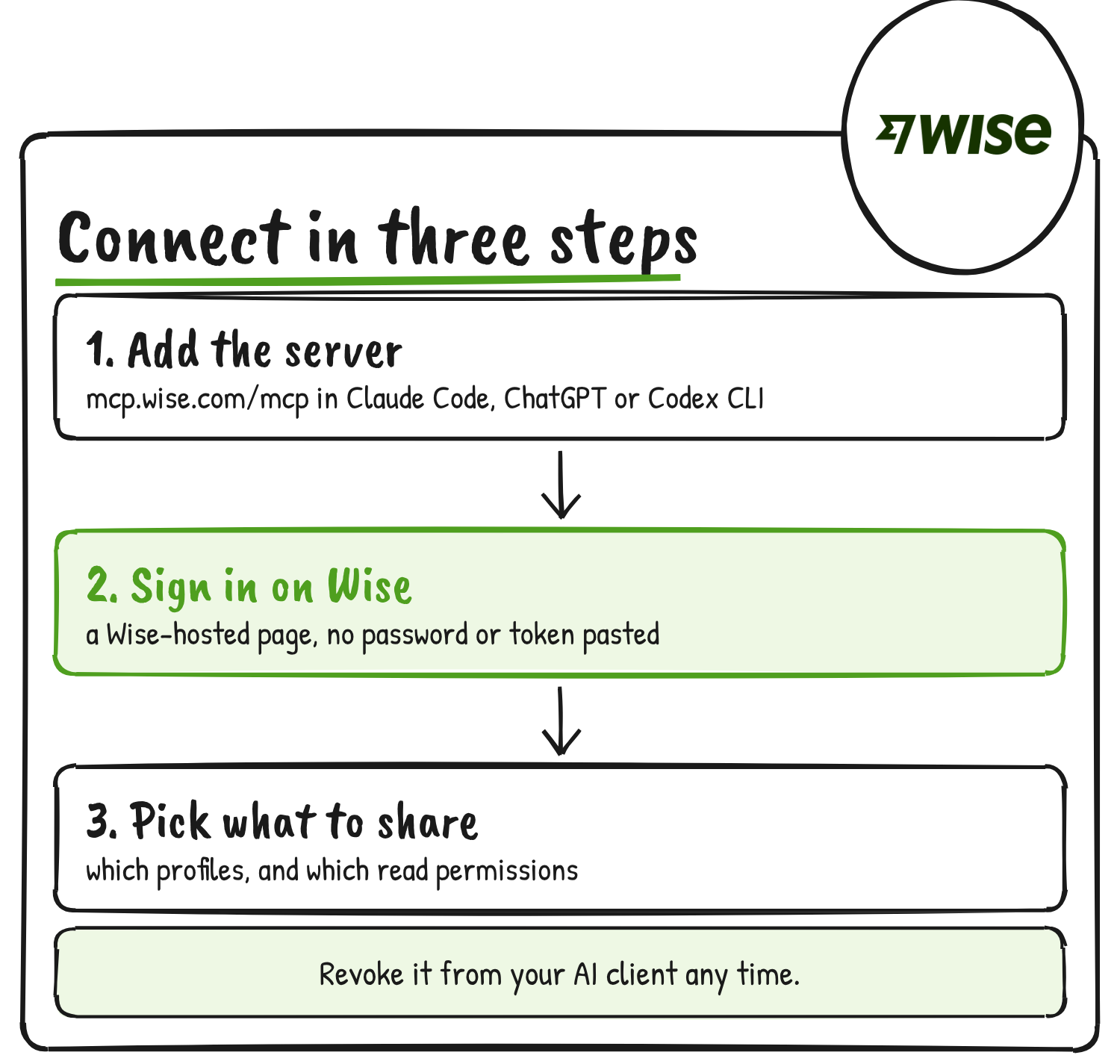
The server URL is https://mcp.wise.com/mcp. The docs say you need a Wise account, an MCP client that allows remote HTTP servers and OAuth, and an eligible Wise profile. A work network can block external MCP servers, and the docs tell you to ask your administrator whether the Wise MCP domain is allowed if the connection fails.
In Claude Code, run this in a terminal:
claude mcp add --transport http wise-mcp https://mcp.wise.com/mcpIn Codex CLI:
codex mcp add wise-mcp --url https://mcp.wise.com/mcpIn ChatGPT, go to Settings → Plugins → MCPs, click Add, then Add MCP server. Name it wise-mcp, select “Streamable HTTP”, paste the URL, click Save and finish Wise’s hosted authentication.
Your client then opens a Wise-hosted sign-in and consent page. You sign in, review which client is asking, select the profiles to connect, choose the read permissions to grant and confirm. Wise says there’s no need to share your password or create a personal API token, and its docs say never to give an AI assistant your Wise password, one-time passcodes or recovery codes.
What it can read
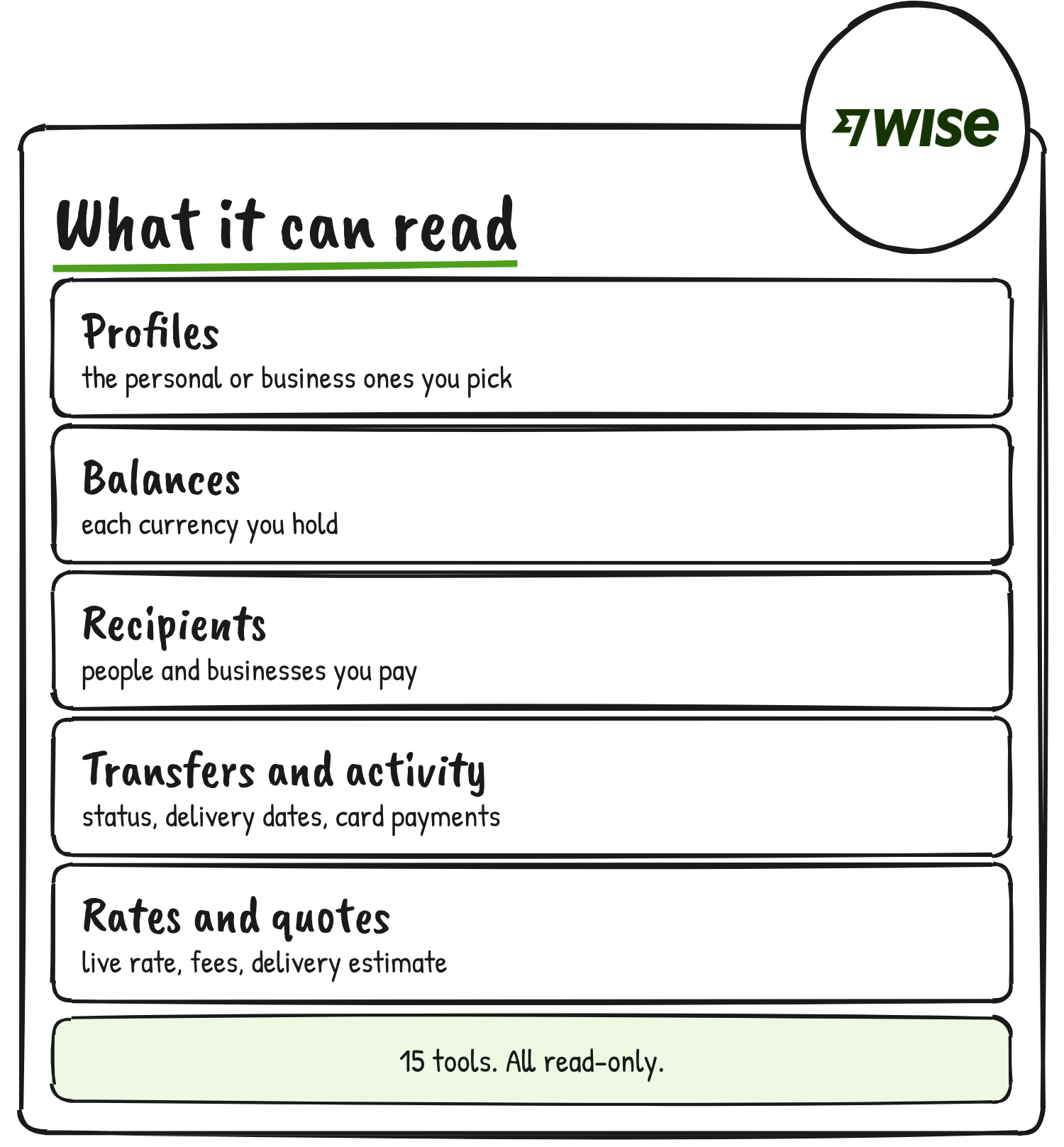
The docs list 15 read-only tools in seven permission groups. Which tools a client sees depends on the permissions you granted for the selected profile. Two need no permission: wise_list_profiles and wise_get_exchange_rate, which returns the current mid-market rate for a currency pair.
| Permission group | What the client can read | Tools |
|---|---|---|
| Discovery and profiles | Your profiles, and which tools and permissions are available | wise_get_profile, wise_list_available_tools, wise_list_permissions |
| Balances | Balances and multi-currency accounts | wise_list_multi_currency_accounts |
| Availability | Currencies you can hold and add money in | wise_list_available_balance_currencies, wise_list_topup_currencies |
| Recipients | Active recipient accounts | wise_get_recipient, wise_list_recipients |
| Transfers | Delivery estimates and the payments used to pay for a transfer | wise_get_transfer_delivery_estimate, wise_list_transfer_payments |
| Transactions | Activity such as transfers, card payments, deposits and conversions | wise_list_activities |
| Exchange rates and fees | Rates, fees and delivery estimates for each payment option, and existing quotes | wise_create_quote, wise_get_existing_quote |
The name wise_create_quote sounds like a write, but Wise lists it among the read-only tools. It returns the current rate, fees and delivery estimate for each payment option when sending money between two currencies.
Where your data goes
Wise says its server checks access for the user, the profile and the client on every request. The connection uses OAuth with PKCE, Proof Key for Code Exchange, a standard protection for apps that can’t keep a secret. New Wise profiles aren’t added to a connection automatically, and your existing team roles and permissions still apply.
Wise says the MCP server doesn’t store your AI conversations, prompts or response content. The Wise data you ask for is passed to your assistant, which handles it under its own retention and model-training policies. The docs warn that read-only access can still expose sensitive financial and personal information, including details about the people and businesses you pay. They advise granting only the permissions an assistant needs, and say AI answers can be wrong, so important figures are worth checking in your Wise account.
To disconnect, revoke the OAuth session from your client. The docs give steps for Claude Code and Codex CLI, and say to run logout before removing the server, because removing it alone can leave stored tokens behind:
claude mcp logout wise-mcp
claude mcp remove wise-mcp

codex mcp logout wise-mcp
codex mcp remove wise-mcp
To change which profiles or permissions a client has, the docs say to revoke the connection and connect again with the new selection.
Drafting transfers is next
Wise’s page has a “Coming soon” section: ask your assistant to draft transfers and currency conversions, with the amounts, rates and fees filled in, then review and approve them in Wise before anything happens. Today, the docs say, you can’t use the MCP to create or change recipients, move money, or create, fund or cancel transfers, and the server offers no tool for those.
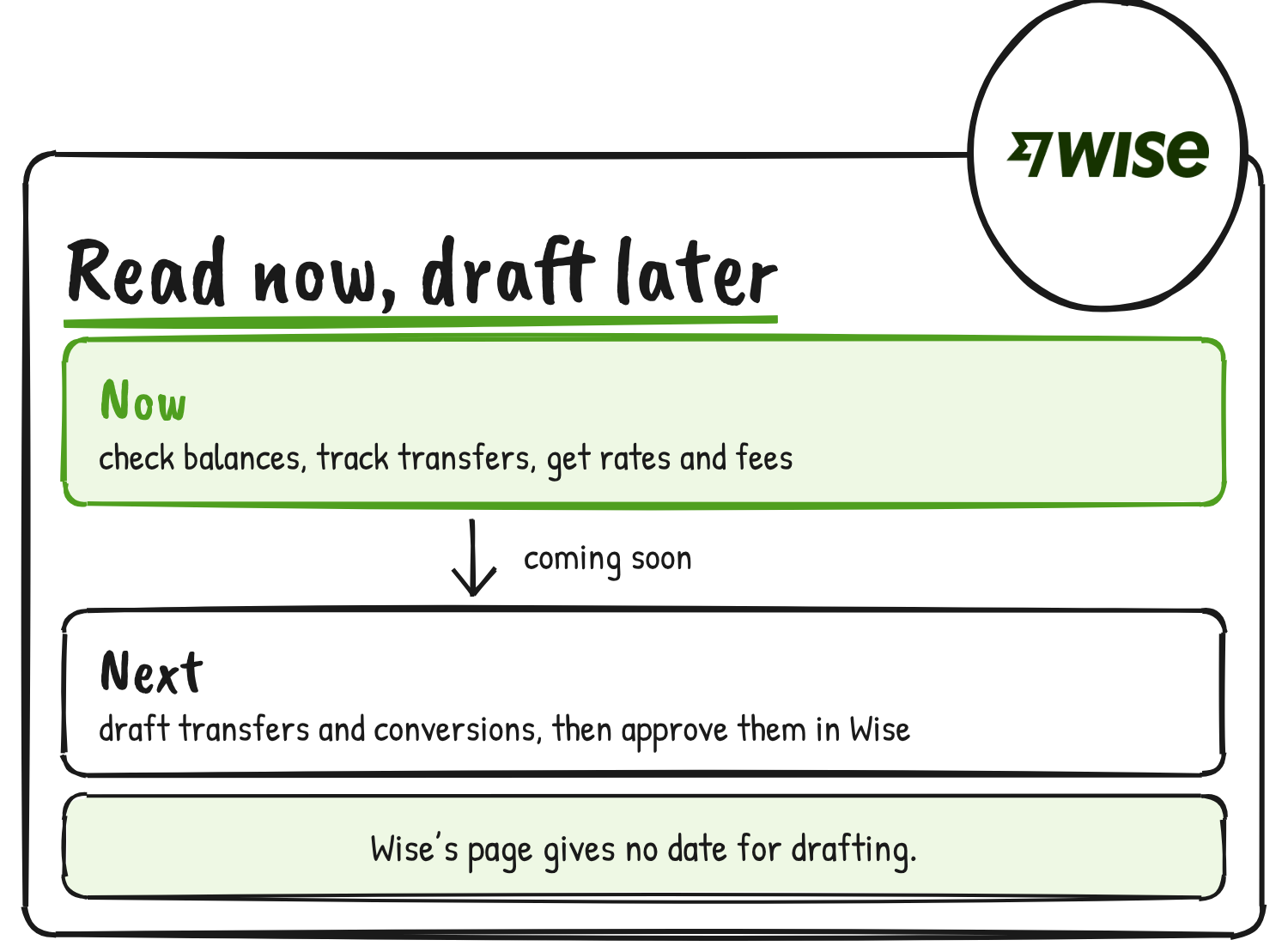
Wise’s page gives no date for drafting, and its docs don’t say which profiles count as eligible.
Discover more from Sulat AI & Tech News
Subscribe to get the latest posts sent to your email.