GitHub has added a security extension to the GitHub Copilot app that lists a repository’s open code scanning alerts and lets you ask Copilot to explain or fix them. It’s in public preview on github.com and GitHub Enterprise Cloud with data residency.
Until now, GitHub says, fixing a code scanning alert meant switching between the alert on github.com and the code in your editor. GitHub’s docs describe the extension as a canvas labelled Security that sits beside a Copilot session. GitHub released it on 28 October.
What you can do with an alert
For a repository that already runs code scanning, the canvas lists every open alert, ordered by severity, with search and filters. Opening an alert shows its description, severity and the affected code, plus any linked pull requests, so you can see whether someone is already working on a fix. A link opens the full alert page on github.com.
You can select one or more alerts and click Explain or Fix. Explain asks the Copilot agent in your session to describe the vulnerability. Fix asks it to change your code. Copilot only edits your local working copy, and it doesn’t commit, push or open a pull request.
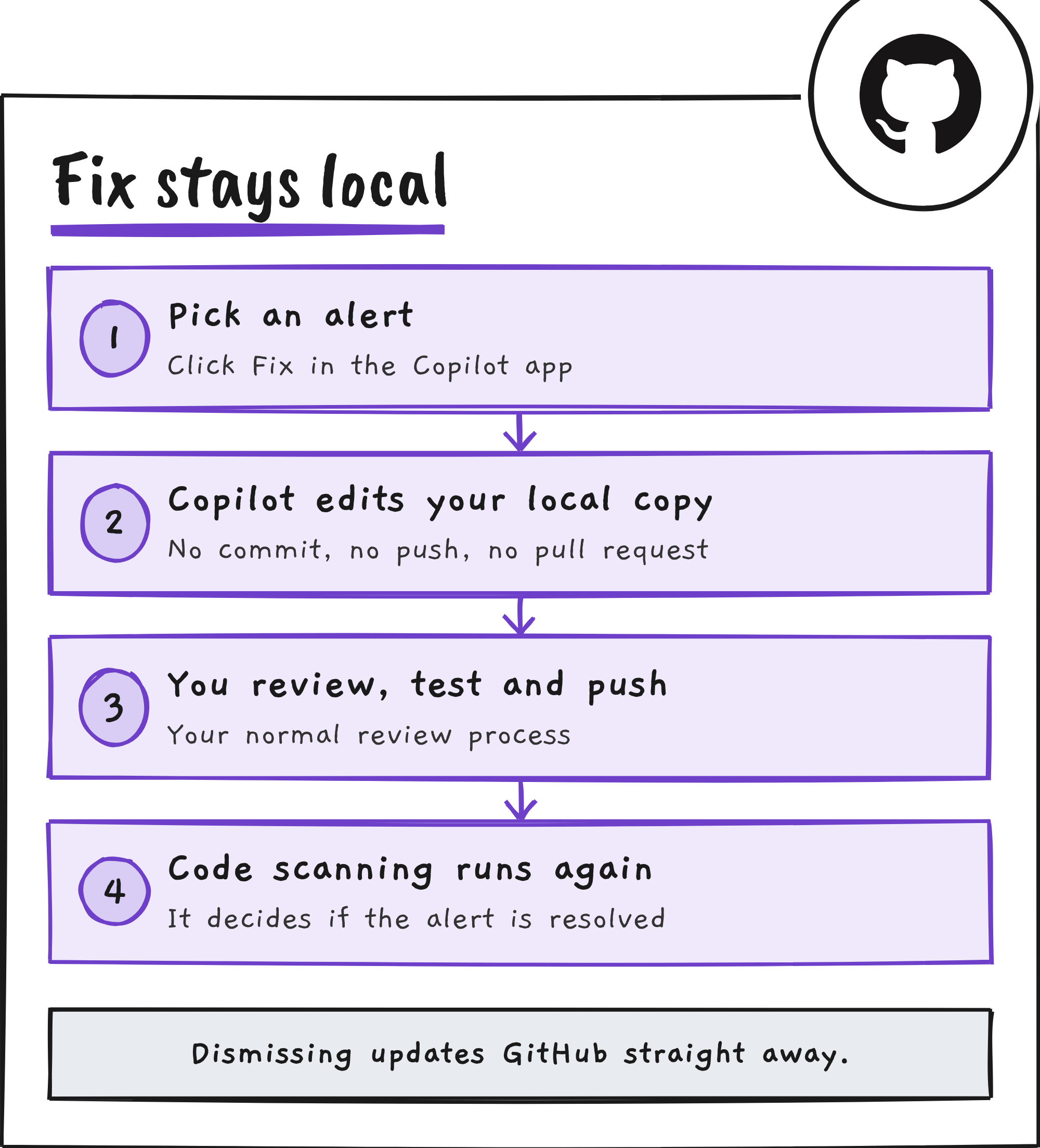
A local fix doesn’t close the alert. GitHub’s docs say that after the fix reaches the affected branch and code scanning runs again, code scanning decides whether the alert is resolved.
Dismissing works differently. If you have permission to dismiss alerts in the repository, you choose a reason and add a comment, and the alert is updated on GitHub straight away. Where delegated alert dismissal applies to your role, the extension submits a dismissal request instead, and the alert stays open until an authorised reviewer approves it on GitHub.
The canvas shows code scanning alerts only, not Dependabot or secret scanning alerts. You can also ask Copilot about your alerts in chat, and the extension’s tools follow the app’s tool permission settings.
A security review before the pull request
The extension also adds a review of changes you haven’t pushed. You run /security-review in a session, or click Start review on the Security canvas, and Copilot checks the session’s current changes for vulnerabilities. You can then explain or fix the findings the same way as alerts, and the canvas tells you when your code has changed since the last review.
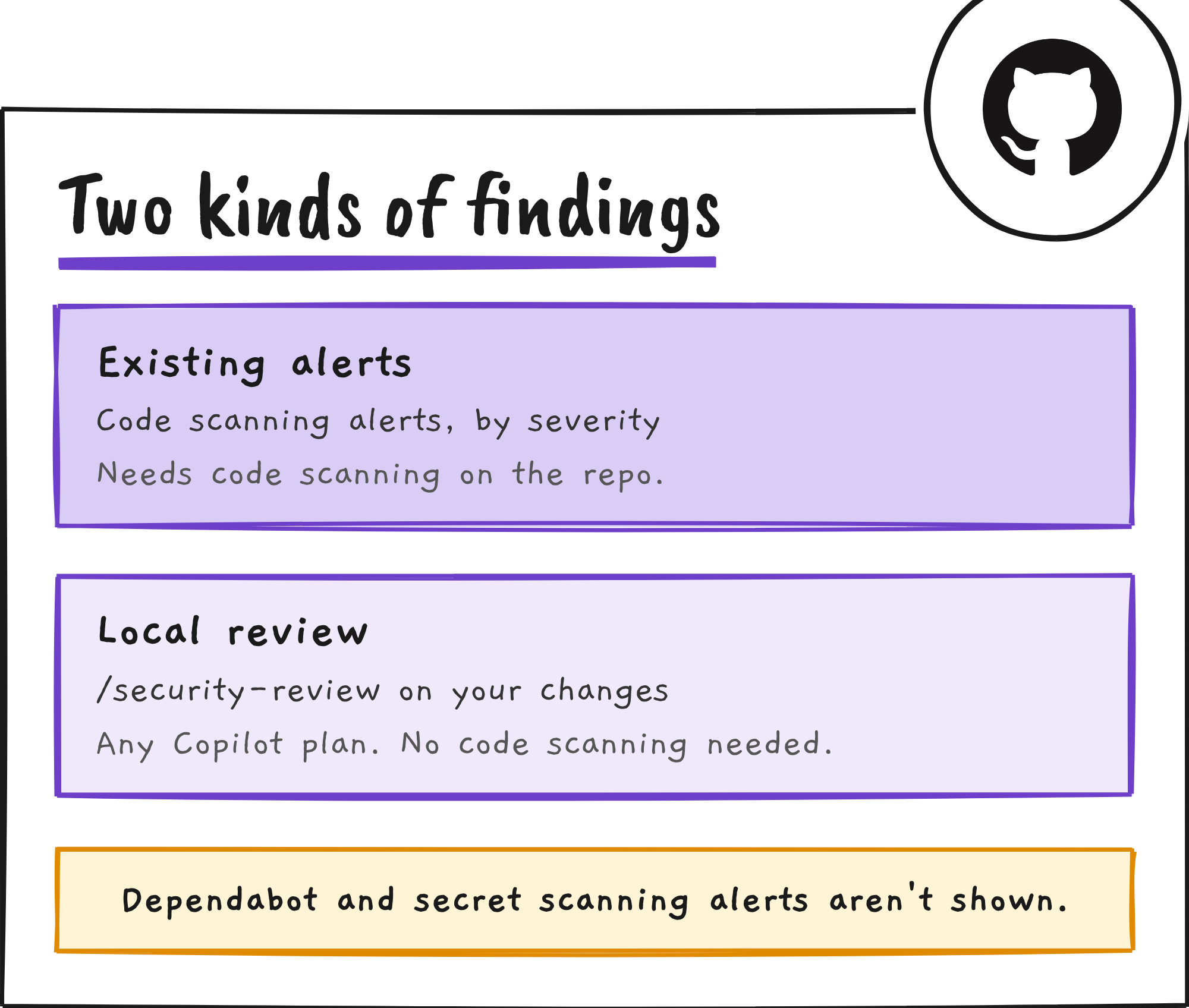
GitHub’s docs call it a focused review of your changes, not a full repository audit or a replacement for code scanning. Its findings are separate from the alerts on GitHub, and running it doesn’t turn on code scanning.
Who can use it, and what it costs
| What you want | What you need |
|---|---|
Install it and run /security-review | Any Copilot plan and the Copilot app. No code scanning or GitHub Code Security licence is needed. |
| Business or Enterprise seats | An administrator must enable the GitHub Copilot app policy. Enterprise managed settings can control which plugins developers install. |
| See, fix and dismiss existing alerts | Code scanning enabled on the repository and permission to view its alerts. Private repositories need GitHub Code Security. |
| Where it runs | github.com and GitHub Enterprise Cloud with data residency. GitHub Enterprise Server isn’t supported. |
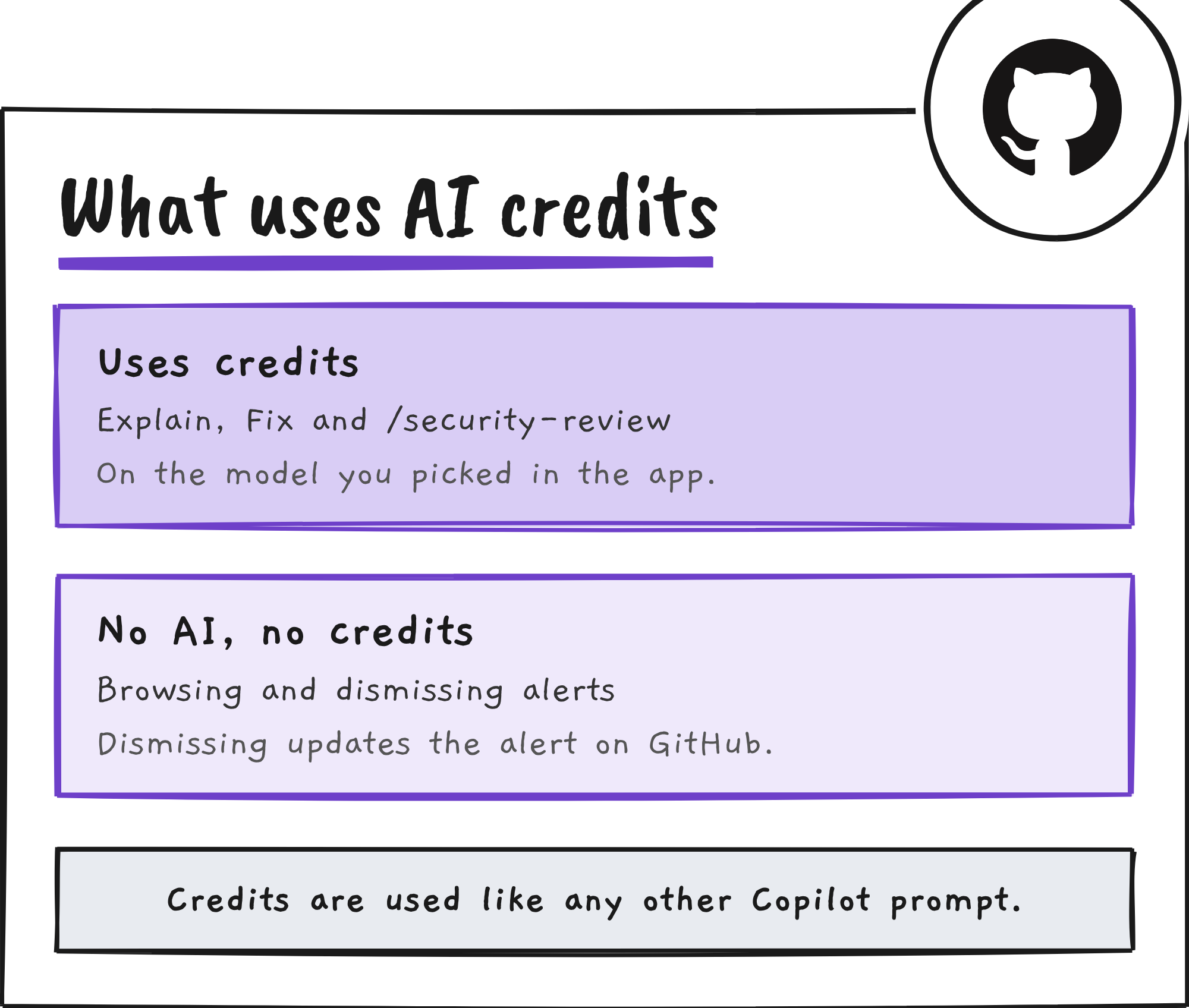
Explain, Fix and /security-review use the model you’ve selected in the app and consume AI credits like any other prompt. Browsing and dismissing alerts don’t use AI.
How to install it
The extension ships as the github-security plugin. You can install it two ways:
- In a terminal, run
copilot plugin install github-security@awesome-copilot. - Or in the Copilot app, click Customize, search for
github-security, and click + Install under Plugins.
The extension is enabled automatically after install. Start a session for your repository, open the Security canvas from the Canvas menu, and click Code scanning findings to see the alerts.
GitHub’s changelog and docs don’t give figures on how often Copilot’s fixes resolve an alert. The docs say the extension is in public preview and subject to change, and GitHub hasn’t given a date for general availability.
Discover more from Sulat AI & Tech News
Subscribe to get the latest posts sent to your email.