Apple has added warnings to macOS 27.3 beta 2 that spell out what an app gets if you give it full control of your Mac, and the beta steers you towards picking specific apps or folders instead, according to Apple’s developer post. MacRumors covered the changes and ties them to the rise of AI agents, the apps that act on your behalf across your Mac.
Apple posted the details for developers on 16 November US time, which was 17 November in New Zealand. The post says users should understand that handing an app such extraordinary access “puts all of the data on their Mac at risk”. You’ll see the changes when you approve a new permission request.
What changes in the settings
| Change | What it does, per Apple |
|---|---|
| Two settings, not one | Device Control and Data Access becomes System & App Protection Override and Accessibility. |
| One way to grant | You pick the requesting app from a list. |
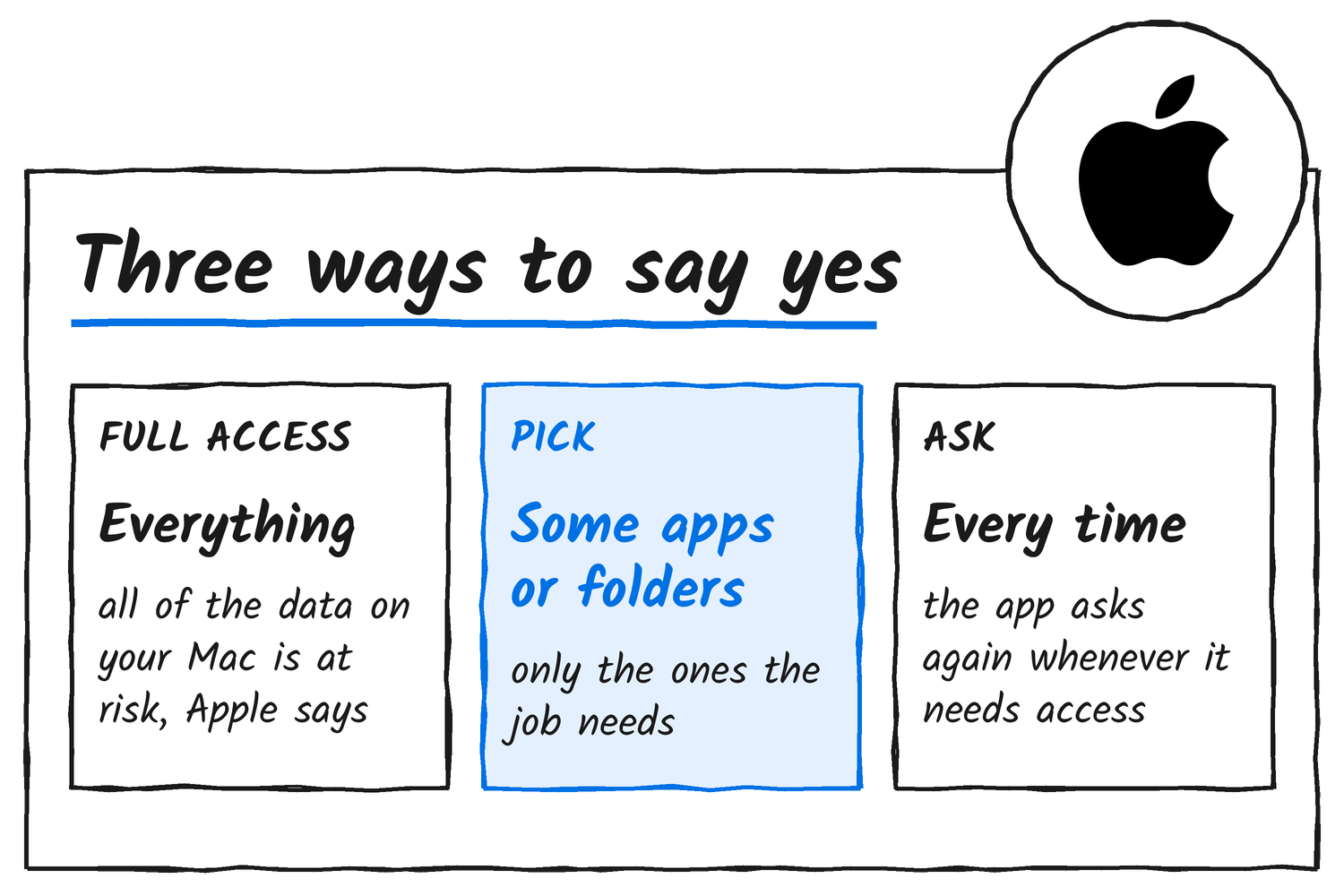
| Narrow grants | Guidance encourages you to allow only the apps (System & App Protection Override) or folders (Full Disk Access) a workflow needs. |
| Clearer warnings | More detail on the data an app will receive, or the control it gets, under full permissions. |
| Ask every time | You can set an app to ask each time it needs access. |
| Menu bar indicator | It shows when a requesting app is controlling another app through System & App Protection Override. |
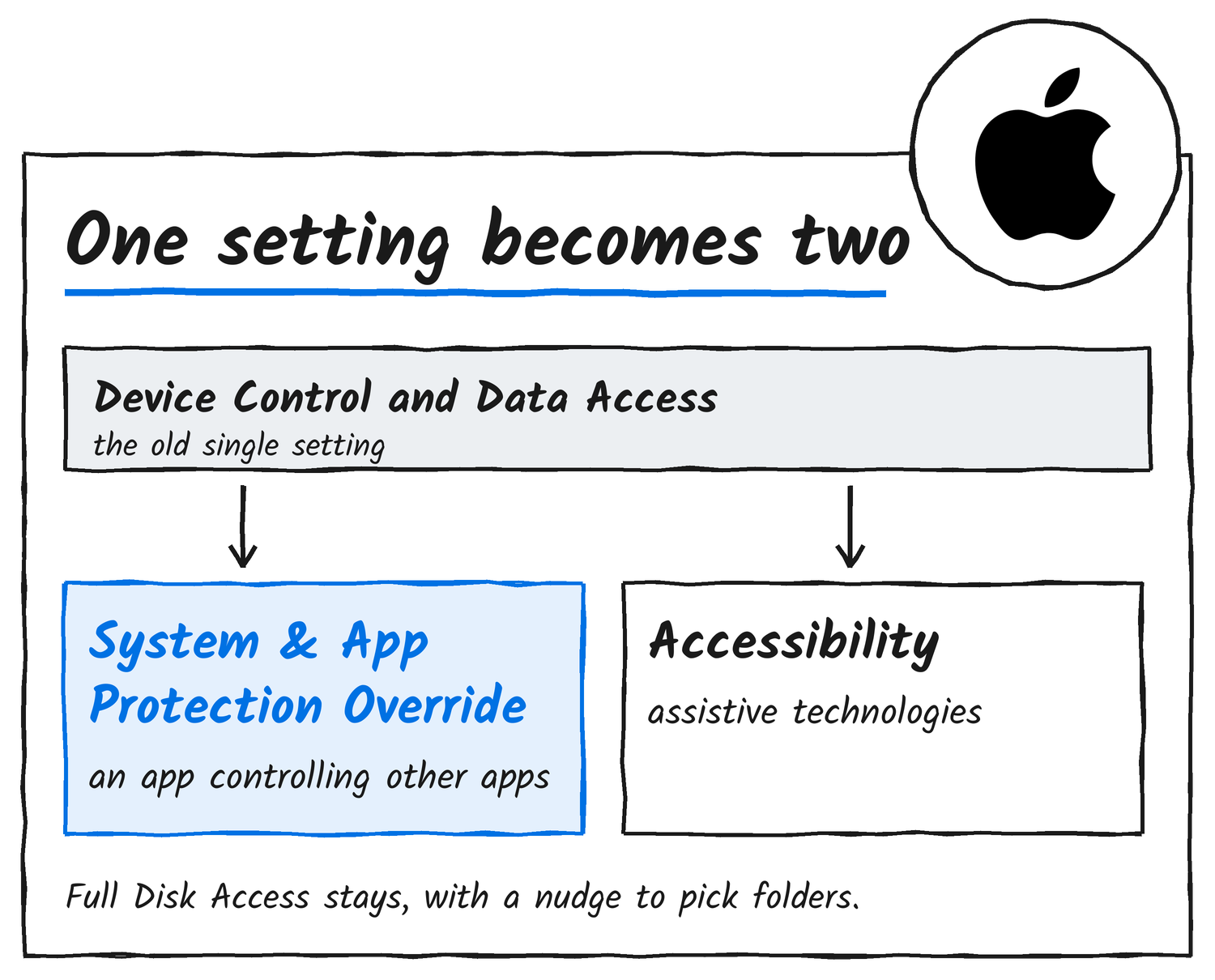
AppleInsider’s write-up describes the two new settings the other way round. Apple’s post ties Accessibility to assistive technologies and says the menu bar indicator appears when an app controls another app through System & App Protection Override. AppleInsider says Full Disk Access itself isn’t being replaced.
Why Apple’s doing it
MacRumors says Apple announced in October that it would add “additional controls” for Full Disk Access because of the risks AI agents pose. Apple warned then that some developers use the permission in ways that can expose files, mail, messages and browsing history. Apple’s November post doesn’t mention AI.
Separately, Xusheng Li’s teardown says a Windows 11 component notes which coding agents run on a PC and can queue a report of them for Microsoft.
Existing apps and developers
Permissions you granted before macOS 27.3 stay in effect, Apple says. Known apps keep their current experience without needing an entitlement, a permission a developer requests from Apple, and Apple’s post doesn’t list which apps count as known. Backup tools that rely on Full Disk Access, and assistive-technology apps that rely on the new Accessibility settings, can request entitlements so new installations behave as they did before 27.3.
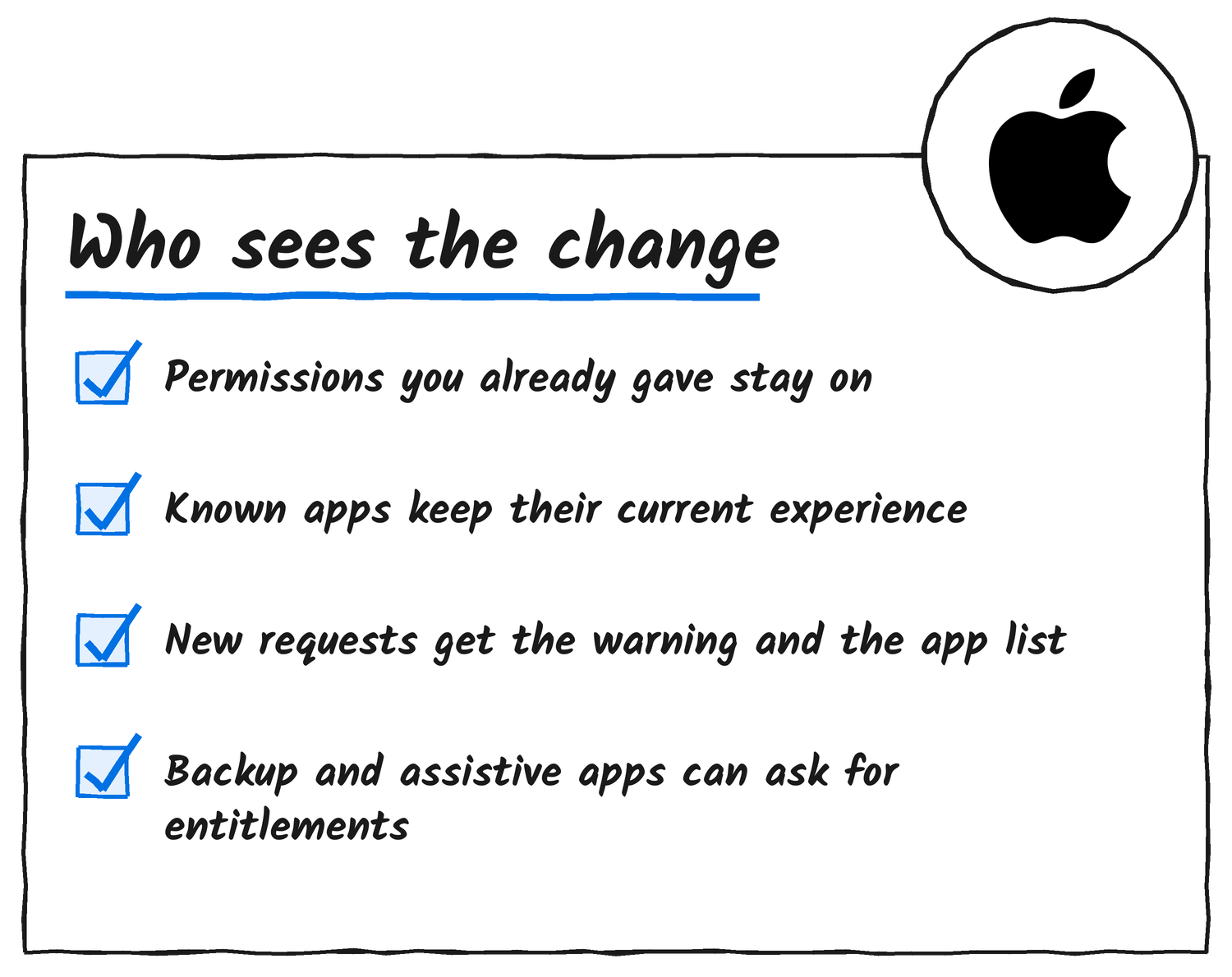
Apple tells developers to change how they onboard users and to make sure their apps can “gracefully handle” having access to only a limited set of folders or apps. Apple says entitlement details are coming soon, and its post gives no release date for macOS 27.3.
Discover more from Sulat AI & Tech News
Subscribe to get the latest posts sent to your email.