A Windows 11 component named MissionControlAggregator.dll notes which coding agents and developer tools run on a PC and can queue a report of them for upload to Microsoft, according to Xusheng Li, who writes the xusheng.dev blog. Li published his teardown on 16 November. The upload applies only when optional diagnostic data is on. Microsoft hasn’t commented on the finding.
Li didn’t set out to find it. He asked an AI assistant to comb recent Windows binaries for undocumented features, and one lead was a list of executable names: codex.exe, claude.exe, copilot.exe and cursor.exe sitting next to python.exe, dotnet.exe and gcc.exe. All of it lived in that one DLL. Li followed the references and found four command-line agent slots and five desktop-agent slots, with a feature flag called CLICodingAgentUsage (ID 62580080) guarding the agent checks. A few of the developer-tool slots check who published the program, too: Node.js must come from Node.js Foundation, Python from Python Software Foundation, and the .NET and Visual Studio slots expect Microsoft Corporation.
| Group | Slots | Executables Li lists |
|---|---|---|
| CLI agents | 4 | copilot.exe, claude.exe, codex.exe, agy.exe (extensionless names on the WSL route) |
| Desktop agents | 5 | github.exe, claude.exe, codex.exe, cursor.exe, antigravity.exe |
| Developer-tool categories | 12 | node.exe, python.exe, dotnet.exe, gcc.exe, clang.exe, gdb.exe, javac.exe, devenv.exe, code.exe, among others |
How the report gets built
The DLL doesn’t hunt through running processes itself, Li says. It listens in on events Windows already writes. For Windows programs those are KernelProcess.AppStateChangeSummary and Win32kTraceLogging.AppInteractivitySummary; for WSL, the Windows Subsystem for Linux, they’re the Exec and ExecCritical events. That means a plain Windows codex.exe gets noticed too, not only Linux programs running inside WSL.
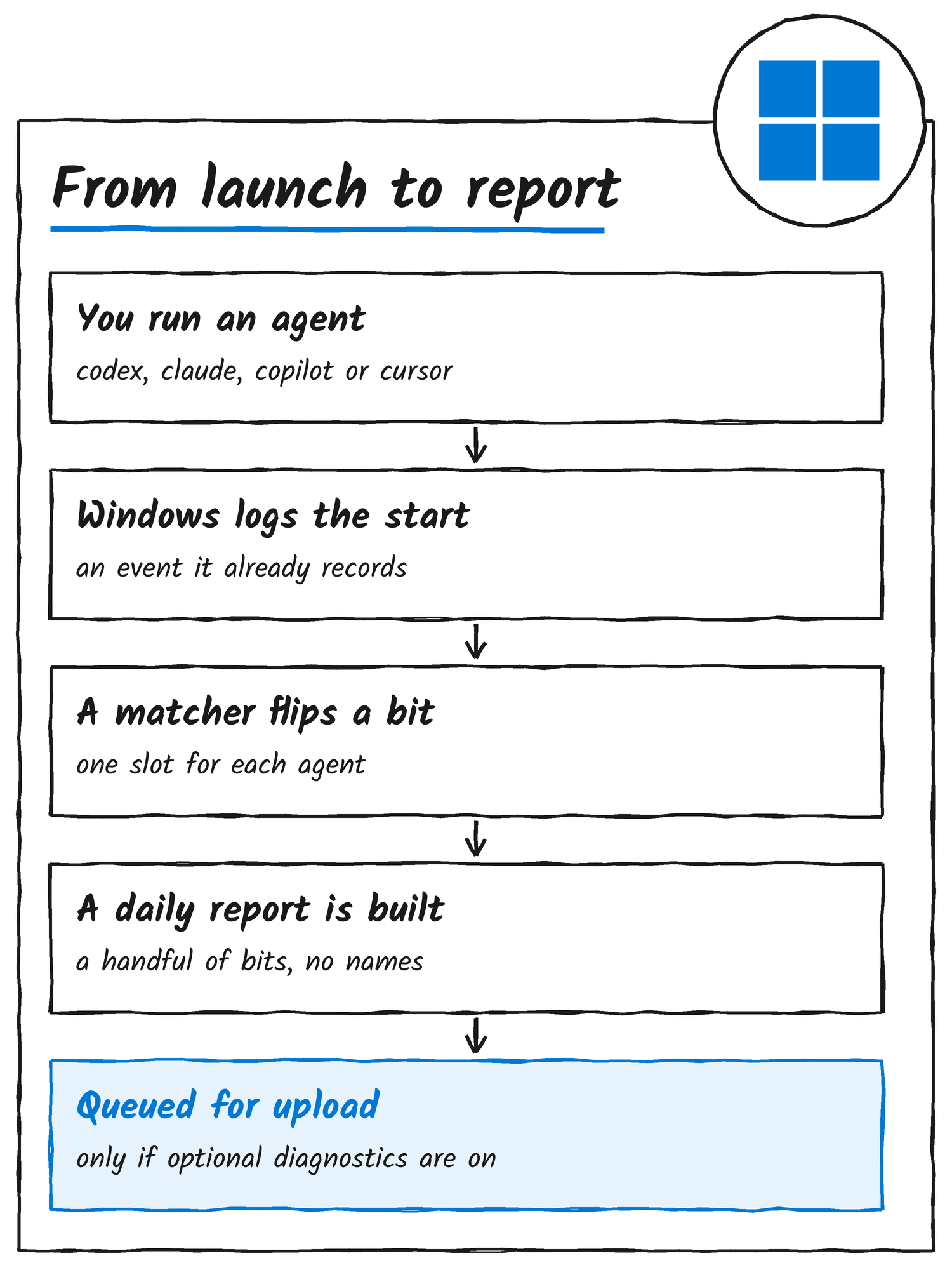
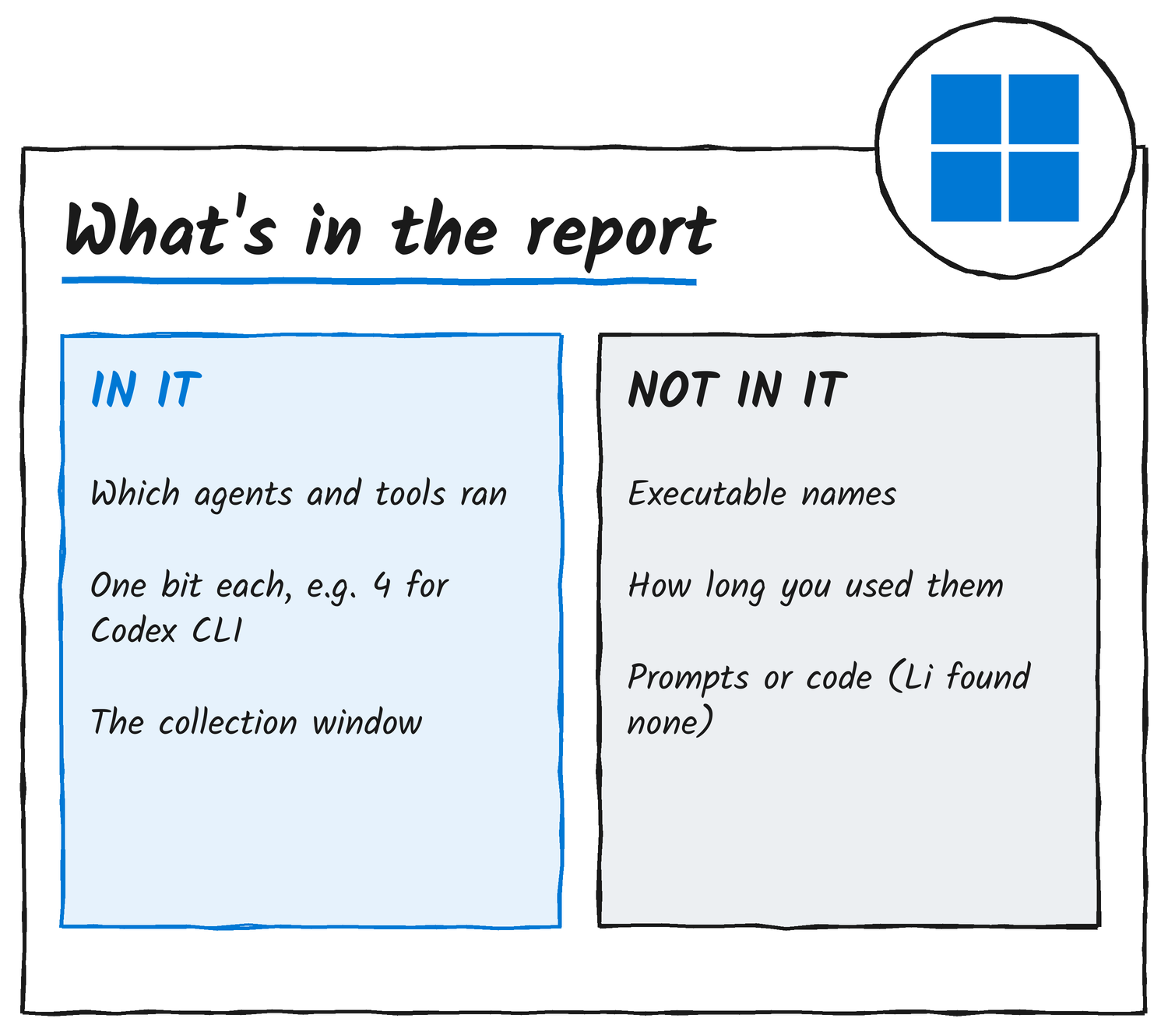
A match marks that agent’s slot in the component’s saved state, which it writes to disk. Roughly once a day it turns the slots into bitsets, rows of on-or-off switches, and emits an event called Segments.SubCohorts. Each agent or tool category owns one switch, so a Codex switch that’s on means Codex ran during the reporting window and says nothing else. The incoming events also carry runtime, time in focus, interaction counts and resource use, but Li says the component throws those away. The timestamps in the report mark the collection window, not how long an agent was open.
What Li tested
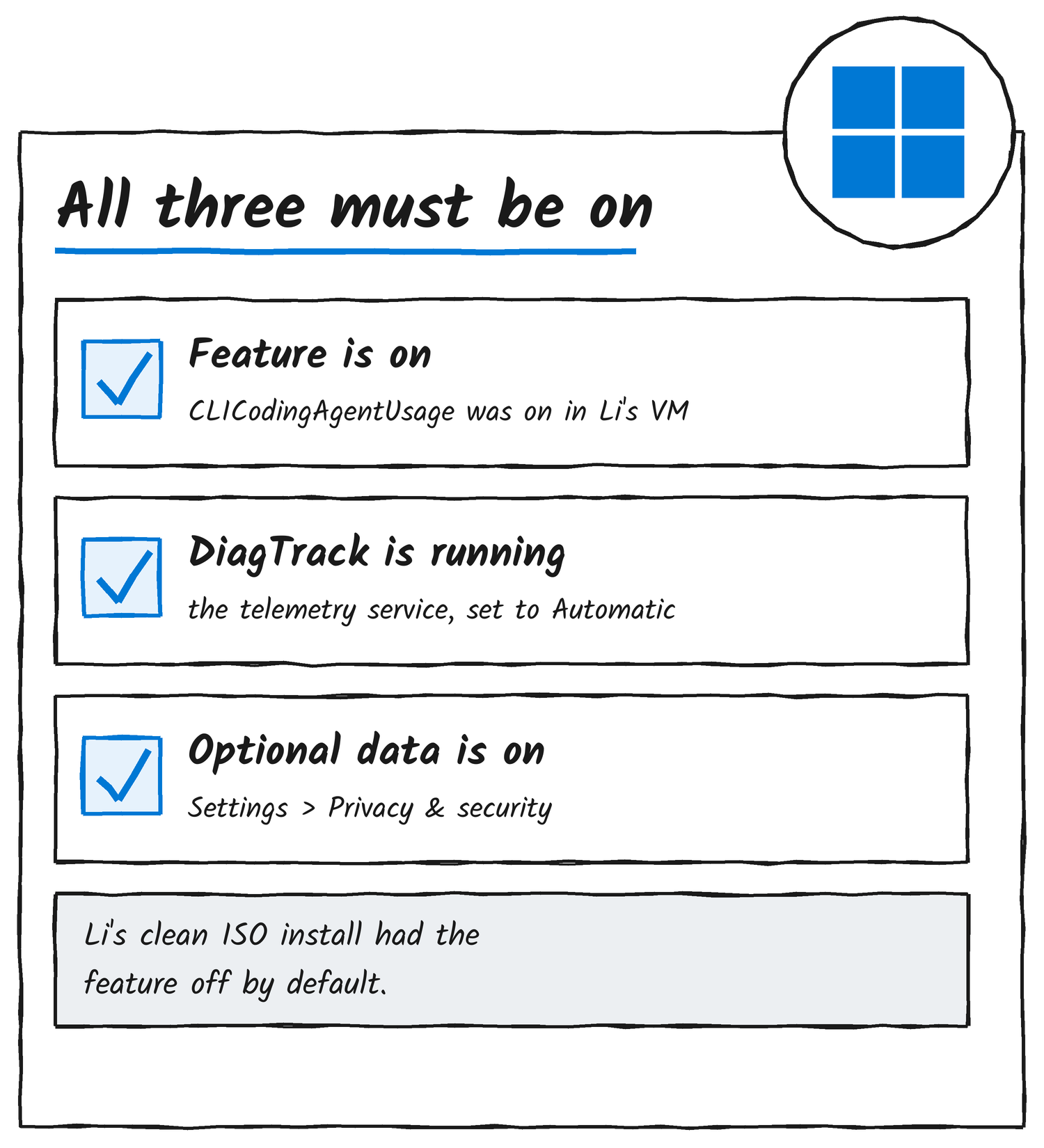
To see it work, Li copied cmd.exe, renamed the copy codex.exe and ran it. The new name was enough. The saved state recorded the Codex slot, and the next report showed CliAgentSubCohorts: 4, which is 1 << 2, the Codex switch. He repeated the trick with a copy named gcc.exe, which turned on a developer-tool switch. With optional diagnostic data allowed, Li found the agent report in the upload queue of DiagTrack, the Connected User Experiences and Telemetry service, flagged isRequired false.
His test machine was a Parallels Windows 11 ARM64 virtual machine on build 26200.9974, carrying DLL version 10.0.26100.9818. The coding-agent feature was already on, and DiagTrack was already running with its startup type set to Automatic. He then tried a clean Windows 11 Home ARM64 install from the latest official ISO, with the region set to the United States. Its diagnostic data toggle defaulted to Include Optional, and AllowTelemetry came up as 3. The feature was off in that ISO’s baseline image, though, so Li says the evidence doesn’t support calling it active on every Windows installation.
What Microsoft’s documentation says
Microsoft’s documentation lists “App activity, such as which programs are launched on a device, how long they run, and how quickly they respond to input” as optional diagnostic data. Required data always goes along with optional data, and Microsoft’s support page says a device is just as secure, and works normally, if you send only required data. What the documentation doesn’t do is name the component: Microsoft’s Learn page on optional diagnostic data has no mention of MissionControlAggregator, the Segments.SubCohorts event or CLICodingAgentUsage. Microsoft also hasn’t said why Windows tracks coding agents.
How to turn it off
You can decline optional diagnostics during Windows setup, Li says, or turn off Send optional diagnostic data afterwards under Settings, Privacy & security, Diagnostics & feedback. The Diagnostic Data Viewer, switched on from that same page, shows what Windows is collecting. Microsoft says enterprise administrators can set whether required or optional diagnostic data goes to Microsoft.
Li found no prompt text or source code in the report. Even so, he says, knowing which agents and tools someone uses carries significant privacy implications. He tested a US-region setup and hasn’t published results for other regions. His post has the full PowerShell queries and the event-tracing captures behind each step.
Discover more from Sulat AI & Tech News
Subscribe to get the latest posts sent to your email.