Cloudflare says its Images service now accepts TIFF as an input format, so a print-ready TIFF master can be served as WebP or AVIF at whatever size a page needs. The change is in a changelog entry dated 17 November, which the Cloudflare Changelog account posted on X on 18 November.
Images is Cloudflare’s service for resizing and re-encoding pictures on its network, working from files you host with Cloudflare or files that sit on your own server. Cloudflare says it lets you store only the original, high-resolution version and serve compressed, resized copies in the most efficient format for each browser.
What the change does
Cloudflare says TIFF is widely used as a master format in publishing and e-commerce, for product photography, high-resolution scans, print assets and archival collections. It also says browser support for TIFF is limited and that the files tend to be bigger than formats built for the web. With TIFF accepted as input, you can transcode the original to WebP or AVIF on request and resize each output, and Cloudflare says none of that converts or modifies the original image.
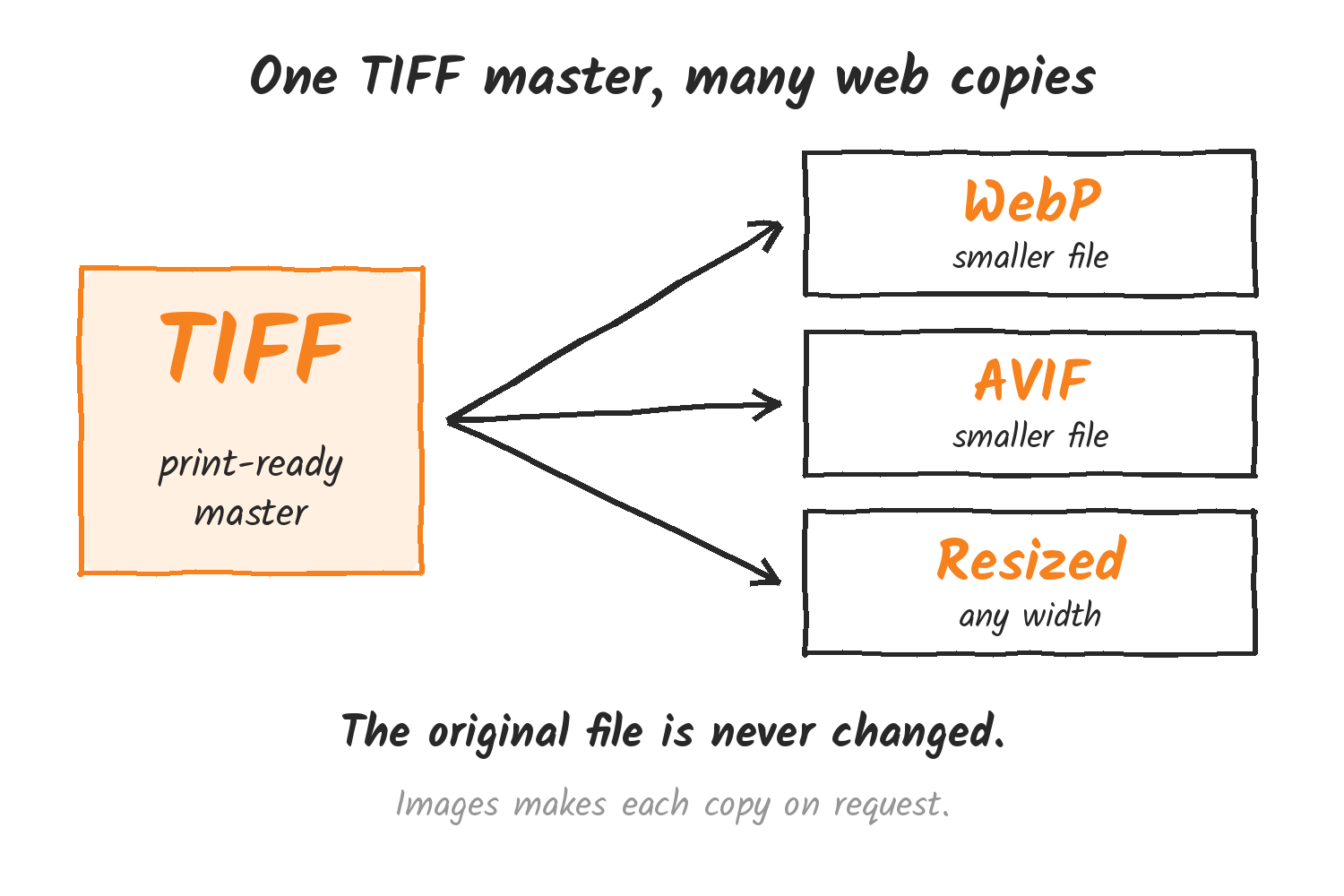
Cloudflare’s limits page now lists TIFF alongside PNG, JPEG, GIF, WebP, SVG, AVIF and HEIC as an input format, for both remote and hosted images. AVIF input is Enterprise only. Outputs are PNG, JPEG, GIF, WebP, SVG and AVIF.
A request uses the same URL pattern as other Images transformations: the zone, the options, then the source image. The changelog doesn’t include an example, so this one is built from the pattern in Cloudflare’s features docs, with a TIFF file as the source:
https://example.com/cdn-cgi/image/width=800,format=webp/images/master.tifOnly the first page comes through
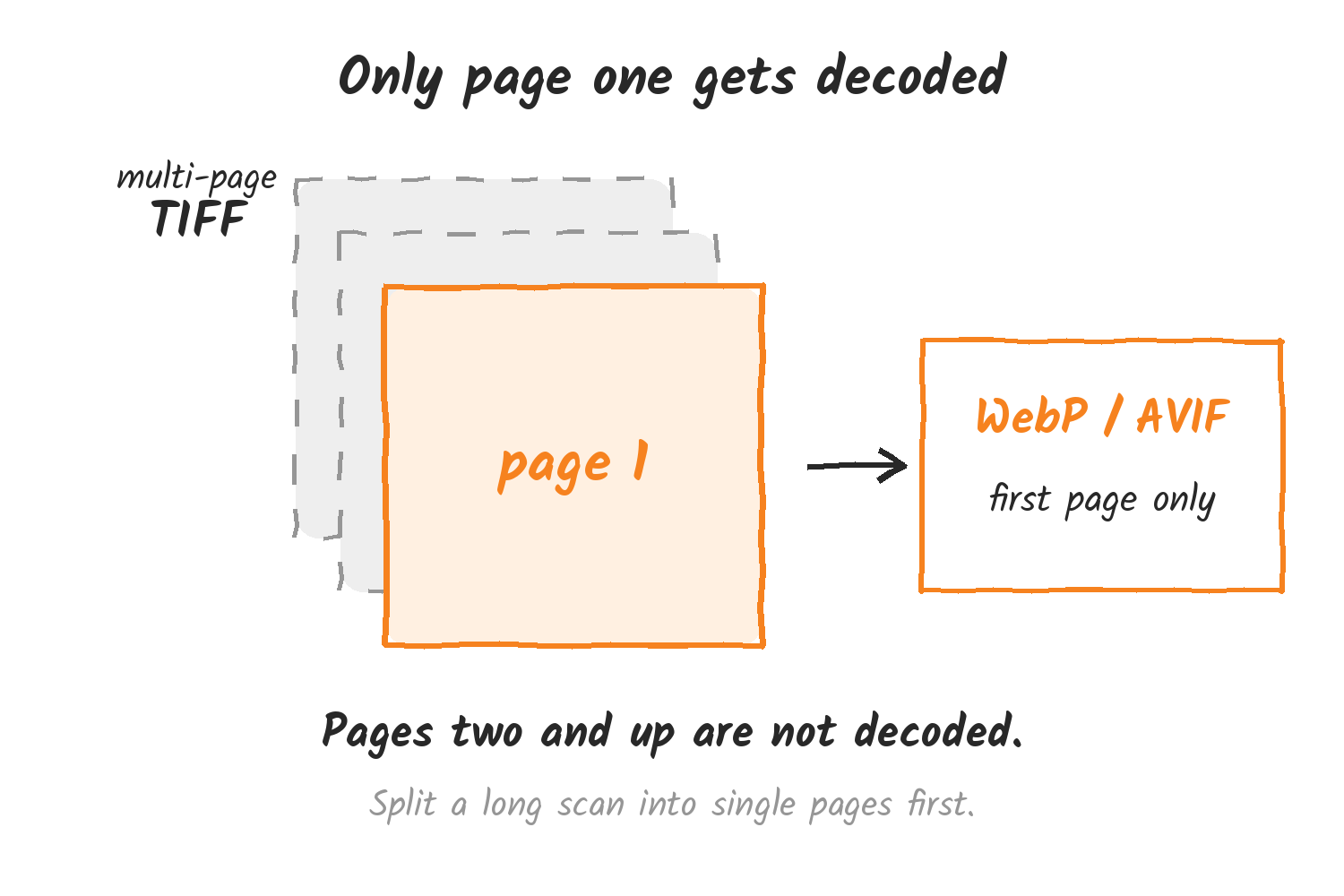
For multi-page TIFF files, Images decodes only the first page, and the docs list the format as “TIFF (first page)”. A scanned document saved as one multi-page TIFF comes out as its first page. If you need every page, split the file before it goes to Images.
Limits that still apply
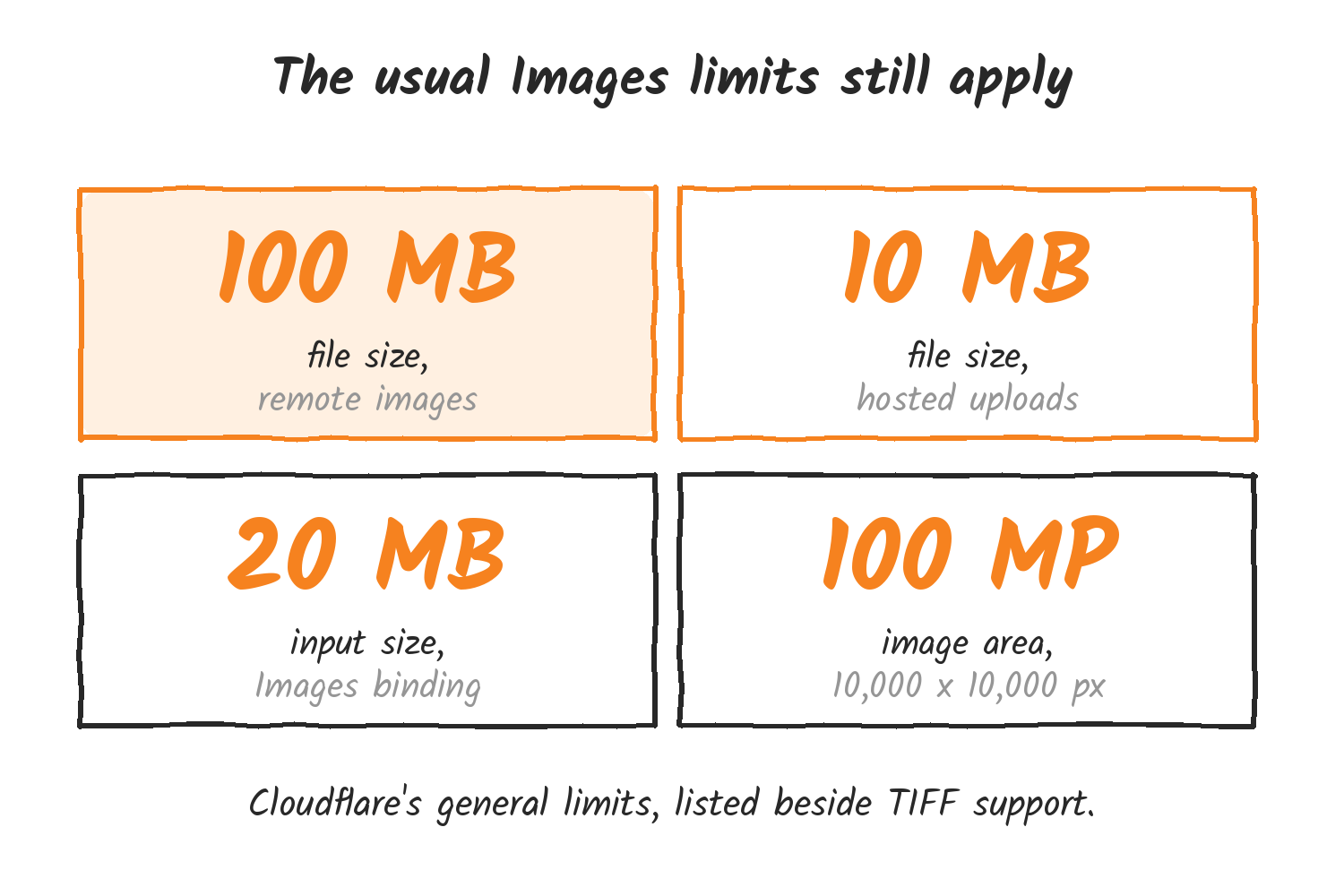
The size limits on the same docs page cover every input format. Remote images can be up to 100 MB, hosted uploads up to 10 MB, and input through the Images binding up to 20 MB. Image area tops out at 100 megapixels. A high-resolution TIFF master can easily pass 10 MB, so hosted uploads of the largest files will hit that cap before remote ones do.
The docs also say Cloudflare balances the time to generate an image against the time to serve it. AVIF encoding can be an order of magnitude slower than other formats, and an image too large to encode quickly falls back to WebP or JPEG. A very large TIFF requested as AVIF can therefore come back as WebP or JPEG. The changelog doesn’t mention pricing or how colour profiles are handled.
A day later: one parameter structure
On 18 November Cloudflare published a second Images change. The URL interface and the cf.image options in Workers now share one parameter structure, with related settings nested under their parameter. Borders and overlays, which only Workers supported before, now work in the URL interface for remote images, so a logo or text watermark can go straight into the URL. Cloudflare says the older syntax keeps working.
Discover more from Sulat AI & Tech News
Subscribe to get the latest posts sent to your email.