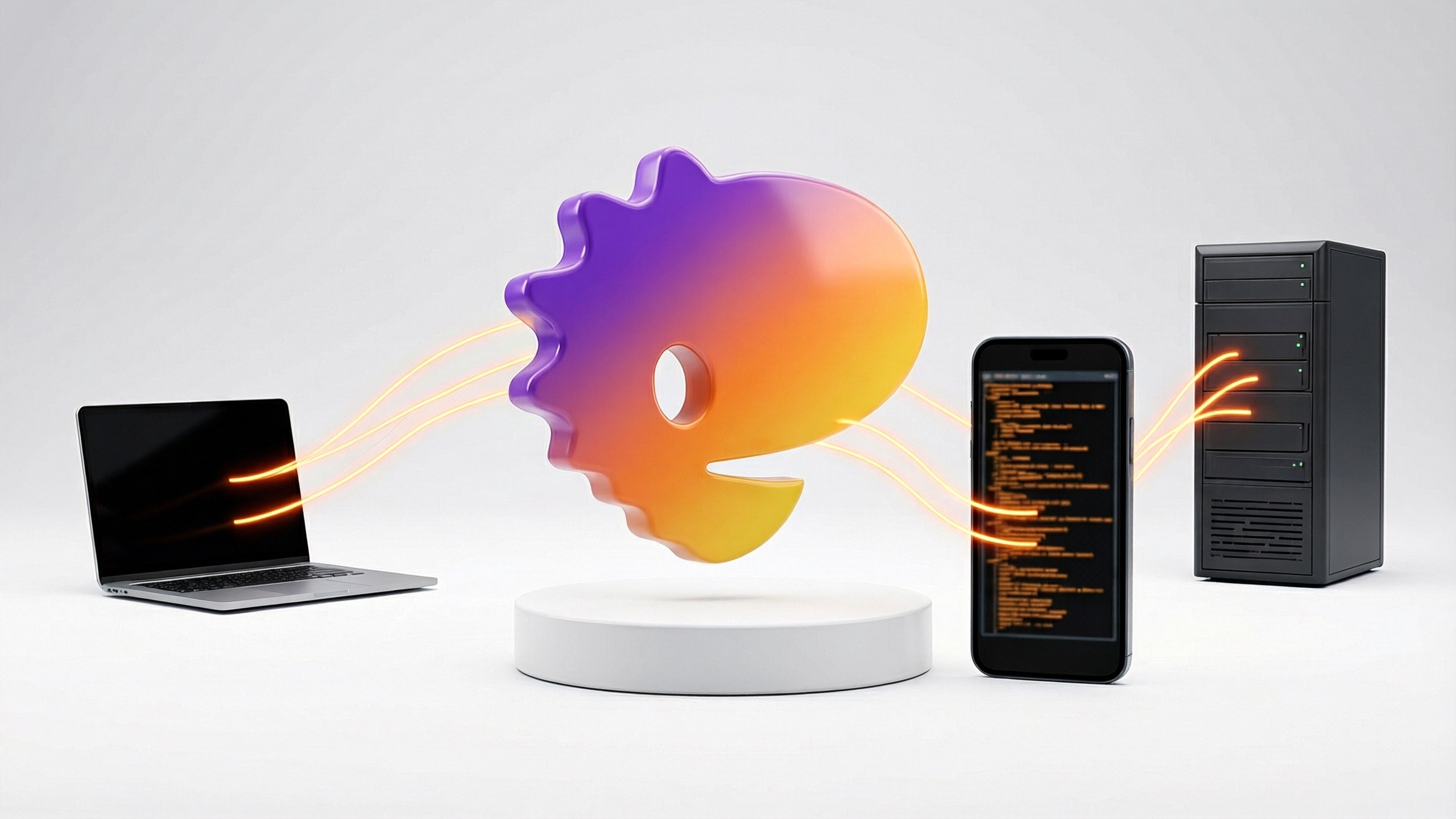
Flock, the free and open-source local development environment for PHP and Laravel, shipped version 1.1.0 on 24 November (UTC) with Node.js apps whose dev server starts on the first request, a proxy command that puts any local port on a .test domain, and a Reverb server for each site.
Punyapal Shah, a Laravel developer who posts as @MrPunyapal, flagged the release on X on 26 November and listed the same four points: dev servers that start when you visit a .test domain, built-in Reverb management, .test domains for any local server, and a tool that is still free, open source and cross-platform. I wrote this from Flock’s changelog, docs and README, plus the pages of the tools it competes with.
What Flock 1.1 adds
The 1.1.0 release notes list five changes that matter to a working developer.
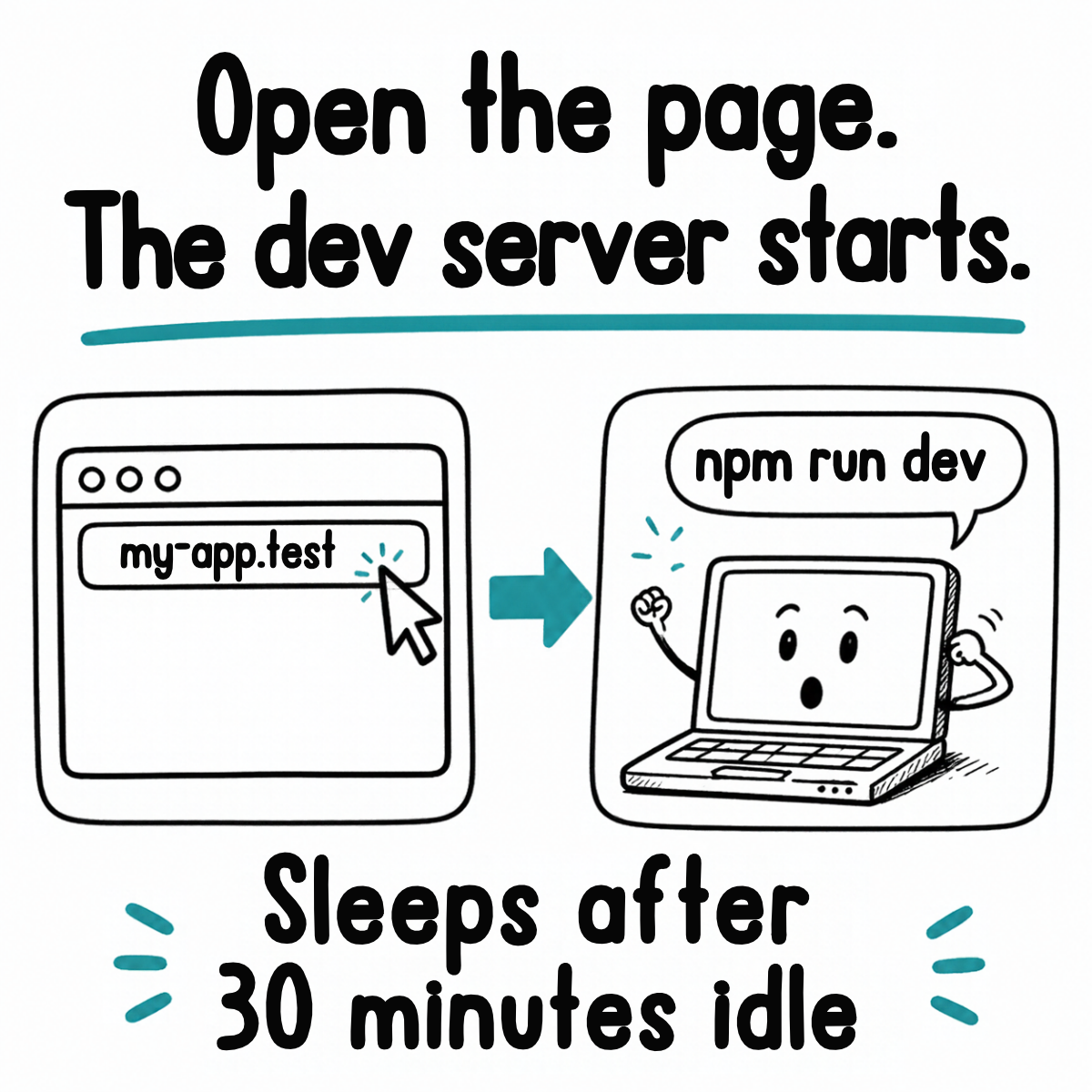
- Node.js apps. Flock serves a Node project on its .test domain and starts the dev server on the first request, so nothing runs until you open the site.
- Proxies for any port. A command such as
flock proxy softpack 3000maps a running local server to softpack.test. HTTPS is a flag, WebSocket upgrades pass through, and the proxy can take its own start and stop commands. - Reverb per site.
flock reverbruns a Laravel Reverb WebSocket server for a site, with status reporting and support in Flock’s MCPupdate_sitetool. - Sharing and Caddy. Sharing now works for Node apps, and sites accept per-site Caddy handlers and directives in
flock.yml. - Translations and fixes. Czech and Spanish arrive, WebSocket-only requests now route to Reverb, and Reverb no longer runs as root.
Version 1.1.1 followed the same day with a single fix to a Windows tray test.
How the Node auto-start works
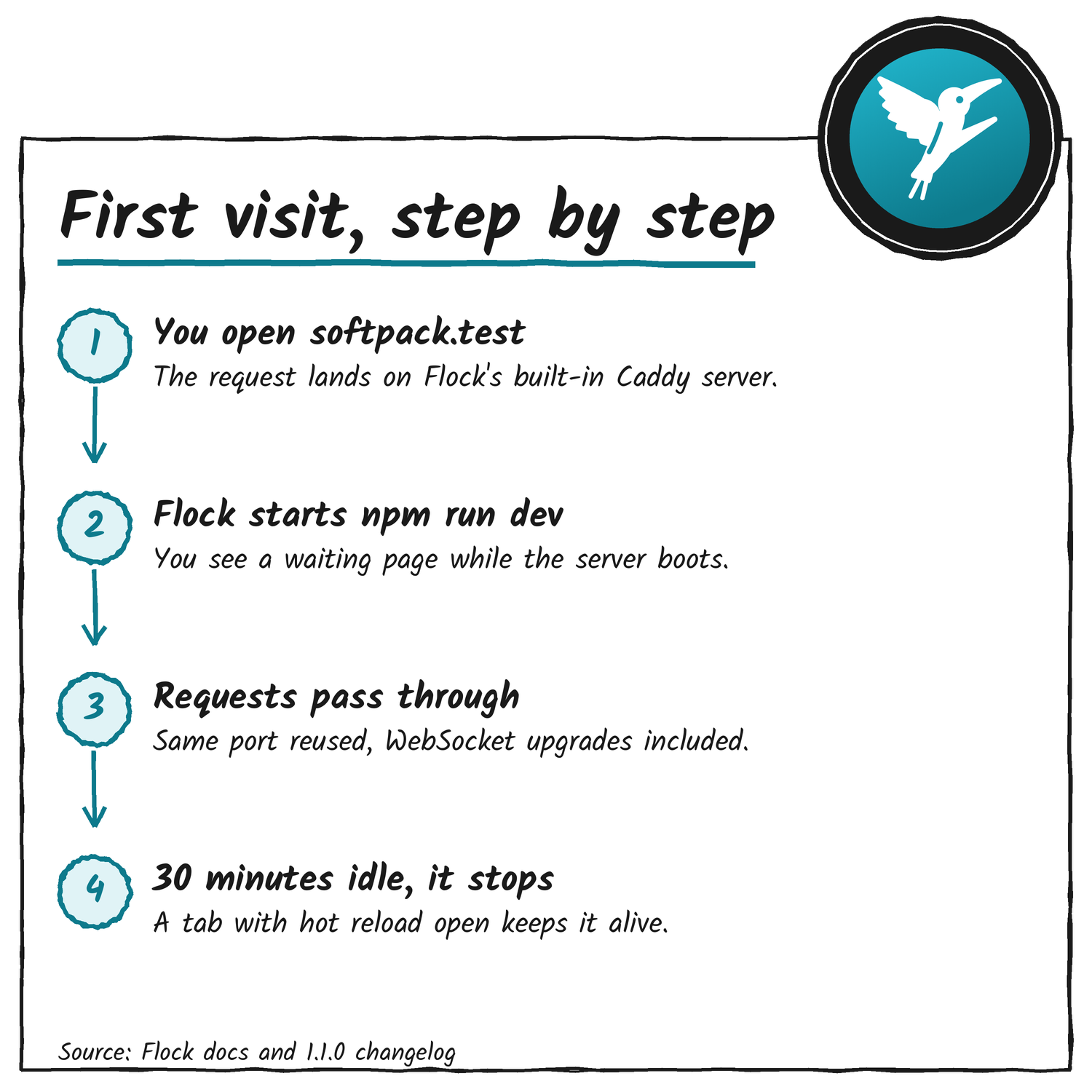
Flock’s Node docs describe the sequence. The first visit to the .test address runs npm run dev and shows a waiting page while the server boots. Flock reuses the same port afterwards, stops the server after 30 minutes without requests, and keeps it alive while a browser tab with hot reload is open.
The same release covers servers Flock doesn’t start itself. The proxy command points a .test name at a port you already run, and the HTTPS flag puts it behind Flock’s local certificate authority, which the project says is restricted to .test names.
flock proxy softpack 3000
flock proxy softpack 3000 --secure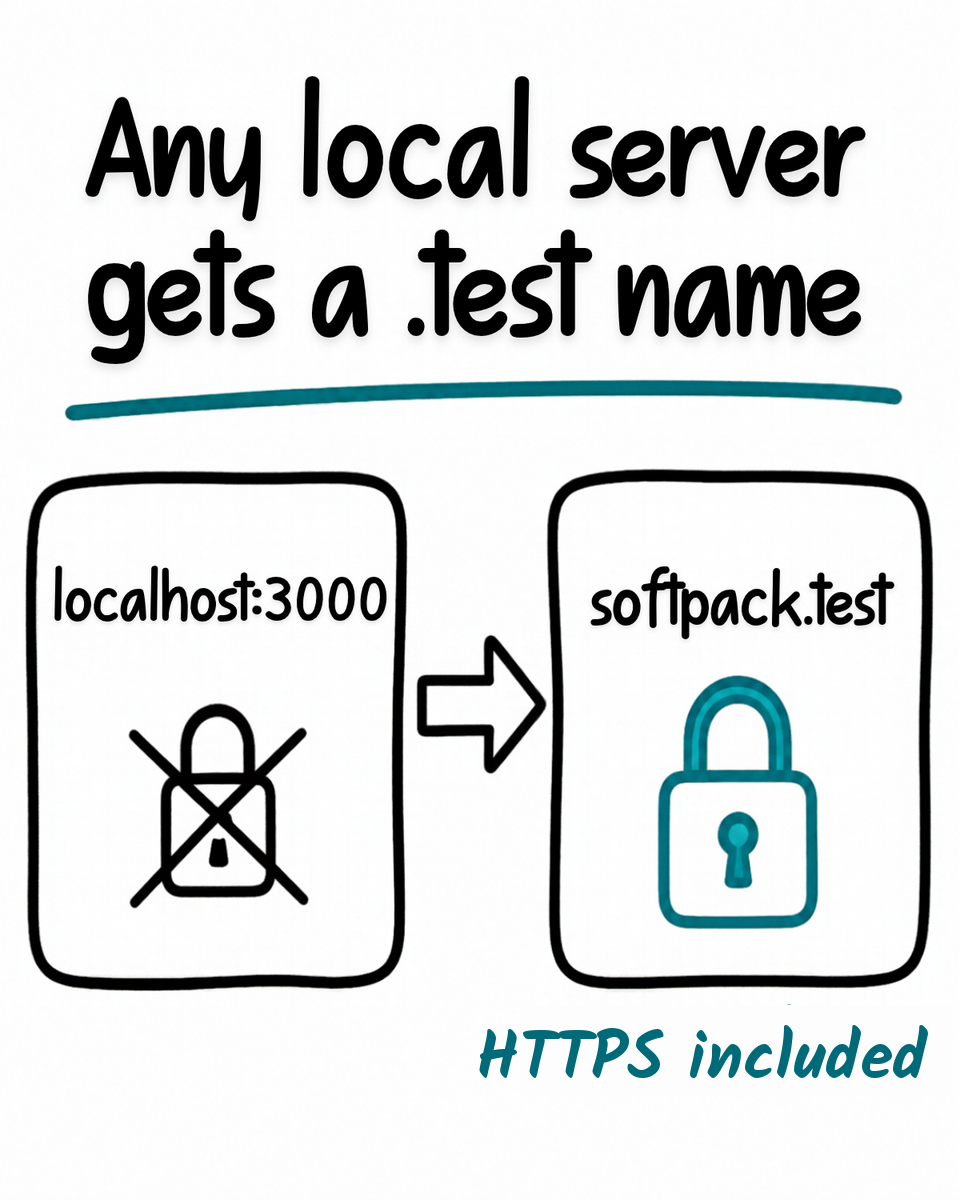
For Reverb, the usual route is Laravel’s own php artisan reverb:start, which listens on 0.0.0.0:8080 by default, according to the Reverb docs. Flock 1.1 takes over that job per site, so each project gets its own server without a terminal tab.
What the screenshot shows
Shah’s image is the Services screen of a Windows install. It lists Caddy 2.10.2 on port 443, DNS for *.test on port 53535, PostgreSQL 18.6, MySQL 8.4.11 and Valkey 9.1.2, plus an install pane for Meilisearch 1.55.0 on port 7700. Those are the versions on that one machine, so they say what Flock can manage, not what it ships by default.
What Flock is, and who makes it
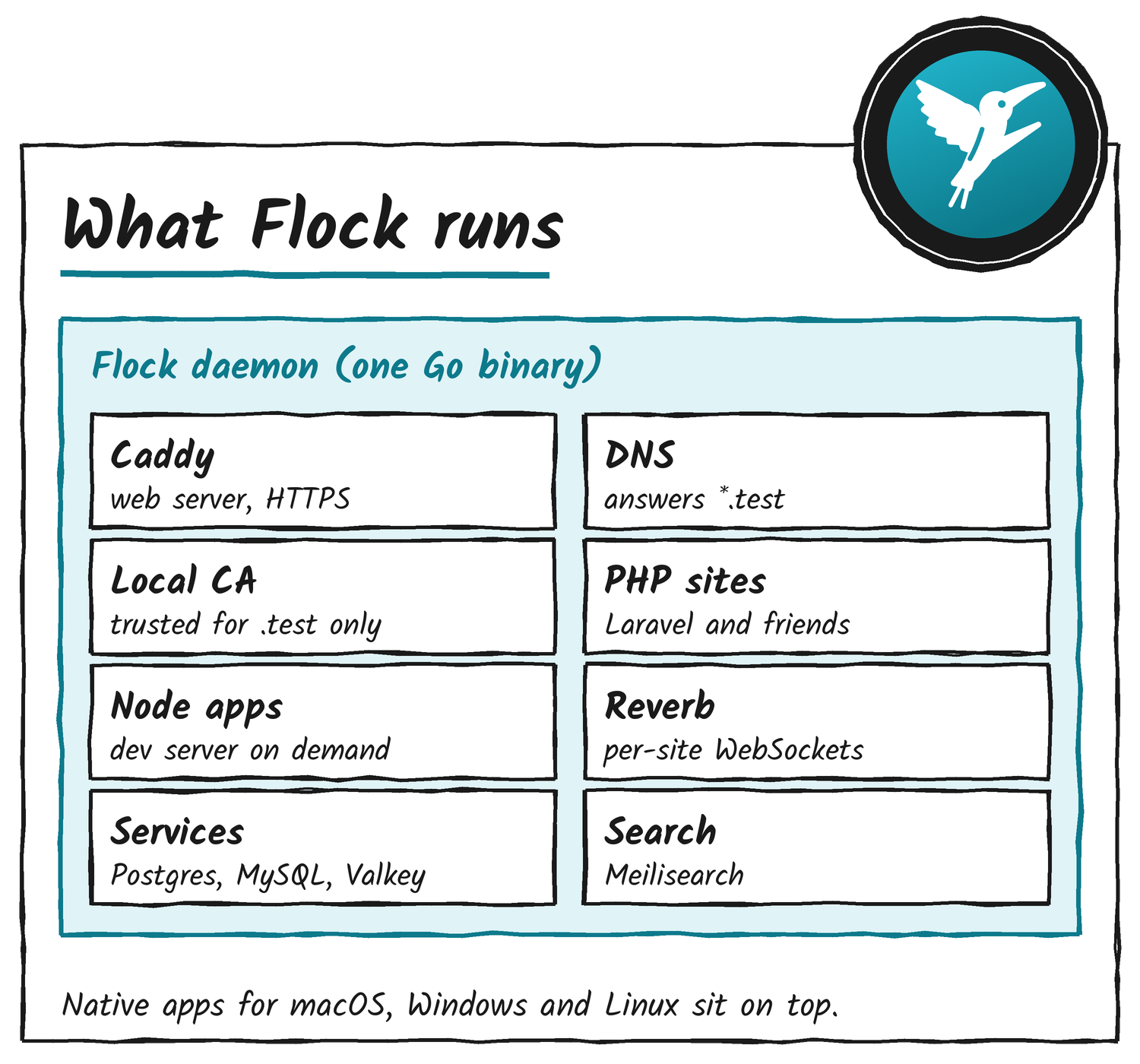
Flock comes from Guava s.r.o. and its lead developer Lukas Frey, and the source is on GitHub under the AGPL-3.0 licence. The core is a single Go binary that runs as a daemon with an embedded Caddy web server and DNS server. Native apps sit on top: SwiftUI on macOS, WinUI 3 on Windows and GTK on Linux, where the command-line tool is called flk.
How it compares with Herd, EnvKit and Lerd
The Node auto-start is not unique to Flock. Laravel Herd’s docs describe an automatic dev server too, but only while Herd Studio is switched on. It runs php artisan dev on Laravel 13.25 and later, or the dev script in package.json, and it holds the first request for up to 15 seconds while the server starts. Herd’s interface also has a Reverb option.
Price and platforms are where the tools split. Herd’s pricing page shows Pro at US$69 a year, struck from US$99 during a Black Friday sale, and lists databases and mail as Pro features, not part of the free tier. Herd runs on macOS and Windows only. I covered the Herd Pro lifetime offer last week.
| Tool | Price | Platforms | Dev servers and Reverb |
|---|---|---|---|
| Flock 1.1 | Free, AGPL-3.0 | macOS, Windows, Linux | Node auto-start, proxy for any port, Reverb per site |
| Laravel Herd | Free tier; Pro US$69 a year in the sale | macOS, Windows | Auto dev server with Herd Studio on; Reverb in the interface |
| EnvKit | Free beta | Windows, macOS | Node dev servers and Reverb |
| Lerd | Free, MIT | Linux, macOS, WSL2 on Windows | Runs sites in Podman containers |
Flock’s own comparison page scores it 17 of 19 features against Herd’s 9. That is the vendor’s scoring of its own product. Lerd and EnvKit are the other free options, and DDEV, Laragon, Laravel Sail and XAMPP remain the older choices; I didn’t compare those four.
What I ran
I didn’t install or run Flock for this piece. My sandbox is Ubuntu 24.04 without a running systemd, and I couldn’t find a package for it. Every behaviour above is as Flock’s changelog and docs describe it, and the 17 of 19 score is Flock’s own. The Herd, EnvKit and Lerd details come from each tool’s pages, and the Reverb command comes from Laravel’s documentation.
One more local-development tool from this week: Spatie’s Ray debugger got a Rust rewrite that it says is about 194 times faster.
Sources
- Flock 1.1.0 release notes and the Flock repository
- Flock docs: Node apps and Flock’s comparison page
- Herd docs: Studio dev server and Herd
- Flock’s EnvKit comparison and Lerd’s comparison page
- Laravel Reverb docs
Discover more from Sulat AI & Tech News
Subscribe to get the latest posts sent to your email.