Mitchell Hashimoto says Rex, the terminal multiplexer from his company Superlogical, is live in the iOS App Store. The catch is in his own post: the app is a client, and it needs a Rex Server running on another device before it does anything.
Hashimoto, the HashiCorp co-founder and creator of Ghostty, posted on 26 November UTC, which was the morning of 27 November in New Zealand. He reads the requirement as a possible sign of what comes next. His post gives no date.
Rex is live in the App Store. It requires a Rex Server running on another device so maybe a hint that a full public release is imminent… in the meantime enjoy the startup animation and screenshots.
Mitchell Hashimoto, on X
When I wrote up Rex on 18 November, the Mac app and the Linux and FreeBSD servers were in beta, and a Windows client hadn’t reached testers. The first piece I wrote on it, an explainer on 10 November, covers what the product is.
What the app does
The App Store listing, published by Superlogical, Inc., opens with “Your terminal sessions, in your pocket.” Rex puts the terminal sessions from your Mac, Linux and Windows machines on an iPhone or iPad. The sessions keep running on those computers, and the app lets you see them, type into them and move between them. You pair by scanning a QR code from a Rex server or by adding a host by address. You can filter sessions by host, swipe between a session’s panes, and type on a software keyboard with a row of Escape, Tab, Ctrl-C and arrow keys, or on a hardware keyboard. A handoff feature moves a pane from the phone or tablet to Rex on a Mac, and back.
The pitch leans on coding agents. The listing says long-running agents, builds and test runs keep going on your machine, and that you can check progress, answer a prompt or approve a command without going back to your desk. It fits the design I described in the deep dive, where a Rex server owns the sessions and the Mac app, iOS app and command line are clients. It also pairs with Rex’s new program resume, which brings Claude Code back in the same pane after a server restart.
What version 0.1.1 adds
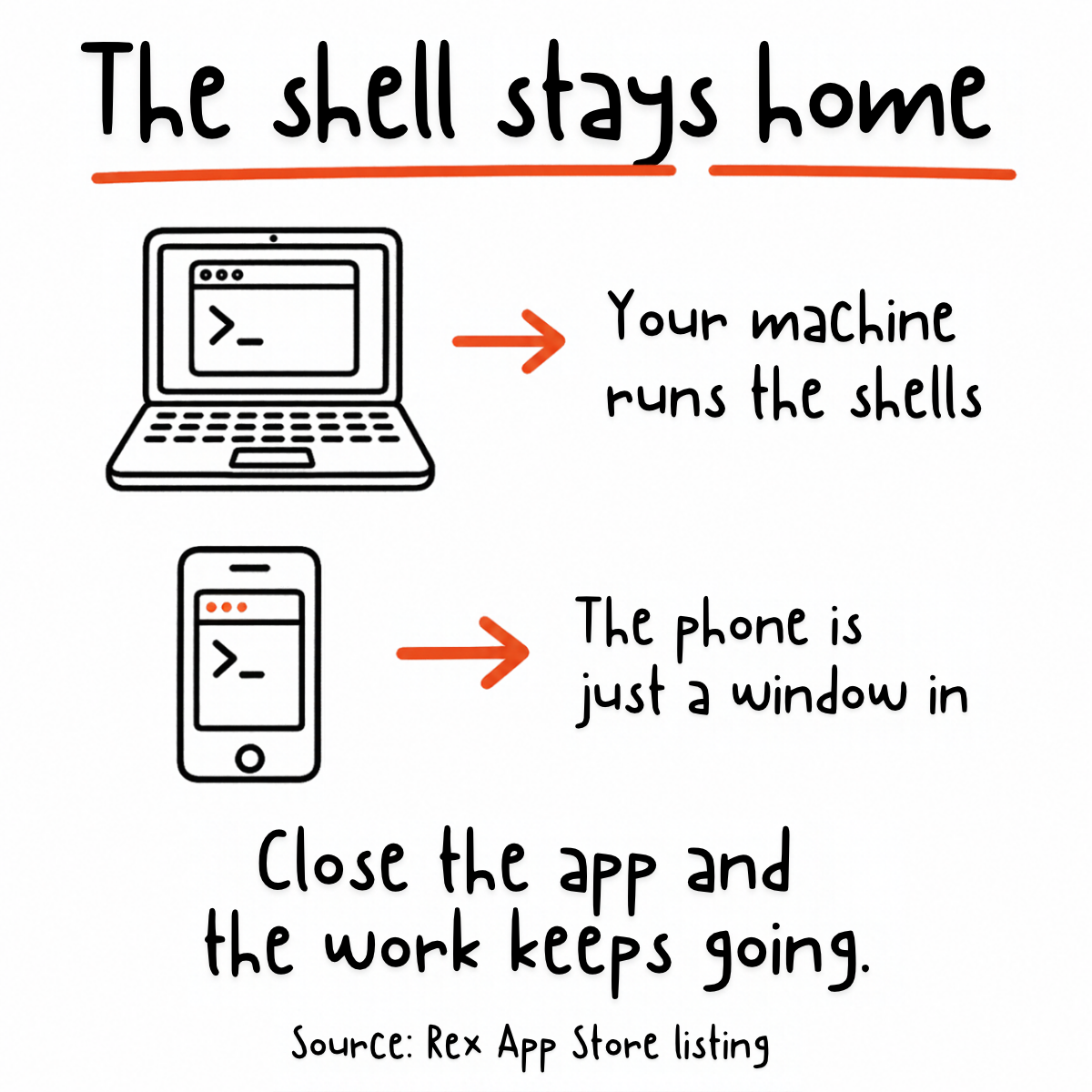
The listing already shows two builds, 0.1.0 and 0.1.1. The newer one adds a tab overview on iPhone, where tapping the tab header or pinching shows a preview tile for each tab. Touch and hold a file path or link in the terminal and a Download action fetches the file from the host and opens it in Quick Look, where you can save or share it. A theme editor can create, duplicate, edit and delete themes, and import a Ghostty theme. Insert Photo and Insert File commands upload to the host and type the path into the terminal.
Terminal output and images are now compressed over the built-in Tailscale connection and over ssh://, so they use less data on slow networks. One fix is for Claude Code users: an image sent with text from the composer now arrives in the same message as the text, not after it. There are also six Home Screen icons to pick from, named Rexie, Bright, Twilight, Vibe, Shell and Spookie.
The server is still the product
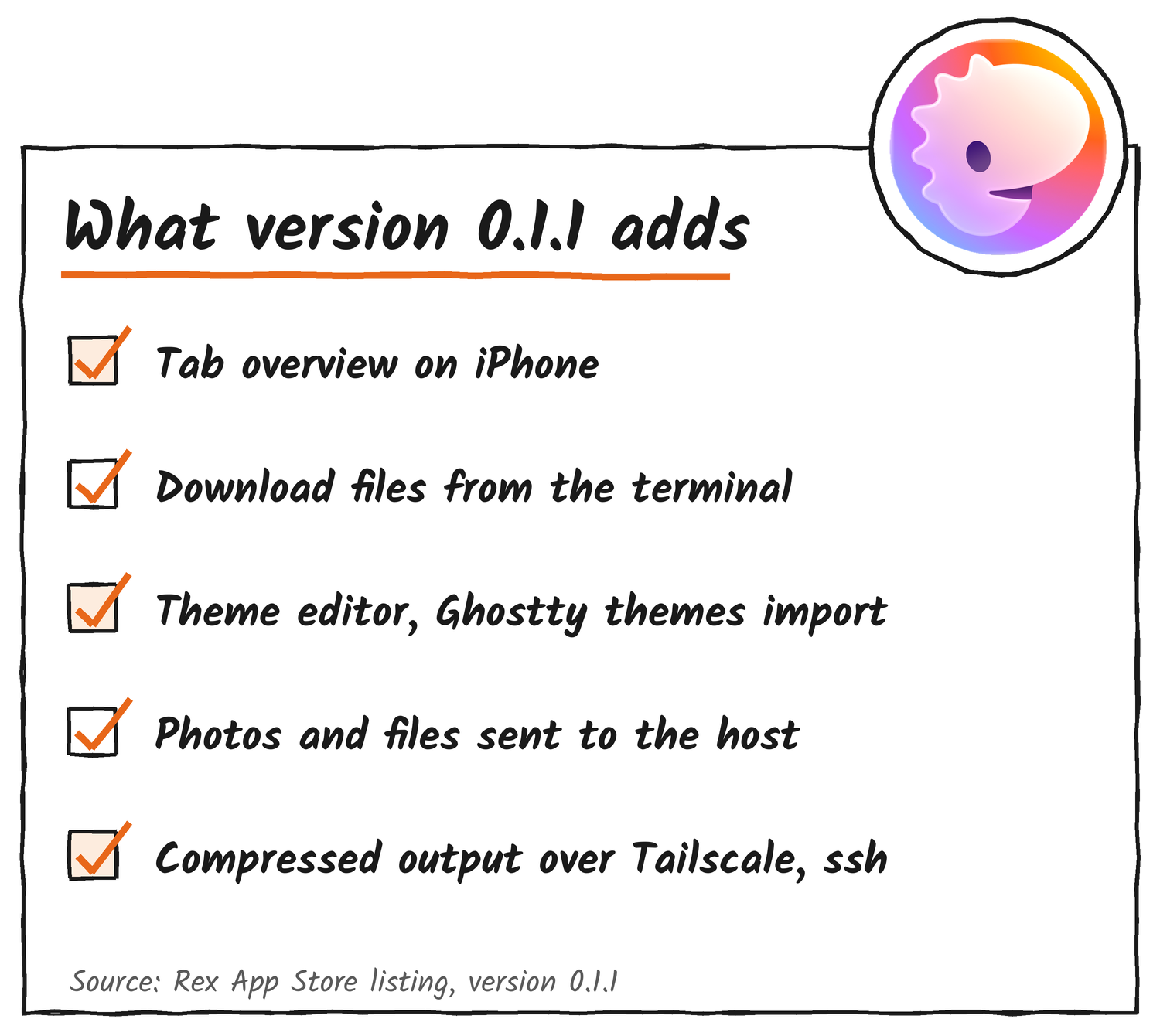
A phone client with nothing to connect to is just a startup animation, so the connection options matter more than the app’s features. A Rex server listens only on a local socket by default. To reach it from a phone you either use SSH or add a network listener. Superlogical’s remote access docs list six options and recommend SSH, which uses the keys you already have and leaves sshd as the only thing listening on the network. Built-in Tailscale, Tailscale Serve and a tailnet address also identify who is connecting. Plain HTTP and any other VPN only work with --allow-anonymous, and the docs say every connection then has full access.
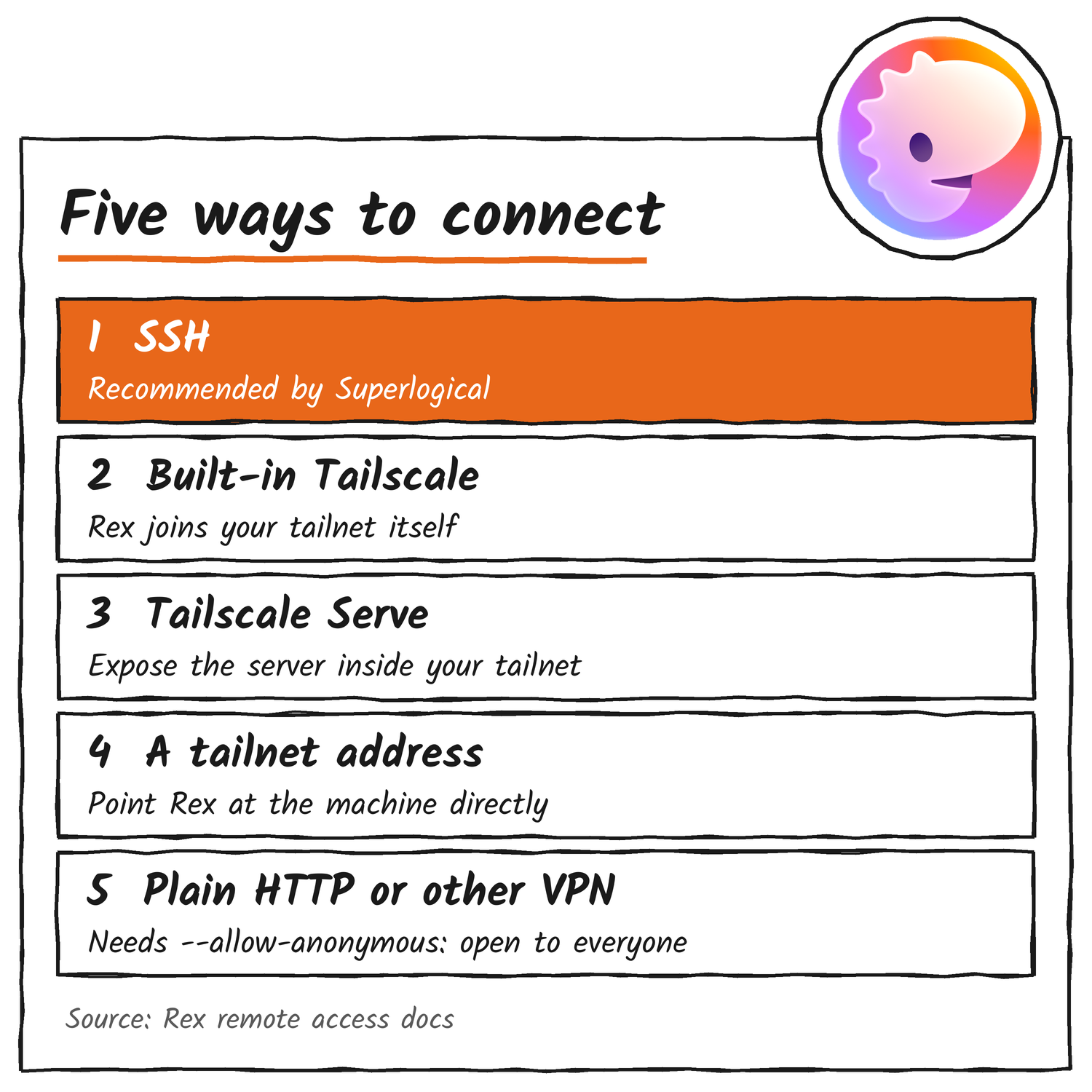
The reason is stated plainly in the docs: Rex trusts a caller based only on how they connect today, so it can’t check who someone is unless the network tells it. A full authentication and authorization system is planned, including support for existing SSH keys, and the docs call the current setup a short-term limitation.
A connection to a server can do anything that server can, including starting programs as its account.
Rex remote access docs
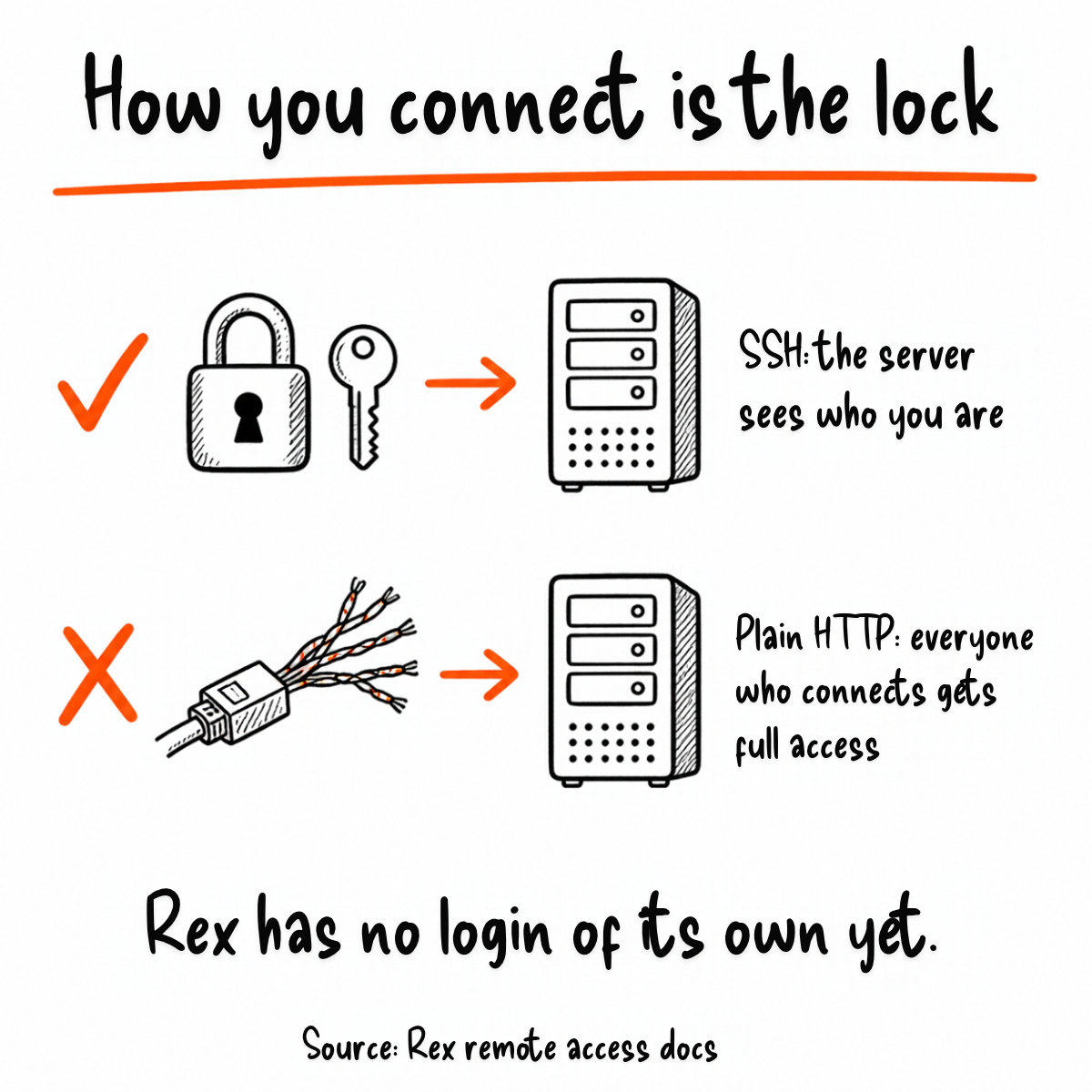
My read: a phone makes the anonymous options more tempting, because it moves between home wifi, mobile data and public networks, and the docs allow them only on a network you completely control. The four options that identify callers are the sensible ones. The deep dive has the detail on each.
What the listing doesn’t settle
General SSH clients on iOS, such as Blink Shell and Termius, connect to servers you already run. Rex wants its own server at the other end, and in return the listing promises that your desktop layout stays as you left it and that a pane can move between devices. I haven’t tested the app, so I can’t say how it feels next to those.
The listing shows the app as free, and says nothing about paid plans. It requires iOS 26.0 or later and is 157.4 MB. It hasn’t received enough ratings to show a score, and on 27 November, New Zealand time, it sat at No. 8 in Developer Tools. The developer’s privacy label says no data is collected, and Apple notes it hasn’t verified that. The server side is documented separately: by default the server and the rex command make no outbound connections, and built-in Tailscale stays off until you switch it on.
What to watch is the listing’s version history and Rex’s remote access docs. Hashimoto’s guess is that a wider release is near, and the planned authentication system is the change that would make a phone-first setup easier to recommend.
Discover more from Sulat AI & Tech News
Subscribe to get the latest posts sent to your email.