OpenAI says a single ChatGPT dot can now keep several of a user’s local computers connected and choose which machine runs each task. OpenAI’s example: the agent builds and tests an app on a dedicated machine while the developer keeps coding on a laptop.
The same wording appears in an OpenAI Developer Community announcement posted under the Dots category on 9 November 2026. OpenAI’s product docs already describe connecting more than one computer and telling a dot which one to use for a task.
The claims below are OpenAI’s. Sulat hasn’t independently connected multiple machines to a dot or measured how the handoff behaves in practice.
What a dot is connecting to
OpenAI describes a dot as an always-on agent that lives in the cloud with its own computer and browser. It can keep working when a user’s devices are off. Connecting a personal computer is optional: it makes that machine’s local files, code and apps available for the dot’s work.
According to Connect computers and apps to your dot, the setup on each machine is:
- Open the dot’s profile in the ChatGPT app on that computer.
- Under Computers, find the computer you’re using and select Allow.
- Review the confirmation and select Allow access.
To connect another computer, repeat those steps in the ChatGPT app on that computer. The docs say the cloud computer stays connected. Access to a connected computer applies wherever you message the same dot, including from a phone.
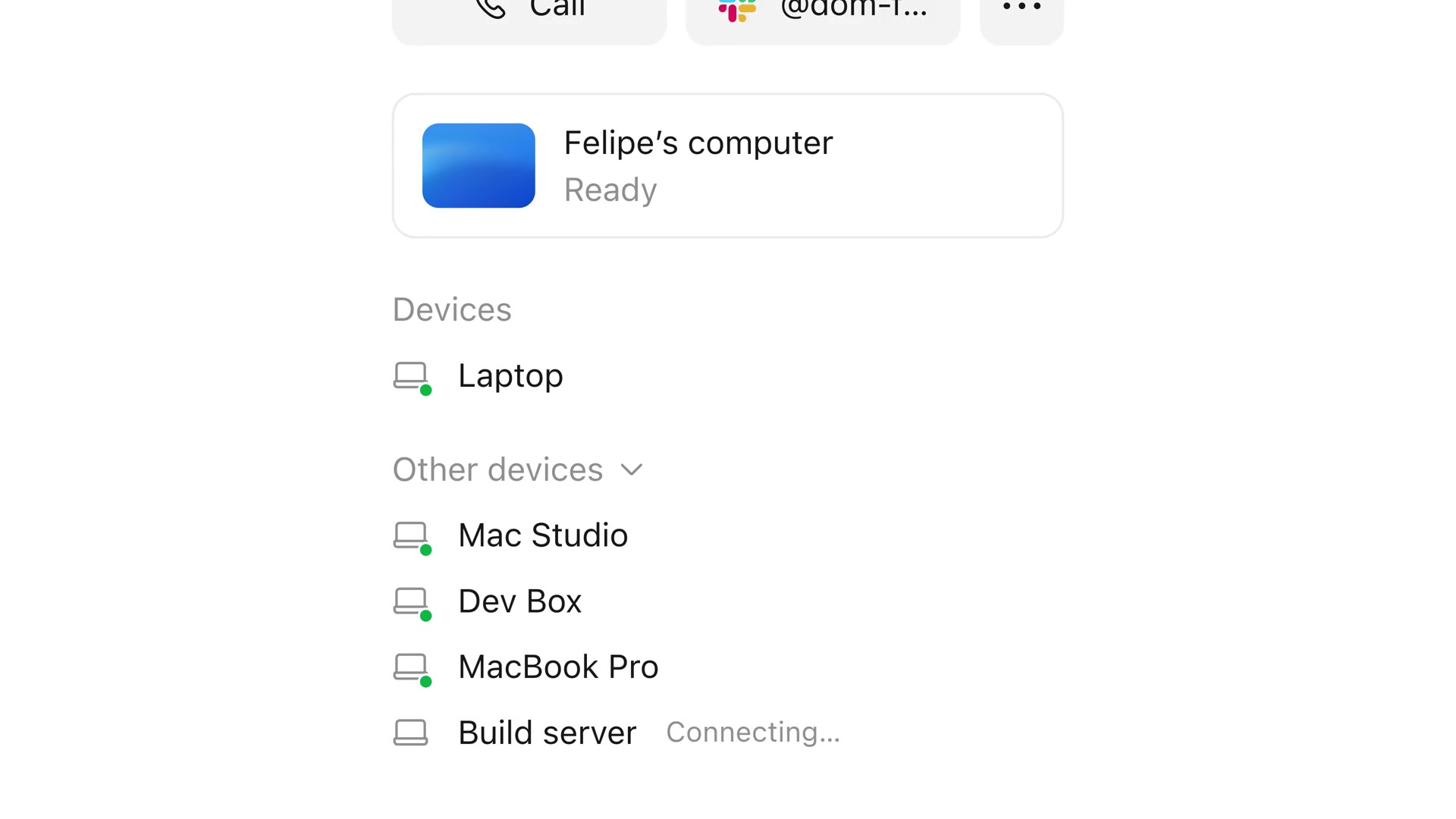
Permission boundary: OpenAI says a dot’s local-computer permission is separate from connecting a computer to Codex or enabling Work Sync. Neither connection alone gives the dot access. An Offline status means the computer is unavailable; it doesn’t revoke the connection. Select Revoke access to remove access.
One thread, one computer
The docs say to ask your dot to start a separate thread on each computer for independent tasks. Each thread uses one computer at a time. Parallel work across machines therefore means separate threads.
Tasks and memory adds that a dot can create new local Work or Codex tasks on a connected computer, continue existing local Codex tasks, or create cloud coding tasks in a Codex cloud environment you’ve already set up. Changing your dot’s selected computer doesn’t move an existing task to that computer. For local tasks, keep that computer online with the ChatGPT app open.
Changing your dot’s selected computer doesn’t move an existing task to that computer.
If a website blocks the cloud browser, OpenAI says you can ask the dot to try your connected computer. This may create a separate local task. It doesn’t transfer the cloud browser’s session or guarantee that a particular local browser is supported.
What OpenAI says to try
In a follow-up post, OpenAI Developers listed three developer-facing examples:
- Ask the dot to test an iOS change in Xcode on a second Mac and send screenshots of how it looks.
- Ask the dot to run the same test on your laptop and on a machine with an older SDK, then compare the two results.
- Have the dot click through a UI flow on a second computer and capture where things break, keeping your own screen and cursor free.
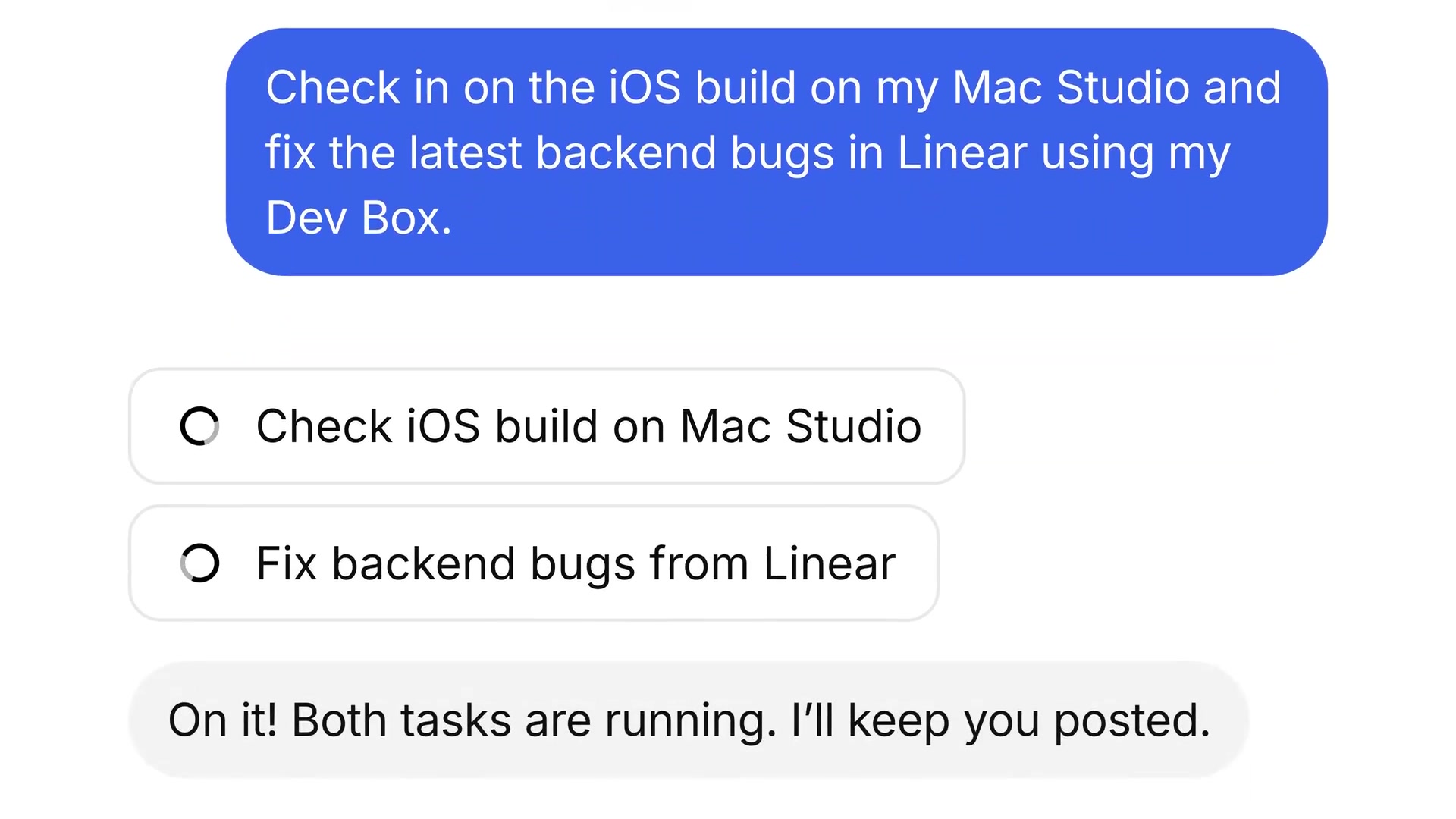
Those examples are OpenAI’s demonstrations. Sulat hasn’t reproduced the Xcode, older-SDK or UI click-through workflows.
Staff notes around the rollout
Samir, who works on dots and ChatGPT at OpenAI, wrote that the company had rolled out the ability to connect multiple computers to a dot. He described it as part of a wider set of improvements for how dots interact with desktop Codex.
Nick Baumann, also at OpenAI, suggested instructing a dot when to use different machines. His example: the cloud computer for docs updates, and a local computer for rendering videos.
Who can use dots
OpenAI’s Access section says dots are rolling out gradually to eligible Pro and Business Premium accounts:
- Pro 100, Pro 200 and Pro 500: for users aged 18 and older outside the European Economic Area, United Kingdom and Switzerland.
- Business Premium: available in supported ChatGPT regions, subject to workspace eligibility.
- Enterprise, Edu and Healthcare: generally available in eligible workspaces. Workspaces with UAE data or inference residency are ineligible. During the admin preview, an admin can enable access for a role. Starting 18 November 2026, access is on by default unless the workspace opts out.
For Pro and Business Premium, OpenAI says conversations with a dot don’t count toward ChatGPT usage limits. Tasks the dot starts or manages in Work or Codex still count toward those products’ usage limits as usual.
What remains OpenAI’s word
There’s no public independent test yet of multi-machine reliability, latency, or what happens when a selected computer drops offline mid-task. The company also hasn’t documented per-machine permission tiers beyond Allow access and Revoke access. Related Developer Community threads show earlier requests for multi-computer support; those threads don’t replace the official docs for how the shipped behaviour works.
Discover more from Sulat AI & Tech News
Subscribe to get the latest posts sent to your email.