Suno has launched Visuals, a tool inside its app that turns a song into video clips of up to 15 seconds and joins them into longer videos. Suno announced it on 17 November in the US, which was 18 November in New Zealand, and says it’s live on web, iOS and Android. It runs on H3 Move, a model Suno built from MiniMax’s H3, and it’s paid for with its own Visual credits rather than song credits.
Chief product officer Jack Brody wrote in the launch post that video was “slow and too expensive for anyone to create but enterprises” until a new generation of models arrived. Suno says clips follow a song’s structure, pick up its lyrics and lip sync to them.
What Visuals makes
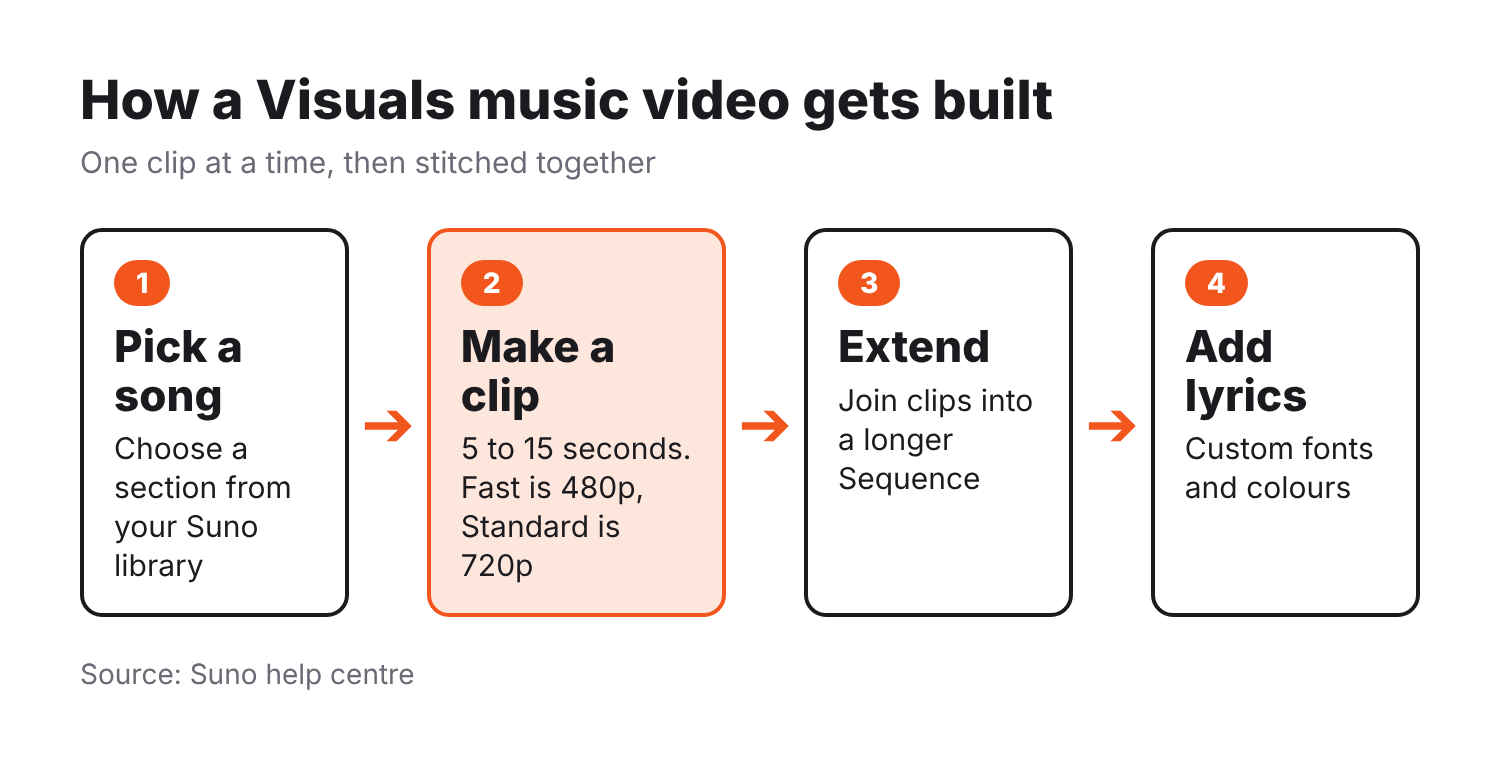
You can drag a song from your library into the Visuals tab, or open a song’s action menu and pick Create Visual, then Video Clip. From there Suno’s help centre lists the controls: add a section of a song or upload audio, add a character from your library or an uploaded image, set start and end frames, and add reference images that you call in your prompt with an @ tag.
Under More Options you can switch lip sync on, set a clip length from 5 to 15 seconds, and pick an aspect ratio of 9:16, 1:1, 16:9, 4:3 or 3:4. There are two video modes. Fast renders at 480p for quick drafts, and Standard renders at 720p. A third mode, Max, is for images only.
Longer videos are called Sequences. You build one in the Visuals Editor by extending and combining clips, and you can add on-screen lyrics with your own fonts and colours. Visuals also makes images, such as song covers and variations of art you’ve already made, and everything lands in a Visuals library where you can download or share it.
What it costs
Visual credits cover videos and images and are a separate wallet from song credits. Suno’s help centre says the cost of each Visual depends on duration and quality, and that Fast costs fewer credits than Standard. It doesn’t list a per-clip number. The credit packs are sold on Suno’s Visuals pricing page, which doesn’t show prices to logged-out visitors, so I’m not quoting them. Suno says purchased credits never expire.
Pro and Premier subscribers get a limited number of Visual credits to try the tool for a limited time. Billboard reports that free accounts can make one five-second video before they hit the credit limit.
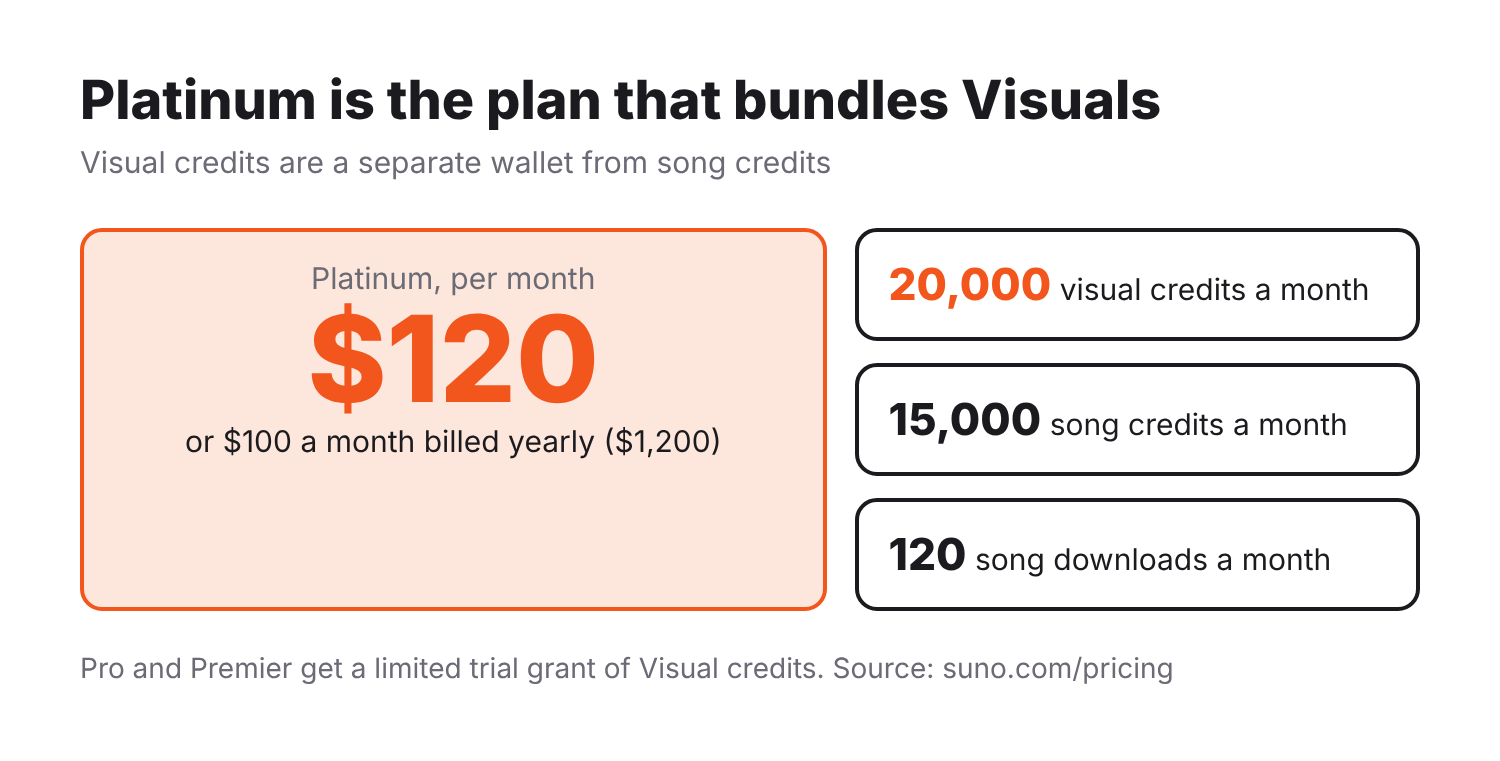
Suno also added a top plan called Platinum. It costs $120 a month, or $100 a month on yearly billing, which is $1,200 a year. It includes everything in Premier, plus 15,000 song credits a month (Premier has 10,000), 120 song downloads (Premier has 60) and 20,000 Visual credits a month. Suno’s help centre says Platinum is on sale on the web only for now. Prices are on Suno’s pricing page.
The model underneath
Suno’s FAQ names the model: H3 Move, “based on H3 from MiniMax.” Suno says it optimised the model for its community and added extra protections and safeguards. MiniMax launched H3 on 31 July, and Music Business Worldwide reports it makes video up to 2K resolution and up to 15 seconds long. Suno’s pages don’t say what H3 Move was trained on.
Music Business Worldwide also notes that Suno is still being sued for copyright infringement by two of the three major labels, and that MiniMax faces a copyright lawsuit from three Hollywood studios.
The guardrails
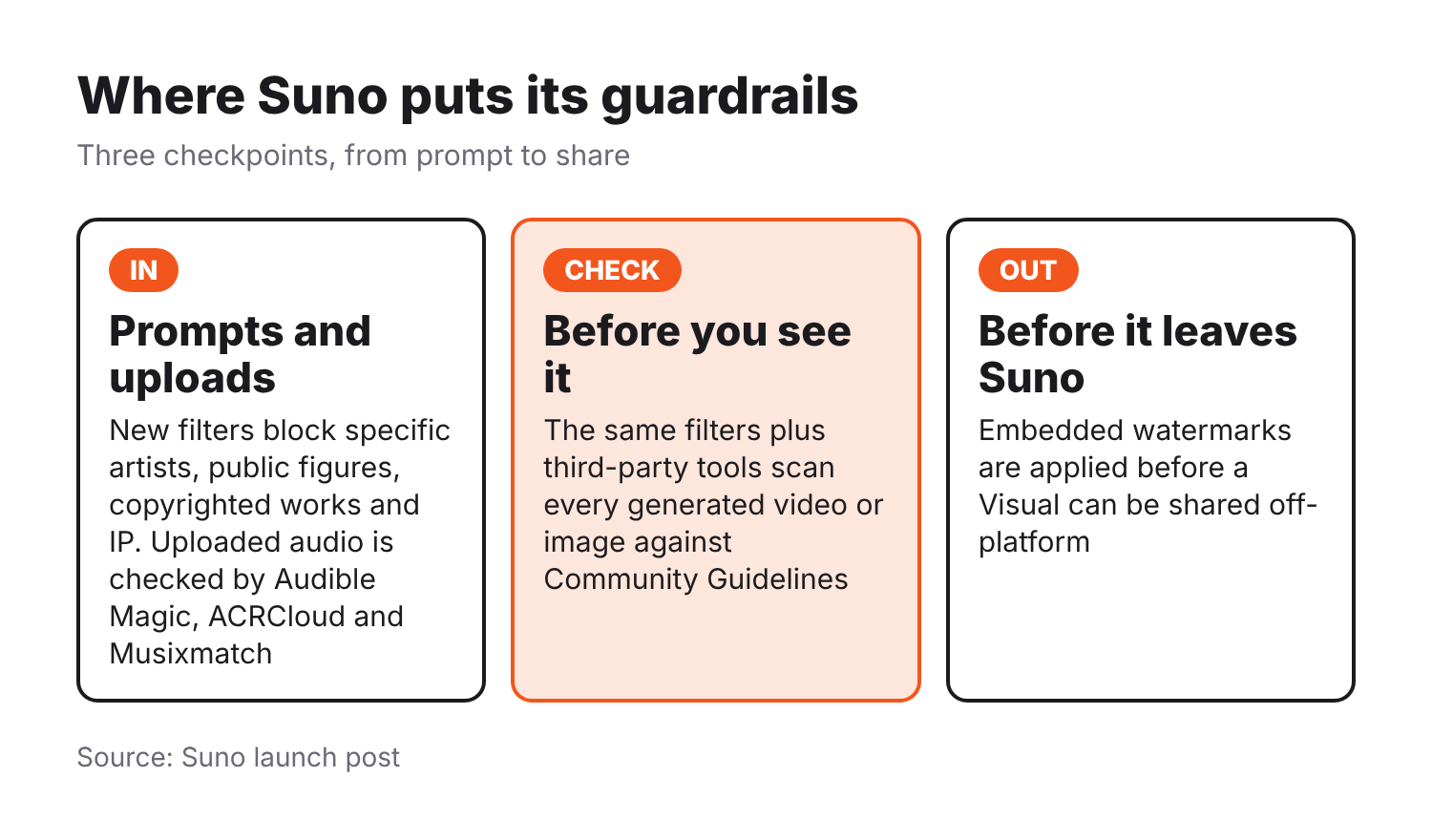
Suno says Visuals ships with new text and visual filters that block uploads and prompts trying to show specific artists, public figures, copyrighted works and IP. The Next Web reports the filters target likenesses of artists, public figures and copyrighted characters. Suno’s own line is that “prompts that work on other video platforms may not work on Suno and that’s by design.”
The same filters, plus third-party tools, check each generated video or image against Community Guidelines before it’s shown to you. Suno says it continues to work with Audible Magic, ACRCloud and Musixmatch to block uploads that contain copyrighted audio, and that it applies embedded watermarks to Visuals before they can be shared off-platform. The first time someone uploads a video or image for Visuals, Suno reminds them to confirm they have the rights to it. Misuse can lead to removed content, restricted accounts or, in the most severe cases, termination.
Discover more from Sulat AI & Tech News
Subscribe to get the latest posts sent to your email.