Sulat.com / Writing on AIFriday, November 20, 2026
Agents/20 November 2026

Grok Bot now has Google Ads and Google Analytics connectors, Akshaya says

Akshaya says Grok Bot now has official connectors for Google Ads and Google Analytics. Her screenshot shows a Connect button for each and a note that the Bot always asks before making changes.

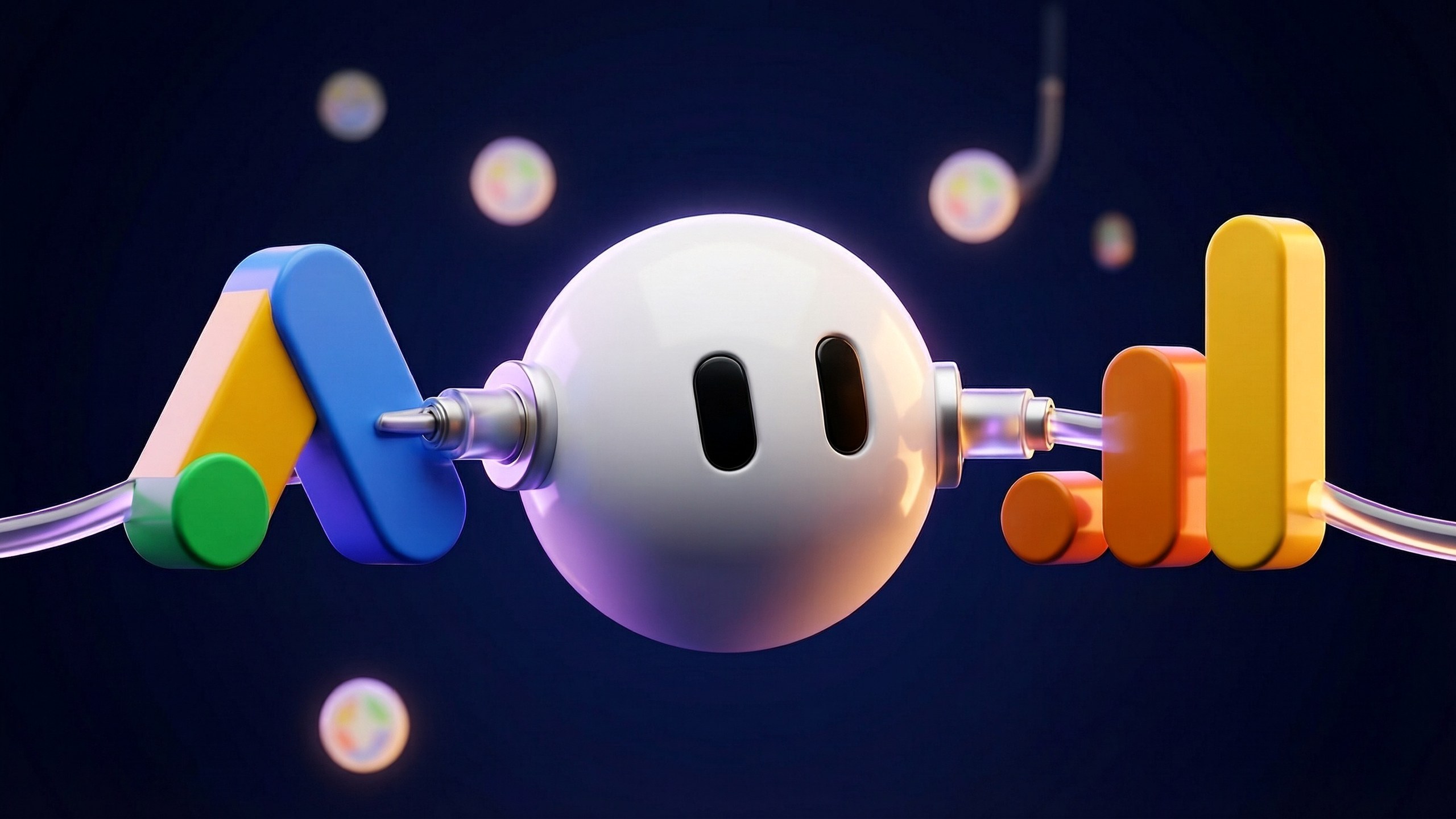
A glossy white 3D Grok Bot sphere in the centre, joined by cables to a 3D Google Ads logo on the left and a 3D Google Analytics logo on the right, against a dark navy background.

At a glance

  • Akshaya, who works in product at Grok Bot, says Grok Bot now has official connectors for Google Ads and Google Analytics, in addition to Google Search Console.
  • The screenshot in the post shows a Connect card for each product, with a blue tick beside the name and the line "Grok Bot always asks before making changes. Disconnect at any time."
  • Grok Bot's docs say a connected app can do only what the authorised Google account can do, and that sign-in tokens stay on Cursor's connector backend instead of the Bot's computer.
  • Company Google accounts can block the sign-in until an admin sets Grok to Trusted. The docs' admin steps name Gmail, Calendar, Drive, Docs, Sheets, Slides and BigQuery, but not Google Ads or Google Analytics.
  • Grok Bot's changelog for 27 October says the Bot already offered a Google Ads connector on Google Ads sign-in pages, so an Ads connector predates the post.

Akshaya, who works in product at Grok Bot, says Grok Bot now has official connectors for Google Ads and Google Analytics, “in addition to Google Search Console”. The post went up on 20 November NZ time and includes a screenshot of two Connect cards.
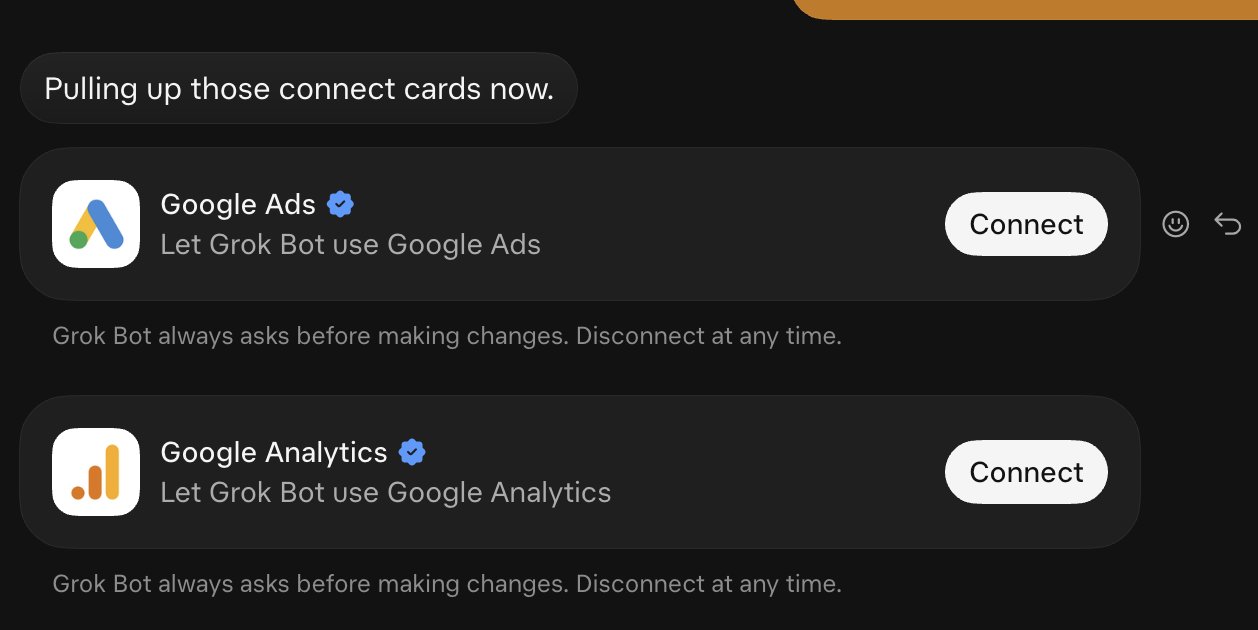
Screenshot from Akshaya's post: a Grok Bot chat with Connect cards for Google Ads and Google Analytics, each with a blue tick and the note that Grok Bot always asks before making changes.
The screenshot in Akshaya’s post shows a Connect card for each Google product.

In the screenshot the Bot says “Pulling up those connect cards now.” Google Ads and Google Analytics each get a card with a blue tick beside the name, a line reading “Let Grok Bot use” the product, and a Connect button. A note under each card reads “Grok Bot always asks before making changes. Disconnect at any time.”
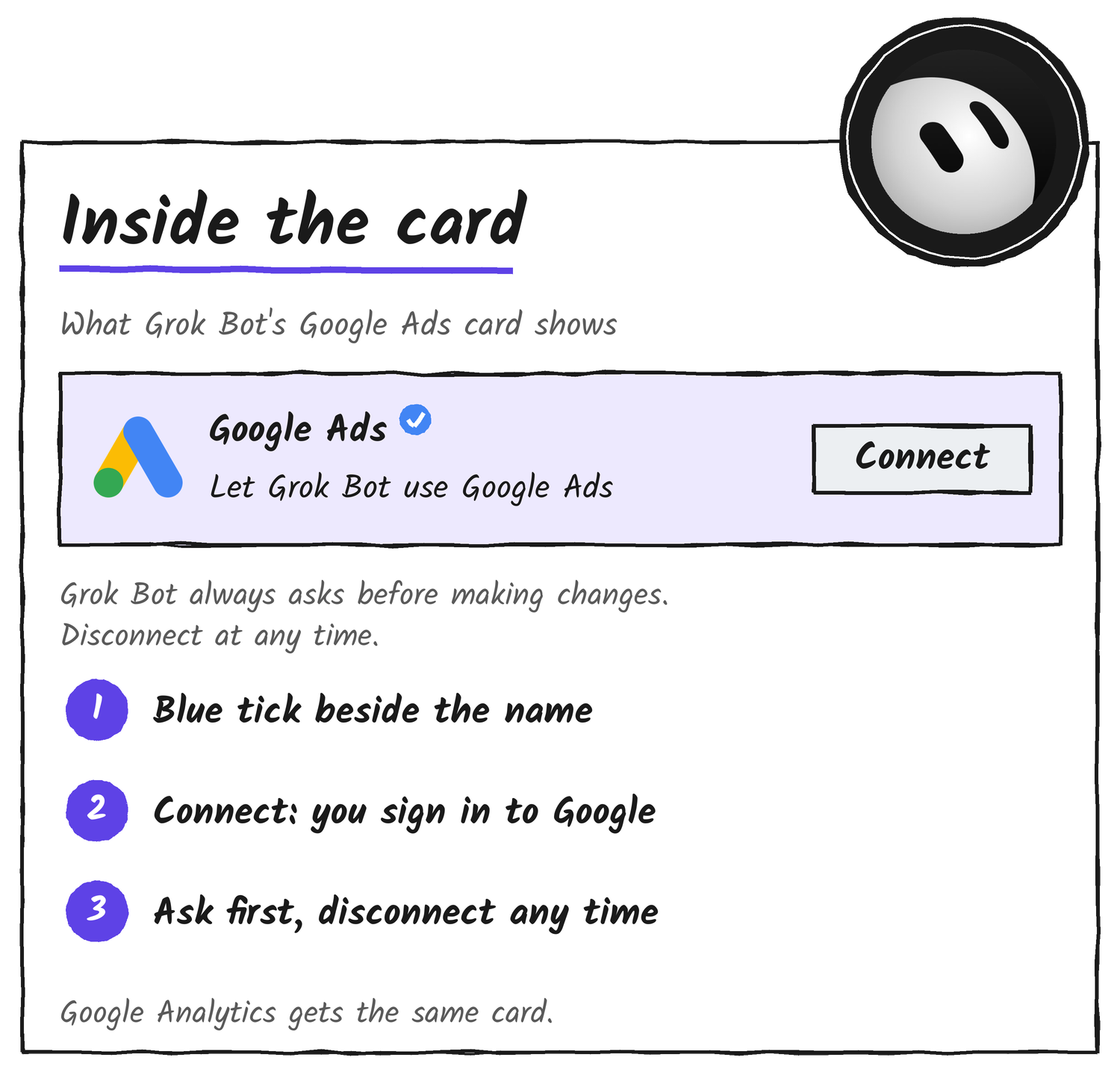
Hand-drawn Google Ads Connect card with a blue tick, a Connect button and an ask-first note, labelled with three numbered notes.
Each card pairs a Connect button with a promise that the Bot asks before making changes.

How connecting works

Grok Bot’s docs call connectors apps. You add one from Connect apps in the sidebar, or by pressing a Connect card in chat, then finish the provider’s sign-in in your browser and check that the app appears under Installed. Typing @ in a chat attaches it to a task, and a connected app is available to every Bot on the account.
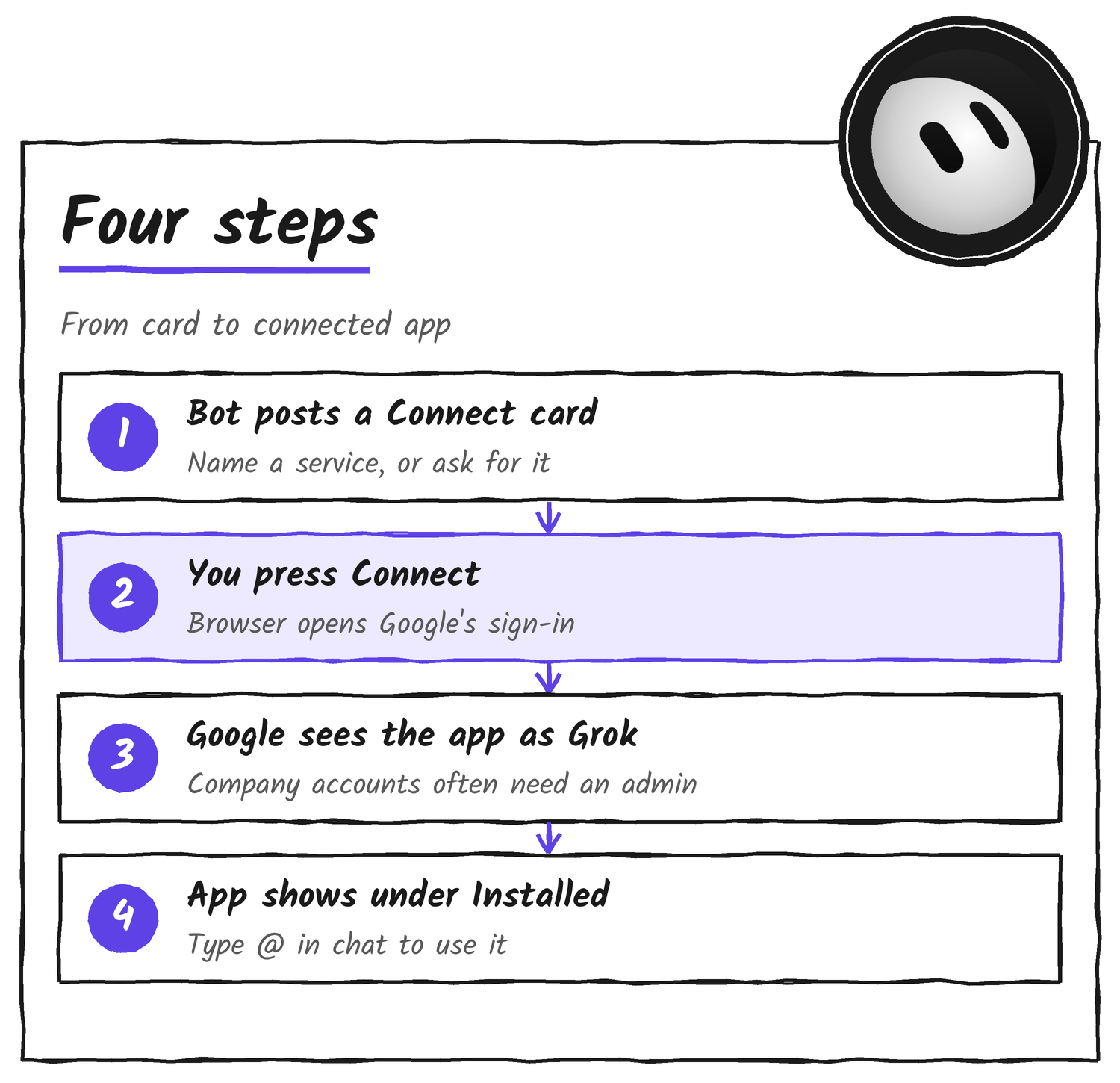
Hand-drawn four-step list: Bot posts a Connect card, you press Connect, Google sees the app as Grok, the app shows under Installed.
Connecting takes one press of Connect and a Google sign-in in your browser.

The docs say an app can do only what the account you authorise can already do in that service, and that it can’t raise your access. Sign-in tokens sit on Cursor’s connector backend, and the Bot calls tools without receiving them.
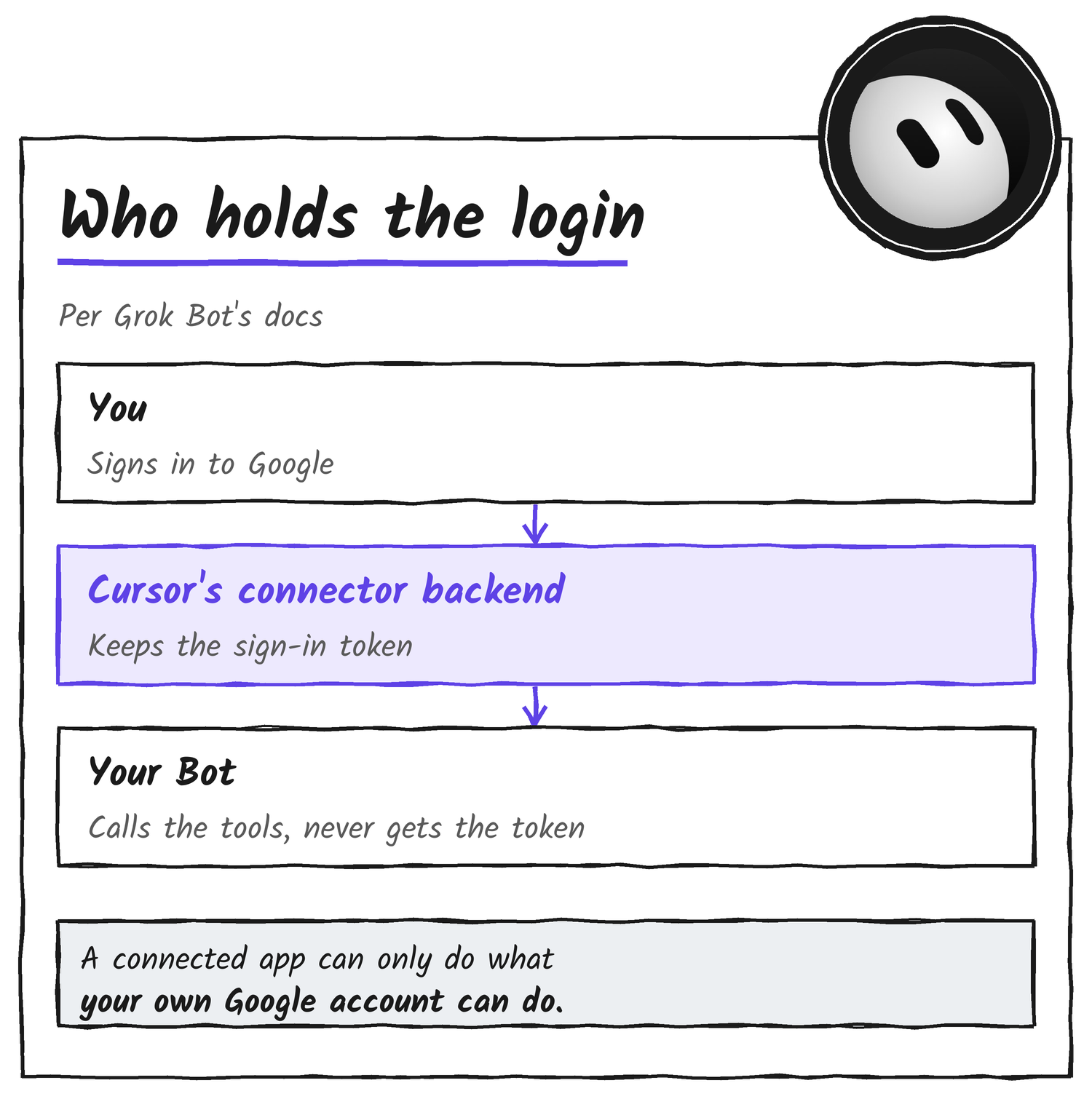
Hand-drawn stack: you sign in to Google, Cursor's connector backend keeps the token, your Bot calls the tools without it, and an app can do only what your account can.
The Bot never gets your Google sign-in token, and a connected app can’t do more than your account can.

If your Google account belongs to a company

Grok Bot signs in to Google as Grok, not Cursor. When a company Workspace hasn’t approved it, Google’s page tells you an admin needs to review Grok. An IT admin fixes that in the Google Admin console by opening Security, then Access and data control, then API controls, then App access control, and setting Grok to Trusted. The steps in the docs name Gmail, Calendar, Drive, Docs, Sheets, Slides and BigQuery. They don’t name Google Ads or Google Analytics.

What the post leaves out

Grok Bot’s changelog entry for 27 October, version 0.78.1, says the Bot offers the Google Ads connector on Google Ads sign-in pages, so an Ads connector predates the post.

Google publishes its own open-source MCP servers for Google Ads and Google Analytics. Akshaya’s post doesn’t say whether Grok Bot’s connectors use them, or what the connectors can read or change beyond the note about asking first.

Earlier this month the official Grok Bot account said the Mac app can use Messages, Mail and Notes. Grok Bot is available from x.ai/bot.


Discover more from Sulat AI & Tech News

Subscribe to get the latest posts sent to your email.