
ChatGPT Space is rolling out to Plus users. OpenAI’s release notes say it starts globally for Plus subscribers aged 18 and older, and the ChatGPT account announced it on X with a short video. Plus costs US$20 a month, and until now Space was limited to Pro, Business and Enterprise.
Plus users, welcome to Space 🪐
— ChatGPT (@ChatGPT) November 20, 2026
Collaborate with others alongside ChatGPT to create interactive pages, slides, and sites. And bonus: ChatGPT can keep them updated for you.
You can now edit on mobile, and we’ve made Space smoother and more reliable.
A quick guide to getting started 👇
Space is where ChatGPT keeps your pages, slides, images and uploaded files, and it replaces Library in the sidebar. A page is an editable document you build with ChatGPT, and OpenAI says it can hold interactive content as well as text. Slides work the same way: ask ChatGPT for a presentation, then edit it with other people.
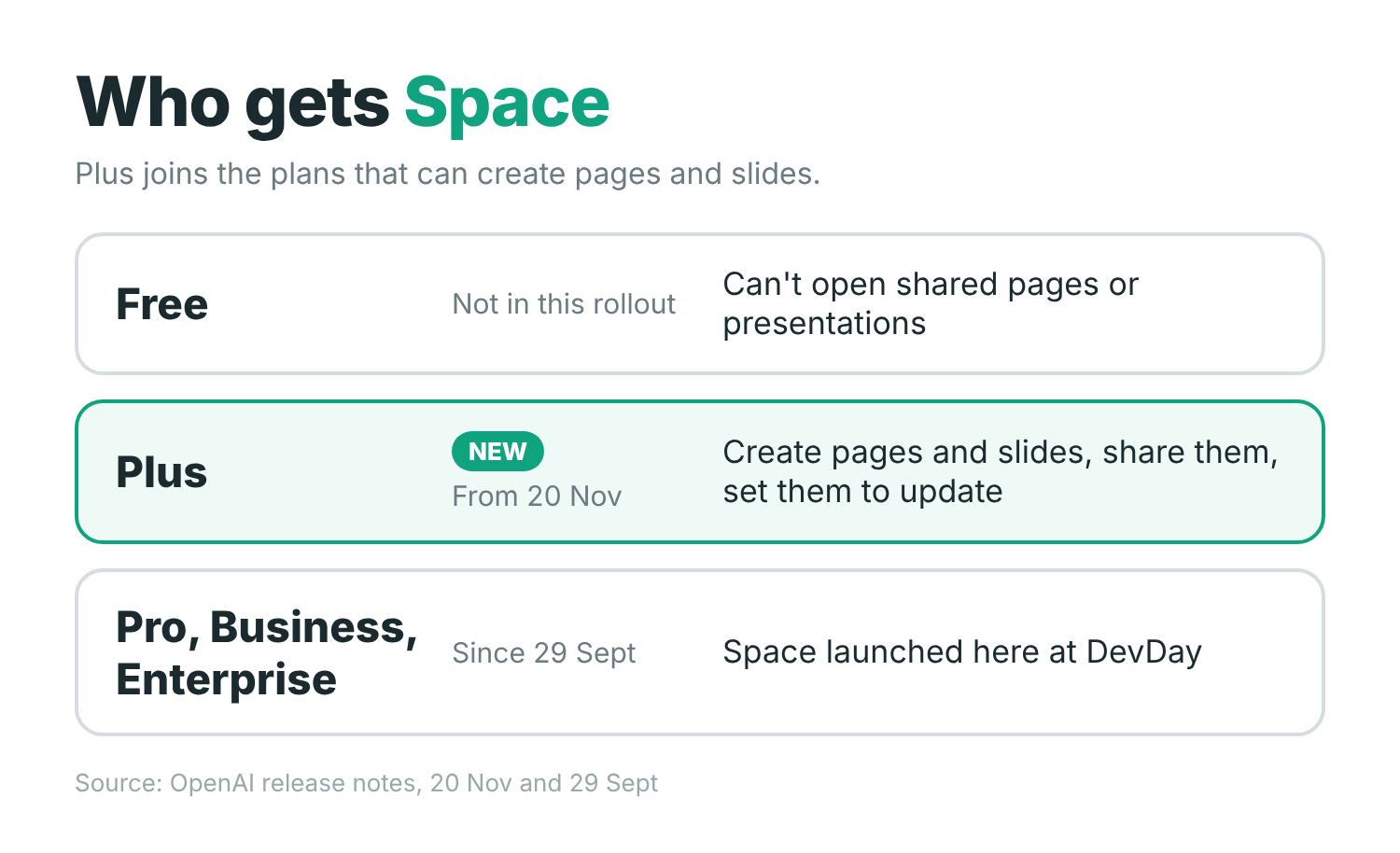
What Plus users get
You invite people who also have Space access, and anyone on a page can tag ChatGPT in a comment to ask for a change. The release notes say you can create and edit pages on the web, in the desktop app and on iOS and Android. Editing on mobile is the new part, according to the ChatGPT post, which also says Space is smoother and more reliable.
Pages that update themselves
A page or a set of slides can be set to update automatically from your connected apps and tools. OpenAI’s examples are a to-do list that updates itself, a study guide with a 3D model you can explore, and a project plan that stays current with decisions from Slack.
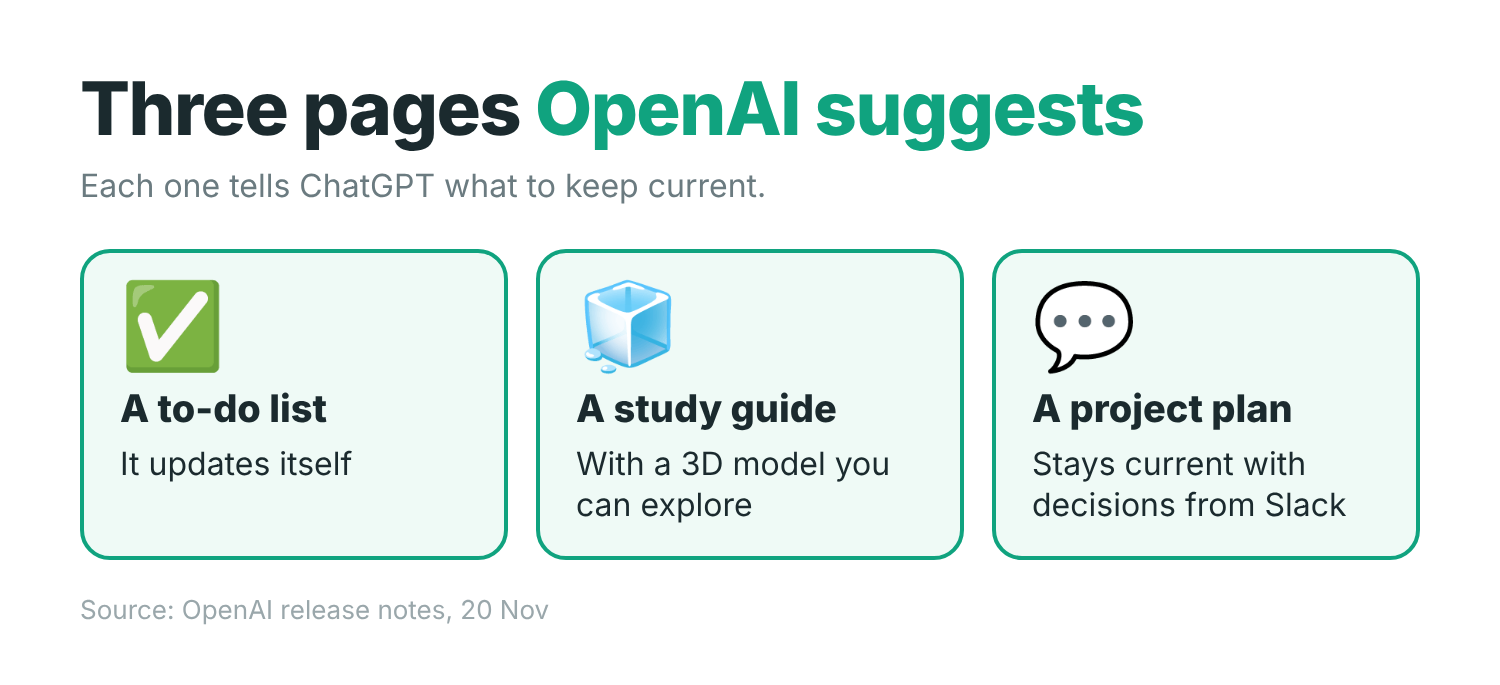
For recurring updates, OpenAI’s Space guide says to ask ChatGPT in a chat to create the scheduled task, then check the saved schedule. Writing a cadence on the page doesn’t schedule anything.
Who can open what
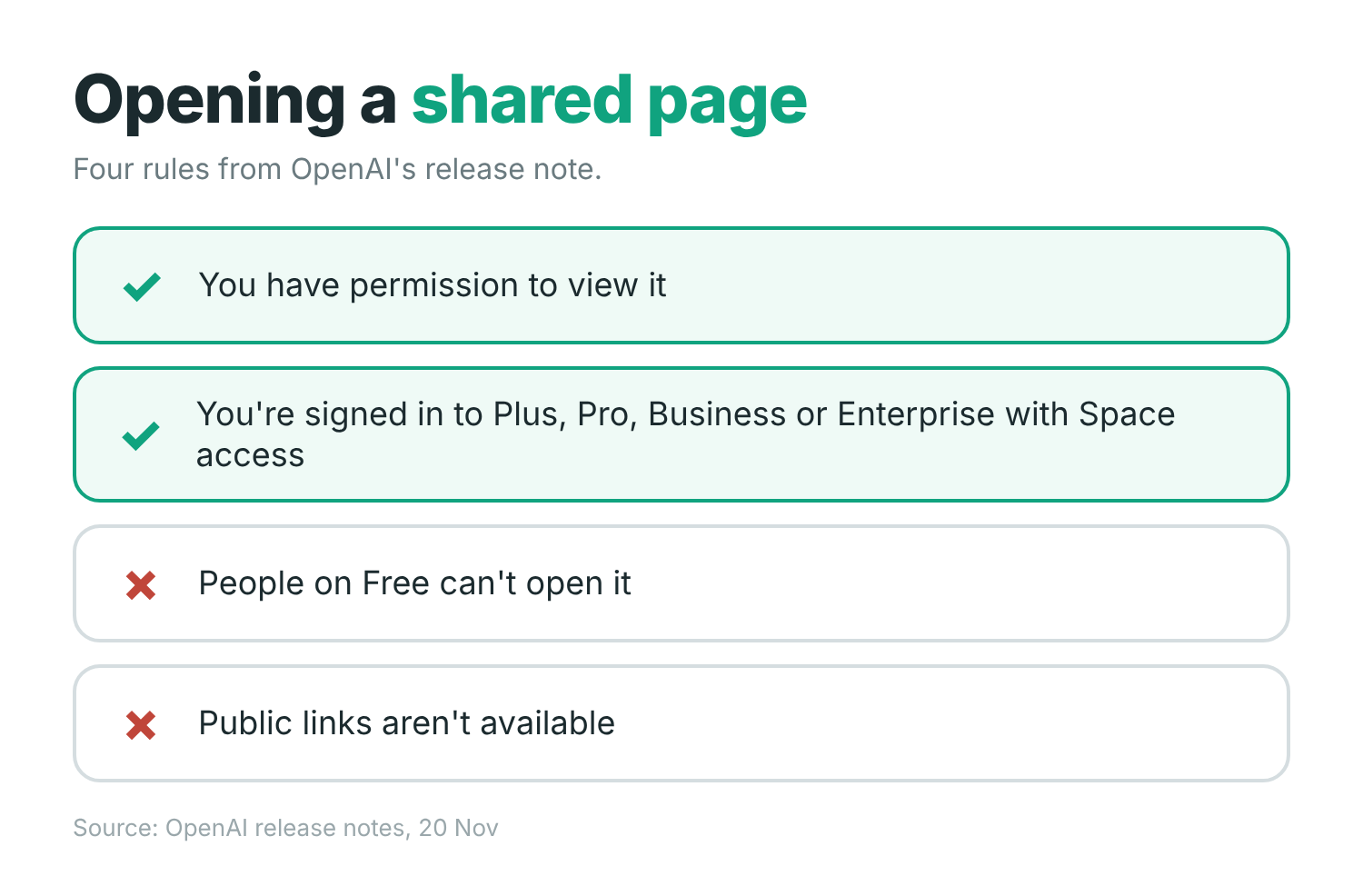
Sharing has firm limits. To open a shared page or presentation, you need permission to view it and a signed-in Plus, Pro, Business or Enterprise account with Space access. People on Free can’t open shared pages or presentations, and public links aren’t available.
If you have a dot, OpenAI’s always-on agent, you can invite it to collaborate too. Dots launched for Pro and Business Premium users, and Engadget reports that OpenAI began testing them with a select group of Plus subscribers on 19 November.
How Space got here
OpenAI introduced Space at DevDay on 29 September for Pro, Business and Enterprise users, with Pages. Collaborative Slides followed on 16 October for the same plans. The 20 November rollout brings both to Plus. To start, open Space in the sidebar, the new home for pages, slides, images and uploaded files.
Sources
- OpenAI Help Center: ChatGPT release notes
- OpenAI Help Center: Getting started with Space in ChatGPT
- ChatGPT Learn: Work with agents in Space
- ChatGPT on X: Space for Plus
- Engadget: OpenAI brings its collaborative Space hubs to Plus users
Disclosure: I’m an OpenAI, Firecrawl and Devin ambassador.
Discover more from Sulat AI & Tech News
Subscribe to get the latest posts sent to your email.