Cloudflare’s Browser Run can now return a PDF, a page’s links, scraped elements and AI-extracted JSON from its /snapshot endpoint, all from one page load. The change is in a changelog entry dated 19 November. The Cloudflare Changelog account posted it on 20 November.
What changed
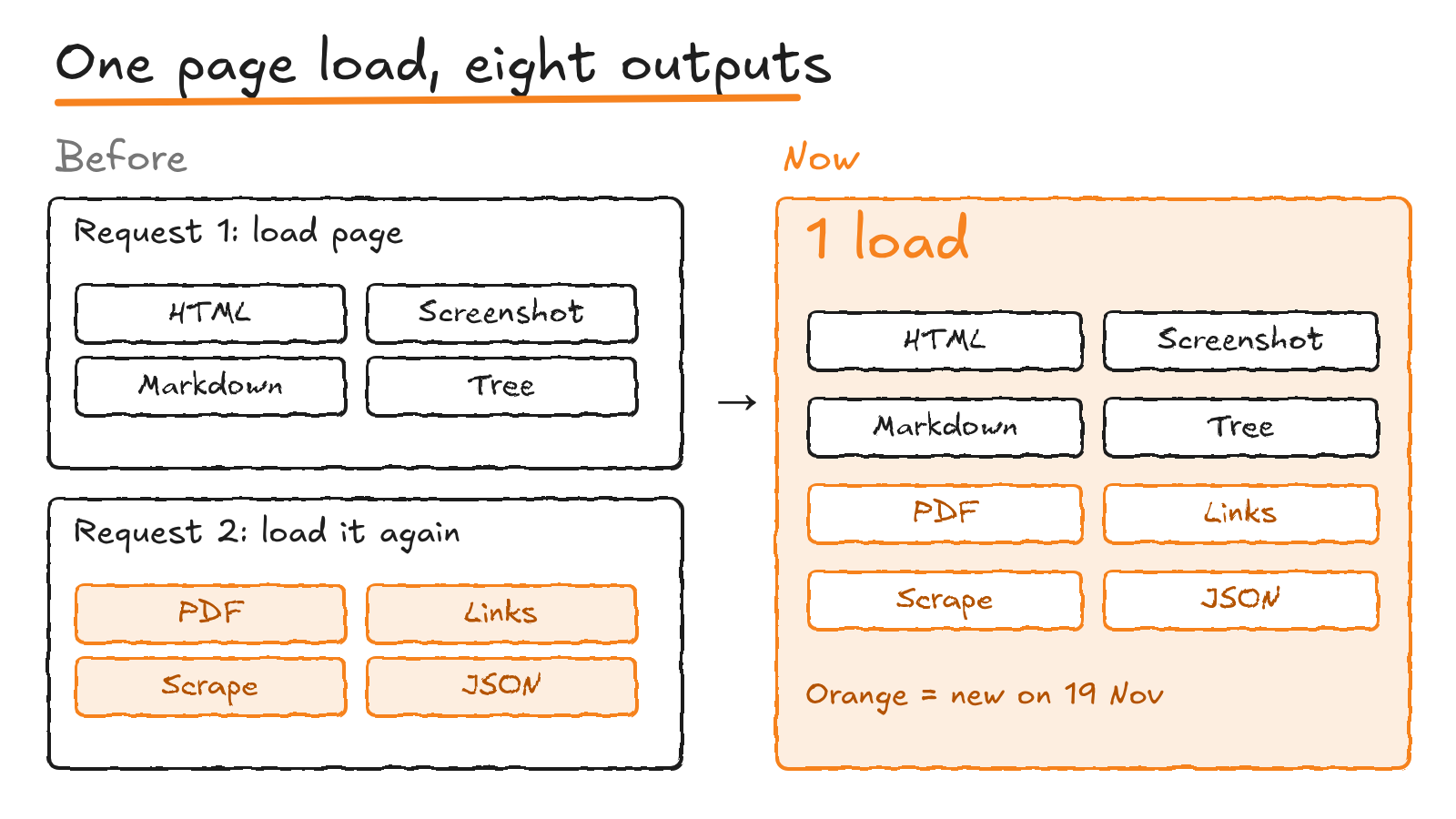
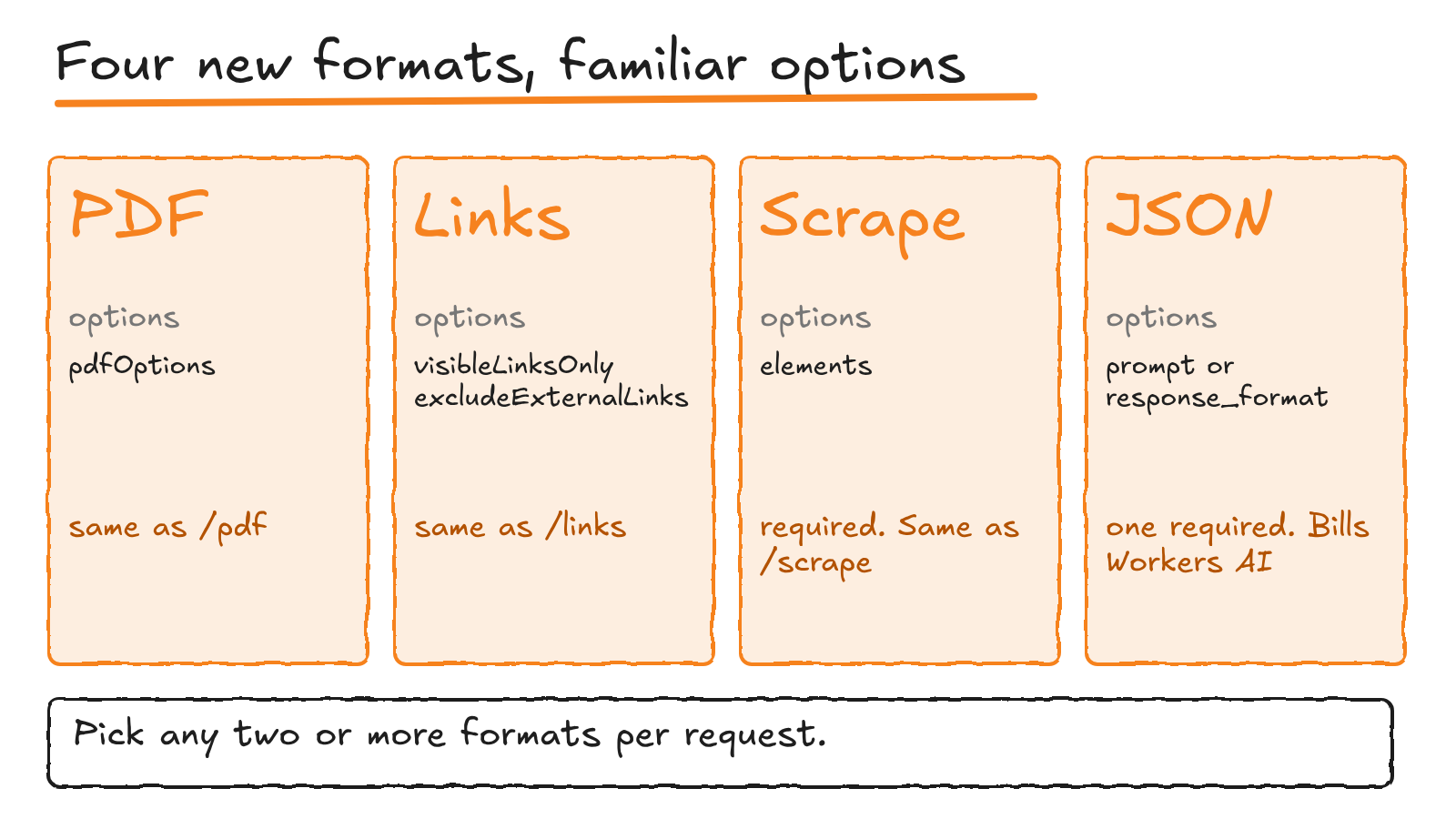
Until now, /snapshot gave you HTML, a screenshot, Markdown and the accessibility tree. If a workflow also wanted a PDF or structured data, it had to load the same page again in a second request. Four more values now work in the formats parameter: pdf, links, scrape and json. The post’s pitch is to skip the extra page loads and grab everything in one go.
What each new format takes
Each new format reuses the options of the standalone endpoint it matches.
- PDF: the same
pdfOptionsas /pdf. - Links:
visibleLinksOnlyandexcludeExternalLinks, as /links does. - Scrape: returns the elements you match with
elements, in the same payload as /scrape.elementsis required when you ask for it. - JSON: Workers AI pulls structured data out of the page HTML, using the
prompt,response_formatandcustom_aifields from /json. You need apromptor aresponse_format, and the request uses Workers AI.
Cloudflare’s own example, from a Worker, asks for a PDF, the page links and the text of each paragraph:
const response = await env.BROWSER.quickAction("snapshot", {
	url: "https://example.com/",
	formats: ["pdf", "links", "scrape"],
	elements: [{ selector: "p" }],
});

const { result } = await response.json();
console.log(result.pdf);
console.log(result.links);
How a request runs
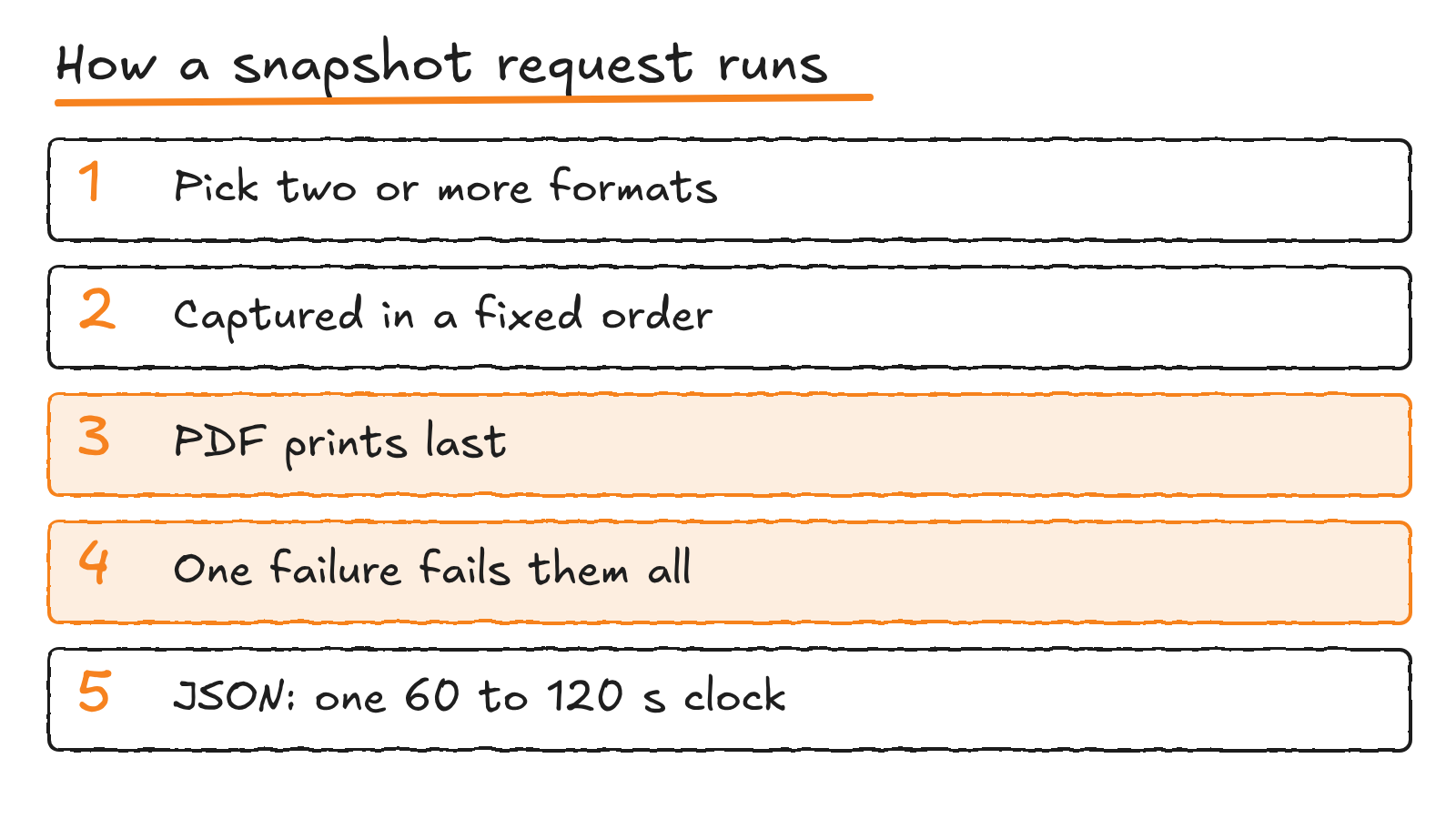
You have to ask for at least two distinct formats. If you only want one, the single-format endpoint is still the route. Cloudflare captures the formats in a fixed order, not the order of your array, and prints the PDF last because print handlers can change the page. A live page can also change between captures. If any one format fails, the whole request fails.
For JSON snapshots, a single actionTimeout covers navigation, captures, retries and the AI request. It defaults to 60 seconds and tops out at 120.
What it costs
Quick Actions are billed for browser hours only. The pricing page lists 10 minutes a day on Workers Free, and 10 hours a month on Workers Paid, then $0.09 per extra hour. A Quick Actions request that fails with a waitForTimeout error isn’t charged.
The JSON format adds a second meter, because it draws on Workers AI. The /json docs name Llama 3.3 70B Instruct as the default model. You can supply your own model and key through custom_ai instead.
How to call it
There are two routes. The REST API needs a custom API token with the Browser Run Edit permission. From a Worker, the quickAction method on the browser binding needs no token, but it wants a compatibility date of 24 March 2026 or later. Browser Run is the name Cloudflare gave Browser Rendering on 15 April.
In short
Browser Run’s /snapshot endpoint gained four formats on 19 November: pdf, links, scrape and json. They sit beside HTML, screenshot, Markdown and the accessibility tree, and one request can return any two or more of them.
The PDF prints last, one failed format fails the request, and JSON snapshots also use Workers AI.
Discover more from Sulat AI & Tech News
Subscribe to get the latest posts sent to your email.