Romain Huet, who works at OpenAI, says you can now call your dot from Apple CarPlay. Dots are OpenAI’s always-on agents in ChatGPT. Huet posted a short demo video on X on 21 November, NZ time, and told people to try it on their next drive.
What happens in the demo
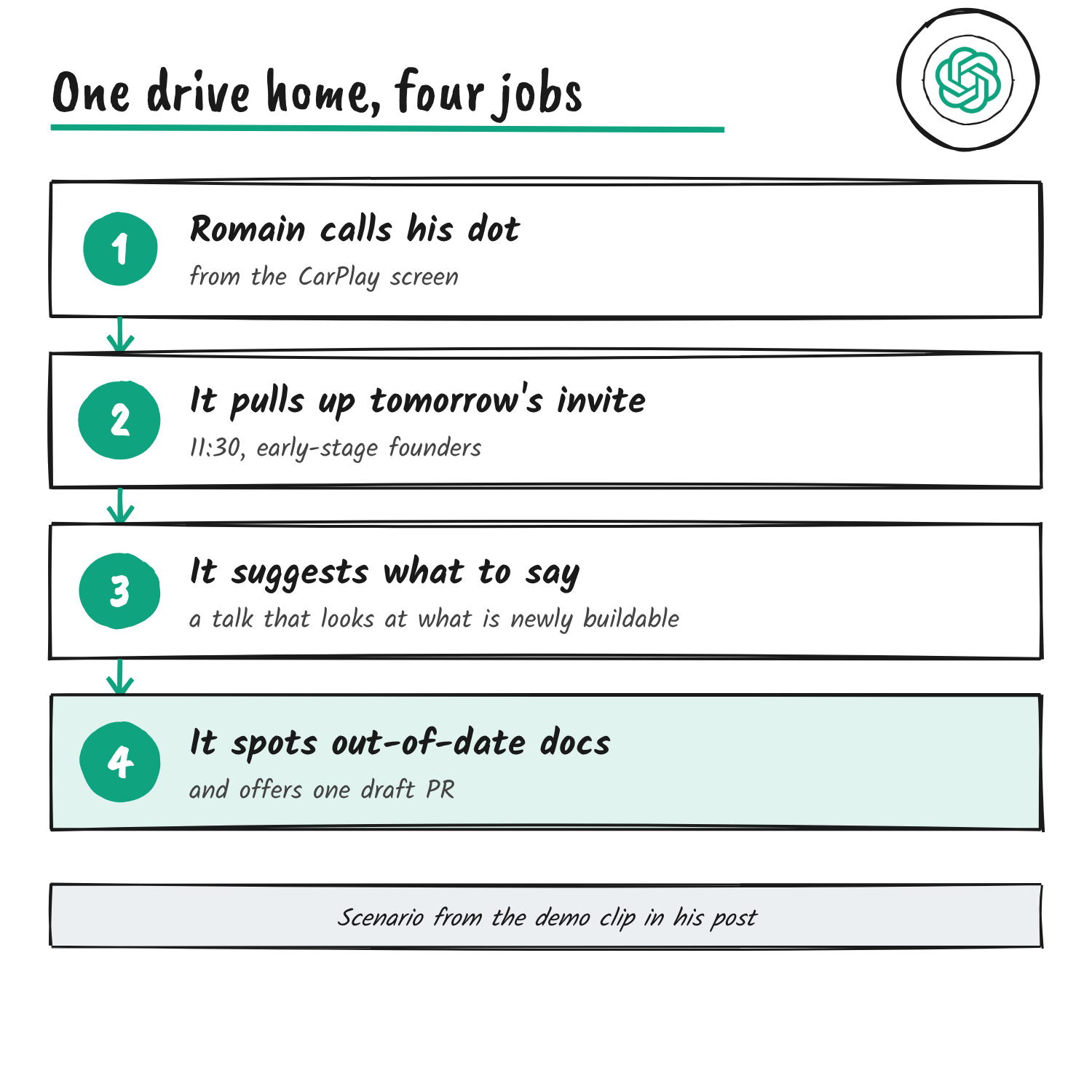
The clip is shot in a car. Huet says what he likes most about working with his dot is that he can carry on while driving, then he starts a call from the CarPlay screen. The screen shows the dot’s blue cartoon face with a red end-call button and a mute button beneath it.
He says he’s driving home and has just remembered a talk tomorrow, and asks about the audience. The dot pulls up the invite: he’s on at 11:30 tomorrow, speaking to early-stage founders from the latest Growth cohort. When he asks what they’d like to hear, it suggests a talk that’s inspiring about what’s newly buildable at the frontier, with a couple of concrete examples of OpenAI shipping faster.
The dot then raises something he hadn’t asked about. GPT-Live-1.1 has shipped in the API, and a demo and a couple of developer docs still use the old model. Huet asks it to make a PR and tag him and a colleague. The dot says it will switch the demo to GPT-Live-1.1, test it, update the docs, and put everything in one draft PR with both of them tagged for review.
The model behind the voice
OpenAI’s GPT-Live-1.1 system card names it, along with GPT-Live-1.1 Quip, as the latest voice models for ChatGPT, Codex and dots. GPT-Live-1.1 is the default voice model for Plus and higher users, dots included. The API version went live on 19 November, and the API release is covered here.
Four ways to call a dot
CarPlay joins three ways OpenAI’s docs already describe. In ChatGPT you tap the phone button in your dot’s conversation. On iPhone, the Your dot widget can carry a call button, and the Shortcuts action Open your dot has a Call mode you can put on the Action button.
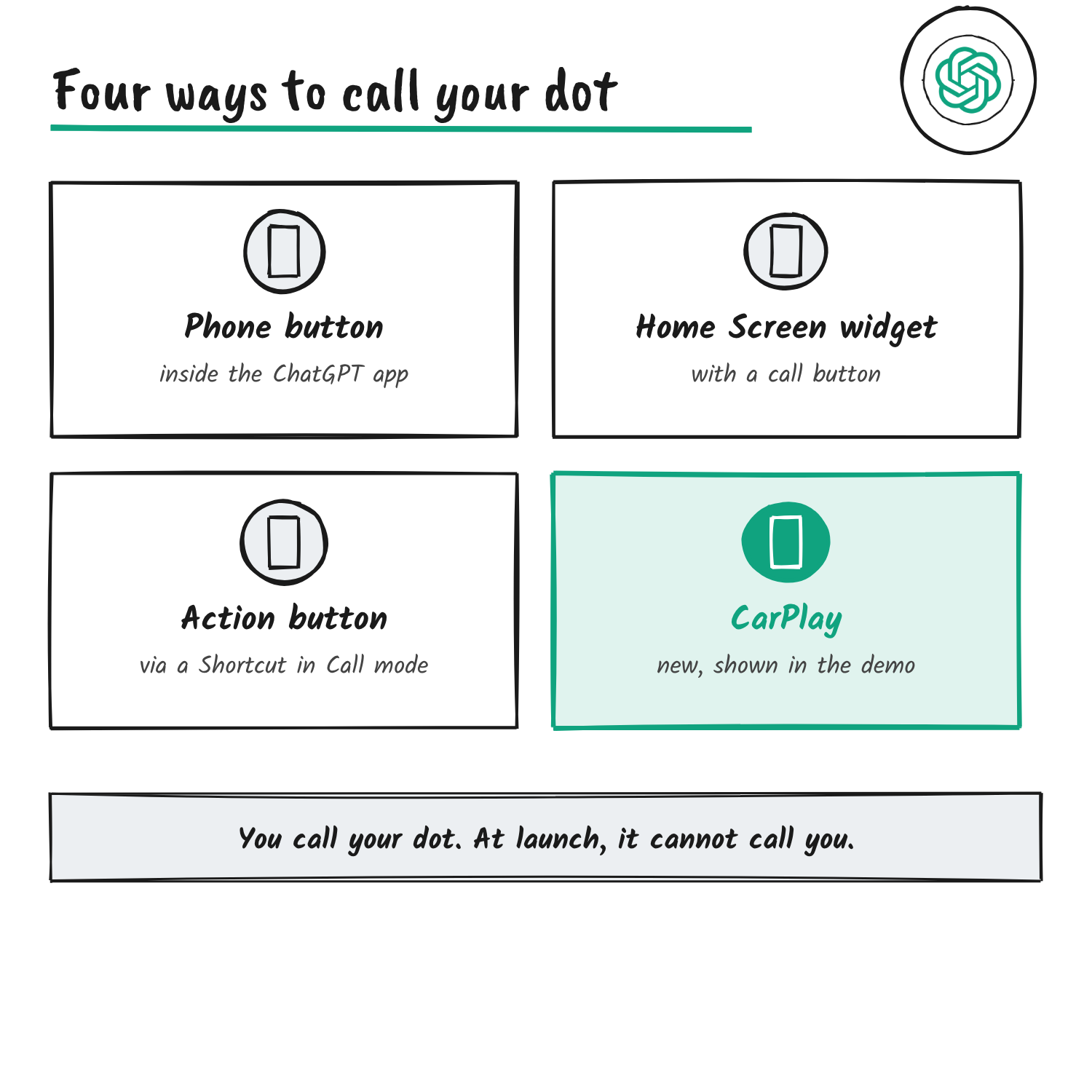
Your dot still can’t ring you. OpenAI’s getting-started page says it can’t start calls to you at launch, so every call begins on your side.
What you need
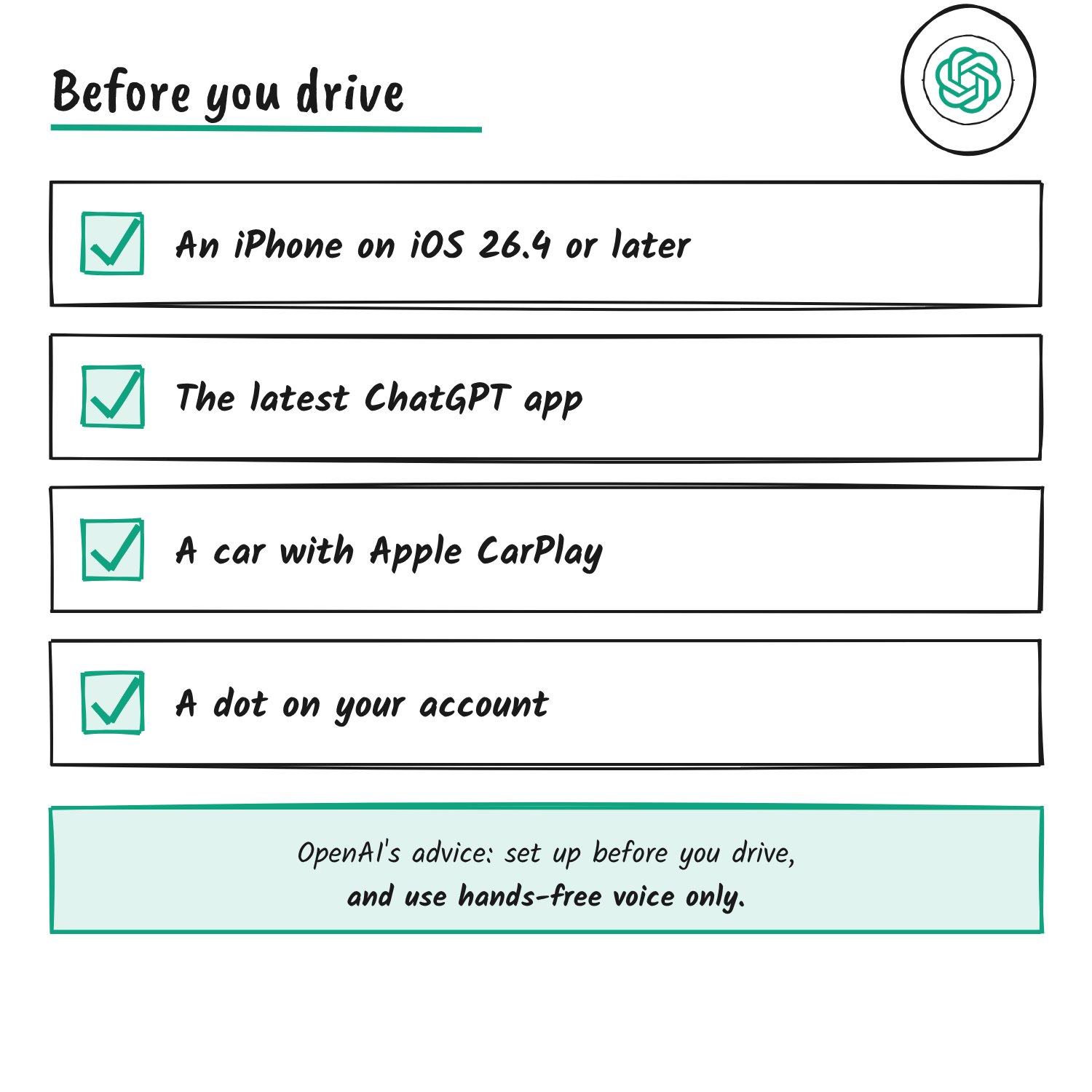
OpenAI’s help page for ChatGPT in CarPlay lists three requirements: a supported iPhone on iOS 26.4 or later, the latest ChatGPT app and a car that supports Apple CarPlay. It also says to set up the app before driving and to avoid using your phone while the vehicle is moving.
For the dot itself, OpenAI says dots are open to Pro users and selected Plus users aged 18 and older outside the European Economic Area, Switzerland and the UK, to Business Premium users in supported regions, and to eligible Enterprise, Edu and Healthcare workspaces. In those workspaces they’ve been on by default since 18 November unless an admin opts out.
Disclosure: I’m an OpenAI, Firecrawl and Devin ambassador.
Discover more from Sulat AI & Tech News
Subscribe to get the latest posts sent to your email.