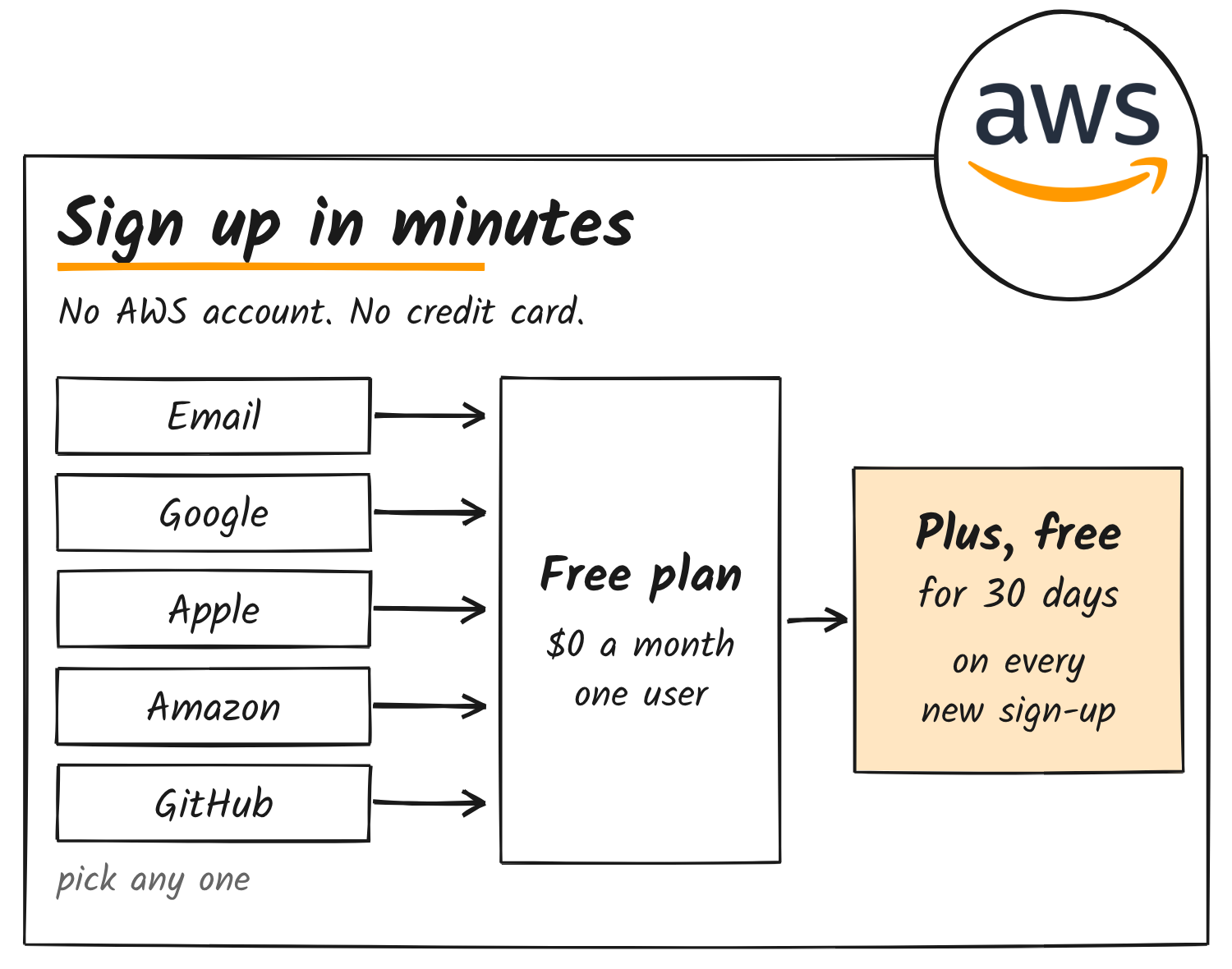
AWS Quick has a Free plan that needs only an email address, and the product’s release notes list three Claude models behind its chat. Anyone can sign up at quick.aws.com with a personal email, or with a Google, Apple, Amazon or GitHub login. AWS’s FAQ says there’s no AWS account and no credit card involved.
The plan isn’t new. AWS launched Free and Plus plans on 28 April 2026, back when the product was still called Amazon Quick. It renamed the product AWS Quick on 9 November.
US$0
a month on the Free plan
1
user per Free account
1 GB
of index storage
30 days
of Plus on every new sign-up
How sign-up works
Every new account starts a 30-day trial of Plus, with the full Plus feature set and room to invite up to 10 teammates. After the 30 days you either pay for Plus or drop to Free. AWS says it doesn’t use your data to train models on any Quick plan, free or paid.
Which Claude models Quick uses
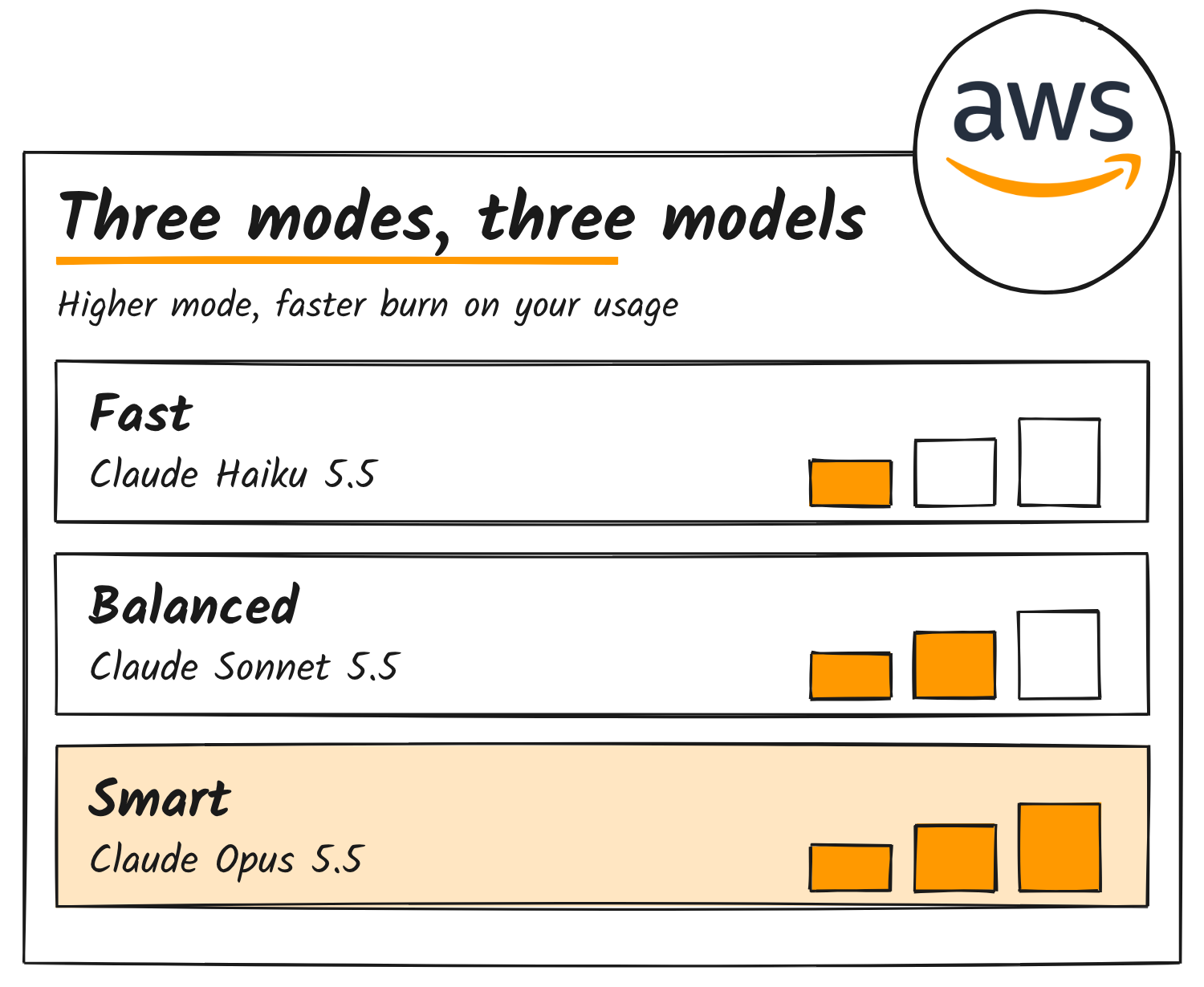
Quick lets you choose how much reasoning goes into a task: Fast, Balanced or Smart. AWS’s release notes tie those modes to Anthropic models. Claude Sonnet 5.5 and Claude Opus 5.5 arrived on 2 October, for balanced and smart mode. Claude Haiku 5.5 followed on 9 October for fast mode. AWS pitches Haiku at quick, repetitive work like summaries and classification, Sonnet at everyday documents, slides and spreadsheets, and Opus at complex work that needs careful judgment.
| Mode | Claude model | Added to Quick |
|---|---|---|
| Fast | Claude Haiku 5.5 | 9 October 2026 |
| Balanced | Claude Sonnet 5.5 | 2 October 2026 |
| Smart | Claude Opus 5.5 | 2 October 2026 |
Smart mode uses up your allowance fastest, according to AWS’s pricing FAQ. AWS doesn’t say which modes the Free plan can use.
What the Free plan includes
On the Free plan you get:
- chat on any topic or task
- research reports
- documents, sheets, decks and web apps
- Flows for automating routine work
- connectors for tools such as Slack, email and QuickBooks
- the desktop app
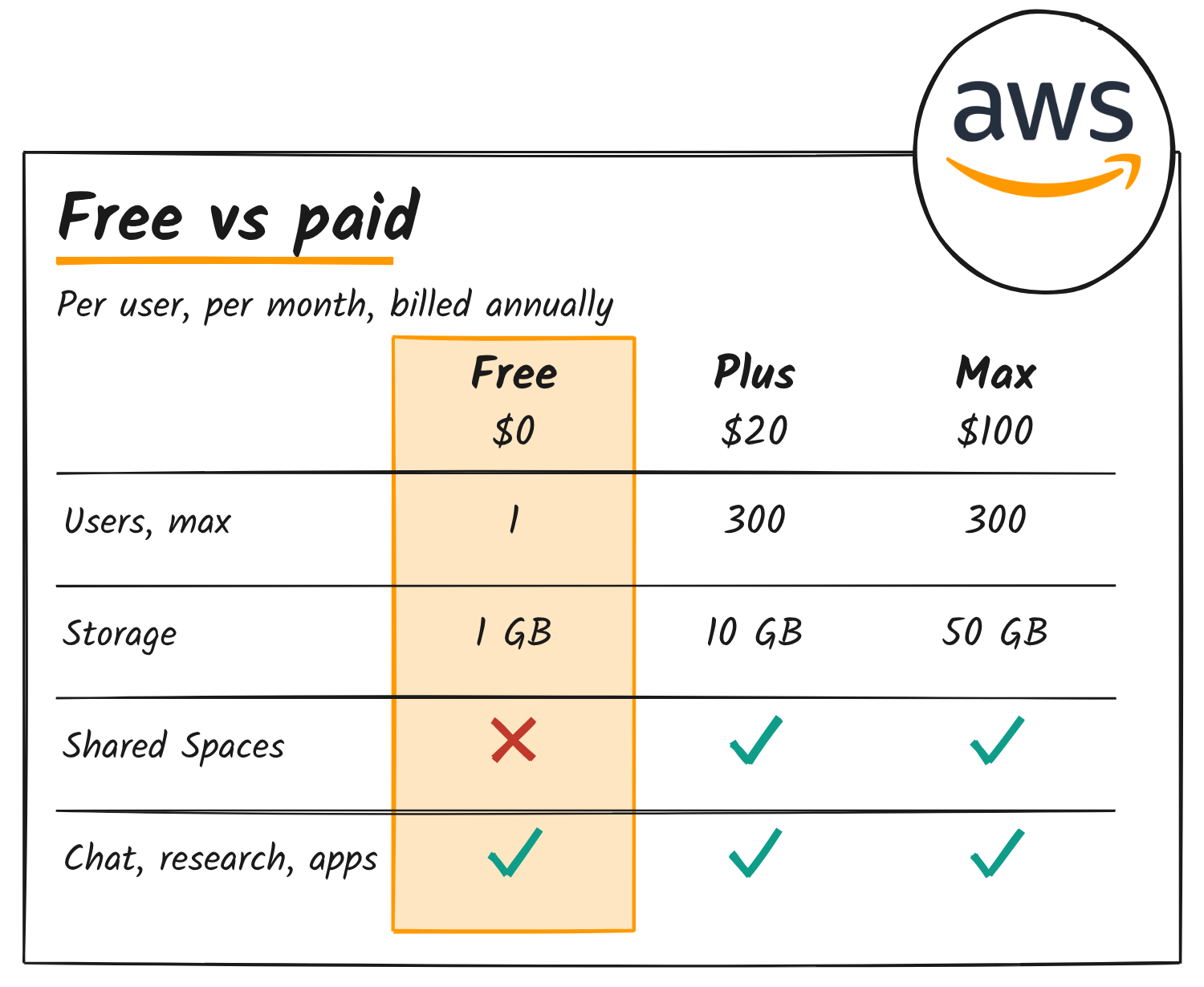
Free is single-user and carries 1 GB of index storage. Quick Sight dashboards, Quick Automate and API access are limited to Enterprise accounts, per AWS’s documentation.
AWS’s own pages disagree on two items. The pricing table gives Shared Spaces and the browser and Microsoft 365 extensions to Plus and Max, while the quick.aws.com page lists both under Free. The Mac app runs on Apple silicon only, and Windows needs version 10 (1903) or later.
How do the usage limits work?
Usage is capped by two limits. A monthly limit resets with your billing cycle, and a session limit works as a rolling window that refreshes as time passes. AWS measures usage by the length and complexity of the work, the features you use, the model you pick and the thinking level. It doesn’t publish the numbers for any plan.
On Free, hitting either limit means waiting or upgrading. Plus and Max can switch on extra usage up to a spend cap. Unused allowance doesn’t roll over. AWS’s usage guide has the detail.
Where Plus and Max start
Plus costs US$20 a user a month billed annually, or US$25 billed monthly, and covers teams of up to 300. Max costs US$100 a month billed annually, or US$125 billed monthly. The organisation plans, Essentials, Professional and Enterprise, need an AWS account and add a US$250 monthly infrastructure fee per account.
Hero illustration features the AWS logo, which remains the trademark of its owner.
Discover more from Sulat AI & Tech News
Subscribe to get the latest posts sent to your email.