Microsoft’s free Azure account includes a small cloud server for 12 months. It’s a Linux or Windows virtual machine with 2 vCPUs and 1 GiB of RAM, and it costs nothing while you stay inside the free allowance. It’s a real server, and a small one.
What the free account includes
The offer sits inside the Azure free account, which Microsoft’s Learn documentation describes in two parts. For the first 30 days you get a $200 credit in your billing currency, usable on almost any service. For up to 12 months after sign-up you can also use a limited quantity of some services for free, and a separate set of services is always free.
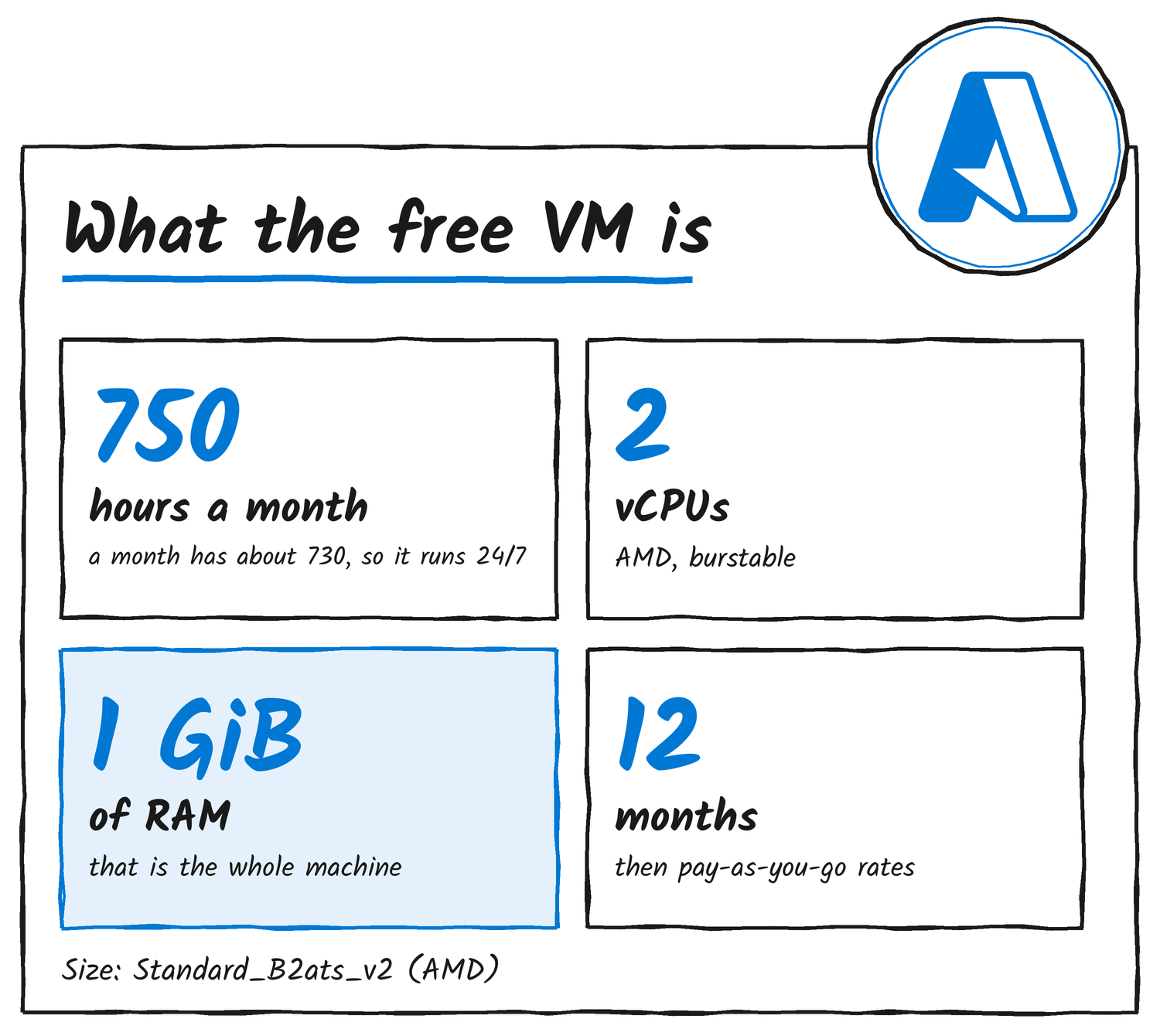
The virtual machine entry on Microsoft’s free services page reads: 750 hours each of B1s, B2pts v2 (Arm-based) and B2ats v2 (AMD-based) burstable VMs, for Linux or Windows. It carries a 12-month label, so it isn’t an always-free service. Most people will want the AMD size because it runs ordinary x86 software. Microsoft’s size documentation lists Standard_B2ats_v2 at 2 vCPUs and 1 GiB of memory on AMD EPYC 7763v (Milan) processors.
How the 750 hours work
A 31-day month has 744 hours, so one VM running nonstop uses 744 of the 750 and stays free. The allowance applies to each of the three sizes separately, and you can split the hours however you like. Microsoft’s own example is five B1S Windows VMs running 150 hours each.
Region doesn’t matter as long as B-series machines are offered there. A customer in the US can create a VM in West Europe and still get the free hours. Hours you don’t use don’t carry into the next month.
The catch: 1 GiB of RAM and a 20% baseline
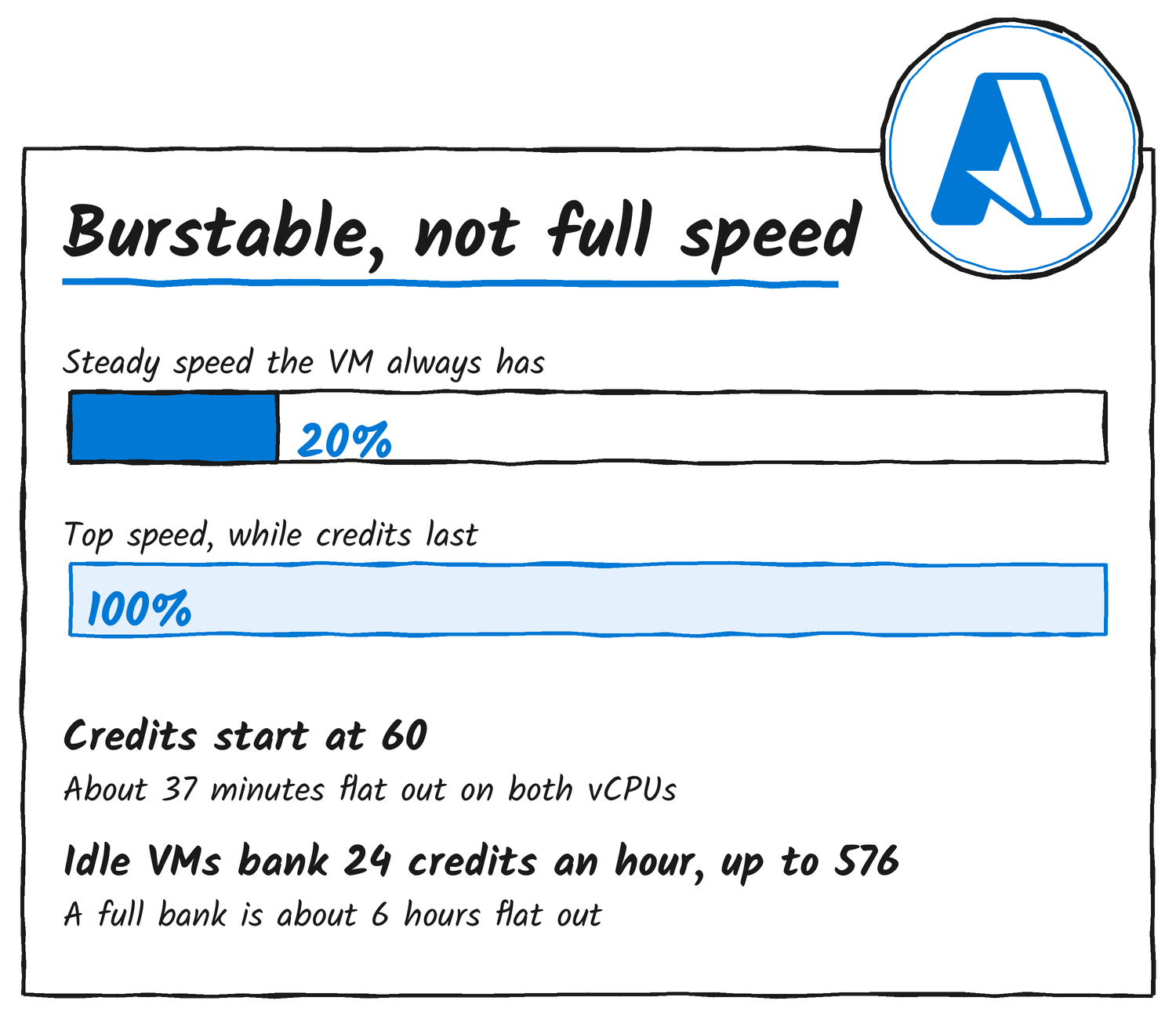
These are burstable machines, so they don’t get full CPU all day. Microsoft lists the B2ats v2 baseline at 20% of the VM’s CPU. Below that level the VM banks credits, and above it the VM spends them. A new VM starts with 60 credits, banks 24 an hour while idle and holds a maximum of 576.
Credits per minute work out as the baseline minus actual usage, times the vCPU count, divided by 100. On this size, running both vCPUs flat out burns 1.6 credits a minute. A fresh VM lasts about 37 minutes at that rate, and a full bank lasts about 6 hours. When the credits run out, the VM falls back to its baseline until it banks more.
| Size | Chip | vCPUs | RAM | Linux list price a month |
|---|---|---|---|---|
| B2ats v2 | AMD EPYC 7763v | 2 | 1 GiB | US$6.862 |
| B2pts v2 | Ampere Altra (Arm) | 2 | 1 GiB | US$6.132 |
My read: that suits a personal site, a bot, a scheduled job runner or a Linux practice box. It’s a poor fit for a busy database, container builds or anything that holds a lot in memory, because 1 GiB goes fast once the operating system and one service are loaded.
The 12-month clock
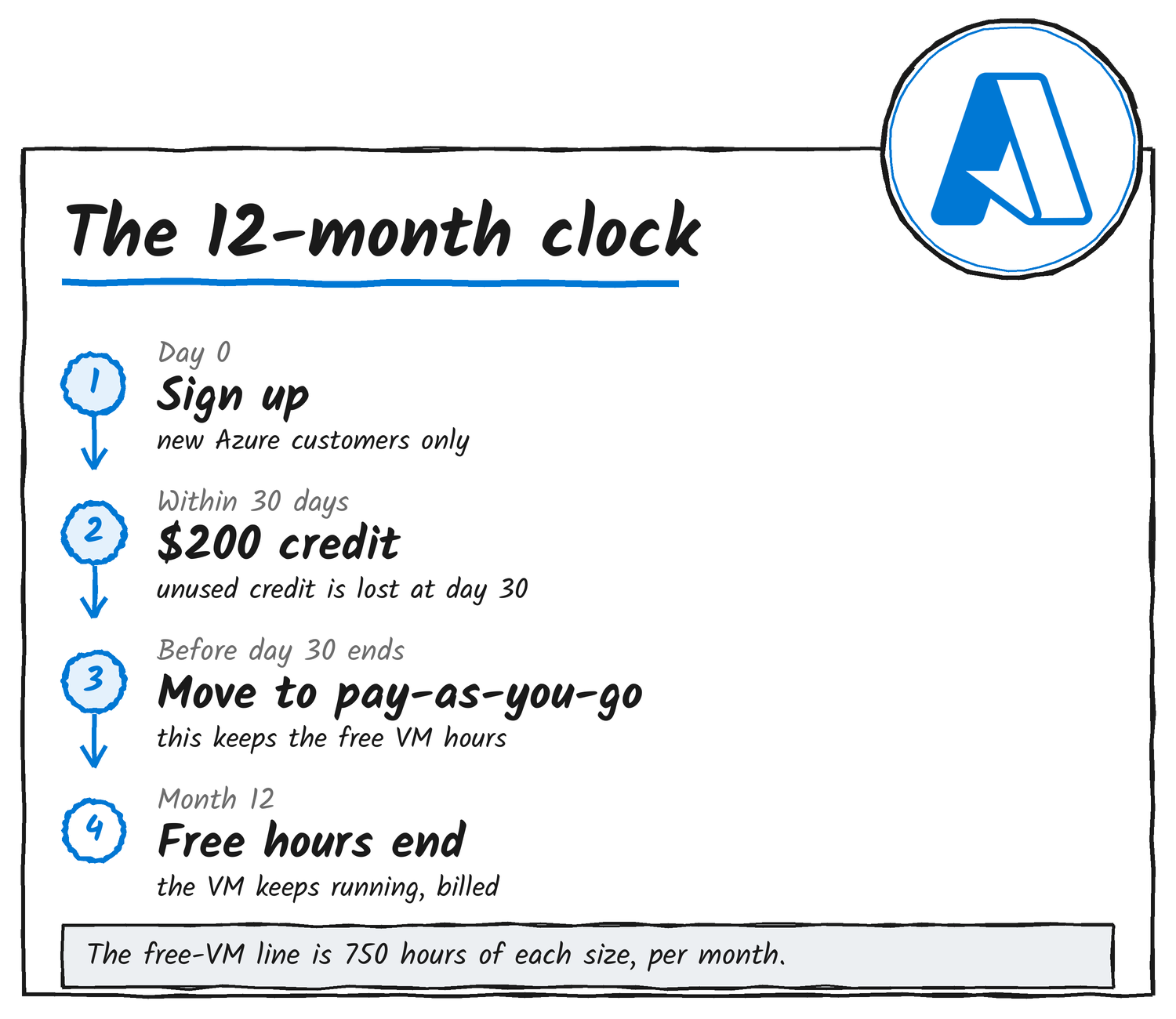
The offer is for new customers. Microsoft’s free services page says it covers people who haven’t had an Azure account or received 12 months of free services before, and it isn’t available to anyone who signs up directly for pay-as-you-go in China or India. Sign-up needs a phone number, a credit or debit card that isn’t prepaid, and a Microsoft or GitHub account.
The $200 credit expires after 30 days and anything left is lost. The free VM hours hang off that same window: customers who try Azure free have to move to pay-as-you-go within 30 days to keep receiving the 12 months of free services. Upgrade early with credit left and you can use the rest of it until day 30. If the credit runs out or the 30 days end first, the free-account subscription is disabled until you upgrade.
Where a bill can come from
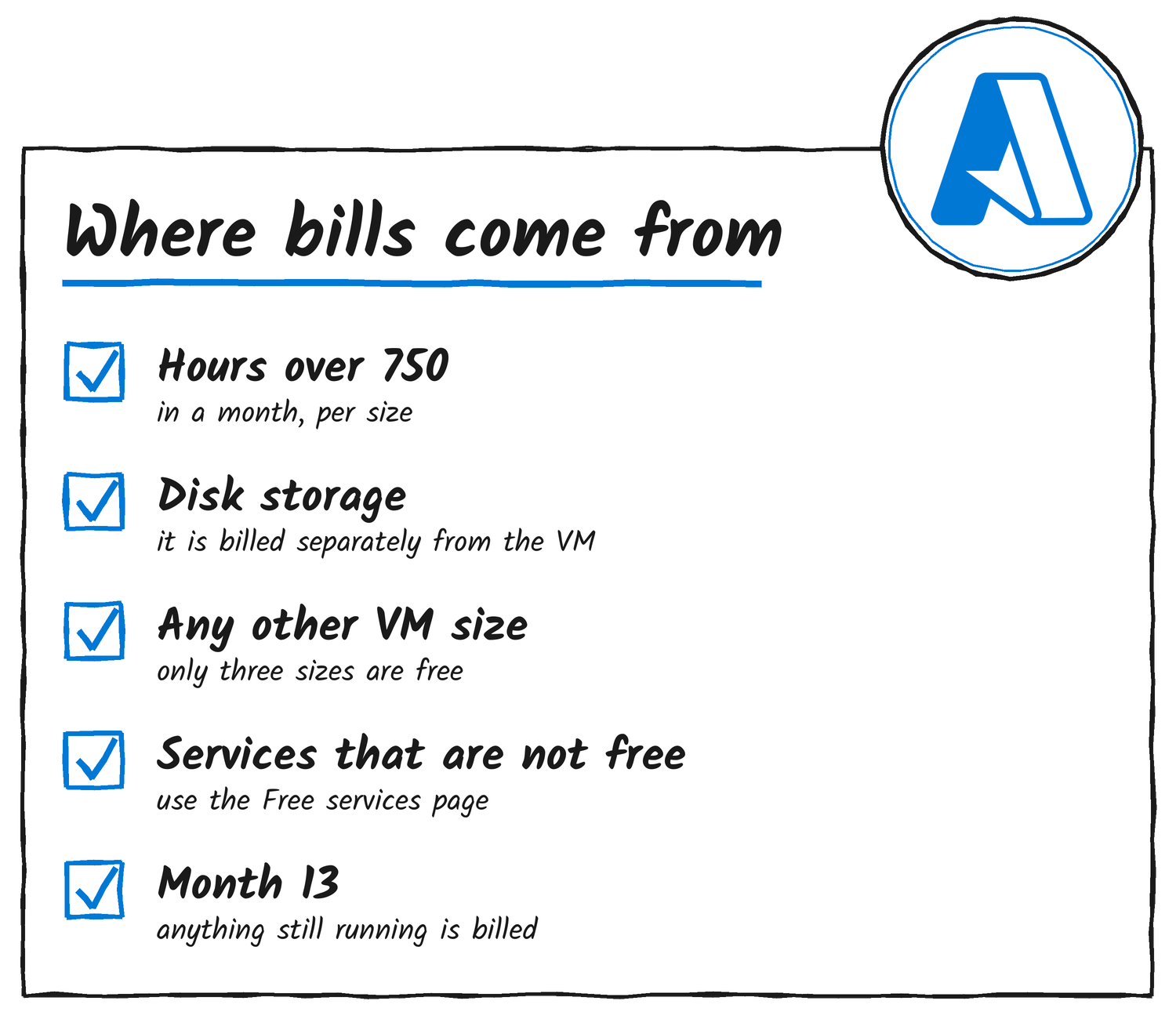
Microsoft names three routes to charges: usage past the free quantities, services that aren’t free, and the end of the 12 months. The free list’s VM entry covers hours only, and Microsoft’s size documentation says disk storage is billed separately from virtual machines. Microsoft also warns that resources created outside the Free services page don’t always default to the free tier, so it tells people to create them from that page and pick the free size themselves.
Nothing shuts off at month 12. Services still in use keep running at pay-as-you-go rates, and Microsoft emails you when it’s time to upgrade. At list price a B2ats v2 on Linux is US$6.862 a month and a B2pts v2 is US$6.132, so a forgotten VM is a cheap mistake rather than a free one. The disk and anything else attached add to that.
How to set one up
- Create an Azure free account with a phone number, a non-prepaid card and a Microsoft or GitHub account.
- Move to pay-as-you-go inside the first 30 days to keep the 12 months of free services.
- In the Azure portal, search for “free services” and create the VM from that page.
- Choose Standard_B2ats_v2 (AMD) or Standard_B2pts_v2 (Arm, which needs an Arm image) and your Linux or Windows image.
- Find your expiry date under All services, Subscriptions, your subscription, then the free services grid.
Microsoft’s documentation adds that the free account doesn’t block anyone from taking an idea into production. With 1 GiB of RAM and a 20% baseline, most people will use it as a sandbox.
Discover more from Sulat AI & Tech News
Subscribe to get the latest posts sent to your email.