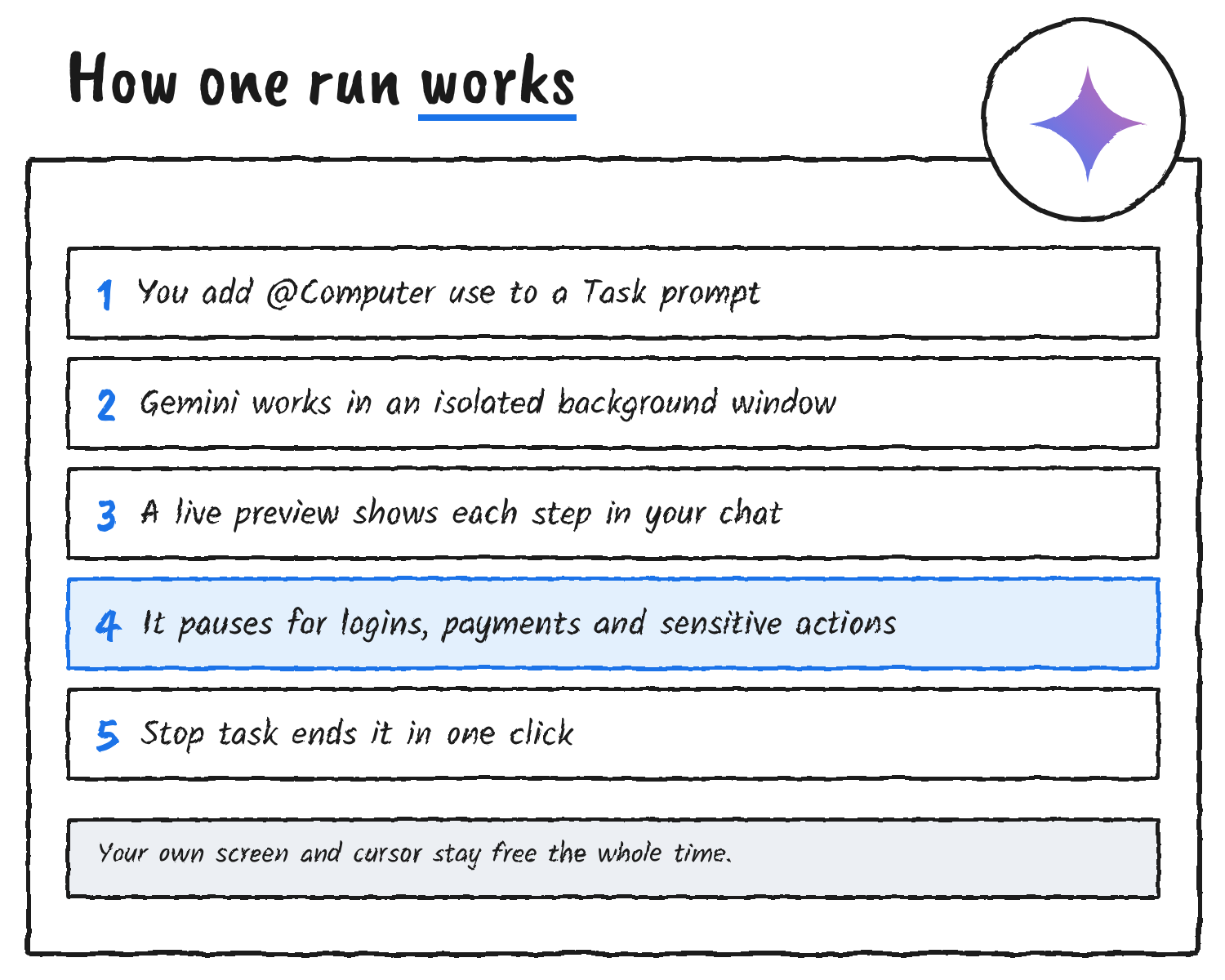
Google’s Gemini app for Mac can now operate your desktop apps. Computer use, announced on 19 November (US time), lets Gemini click, type, scroll and work menus and forms across local apps and websites from an isolated background window, while your own screen and cursor stay free. It runs on Apple Silicon Macs with macOS Sequoia 15.0 or later, for adults on personal Google accounts with a Google AI Plus, Pro or Ultra plan, in English in the US.
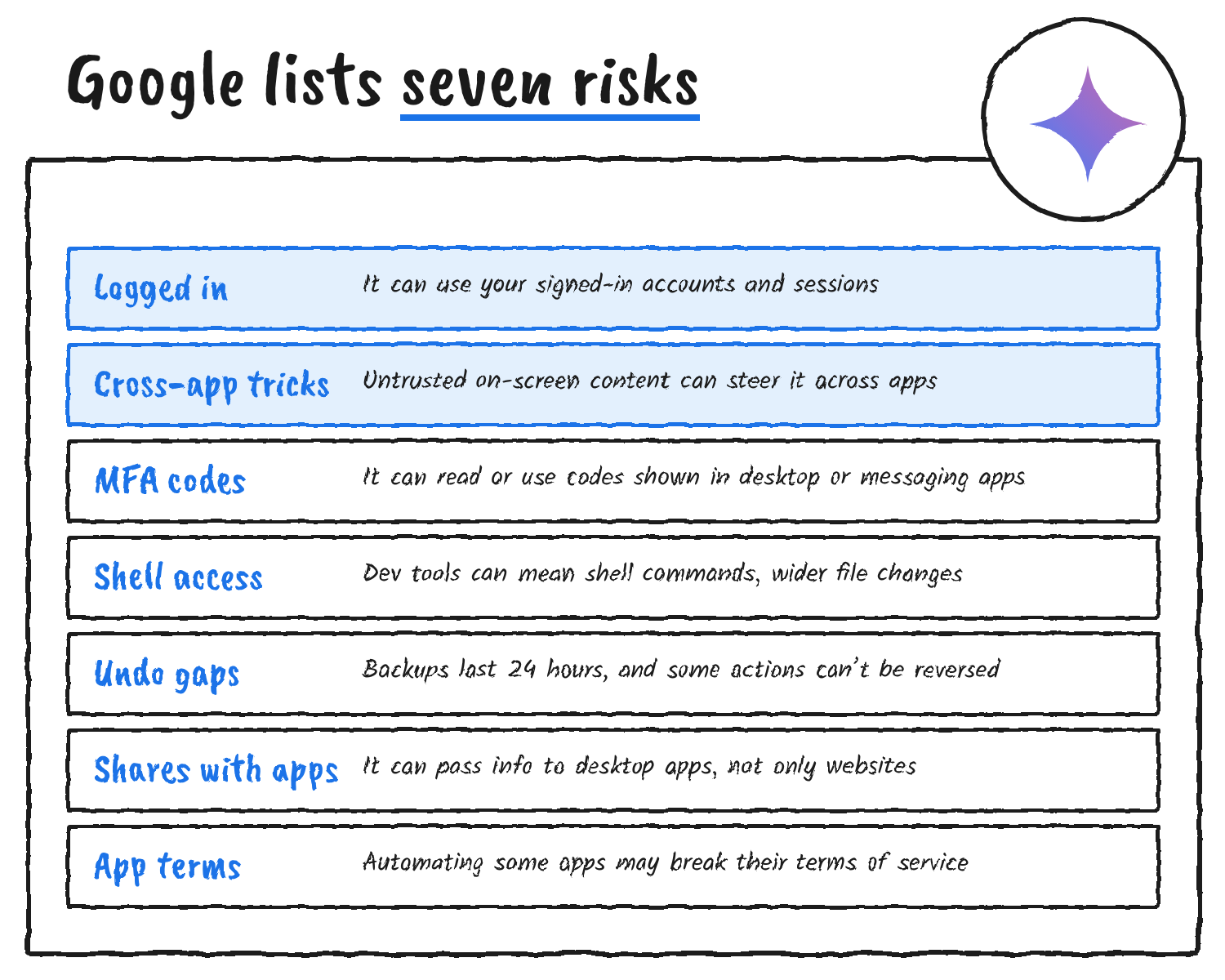
Google’s help page for the feature carries its own list of risks. Gemini can use accounts you’re already signed in to, read multi-factor codes on screen and be steered by untrusted content in one app into acting in another. The seven are laid out below.
7
risks on Google’s help page
24 hours
how long a file backup is kept
1 click
to stop a task
US only
English, personal accounts, adults
What Google shipped
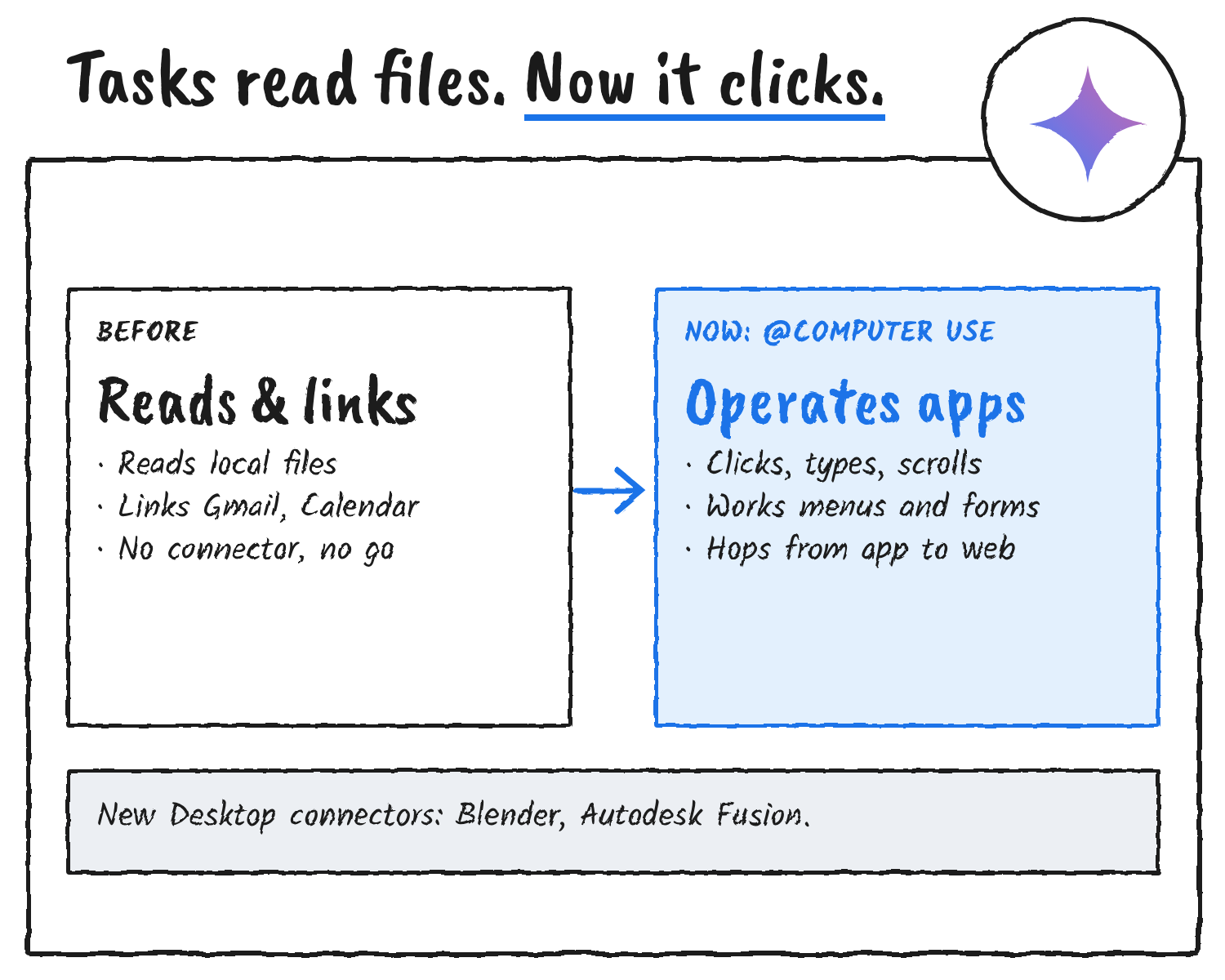
Michael Friedman, a group product manager on the Gemini app, wrote the announcement. Google says Gemini works inside an “isolated background window with a live preview right in your chat”.
Your main screen and cursor remain completely free, so you can keep typing, designing, or taking calls without interruption.
Michael Friedman, Google, 19 November 2026
You start a run by adding @Computer use to a prompt in the app’s Task mode. Google’s four examples are batch colour-grading photos in design software, pulling weights, dimensions and addresses from local PDFs into multi-box shipping quotes, building a Google Slides deck from live regional dashboards, and staging resale listings from a folder of clothing photos. Google’s own demo has Gemini turn a child’s butterfly sketch into a rigged model in Blender.
The feature builds on Task, which 9to5Google notes was previously called Gemini Spark. Until now Task could read local files and pair them with Connected Apps such as Gmail or Google Calendar, and it stopped at software with no connector. 9to5Google also reports new “Desktop” connectors for Blender and Autodesk Fusion under Customize, Connectors, next to the existing Git and Obsidian ones.
How a run works
Turning it on takes two steps in the app’s Settings. Under Computer use, switch on “Allow Gemini to work with your Mac”, then grant macOS Accessibility and Screen & System Audio Recording permission. The first time Gemini wants an app, you can deny it, allow it once or always allow it. A separate “Blocked apps” list keeps named apps off limits, and “Always allow” adds an app to an “Allowed apps” list that skips the prompt in future.
While Gemini works you get a live preview, which you can open full screen. Gemini pauses for logins and payments and asks for confirmation before sensitive actions. “Stop task” ends a run at any point.
Who can use it
Google’s footnote sets the hardware floor at an Apple Silicon Mac running macOS Sequoia 15.0 or later. Free Gemini doesn’t get it, and neither do work or school accounts: the help page says that for now the feature is only in Gemini Task for personal accounts. Google also recommends Gemini Hydrogen 4 or newer models for better quality responses.
What Google’s own help page warns about
The help page says Gemini “can make mistakes and do unexpected things” and lists what to remember before letting it control apps.
- Gemini can share info with apps on the desktop, not just websites.
- It has access to logged-in accounts and active sessions inside native Mac apps, not just in Chrome.
- It tries to back files up before acting, but some actions are irreversible because of the app.
- Untrusted content on screen in one app can manipulate Gemini into taking actions in other allowed Mac apps.
- Permission to use code or text editors or developer tools can enable shell execution or broader file system changes.
- Gemini can read or interact with multi-factor authentication prompts or codes visible in desktop or messaging apps.
- Automating some third-party desktop apps may conflict with those apps’ terms of service, and the choice of apps is yours.

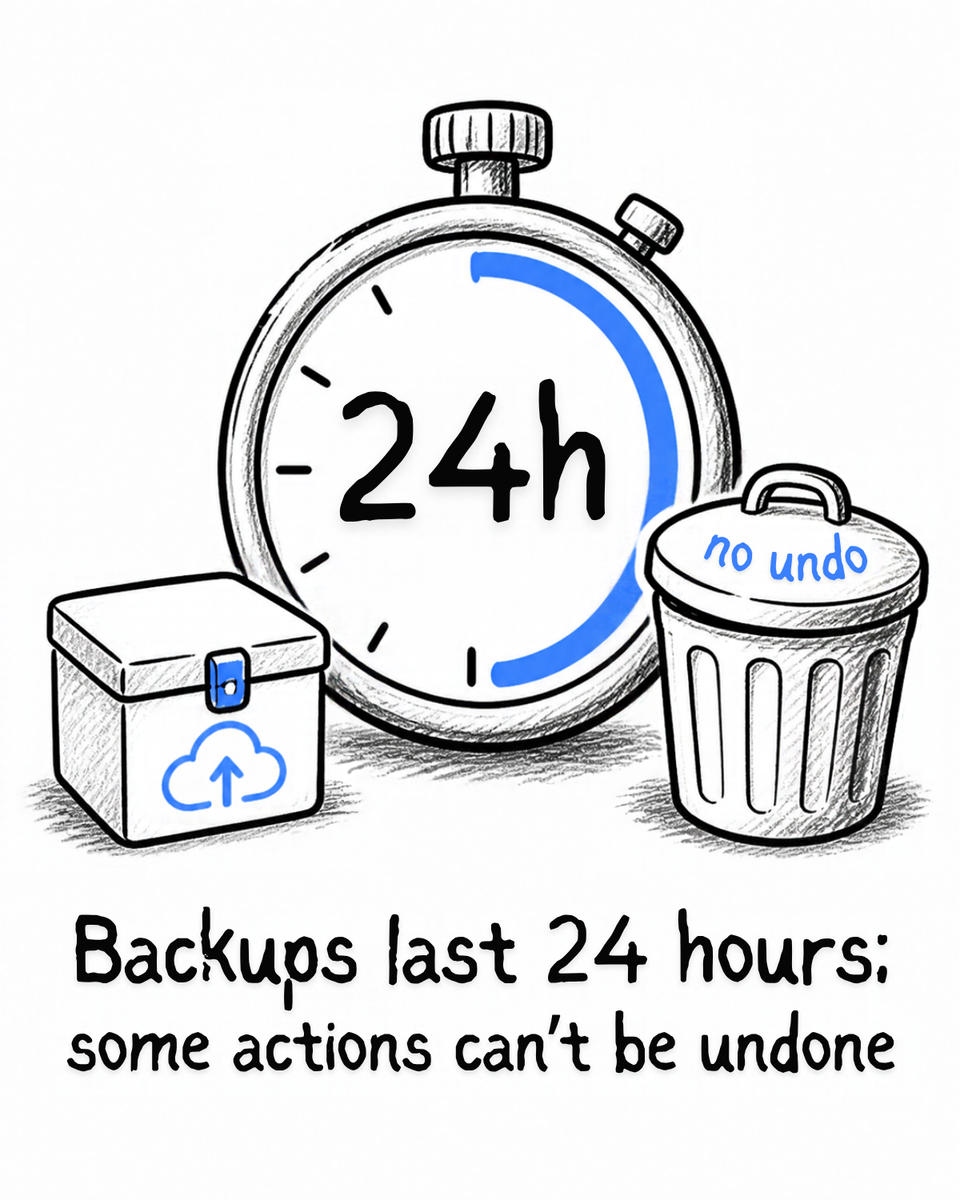
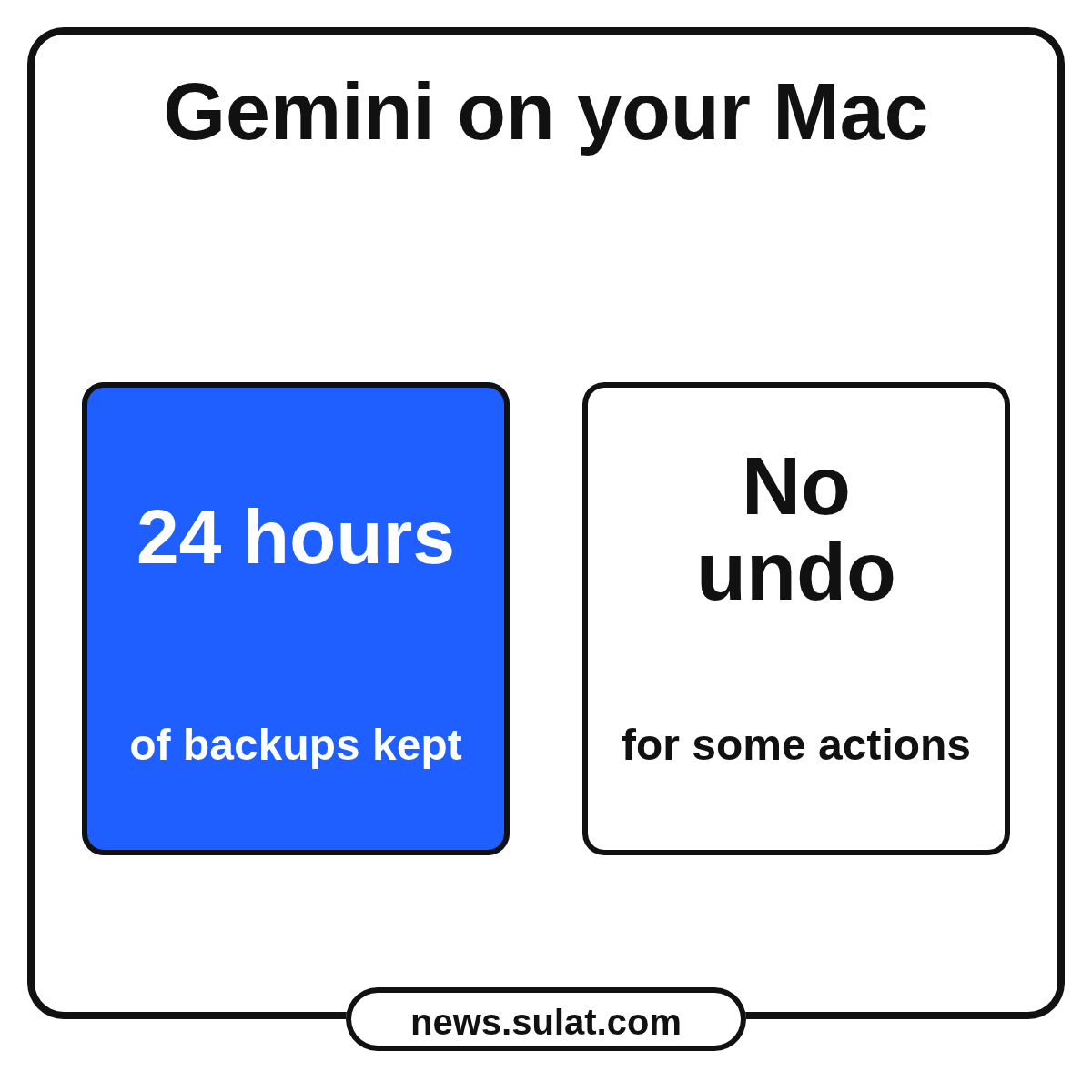
Backups are a setting, not a given. “Use on-demand file backups” has to be switched on, Gemini “will try” to make a temporary copy and “is not always able to”, and a copy is kept for 24 hours or until your next prompt. To find a copy, open the chat and choose View backups. Content in some apps can’t be backed up, depending on the app’s own settings and permissions.
AppleInsider read the same page and advised against giving an AI agent broad control of a primary Mac that holds sensitive files or accounts. It also reports that Apple added permission controls in macOS 27.3 developer beta 2 on 16 November, letting users limit which apps an automation tool can control and requiring approval each time. Those controls arrived three days before Google’s announcement, and permissions granted earlier stay in effect.
Where it sits among Mac agents
Google isn’t the first to run an agent over the Mac desktop. Anthropic’s Claude Desktop does it on macOS and Windows, and its docs say that on macOS computer use “can also run in the background”. Perplexity’s Mac app offers Personal Computer, which its product page says can operate Mail, Finder, Slack and other native apps. The three differ most on who gets it and how each handles apps that can run commands.
| Anthropic | Perplexity | ||
|---|---|---|---|
| Where | Gemini app for Mac only | Claude Desktop, macOS and Windows | Perplexity app for Mac |
| OS needed | Apple Silicon, macOS 15.0 or later | macOS 14 or later | macOS 15 Sequoia or later |
| Plans | Google AI Plus, Pro or Ultra; personal accounts, 18+, English in the US | Pro, Max or Ultra; not Team or Enterprise | Not stated on the product page |
| App approvals | Deny, allow once or always allow per app, plus a blocked-apps list | Allow for the session or deny per app; browsers view-only, terminals and IDEs click-only | Actions run in an isolated sandbox, with on-device authorisation for sensitive steps |
Approvals are where the designs part ways. Anthropic’s docs cap terminals and code editors at click-only, so the model is steered to a dedicated tool instead. Google’s help page leaves the choice with you and warns that allowing developer tools can open the door to shell commands.
Google already sells the capability to developers. The Gemini API’s release notes show a Computer Use tool launched in public preview on Gemini 3.5 Flash on 24 June 2026, with built-in browser, mobile and desktop environments and prompt injection detection, and generally available across the Interactions and GenerateContent APIs on 30 October. The Mac app hands the same idea to subscribers.
Two related pieces are worth a look. Google’s remote-computer side of Tasks stays offline until you switch network access on. SpaceXSI’s Grok Bot has a local Computer Use setting in its Mac app that isn’t available to anyone yet.
What Google hasn’t said
Google hasn’t given a date for Windows or for any country beyond the US. Its Gemini desktop page says more native capabilities will roll out to Windows over time. Neither the announcement nor the help page says how much of a plan’s usage a computer use run consumes.
Sources
- Google: Let Gemini tackle repetitive chores on your Mac, 19 November 2026
- Gemini Apps Help: Use Gemini to work with apps on your Mac
- Gemini Apps release notes, 2026.11.19 and Gemini for desktop
- Gemini API release notes
- 9to5Google and AppleInsider
- Anthropic: Claude Desktop docs and Perplexity: Perplexity Personal Computer for Mac
Discover more from Sulat AI & Tech News
Subscribe to get the latest posts sent to your email.