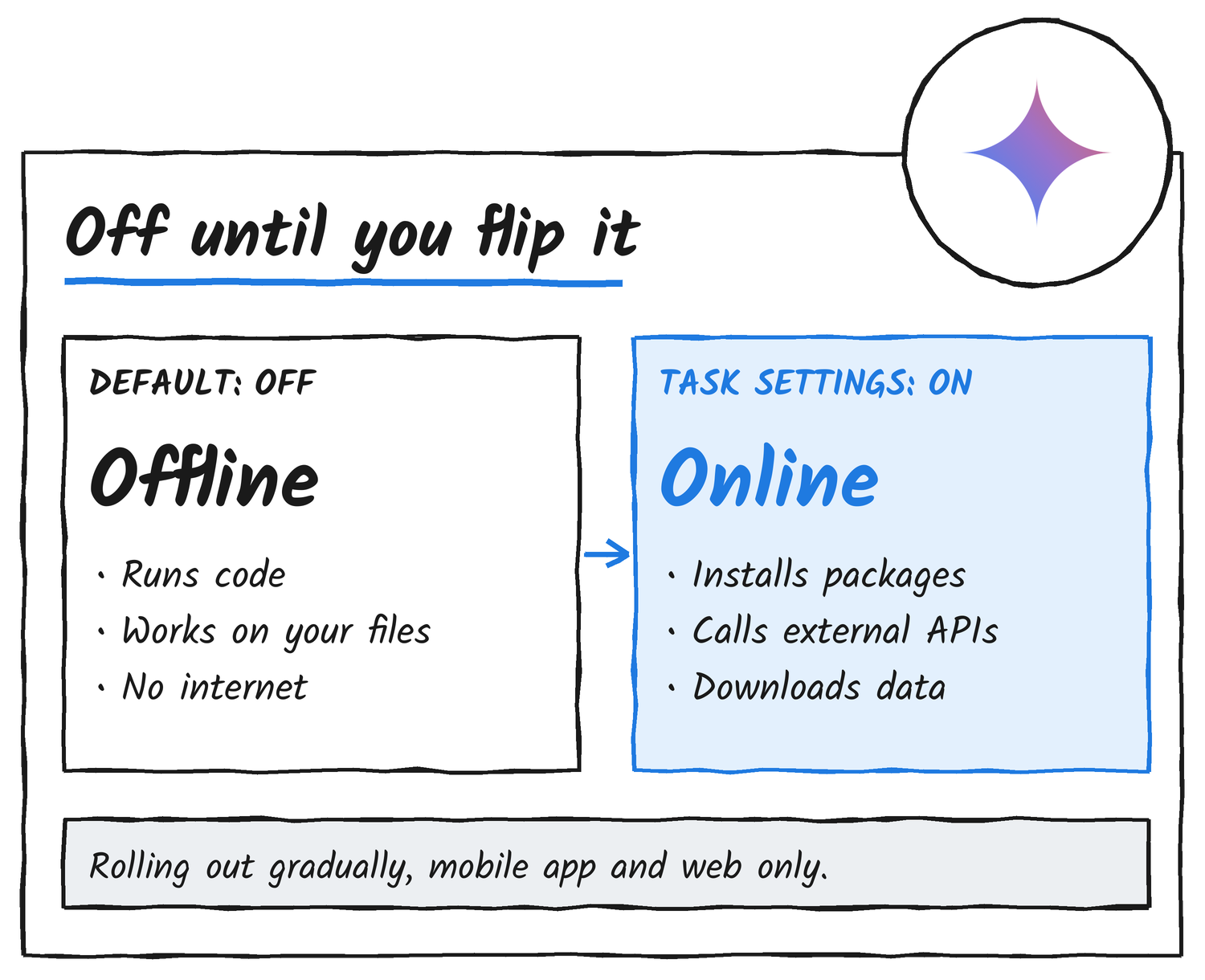
Gemini’s Tasks now has a setting that gives its remote computer internet access. Google’s help page says the machine Gemini uses to run code for your tasks has no connection by default. A new Network access for remote computer switch in Task settings lets it install software, download data and call external APIs. Google says the switch is rolling out gradually, so it might not have reached your account yet.
What the switch changes
Until now the remote computer could run code and work on files, but it couldn’t go online. With network access on, Google’s examples include pulling figures out of PDFs, streaming and analysing large datasets, connecting to live public feeds such as weather, market rates or earthquake monitors, and downloading open-source video and audio tools to trim recordings or generate subtitles.
The setting is only in the Gemini mobile app and on the web at gemini.google.com. Gemini decides for itself when a task needs the remote computer, and you can open the task thread to see snapshots of the code it ran.
One computer for every task
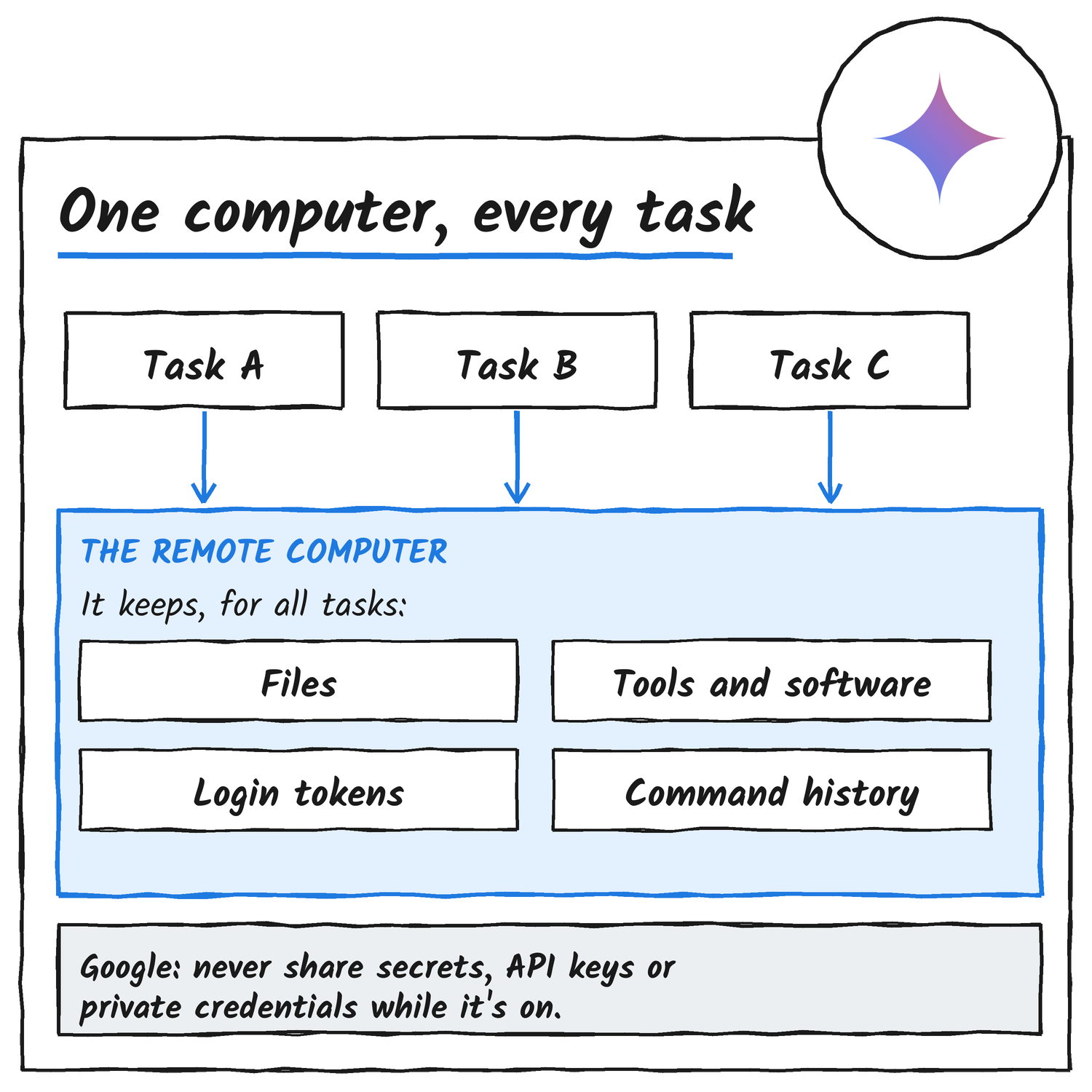
You can’t turn it on for one task and leave the rest offline. Google says Gemini uses the same remote computer across all your tasks. That machine keeps core tools and software files, your personal configurations, tool login tokens, command history and files. Some of it expires after a set time and some stays until you delete it. You can ask Gemini what it has stored, and clear everything under Delete remote code execution in Task settings.
Google’s launch post for Tasks on 17 November says each account’s tasks run in a hardware-isolated virtual machine that is dedicated to that account and never shared with other users. The sharing the help page warns about is between your own tasks.
The risk Google spells out
Once the computer connects to online services or untrusted sources, Google says, it can be exposed to malicious or unsafe code that downloads and runs on its own. That code could read saved task files and share them online.
Never share files with sensitive or personal info, secrets, API keys, or private credentials while network access is on.
Gemini Apps Help
Switching it off
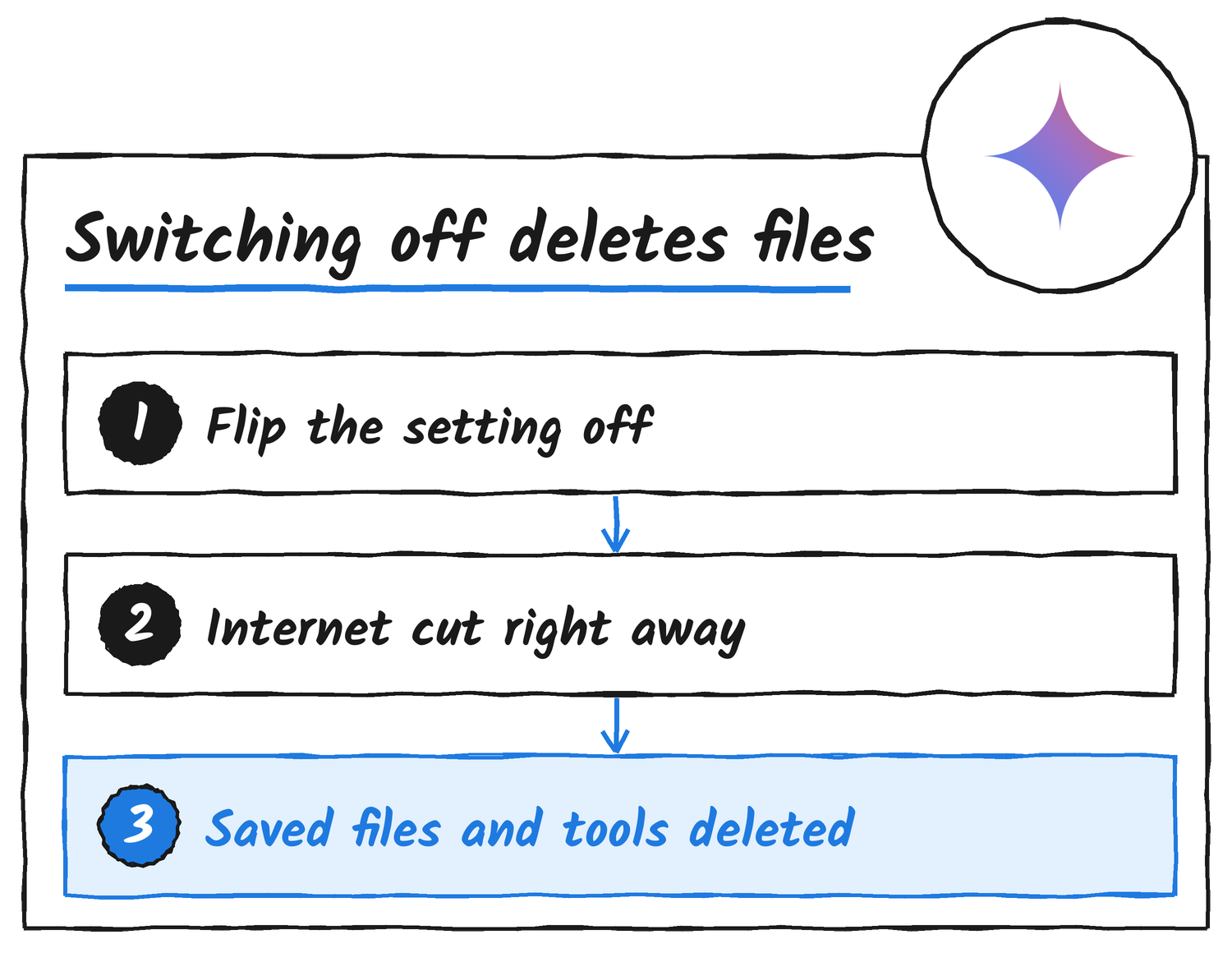
Turning the setting off cuts the computer’s connection straight away and deletes the files and tools saved on it, Google says. The help page doesn’t say what that does to a task that’s already running.
What the help page leaves out
It doesn’t list which sites the computer can reach, offer a way to limit access to chosen domains or give a cap on downloads. Tasks itself launched on 17 November, free of charge in the US, Japan, Korea, Canada, Australia and India, running on Gemini 4 Hydrogen, with the advanced features starting in the US.
Discover more from Sulat AI & Tech News
Subscribe to get the latest posts sent to your email.