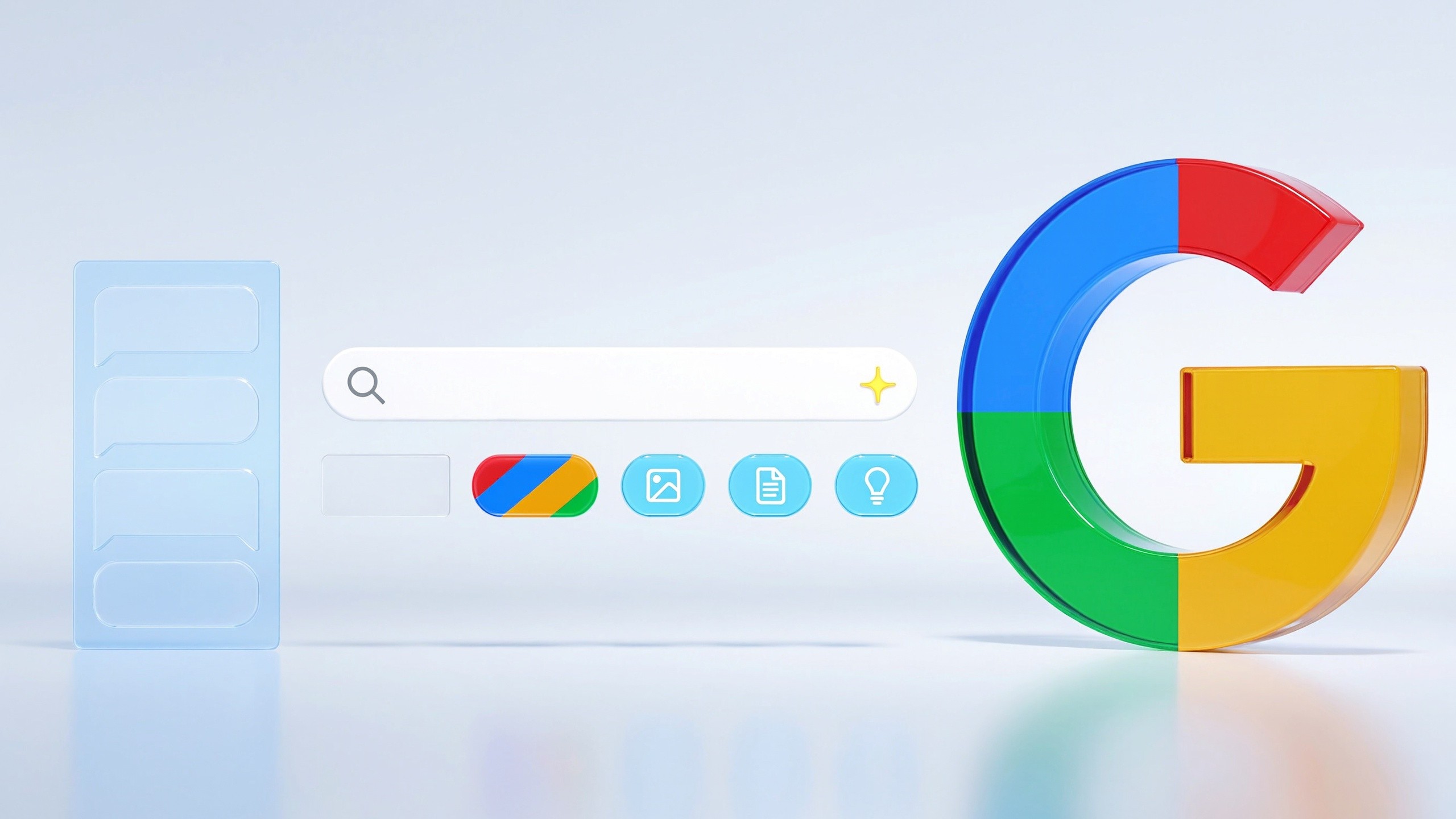
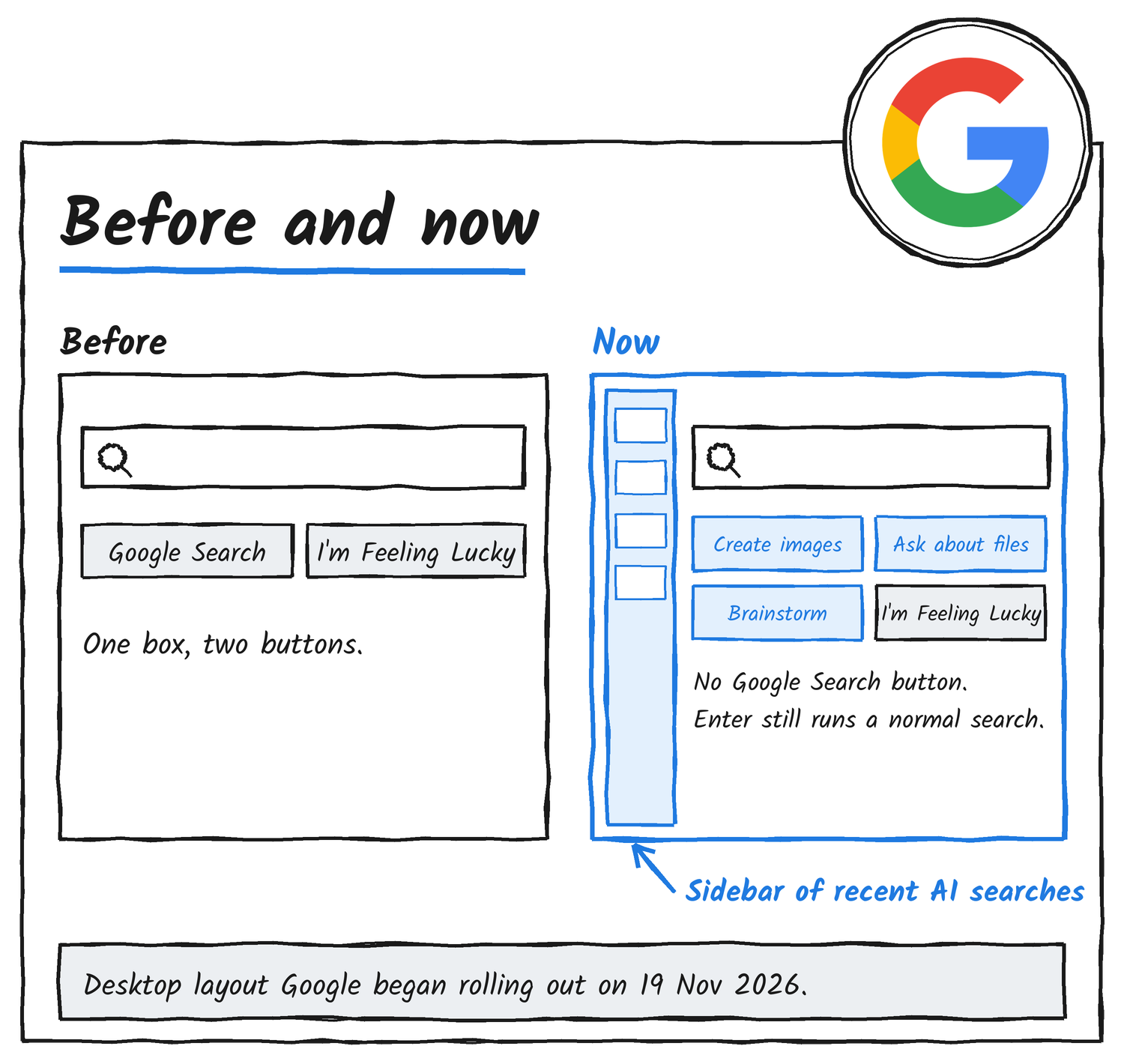
Google has dropped the Google Search button from its desktop homepage. Three AI shortcuts take its place, and a collapsible sidebar now lists your recent AI searches. Robby Stein, Google’s VP of Product for Search, announced the sidebar on X on 19 November (US time) and said it’s rolling out globally on desktop.
Typing a query and pressing Enter still returns normal Search results. AI Mode only opens if you click into it.
What changed on the homepage
Three buttons now sit under the search box: Create images, Ask about files and Brainstorm. Ars Technica describes them as an image generation button, one for analysing files and one for brainstorming with Gemini, and says the I’m Feeling Lucky button stays while Google Search goes. Android Authority says the shortcuts used to live in the attachment menu opened by the + icon beside the search bar, and that Create images runs on Nano Banana.
The sidebar opens from a grey bar on the left. The Verge reports it lists your AI Mode searches and lets you start a new thread, search your threads or connect a Gemini Notebook. 9to5Google reports it also pulls in your Gemini chat history and tasks, with a New chat shortcut.
What Stein said
People are coming to Search with more questions that aren’t just one and done – and in testing, this sidebar made a big difference for making progress & continuing to explore the web.
Robby Stein, Google, 19 November 2026
Stein called it “a much simpler way to pick up where you left off.” He gave no figures from the testing, and his post doesn’t mention the Search button.
Enter still searches
Google has said this before. When Search Engine Watch spotted an earlier version of the layout in August, Stein confirmed it on X as a small desktop test and, as Search Engine Land reported, said there was “no impact to how the core search box works – just add your question and hit enter as usual (which is how most people search anyways!)”. Android Authority’s write-up this week says the same holds now. Type a question, press Enter or Return or click a suggestion, and you get regular results, not AI Mode, unless you choose it.
How the homepage got here
| Date (2026) | What happened | Source |
|---|---|---|
| 10 August | Some signed-out visitors see no Search button, with Create images, Ask about files and Brainstorm in its place. Stein calls it “a small test on desktop”. | Search Engine Watch, Search Engine Land |
| 24 August | A two-button version appears: Do more with AI Mode and Create images. | Search Engine Watch |
| 30 October | Barry Schwartz reports seeing the AI Mode sidebar on the main results page, not yet fully rolled out. | Search Engine Roundtable |
| 17 November | Google announces temporary threads in AI Mode. | Google blog |
| 19 November | Stein announces the homepage sidebar, rolling out globally on desktop. | X |
Who sees what
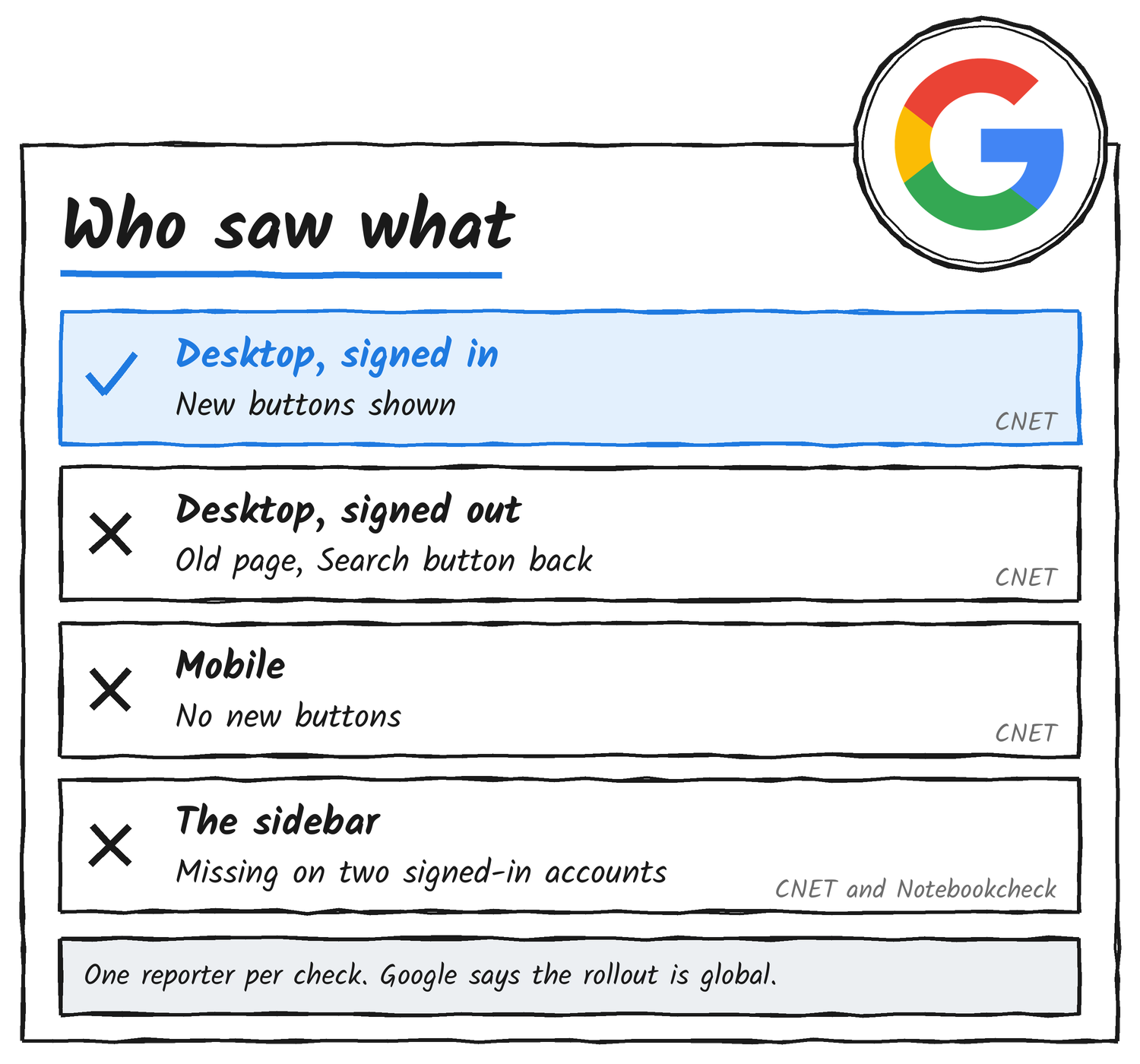
It’s uneven. In August the buttons appeared for signed-out visitors, and Search Engine Watch found they vanished on sign-in. CNET’s check on 21 November went the other way. Signed in on desktop, its reporter saw the new buttons. Signed out, the old page was back, with the Search button. Mobile didn’t show the buttons, and CNET didn’t see the sidebar. Notebookcheck checked a signed-in account on google.de the same day and found no sidebar either. Stein’s post says the rollout is global, and Google hasn’t said when it reaches every account.
3
AI shortcuts where the Search button used to be
19 Nov
Stein’s rollout announcement, US time
<24 hrs
how long a deleted AI Mode search can linger in My Activity, per Google
What it means for sites
Nothing Stein or Google’s help pages say changes how ordinary results are ranked. What changes is the homepage. The space the Search button held now carries AI shortcuts, and earlier AI Mode threads are one click away. Schwartz wrote on Search Engine Roundtable that he doesn’t like the new interface as much, but thinks it might lead to more queries for Google Search and AI Mode. For the links inside AI answers, I covered the Dive Deeper redesign separately.
Your history is on the homepage now
The sidebar puts your past AI questions on the homepage. Notebookcheck points out that on a shared computer, anyone who opens the browser and expands the panel can read them. Google’s help page says AI Mode history has to be switched on for you to pick up earlier searches. Here’s how to remove them:
- Open AI Mode on a computer.
- Click AI Mode history on the left.
- Pick More, then Delete, or use More, then Delete all, at the top of the panel.
- Check My Activity if a search still shows. Google says deleted items auto-delete in under 24 hours.
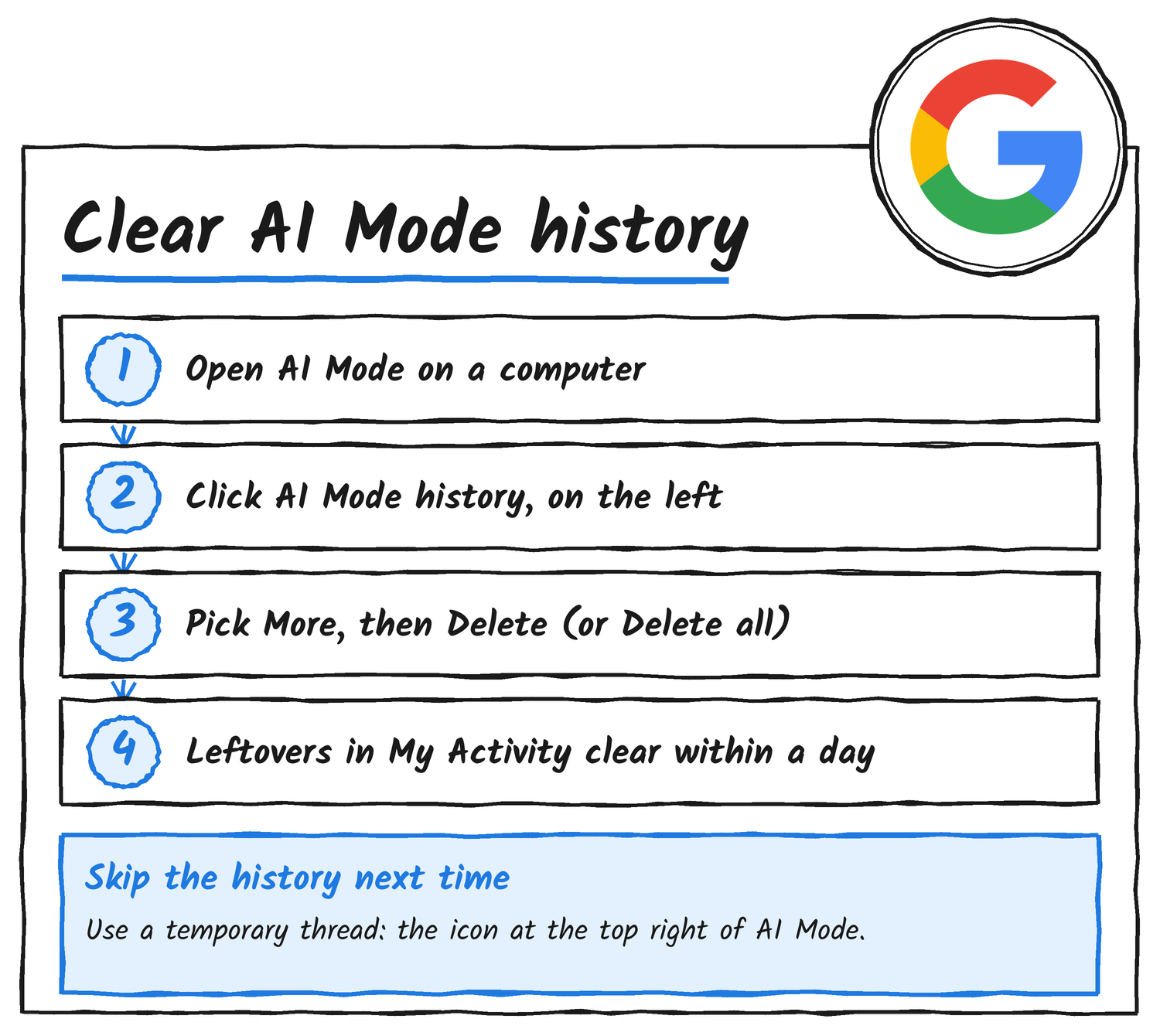
A temporary thread skips all that. Google’s 17 November post says it’s opened from the icon at the top right of AI Mode, and that because the session is “completely detached from your account”, it won’t be saved to your history or shape future personalisation.
- AI Mode
- Google’s chatbot-style search experience, opened from a button in the search box or at google.com/ai.
- Sidebar
- The collapsible panel on the left that lists recent AI Mode searches and lets you start a new thread.
- Temporary thread
- An AI Mode session detached from your account, so it isn’t saved to your history or used for personalisation.
Will the Google Search button come back?
Stein’s post doesn’t mention it. Signed-out visitors on CNET’s check still saw it on 21 November.
Is this on mobile?
Stein’s post names the desktop homepage. CNET saw the new buttons on desktop and not on mobile.
Can I switch the sidebar off?
Notebookcheck says Google hasn’t announced a setting that removes it. You can collapse it to a narrow grey bar.
More on Google’s AI Mode: I also covered how Target, Experian and H&R Block arrive in AI Mode through Connected Apps.
Discover more from Sulat AI & Tech News
Subscribe to get the latest posts sent to your email.