
An MCP Server Card is a small JSON file that a server publishes so a client can learn where it lives and how to connect before it connects. The spec is moving, a handful of companies already publish cards, and the biggest complaint is that a card says nothing about the server’s tools, skills or events. Here’s what the spec says, what I fetched from ten real sites, where the status really stands, and what to do about the gap.
- What a card holds
- How a client finds one
- What I ran
- Where the status stands
- What the card leaves off
- Cards advise, servers decide
- Where it sits next to the other files
- Before you publish one
What a card holds
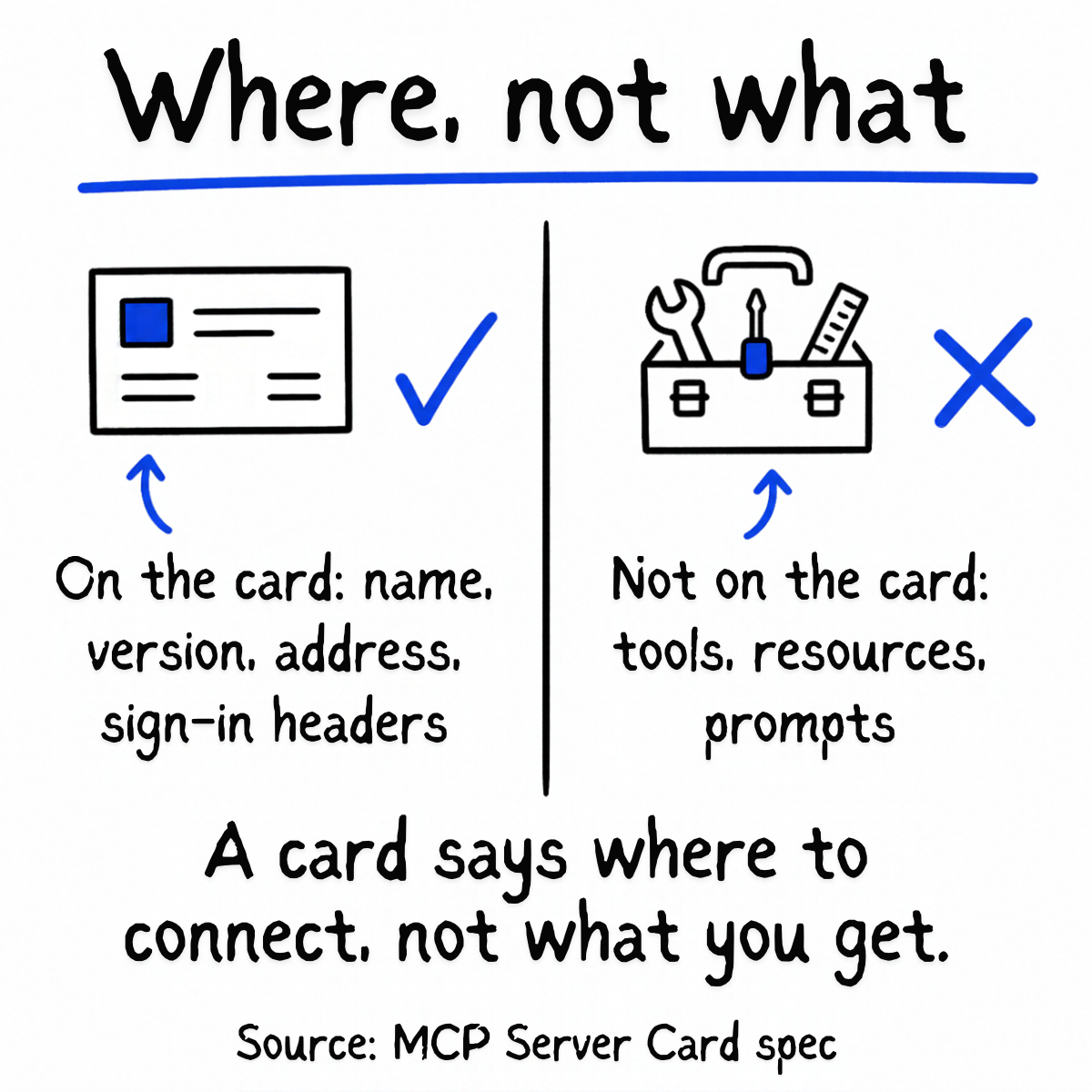
The card is a JSON document with the media type application/mcp-server-card+json. Its required identity is a reverse-DNS name with one slash in it, such as com.neon/mcp, plus a version and a description capped at 100 characters. Optional fields cover a title, a website, a repository, icons and a remotes list. Each remote says the transport type, a URL template, any headers and variables a client must fill in, the protocol versions it supports and, since a mid-November change, an extensionsInfo block. The schema is open, so a publisher can add fields under _meta and elsewhere.
What a card deliberately omits matters as much. It has no tools, resources or prompts, and no local install metadata. Install instructions belong to the MCP Registry’s server.json, so the card is about reaching a running remote server, not about installing one.
How a client finds one
There are two routes. The first is the AI Catalog: a client fetches /.well-known/ai-catalog.json on a domain, reads the entries, and picks the one whose type is the Server Card media type. Entries carry an identifier in the form urn:air:... and either a URL or the card inline. The second route is direct: the spec suggests serving the card at <streamable-http-url>/server-card, requested with an Accept header, though a card can live at any unreserved URI.
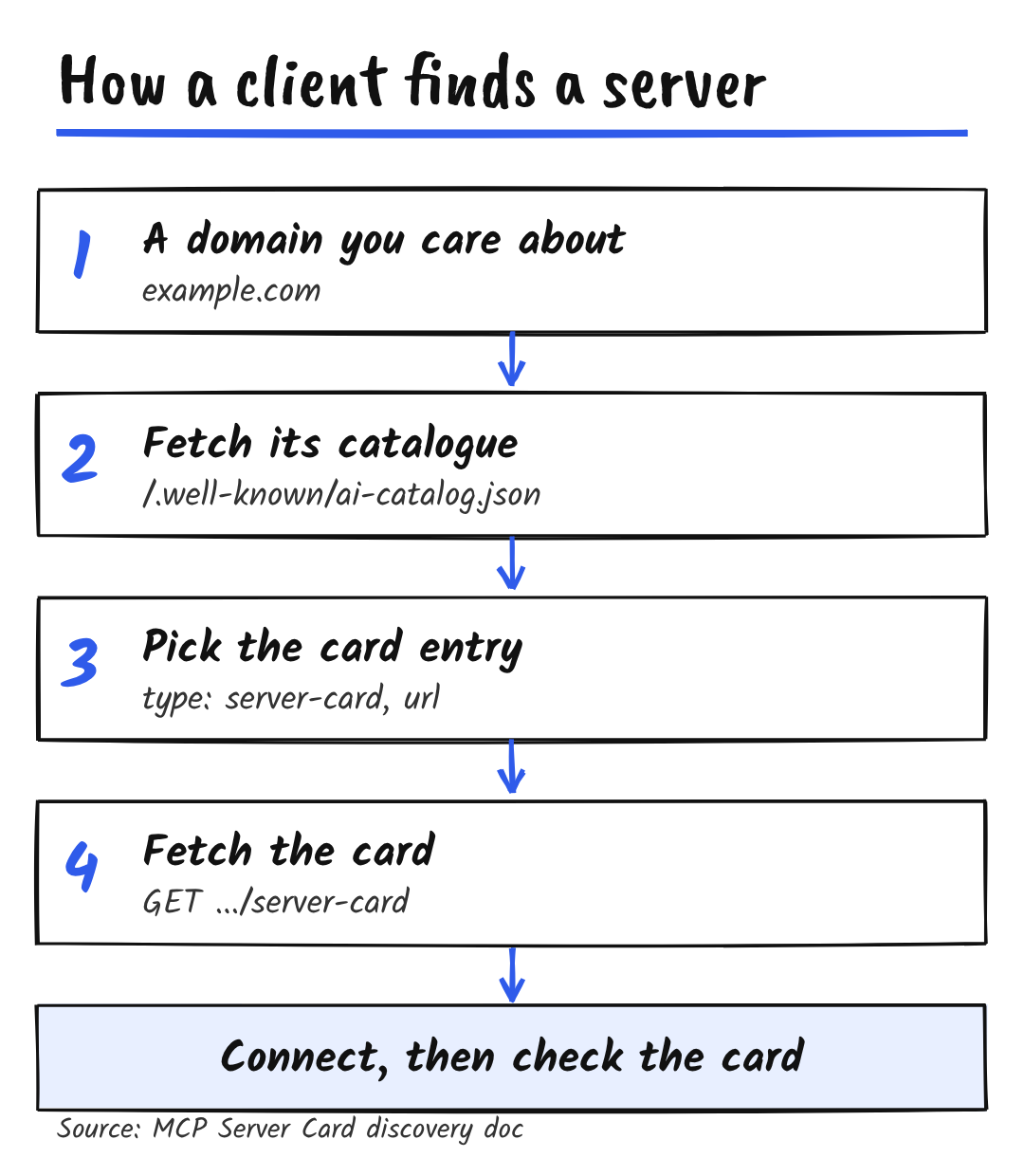
The spec asks publishers to behave like a proper web resource: HTTPS, CORS, a Cache-Control of one hour, an ETag so clients can get a 304, and rate limiting. The AI Catalog format is a separate Linux Foundation project, currently a release candidate for 1.0, and it is also where a domain would list other things, such as agent skills.
What I ran
I wanted to know whether anyone actually publishes these, so I wrote a short script that probes ten well-known sites for an AI Catalog, counts the Server Card entries, and then fetched the cards and validated them against the schema published in the spec repository. The probe script, verbatim:
#!/usr/bin/env bash
# Probe each domain for an AI Catalog, list Server Card entries, fetch each card, validate against the published schema.
for d in neon.com buildkite.com vercel.com supabase.com huggingface.co www.notion.com cloudflare.com www.atlassian.com linear.app sentry.io; do
  code=$(curl -s -L -m 15 -o cat.tmp -w "%{http_code} %{content_type}" "https://$d/.well-known/ai-catalog.json")
  n=$(python3 -c "import json;d=json.load(open('cat.tmp'));print(sum(1 for e in d['entries'] if e['type']=='application/mcp-server-card+json'))" 2>/dev/null || echo "-")
  printf "%-20s %-48s server-card entries: %s\n" "$d" "$code" "$n"
done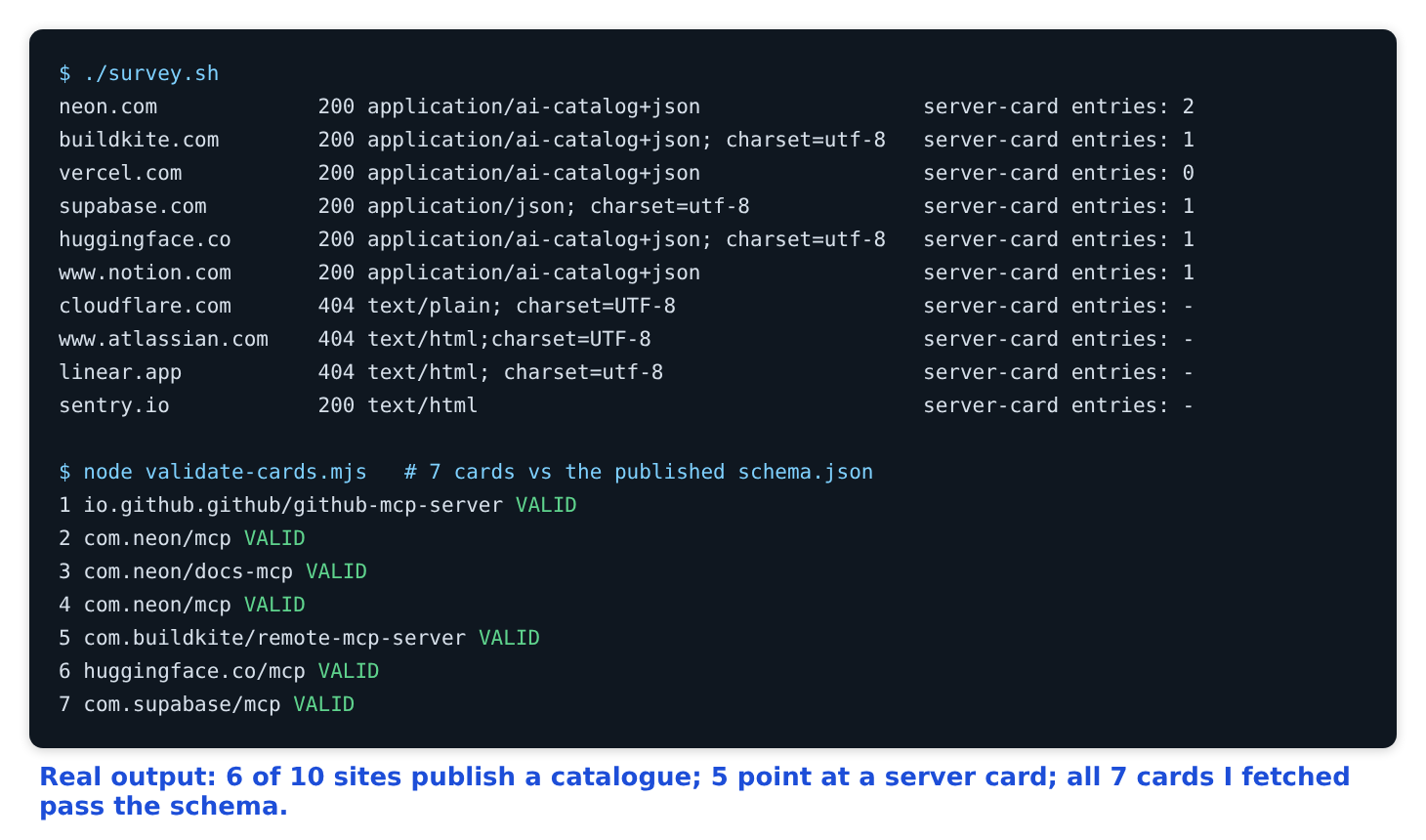
For the schema step I ran the published JSON Schema through an Ajv 2020-12 validator with the format checks switched on.
6 of 10
sites served an AI Catalog
5
of those pointed at a Server Card
7 of 7
cards I fetched passed the schema
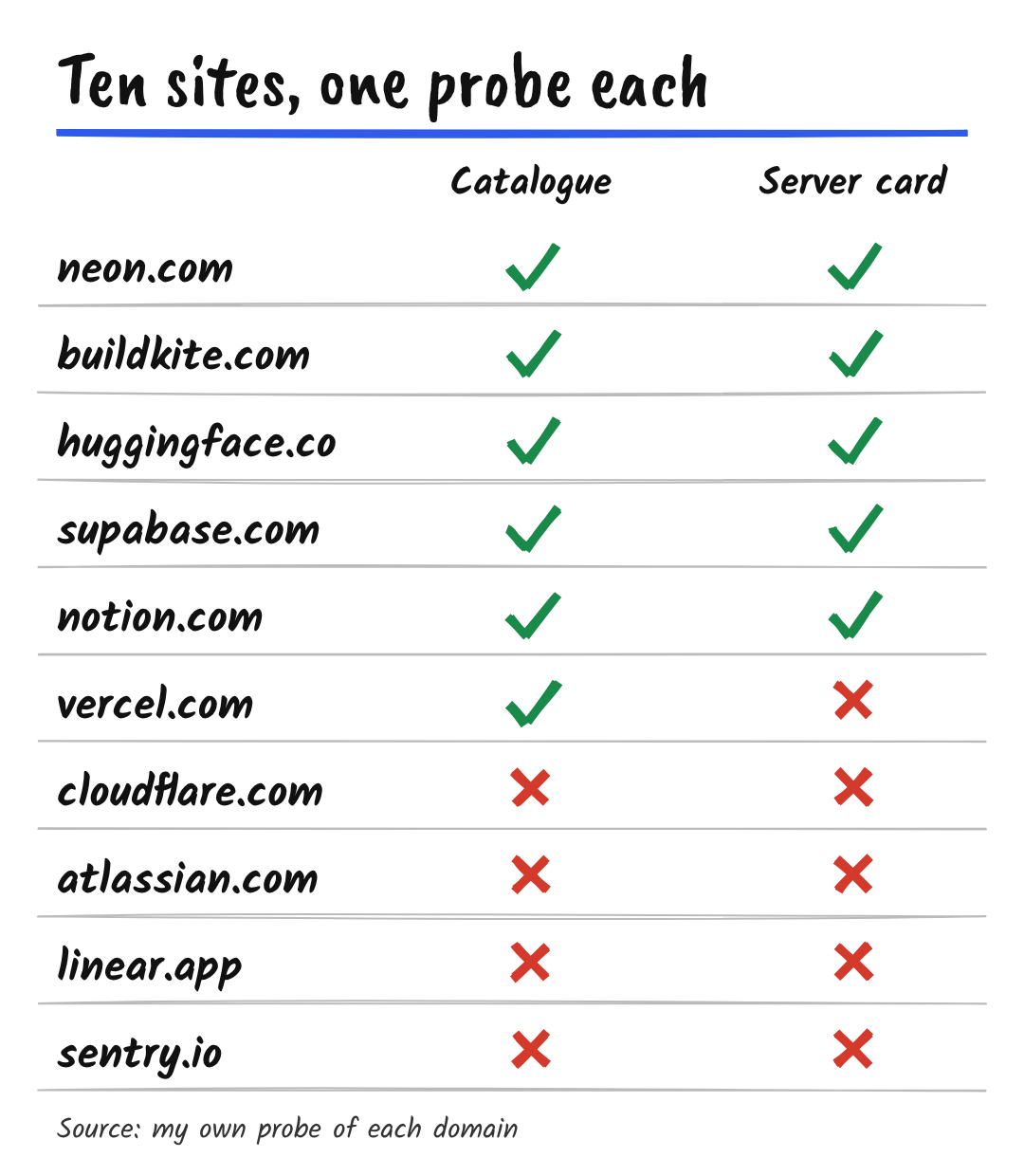
| Site | Catalogue | Card entries |
|---|---|---|
| neon.com | Served as ai-catalog+json | 2 |
| buildkite.com | Served | 1 |
| vercel.com | Served | 0 |
| supabase.com | Served, as plain application/json | 1 |
| huggingface.co | Served | 1 |
| www.notion.com | Served (notion.so redirects here) | 1 |
| cloudflare.com, www.atlassian.com, linear.app | Not found | None |
| sentry.io | Login page returned instead | None |
The details were more interesting than the totals:
- Neon’s catalogue lists two card entries, and the one named
com.neon/mcpcame back as two different cards from the two places I fetched it. Both validate. The spec doesn’t say which a client should prefer, and I haven’t seen Neon explain it. - GitHub’s card, which I fetched from its card endpoint, uses a version string that isn’t semantic versioning, and it still passes. The schema is looser than the prose suggests.
- Buildkite’s card lists four remotes, which shows the multi-remote shape in practice.
- Supabase serves its catalogue as plain
application/json, not the catalogue media type. A strict client that checks the content type would skip it. - Hosts differ on where the card sits, and I saw cache headers and an ETag answered with a 304, as the spec asks.
What I didn’t do: connect to any of these servers, install a client plugin, or validate Notion’s card, which I only counted. GitHub’s catalogue URL was blocked from my environment, so I can’t say whether GitHub publishes one. Treat the numbers as a snapshot of ten sites, not of the web.
Where the status stands
The sources disagree on how official this is, and both are right in their own way. The proposal, SEP-2127, sits on the Extensions Track with the status Final, and the core maintainers voted to accept it in August. The extension’s own repository, though, still says in its README that the extension is experimental and not an accepted or official MCP extension. The roadmap explains the gap: an extension needs a merged reference implementation in an SDK first, tracked as SEP-2133. One community tracker lists the extension as beta.
My reading is that the format is settled enough to publish and not settled enough to depend on. Fields have already been added (the extension info block in November), so a client that hard-codes today’s shape may need updating.
What the card leaves off
The obvious complaint is the one developers are already making: a card tells you where a server is, not what it offers. You still have to connect to learn its tools. There is a thread on exactly this in the extension repository, issue 30, labelled for the next version. It is worth reading because the objections are not about effort. A published tool list helps reconnaissance and tool-poisoning attacks, tools can change at runtime, so a proposed dynamic marker would flag lists that aren’t fixed, and a server that returns different tools to different callers can’t honestly print one list. Cisco’s mcpdesc and Arazzo’s maintainers have both shown interest in the same problem.
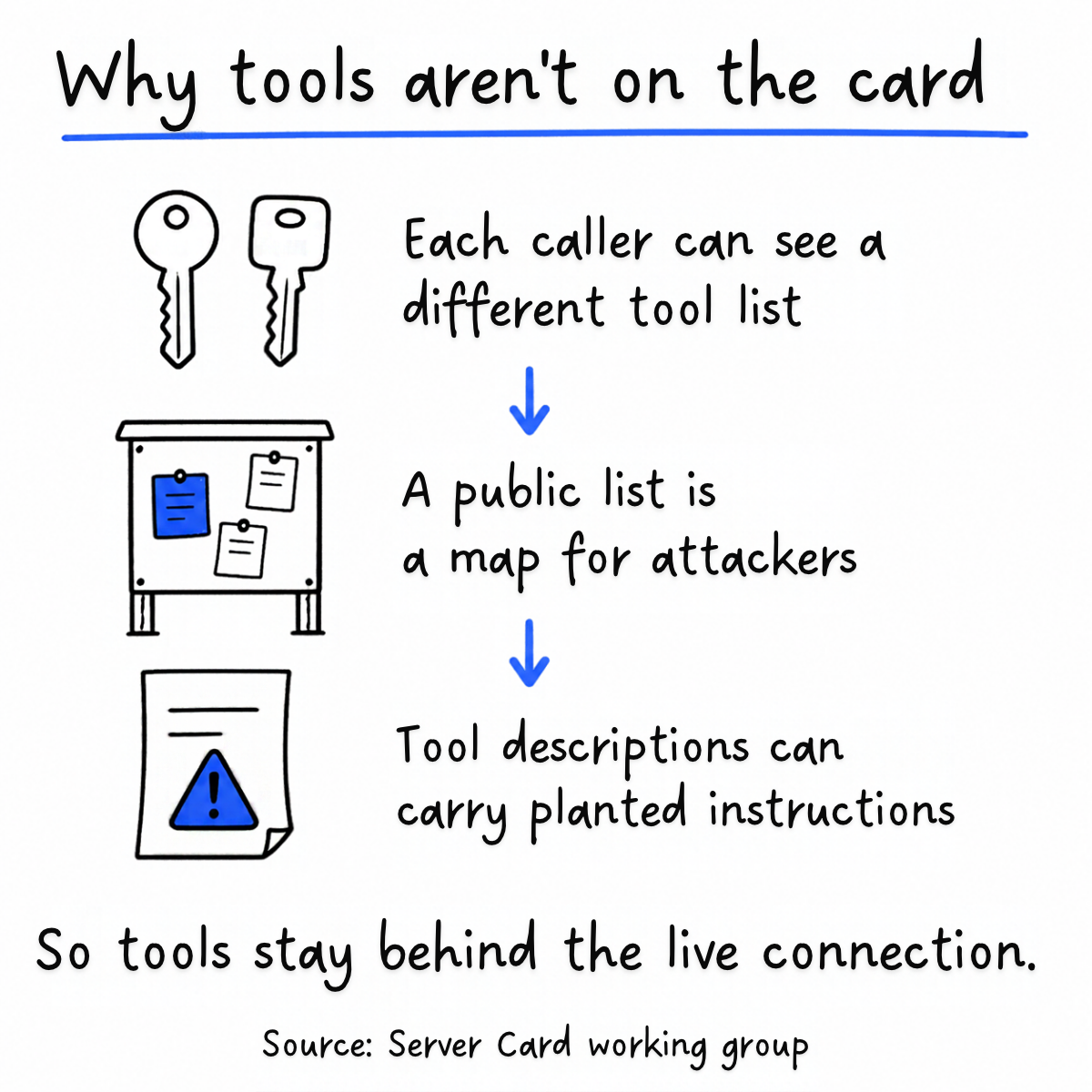
Skills and events have no card field at all. For skills the catalogue is currently the answer: Neon’s catalogue lists several agent-skill entries beside its cards. If you want the background, I covered Claude Code loading skills from MCP servers and the MCP Events extension earlier. Related open issues ask for capabilities and extensions on the card, server instructions, and how a client should handle a 429 when it fetches one. The roadmap lists tool metadata as a priority.
Cards advise, servers decide
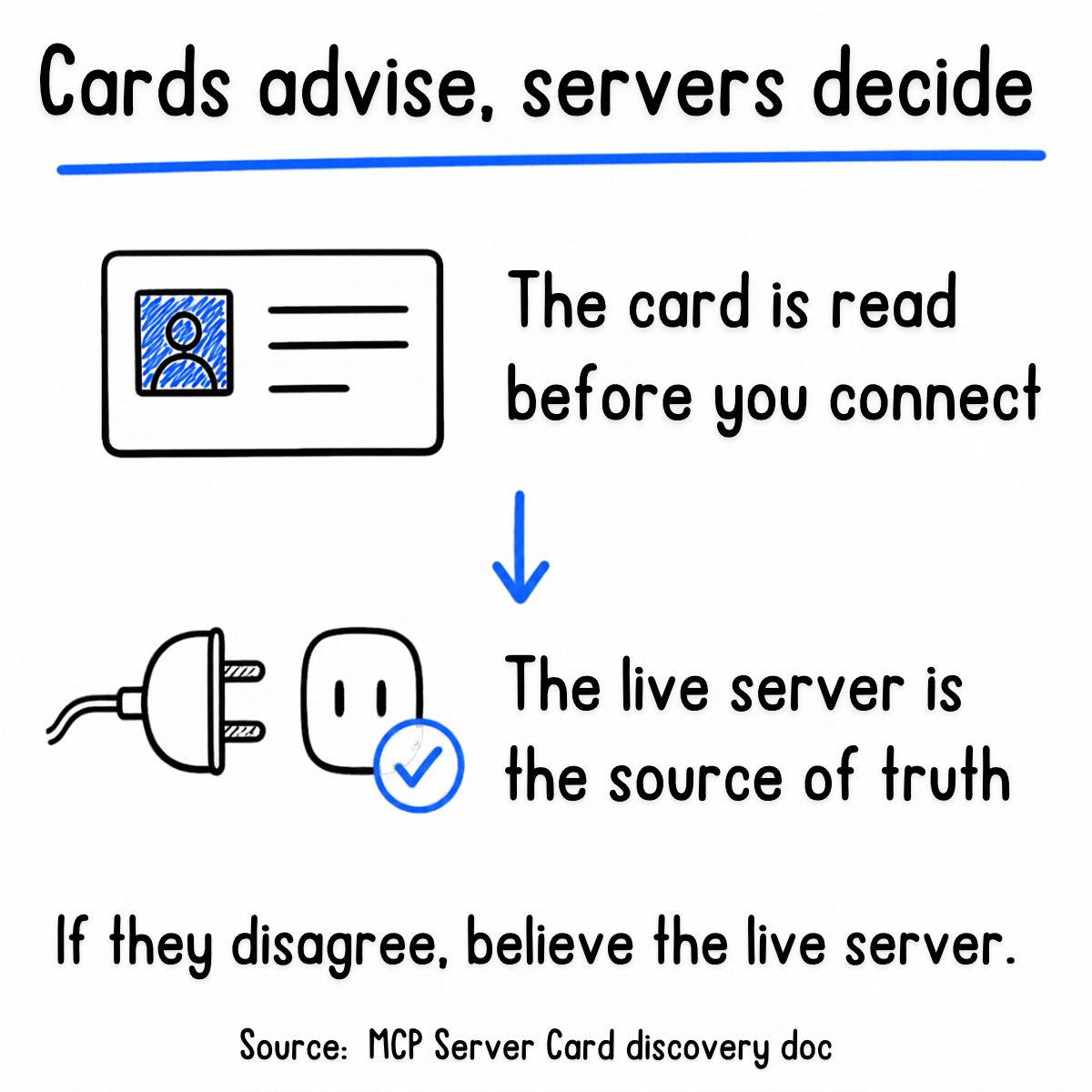
The spec’s trust model is blunt. Card fields are advisory. A client must not make security decisions from them and should verify what it read against the live server during discovery. The one field with a stricter rule is extensionsInfo, which a client should trust only when it comes from the same origin over HTTPS. That is sensible, and it also means a card is a convenience for choosing and configuring a connection, not a guarantee. If a card says a server needs no authentication, you still find out when you connect.
On the client side, the one tool I found is a community plugin called AgentPolyfill, with a mcp-server-cards plugin for Claude Code and Codex. I haven’t run it.
Where it sits next to the other files
| File | Answers | Where it lives |
|---|---|---|
| Server Card | Where is the remote server and how do I reach it? | Your own domain, found through the AI Catalog or a card URL |
| AI Catalog | What agent-facing things does this domain publish? | /.well-known/ai-catalog.json |
Registry server.json | How do I install or list this server? | The MCP Registry |
| Live discovery | What tools, resources and prompts does it really have, for me, right now? | The connected server itself |
Before you publish one
A short checklist for server owners
Validate it. Run your card through the published schema. All seven I checked passed, so there’s no excuse for a broken one.
Serve it properly. Use the right media types, HTTPS, CORS, a one-hour cache and an ETag. My survey found one catalogue with the wrong content type.
Keep one canonical card. Neon’s duplicate name with different content is the thing to avoid.
Don’t promise what you can’t keep. Anything on the card can be wrong, and clients are told to check the live server.
Plan for change. The extension isn’t finished, so expect fields to move and keep the card generated from one source.
For everyone else, cards are a good sign and a small one. They make a server easier to find and configure, and they leave the question people actually ask, what can it do, to the connection itself.
Sources: MCP Server Card extension repository / SEP-2127 pull request / Tool metadata issue / AgentPolyfill / the AI Catalog specification and each site’s own catalogue, read directly
Disclosure: I’m an OpenAI, Firecrawl and Devin ambassador.