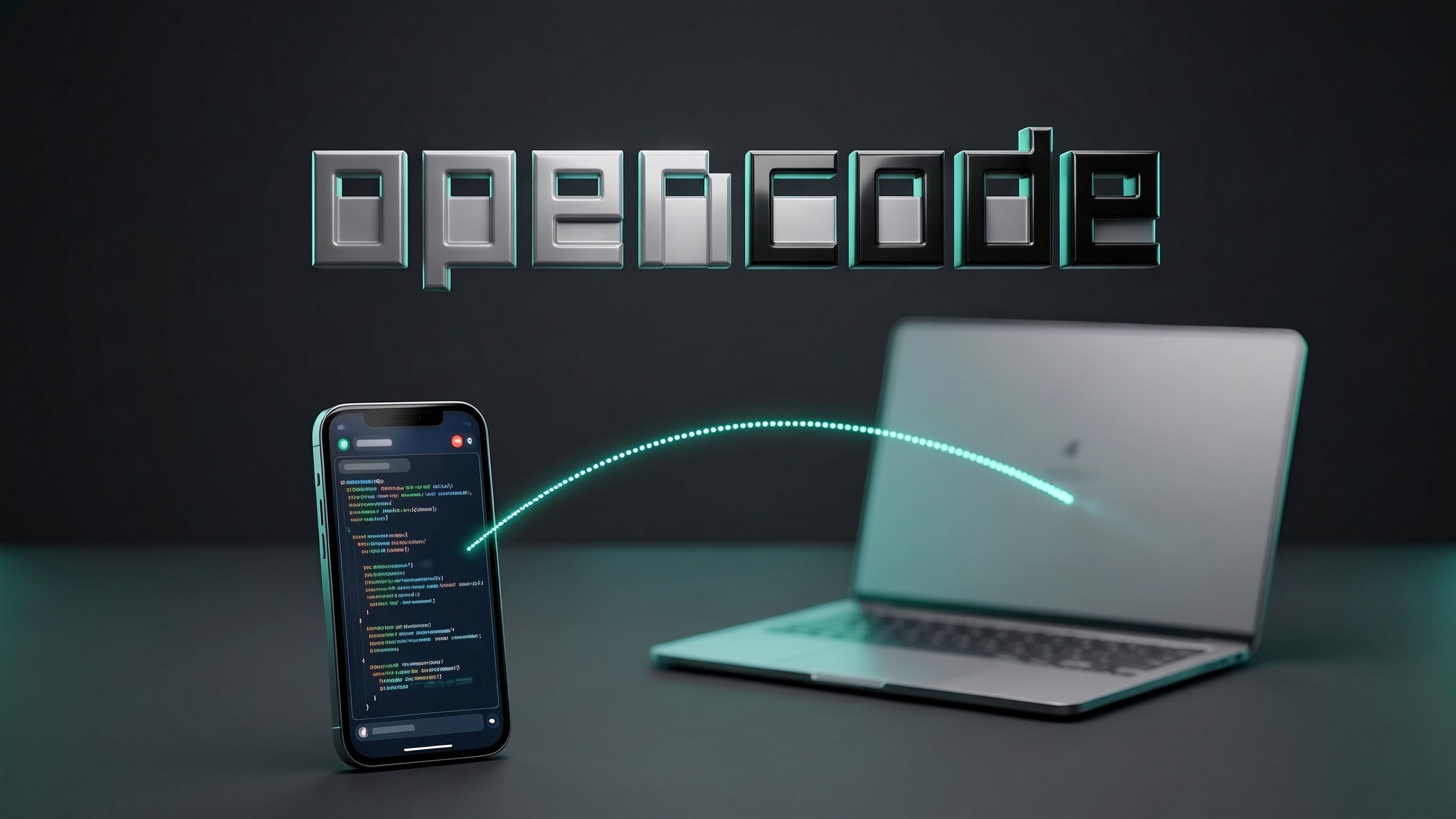
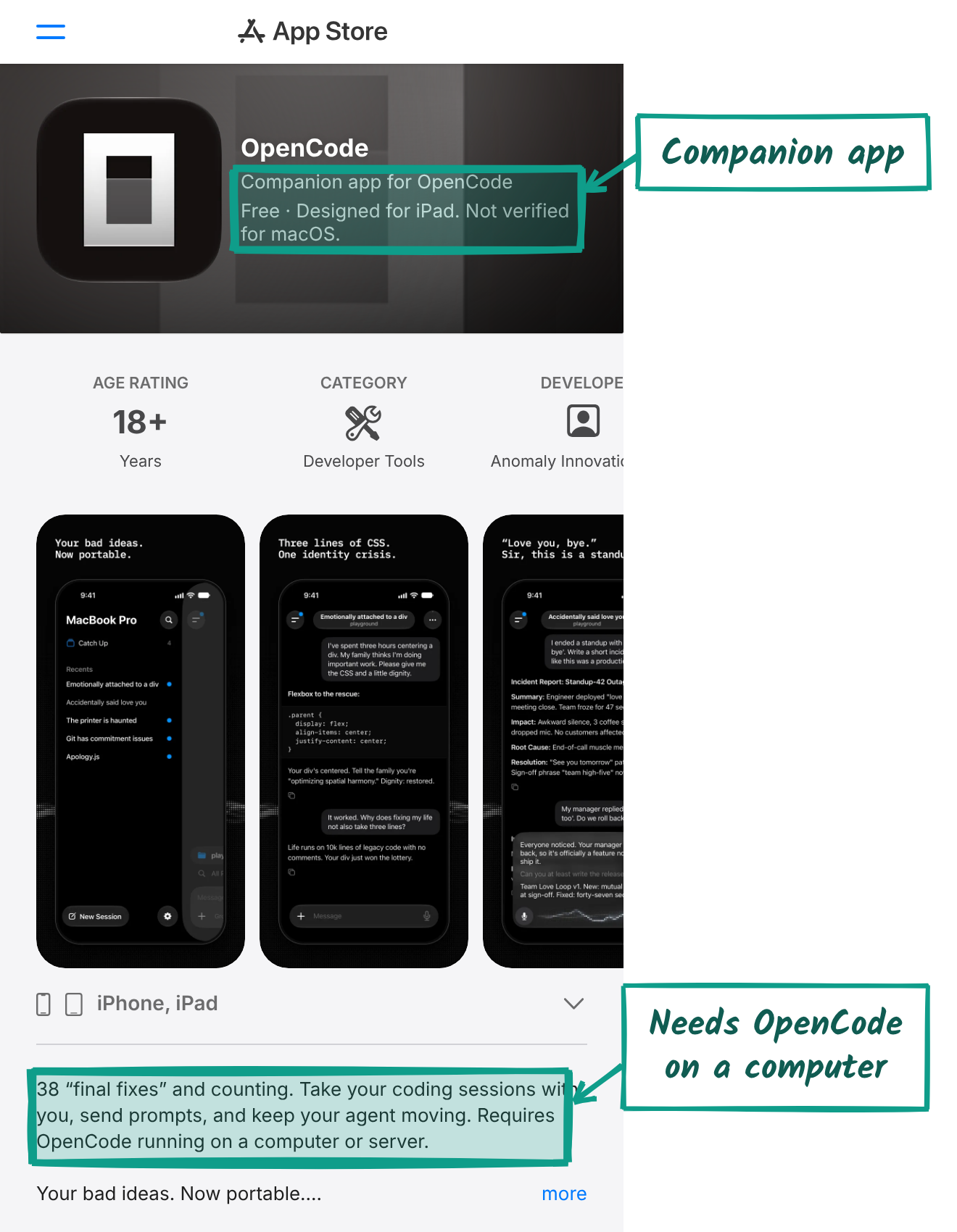
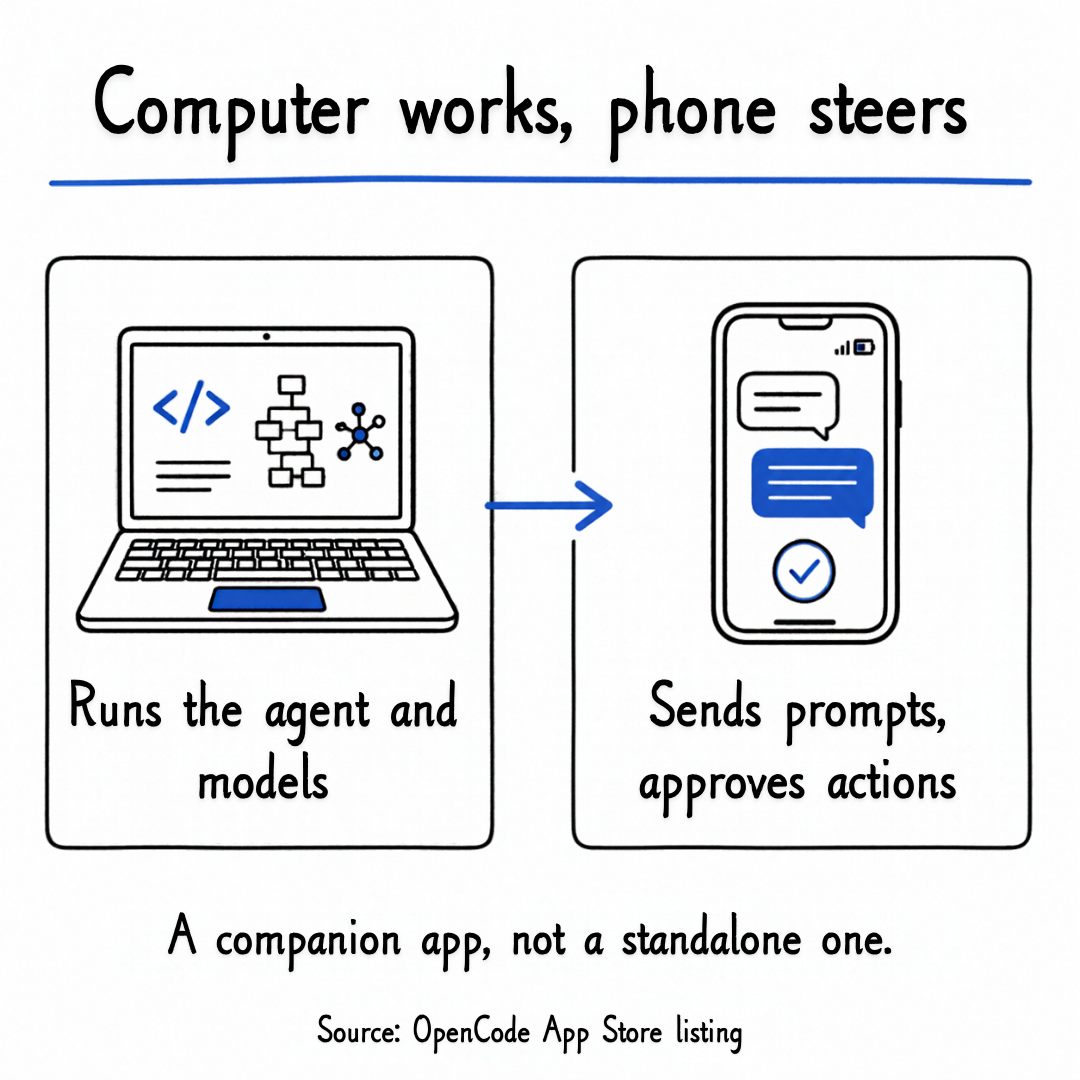
OpenCode’s iPhone app is now on the App Store. Ryan Vogel, who is listed under Anomaly on X, announced it on 28 November with “IT’S DONE” and “MY FIGHT WITH APPLE IS OVER”. The seller is Anomaly Innovations, Inc., the company behind OpenCode, and the app is a companion to that open source coding agent. You start, watch and steer sessions from the phone while the agent keeps running on your own computer or server.
The app needs iOS 26 or later, and it does nothing on its own: there has to be a computer or server running OpenCode V2 that the phone can reach. Below, how pairing works, why the iOS floor is so high, the wait for Apple’s review, the two stores’ privacy labels, and how it sits next to the phone apps from Anthropic, OpenAI, Cursor and T3.
- What the app is
- How pairing works
- Why it needs iOS 26
- The wait for Apple
- Two stores, two privacy labels
- How it compares with other phone apps
- What it changes
- What I haven’t tested
- Checks before you install
What the app is
Anomaly’s App Store listing calls it “a companion app, not a standalone AI service”. You browse your sessions, read replies as they arrive and carry on where you left off. You see what the agent’s tools are doing, and you answer when it asks for permission or needs an answer. You can attach images to a prompt or dictate one. The models and providers are whatever your OpenCode server is set up to use, and there’s no separate account to create in the app.
iOS 26
the oldest iPhone software the listing allows
V2
the OpenCode version the computer must run
5 minutes
how long a pairing code lasts
None
separate accounts to create in the app
The listing’s compatibility section covers iPhone and iPad, and also lists Macs with an Apple M1 chip or later and Apple Vision, each at version 26 or later. It’s a developer tool, rated 18+ for infrequent profanity or crude humour, and the only language is English. It hasn’t collected enough ratings to show a score yet.
How pairing works
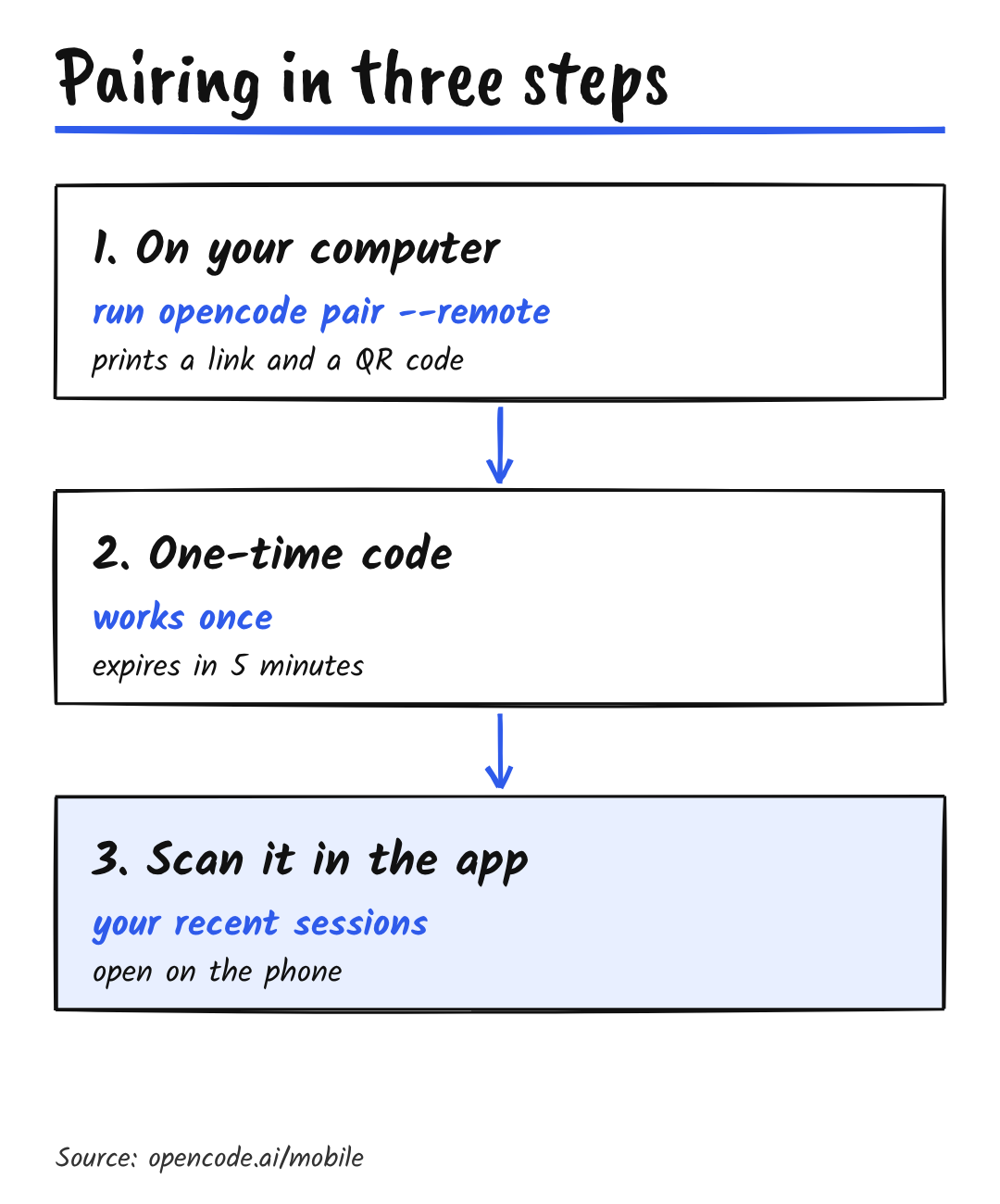
OpenCode’s mobile page describes the app as “a remote for OpenCode on your computer”. Your sessions keep running there, and the app shows them and lets you steer them. Pairing takes three steps.
- Install the app on the phone.
- On the computer, run
opencode pair --remote. It prints a one-time link and a QR code. They work once and expire after five minutes. - Scan the QR code with the app, or paste the link. Your computer’s recent sessions open on the phone.
Remote pairing versus the same Wi-Fi
The --remote flag connects through an OpenTunnel address, so it works from any network. OpenTunnel is a separate service that OpenCode’s page lists as giving local apps public HTTPS URLs. If the phone and computer are on the same Wi-Fi, you can skip it: run opencode service set hostname 0.0.0.0 once, then opencode pair. A hostname of 0.0.0.0 makes the service listen on every network interface of the computer, which is worth knowing before you do it on a shared network.
Why it needs iOS 26
The listing requires iOS 26.0 or later on iPhone, and iPadOS 26.0 or later on iPad. People noticed straight away. One reply to Vogel’s post, captioned “Computer says no”, came with a screenshot, and another asked why the app couldn’t support iOS 18 or even iOS 17. Vogel’s answer, in his own words, was that “the entire app is built around the premise of liquid glass”, the design language Apple introduced with iOS 26. He added that “now that this app is done, we will likely go and backport it to be compatible with older ioss”.
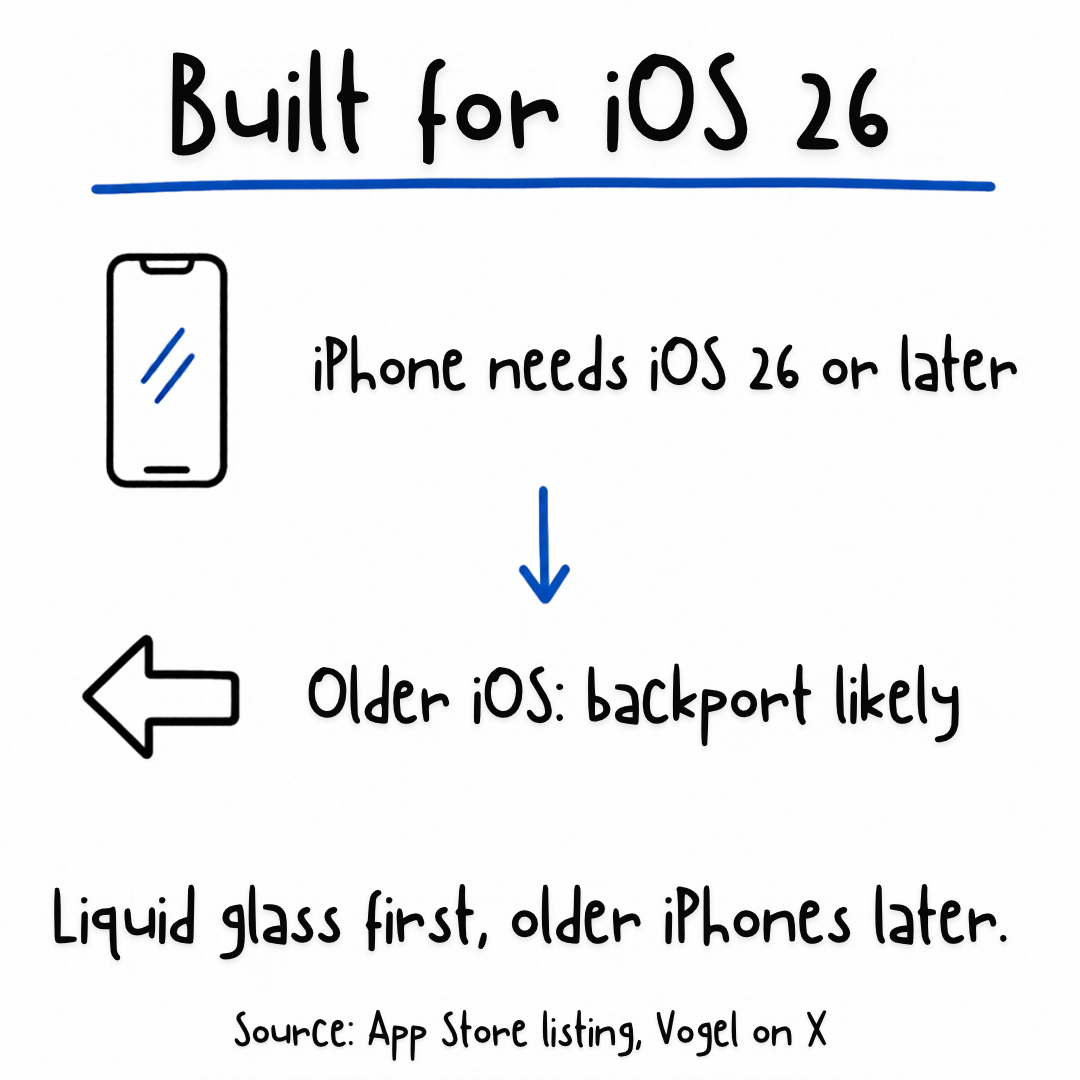
“Likely” is the whole commitment: Anomaly hasn’t given a version or a date. The floor is also not unusual for a new app from this crowd. Cursor’s iPhone app needs iOS 26.0 as well, according to its docs. Anomaly’s own Hex keyboard, which went onto the App Store on 22 November, runs from iOS 18, and I covered how it works in Hex, Anomaly’s free dictation keyboard, is now on the iPhone.
The wait for Apple
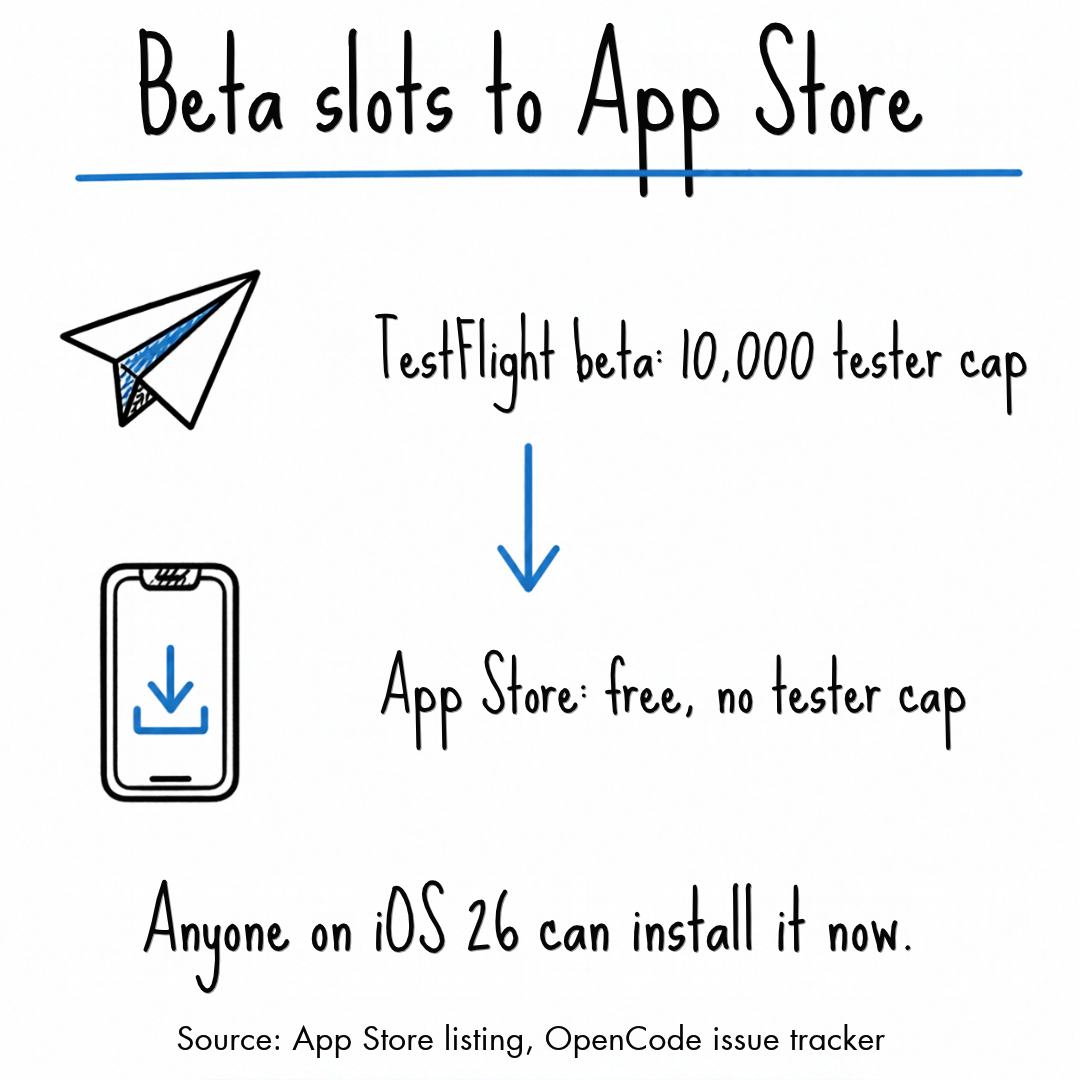
The release came after a stretch where the app lived only on TestFlight, Apple’s beta service. On 5 November, dax, who builds OpenCode at Anomaly, posted that the iOS app “has been ready for weeks but apple hasn’t approved it”. He said it was worse than that, because Apple had categorised it as an “internal app”, and that he didn’t know how much it was being prioritised. He also said about 10,000 people were using it through TestFlight. Those are his claims. Apple hasn’t said anything I could find about the app, its category or the timing.
The cap matters because TestFlight’s public beta tops out at 10,000 testers. On 18 November a user opened a GitHub issue on the OpenCode repository asking for more TestFlight slots, or an unsigned build to sideload, because people on Discord couldn’t get into the beta. A bot replying for the project marked it as a feature request and said it couldn’t say whether either option would happen. The Android app had already reached Google Play after a similar request.
The picture attached to Vogel’s post is an App Store Connect email showing version 1.0 as “Pending Developer Release”, the state where Apple has approved a build and the developer picks when it goes live. The listing was up when I checked. Vogel hasn’t said what changed in review, and neither he nor Anomaly has said what the “internal app” label turned out to mean.
Two stores, two privacy labels
The App Store’s privacy section says Anomaly indicated that the app’s practices “may include handling of data”, and that the following data “may be collected and linked to your identity”: contact info, user content, identifiers, usage data and diagnostics. It points to Anomaly’s privacy policy. The Android app’s Google Play listing says no data is collected and none is shared with third parties.
Those two labels describe the same product in very different terms, and I found no explanation of the gap from Anomaly. The two stores use different forms, so they aren’t a like-for-like comparison, but a reader choosing between the two apps would see opposite answers. Hex’s iPhone label, by contrast, reads Data Not Collected. If the OpenCode label matters to you, the policy is the place to read what the app sends and when.
How it compares with other phone apps
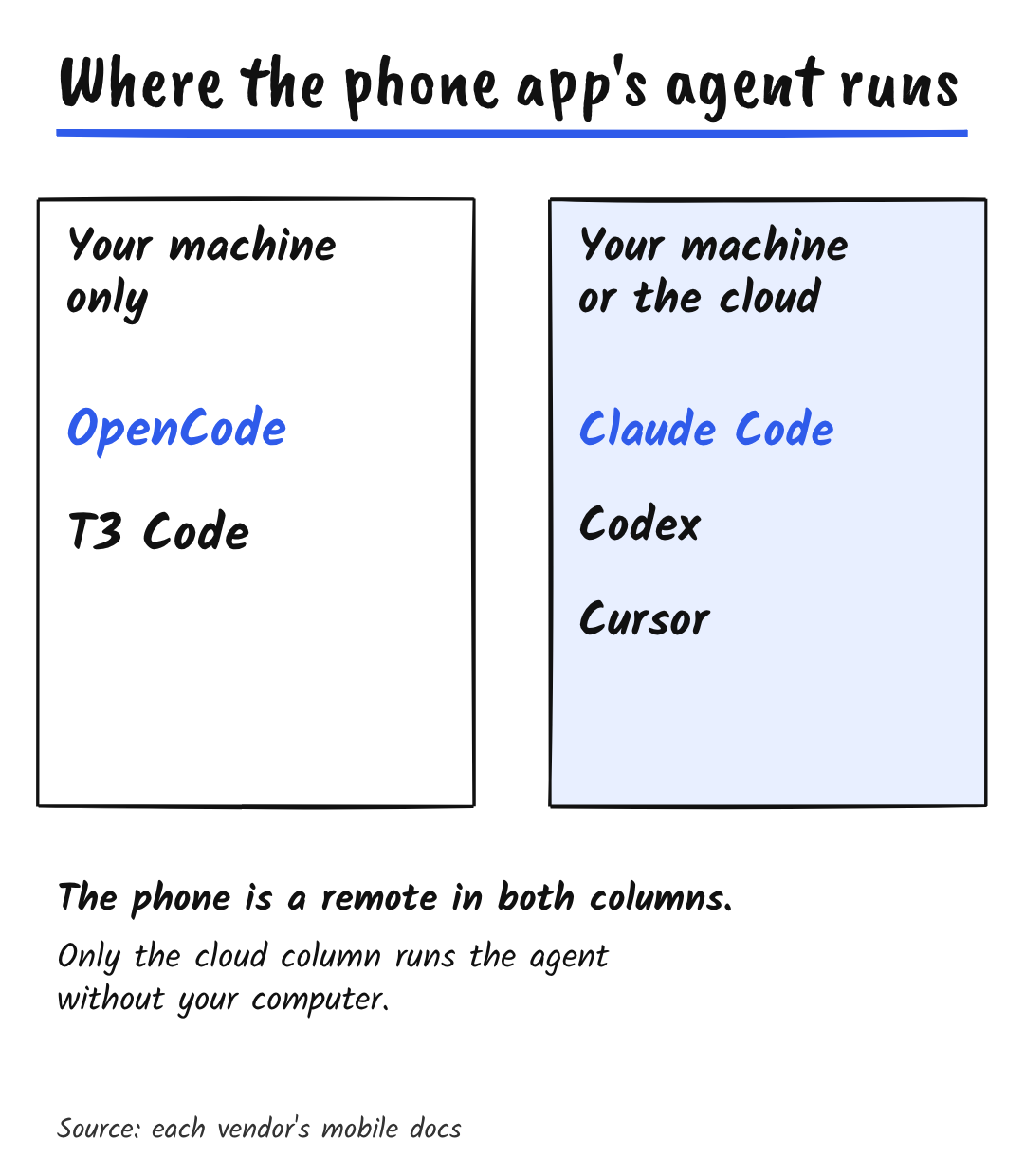
OpenCode isn’t first. Claude, Codex and Cursor each have a phone app, and T3 Code has one too. They split on one question: does the agent run only on your machine, or can it run in the vendor’s cloud as well?
| Tool | Phone app | Where the agent runs |
|---|---|---|
| OpenCode | OpenCode for iPhone and iPad, plus an Android app | Your computer or server. The listing mentions no hosted option. |
| Claude Code | Code tab in the Claude app | Cloud sessions, a session on your computer through Remote Control, or the desktop app through Dispatch |
| Codex | ChatGPT mobile app | The cloud, or a connected Mac or Windows PC. OpenAI says availability depends on rollout and workspace settings. |
| Cursor | Cursor for iOS, which needs iOS 26 or later | Cloud agents or your local computer. Android is planned, and it’s on paid plans. |
| T3 Code | Open source (MIT) iOS and Android apps | Your own T3 Code environments, paired by code or through T3 Connect. Its README says it controls Claude Code, Codex and more. |
Read the details at the sources: Anthropic’s page on Remote Control, OpenAI’s Codex on mobile, Cursor’s Cursor for iOS and the T3 Code repository. T3 Code is the closest neighbour in spirit, since it also drives agents on your own machines. Its telemetry records OpenCode among the tools whose history it reads, which I went through in T3 Code telemetry: what the record shows.
What it changes
For people already running OpenCode V2, the phone now has an official app on both stores. The model choice stays where it was, because the app uses whatever providers your server uses.
For people on iOS 25 or older, nothing changes until the promised backport turns up, if it does. Anomaly has set no date for it.
For the wider market, the line between vendors has become where the work runs. OpenCode’s listing describes only a computer or server you run, so its phone app needs that machine to stay on and reachable. Claude, Codex and Cursor each document a cloud option for when it isn’t. The trade is control against convenience. I’ve also tested OpenCode’s stealth model before, in my Seaglass test.
What I haven’t tested
I haven’t run the iPhone app or the pairing. I couldn’t install the OpenCode command line in the environment I work in, and I don’t have an iPhone to run the app on. How the app behaves in this piece comes from the App Store listing, OpenCode’s mobile page and Anomaly’s own posts. The screenshot above is the listing on the web, not the app itself.
Checks before you install
- Check your iPhone runs iOS 26 or later. Older versions can’t install it yet.
- Check your computer or server runs OpenCode V2, because the listing says that’s what the app needs.
- Use
opencode pair --remotefor pairing from any network, and use the code within five minutes. It only works once. - Think before you set the hostname to 0.0.0.0 for same-Wi-Fi pairing, especially on a shared network.
- Read the privacy policy first if the label matters to you, because the App Store and Google Play labels disagree.