
An agent that hits a Cloudflare Free plan wall can now pay its own way past it. On 25 November Cloudflare said you and your agents can activate subscriptions from the cf command line or its MCP servers, without a trip to the dashboard. Until now an OAuth session couldn’t create a subscription, so an agent that needed a paid plan had to stop and hand you a checkout page. It can now upgrade an account to Workers Paid, activate R2 or sign up for Zero Trust in place.
I read the changelog entry, Cloudflare’s spending limits and alerts guide, the Workers pricing page and the command list in the published cf package. I didn’t run cf and I didn’t activate a plan on an account of my own, so the behaviour below is what Cloudflare documents, not what I watched happen. The part Cloudflare’s announcement leaves out is the one that matters for your bill: an agent can now start paying, and only two products can be given a hard stop.
US$5
a month for Workers Paid, plus usage past 10 million requests and 30 million CPU milliseconds
10 GB
of R2 storage free each month, then US$0.015 per GB-month
50
users included on the Zero Trust Free plan
2
products with a hard spending limit: Workers and Durable Objects
- What Cloudflare launched
- How it works in the CLI, in MCP and over the API
- What you need before an agent can upgrade you
- What each activation costs
- The spending-control gap
- How it compares with Stripe Projects and temporary accounts
- How Cloudflare got here
- What Cloudflare hasn’t said
- What I’d set up first
What Cloudflare launched
The change is narrow and useful. Cloudflare’s changelog lists three “common workflows” an agent can now finish without leaving the terminal or the chat. Workers Paid lifts a Worker past the Free plan’s 100,000 requests a day and 10 ms of CPU time. R2 activation lets an agent start creating buckets. Zero Trust sign-up lets an agent put a Worker behind Cloudflare Access.
Sid Chatterjee, a principal engineer at Cloudflare who built Workflows, announced it on X and said it works “via MCP, our new CF CLI or the HTTP API”. He thanked acoyfellow, MattieTK and mattzcarey for the work. His instruction to users is plain: ask your agent to upgrade your account to Workers Paid or sign up to R2.
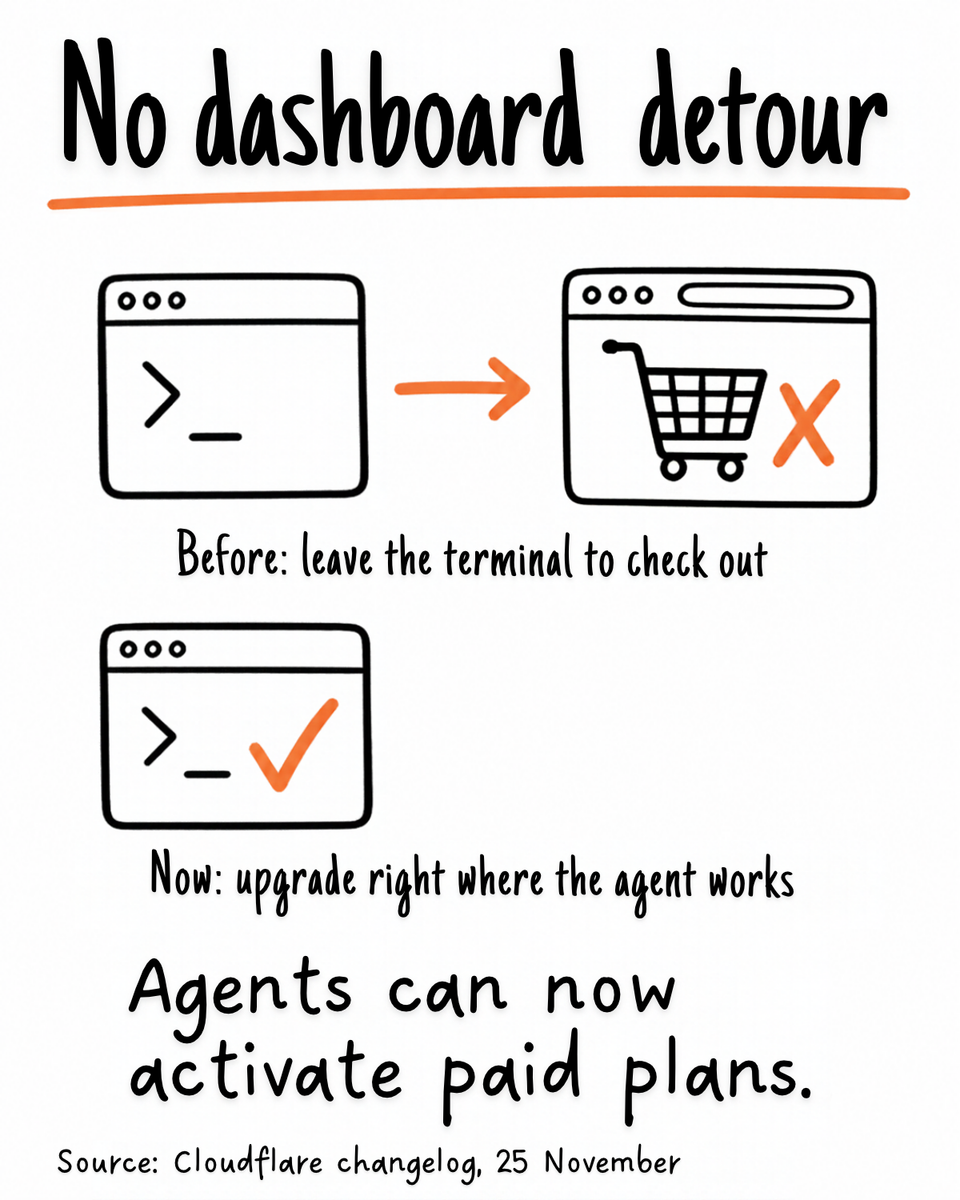
It’s a small step in a larger story. Cloudflare has spent the year letting agents do things that used to need a person at a keyboard: search a site, deploy a Worker, provision an account. Paying is the last human step in that chain, and this change removes it for an account that already has a card on file. For the wider picture of who agents pay and why, see a16z’s agent shopping tests, which found login walls stop the sale, and Stripe Atlas adding OpenRouter credits, which is a different way credits reach agent builders.
How it works in the CLI, in MCP and over the API
There are three doors, and they don’t behave the same way.
| Route | What Cloudflare says | Approval step |
|---|---|---|
| cf CLI | Update to 1.0.0-rc.5 or later and log in again with cf auth login so the session gets the new OAuth scopes. | None documented in the changelog. |
| MCP servers | In clients that support the MCP 2026-07-28 specification and elicitation, Cloudflare shows the plan price and asks permission before it activates anything. Clients without elicitation are sent to the dashboard. | A price prompt, where the client supports it. |
| HTTP API | Sid’s post names it as a third route. Cloudflare’s API reference lists a Create Subscription call that needs a token with Billing Write. | None; the token is the permission. |
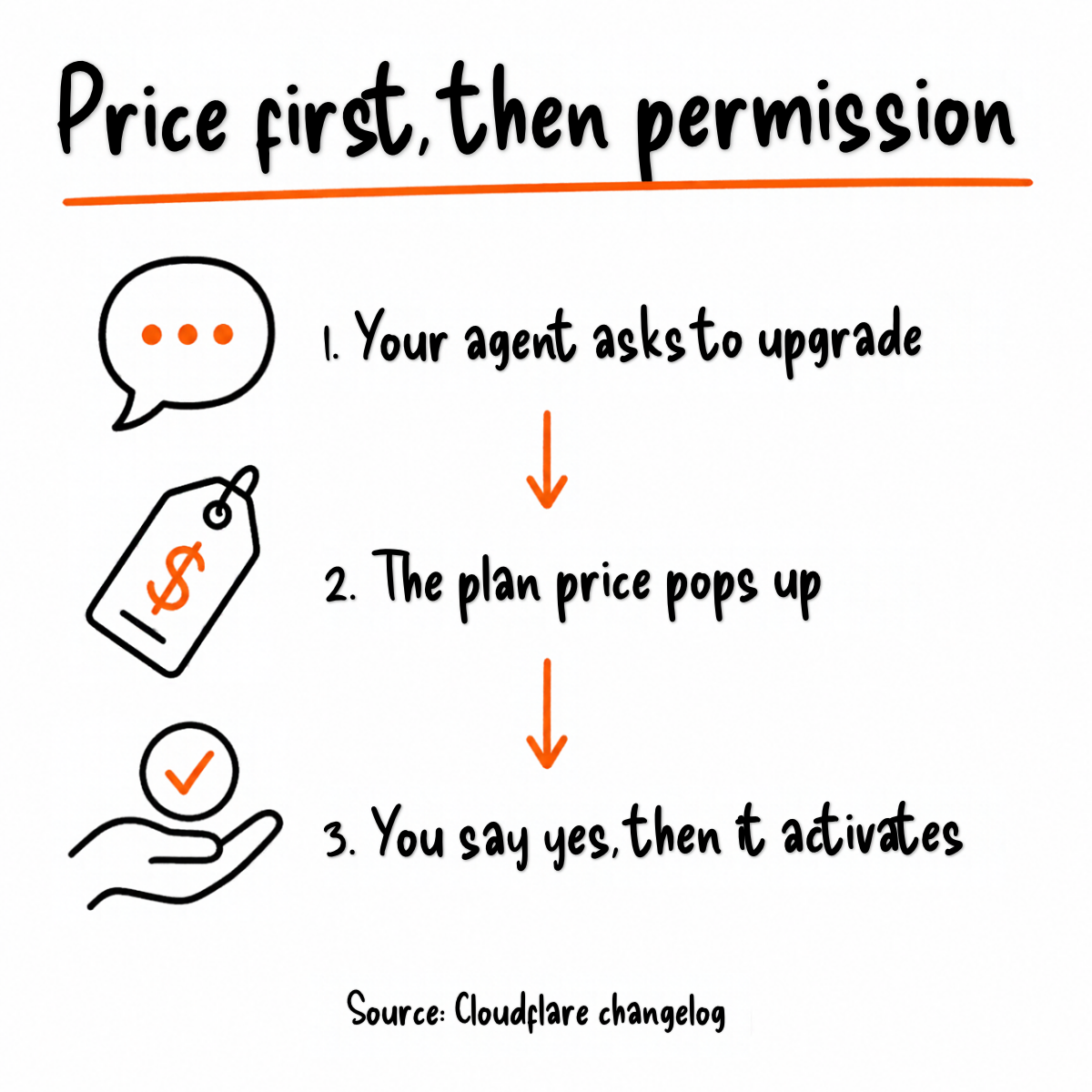
The prompt is the part to watch. MCP elicitation is the protocol’s way for a server to pause and ask the person a question mid-task. Cloudflare uses it for the price check, and that’s a sound choice: the person sees the number before the agent spends it. The catch is in the last sentence of the changelog. A client that doesn’t support elicitation is “directed to the dashboard”, so the safe behaviour is also the fallback, not a gap.
The CLI is different. The changelog describes the scope change and the prerequisites, and says nothing about a confirmation. I read the command list in the published cf package, which includes a cf accounts subscriptions create command and OAuth scopes for billing:read and billing:write. I didn’t run it, so I can’t tell you whether it asks before it charges. Treat a logged-in cf session as able to spend until Cloudflare says otherwise.
What you need before an agent can upgrade you
Four things have to be true, and none of them can be done by the agent from scratch.

- Install cf 1.0.0-rc.5 or later. The npm registry’s latest is rc.6, and cf has been a release candidate since 17 November.
- Run
cf auth loginagain. An older session keeps its old scopes and can’t create a subscription. - Have a verified email address on the account.
- Have a billing profile with a payment method already on file.
The fourth is the real guard rail. The changelog says the account needs “an existing billing profile with a payment method on file”. An agent can’t conjure a card, so a new account with no billing profile still needs a person in the dashboard once. That’s a sensible limit. It’s also why this isn’t the same as the account-creation route below.
For unattended runs, the cf package documents CLOUDFLARE_API_TOKEN as the way to authenticate without a browser. An API token needs Billing Write to create a subscription, so a token you hand to a CI job or an agent harness is a token that can spend. Scope it the way you’d scope a deploy key.
What each activation costs
| Product | Cost to activate | Included | Usage past the included amount |
|---|---|---|---|
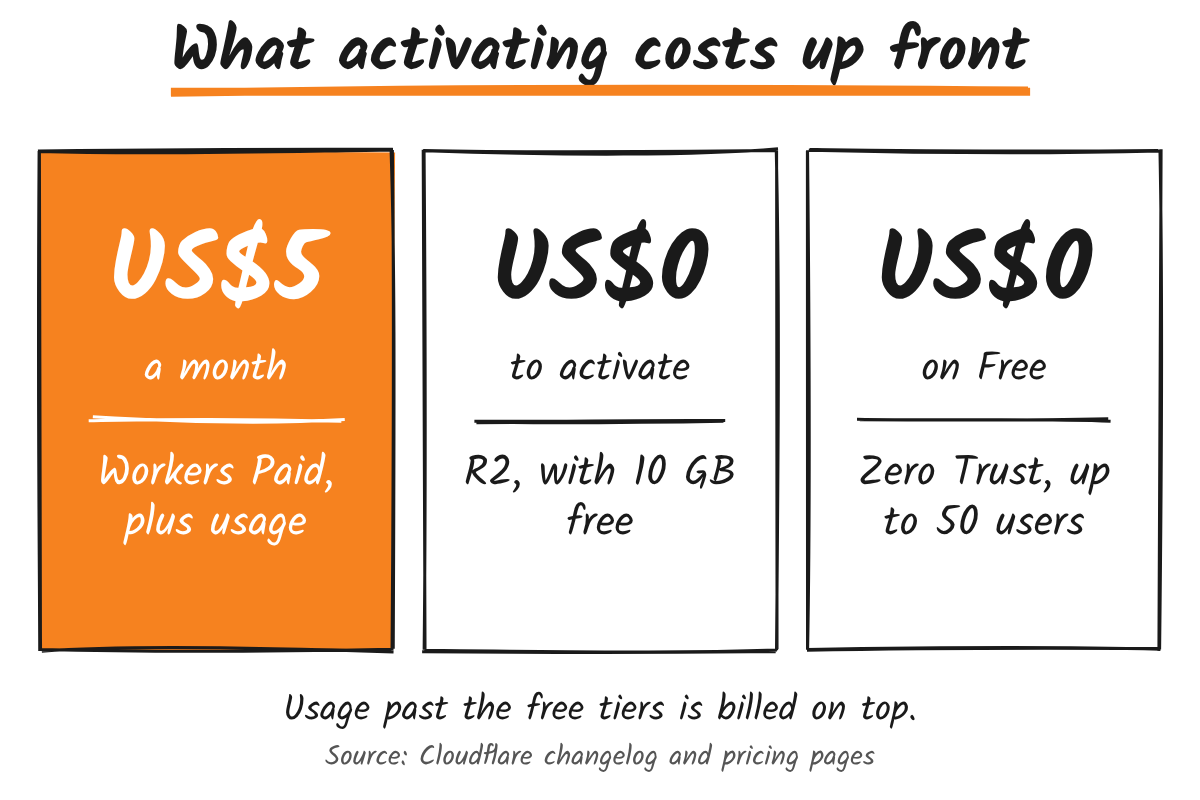
| Workers Paid | US$5 a month | 10 million requests and 30 million CPU milliseconds a month | US$0.30 per million requests and US$0.02 per million CPU ms |
| R2 | US$0 to activate | 10 GB-month of storage, 1 million Class A and 10 million Class B operations a month | US$0.015 per GB-month, US$4.50 per million Class A and US$0.36 per million Class B operations; egress is free |
| Zero Trust | US$0 on the Free plan | Up to 50 users | Not stated in the changelog |
Two readings matter. First, the US$5 is a floor, not a price: Workers Paid is a minimum charge per account, and Cloudflare’s pricing page says the plan covers Workers, Pages Functions, Workers KV, Hyperdrive and Durable Objects usage. An agent that activates Workers Paid for one Worker has opened the meter for all of those. Second, activating R2 is free but storing data isn’t, and an R2 bucket an agent forgets about keeps billing.
The spending-control gap
Here’s the part I’d read twice. Cloudflare’s own docs describe two kinds of control, and they don’t cover what an agent can now buy.
| Control | Covers | What happens at the threshold |
|---|---|---|
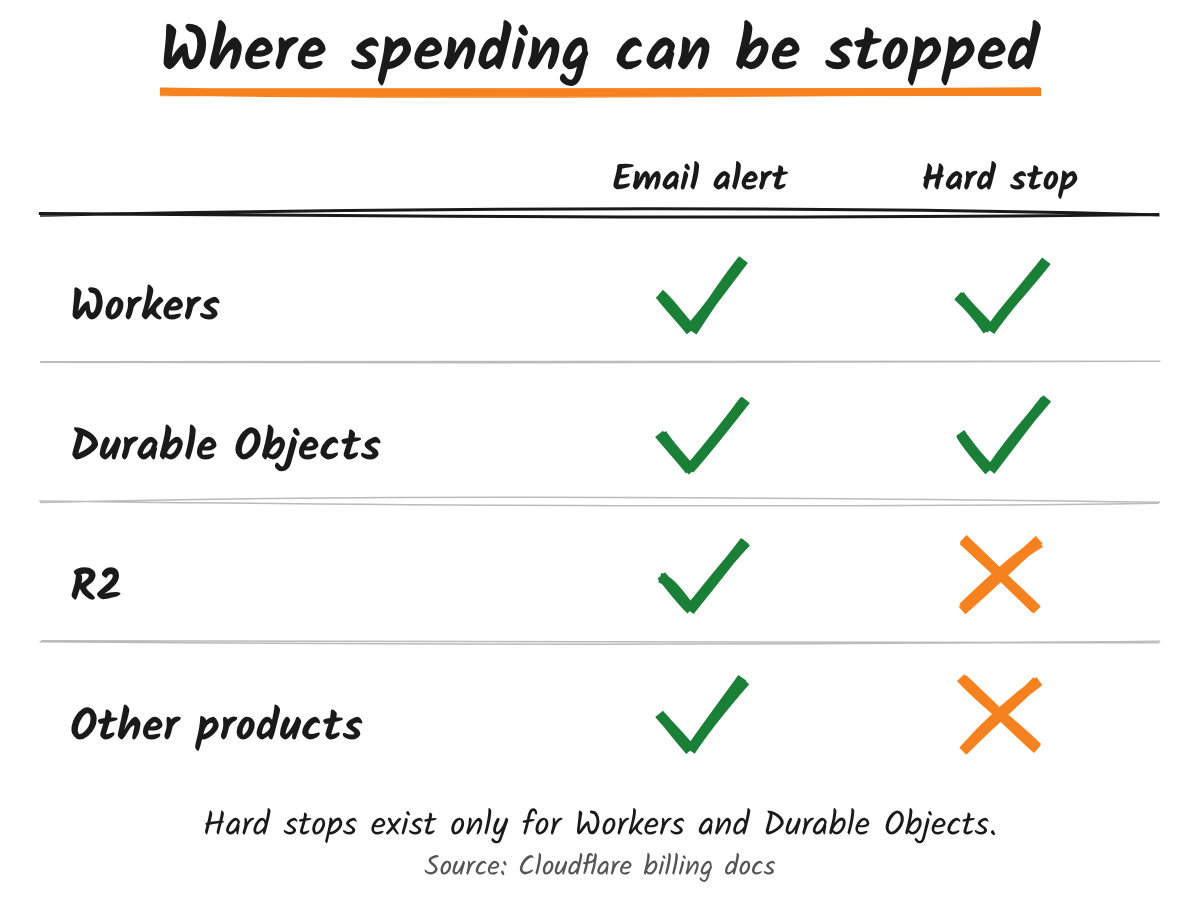
| Spending limit | Workers or Durable Objects, across the whole account | Cloudflare blocks the product’s supported operations |
| Email alert | Workers or Durable Objects, across the whole account | An email; the product keeps running |
| Budget alert | Account-wide usage-based spend, Pay-as-you-go accounts only | An email; products keep running |
| AI Gateway spend limit | AI requests routed through a gateway, by user, model or provider | AI Gateway blocks matching requests until the budget window resets |
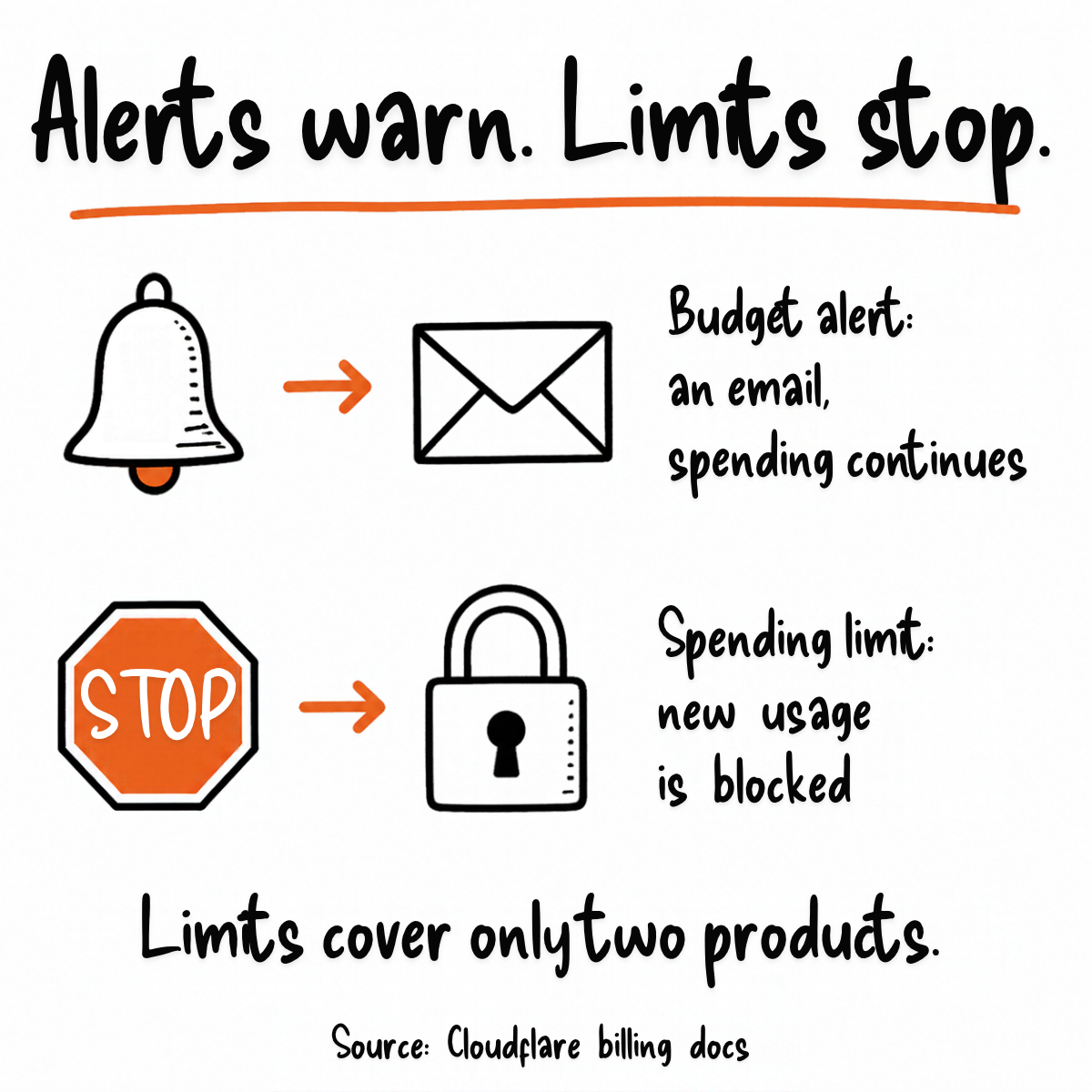
Three details stand out. R2 isn’t on the list of products a spending limit covers, so an agent that activates R2 and then writes data can be warned by a budget alert but not stopped. Workers and Durable Objects limits “cannot target an individual Worker”, so a test Worker that reaches the shared limit can take down a production Worker on the same account. And a limit is “not an exact maximum bill”: usage reporting and blocking take time, and the US$5 subscription fee is excluded from the count.
An agent can set the limit itself. Cloudflare’s 13 November changelog shows the cf command for it, with the amount in US cents:
cf billing spend-policies create \
  --name 'Workers $50 spending limit' \
  --product-id workers \
  --enabled true \
  --threshold-cents 5000 \
  --action usage_block
Swap workers for durable_objects to cover Durable Objects. Cloudflare documents those two product IDs and no others; R2 isn’t one of them. That asymmetry is the story: the agent that can start paying for R2 has no matching way to cap what it pays.
How it compares with Stripe Projects and temporary accounts
This isn’t Cloudflare’s first route for agents. It’s the third, and each one makes a different trade.
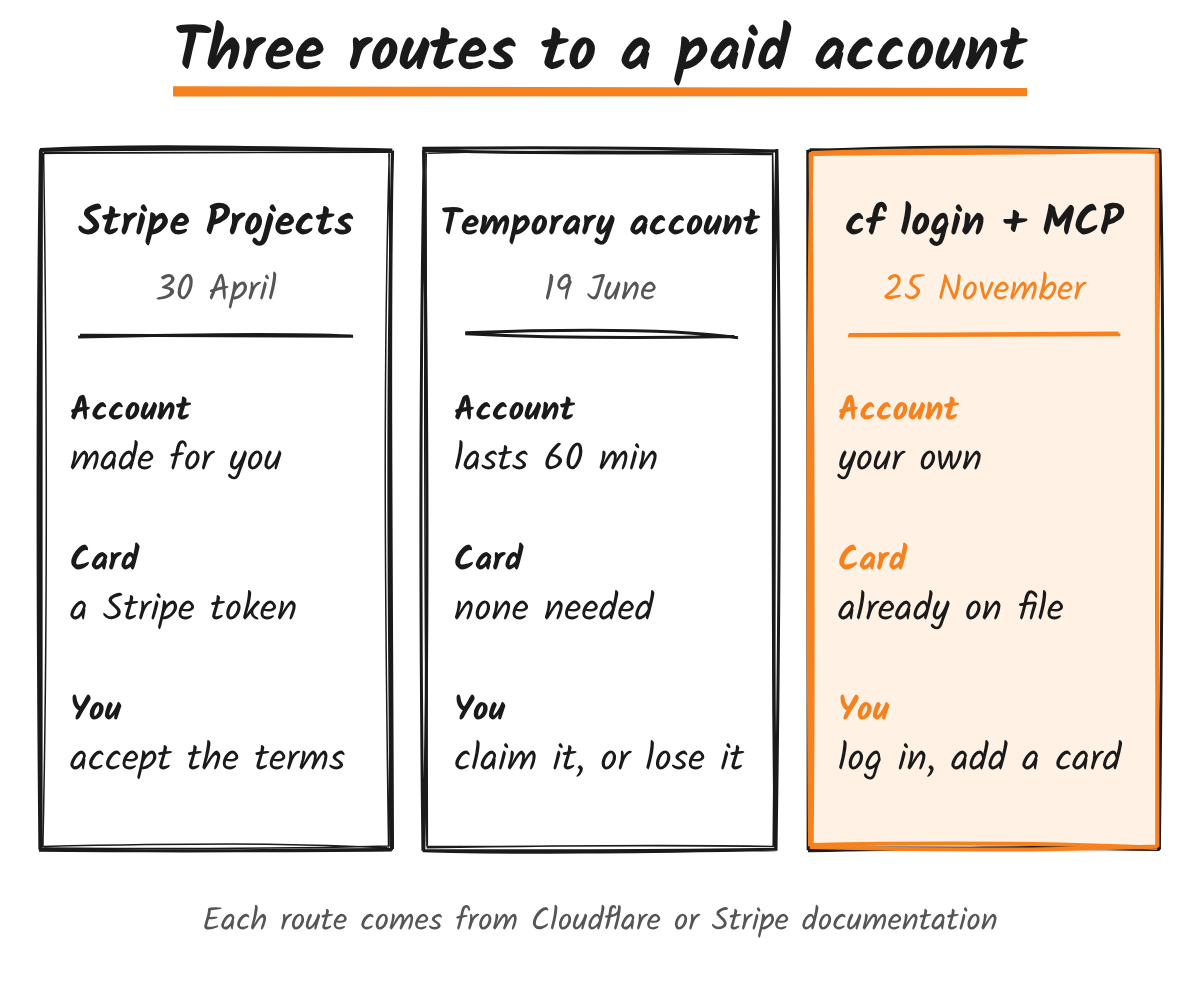
| Stripe Projects (30 April) | Temporary account (19 June) | cf login and MCP (25 November) | |
|---|---|---|---|
| Who has the account | The agent creates a new Cloudflare account, with Stripe attesting to your identity | A preview account that lasts 60 minutes unless you claim it | Your existing account |
| How it pays | A Stripe payment token; the agent never sees the card number | It doesn’t; Workers, KV, D1 and a few other products only | The card already on your billing profile |
| Spending cap | Stripe sets a default US$100 a month per provider | Not applicable | None by default; you set Workers or Durable Objects limits yourself |
| What you do | Accept Cloudflare’s terms of service | Open the claim link before the hour is up | Log in again and keep a card on file |
The cap row is the one that jumps out. Stripe’s route starts with a ceiling: Cloudflare’s own April post says Stripe “sets a default limit of $100.00 USD/month as the maximum the agent can spend on any one provider”, and to raise it you set Budget Alerts on your Cloudflare account. The new route starts with no ceiling at all. That’s not a flaw in itself, since the person already has an account and a card, but it moves the job of setting a limit onto the person who is least likely to think about it when an agent offers to “just upgrade”.
I haven’t covered the other agent-payment schemes here, such as WorkOS’s auth.md or the x402 and Machine Payments Protocol work. I didn’t check their current terms against Cloudflare’s, so any comparison would be a guess.
How Cloudflare got here
| Date | What shipped |
|---|---|
| 30 April 2026 | Stripe Projects: agents create a Cloudflare account, start a subscription and buy a domain. |
| 19 June 2026 | Temporary accounts: wrangler deploy --temporary deploys without signing up, live for 60 minutes. |
| 28 September 2026 | cf, one CLI for the public API and Workers projects, enters beta. |
| 13 November 2026 | Spending limits and email alerts for Workers and Durable Objects. |
| 17 November 2026 | cf 1.0.0-rc.1, the first release candidate. |
| 25 November 2026 | cf and MCP can activate Workers Paid, R2 and Zero Trust. |
The order is telling. Spending limits arrived twelve days before agents could start a subscription. They stop at two products.
What Cloudflare hasn’t said
- Cloudflare hasn’t said whether the cf CLI asks for confirmation before it charges. The changelog documents a price prompt for MCP only.
- Cloudflare hasn’t listed which MCP clients support elicitation, so you can’t tell in advance whether your agent will show the price or send you to the dashboard.
- Cloudflare hasn’t said which elicitation mode the price prompt uses. The MCP specification reserves form mode for non-sensitive input and says it mustn’t be used for payment credentials, which fits a design where the card is already on file.
- Cloudflare hasn’t said whether an agent can create the billing profile. The changelog says one must already exist.
- Cloudflare hasn’t named an upper limit on what a single session can activate.
- Cloudflare hasn’t said when spending limits will reach R2. Its guide says only that “support for more products is coming soon”.
What I’d set up first
If you want to let an agent upgrade an account, do these in order. Set a Workers spending limit and a Durable Objects limit before the agent runs. Add a budget alert for the account, since it’s the only control that sees R2. Use an MCP client that shows the price prompt, or keep the CLI’s session off any machine an agent can use unattended. And give any API token the narrowest permissions that work. None of that is in Cloudflare’s announcement, and all of it is in Cloudflare’s docs.
Terms used in this piece
- cf
- Cloudflare’s command-line tool for its public API and for Workers projects.
- MCP
- Model Context Protocol, a standard way for AI tools to connect to outside services.
- Elicitation
- An MCP feature that lets a server pause a task and ask the person a question, such as whether to approve a price.
- OAuth scope
- A permission a login session is granted, such as reading or writing billing information.
- Billing profile
- The payment details and contact information attached to a Cloudflare account.
- Spending limit
- A Cloudflare control that blocks a product’s usage once estimated charges cross a threshold.
- Budget alert
- A Cloudflare control that emails you when account-wide usage spend crosses a threshold, and doesn’t stop anything.
Cloudflare has taken the last human step out of upgrading an account, and left the human to decide how much an agent may spend. The next things to watch are whether Cloudflare puts a confirmation step into the CLI, names the MCP clients that show the price, and extends spending limits to R2, because those decide whether this stays a convenience or becomes the way a runaway agent finds your card.
Sources
- Cloudflare changelog, “Activate Cloudflare subscriptions from the CLI and MCP”, 25 November 2026
- Cloudflare, Spending limits and alerts and Budget alerts, read 26 November 2026
- Cloudflare changelog, “Set spending limits for Workers and Durable Objects”, 13 November 2026
- Cloudflare Workers pricing and Cloudflare plans, read 26 November 2026
- Cloudflare API reference, Create Subscription
- Cloudflare blog, “Agents can now create Cloudflare accounts, buy domains, and deploy”, 30 April 2026
- Cloudflare changelog, “Temporary accounts for AI agent deployments”, 19 June 2026
- Cloudflare changelog, “Cloudflare CLI (cf) 1.0 release candidate”, 17 November 2026
- Sid Chatterjee on X, 25 November 2026
Discover more from Sulat AI & Tech News
Subscribe to get the latest posts sent to your email.