OpenCode’s coding agent can now make video. Version 2.4.0, released on 23 November 2026, added a generate_video tool that starts a render as a background job, saves the finished files into your workspace and wakes the agent with their paths. OpenCode’s account followed up on X on 25 November US time (26 November in New Zealand) to say video generation is available through its Console, and the Console’s model list does show video models with prices. Its documentation doesn’t mention them yet.
What shipped
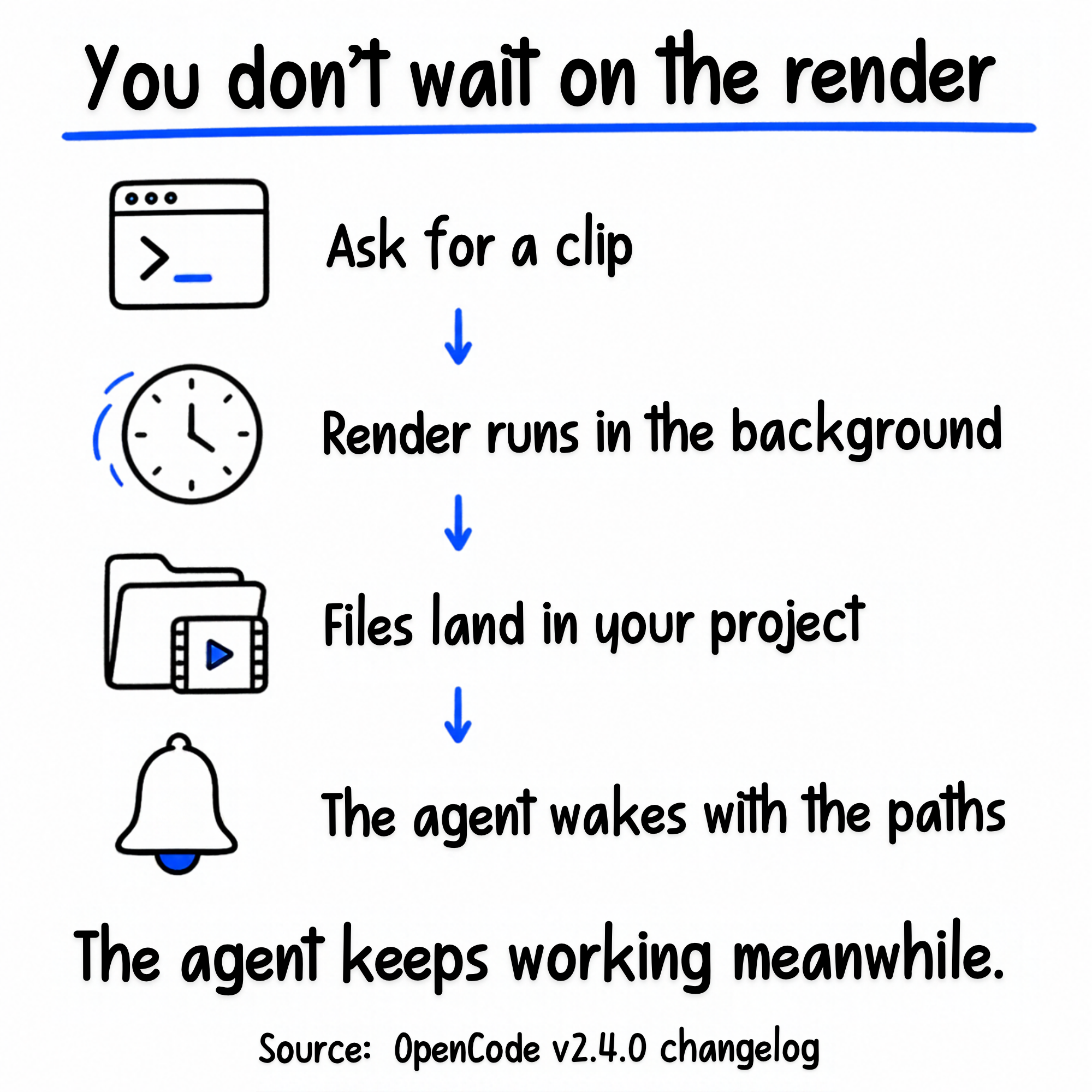
The tool is a background job. The agent asks for a clip, carries on with other work, and is woken when the render finishes. The v2.4.0 changelog says the job survives a server restart and that the files are written into the workspace. The default model comes from the experimental.video_generate.model setting.
Two details from the pull request history matter for anyone upgrading. Video generation has been on by default since pull request 65664, and it asks for permission before every generation. Setting experimental.video_generate to false hides the tool from the agent. It doesn’t remove the capability from the SDK. This is the switch:
{ "experimental": { "video_generate": false } }Finished files don’t last forever on the provider side. Blobs expire after a week, and jobs started through the SDK stay readable for 24 hours. Copy a clip you want to keep out of the job store.
Which models, and what a clip costs
OpenCode’s Console serves a public model list at /inference/v1/models. On 26 November it carried three models of type video. Prices below are the Console’s own listed figures. The 10-second columns are my arithmetic, which is price per second multiplied by ten.
| Model | Base rate | 720p | 1080p |
|---|---|---|---|
| Grok Imagine Video 1.5 Lite | US$0.02 a second (US$0.20 for 10 seconds) | US$0.03 a second (US$0.30) | US$0.14 a second (US$1.40) |
| Grok Imagine Video 1.5 | US$0.08 a second (US$0.80) | US$0.14 a second (US$1.40) | US$0.25 a second (US$2.50) |
| Gemini Omni 1.2 Flash | Listed at 12 for video output, with no unit given, so I haven’t turned it into a clip price | ||
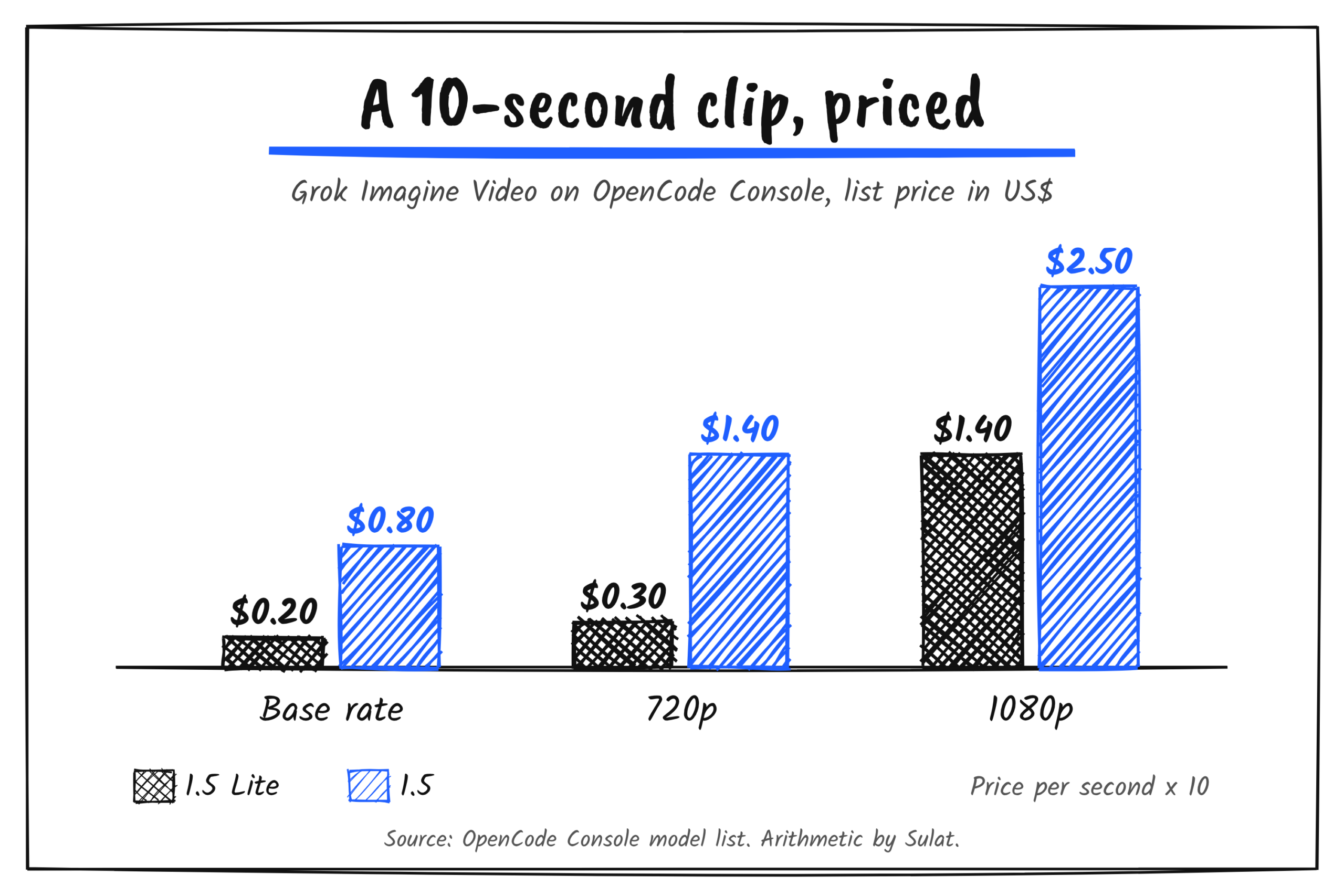
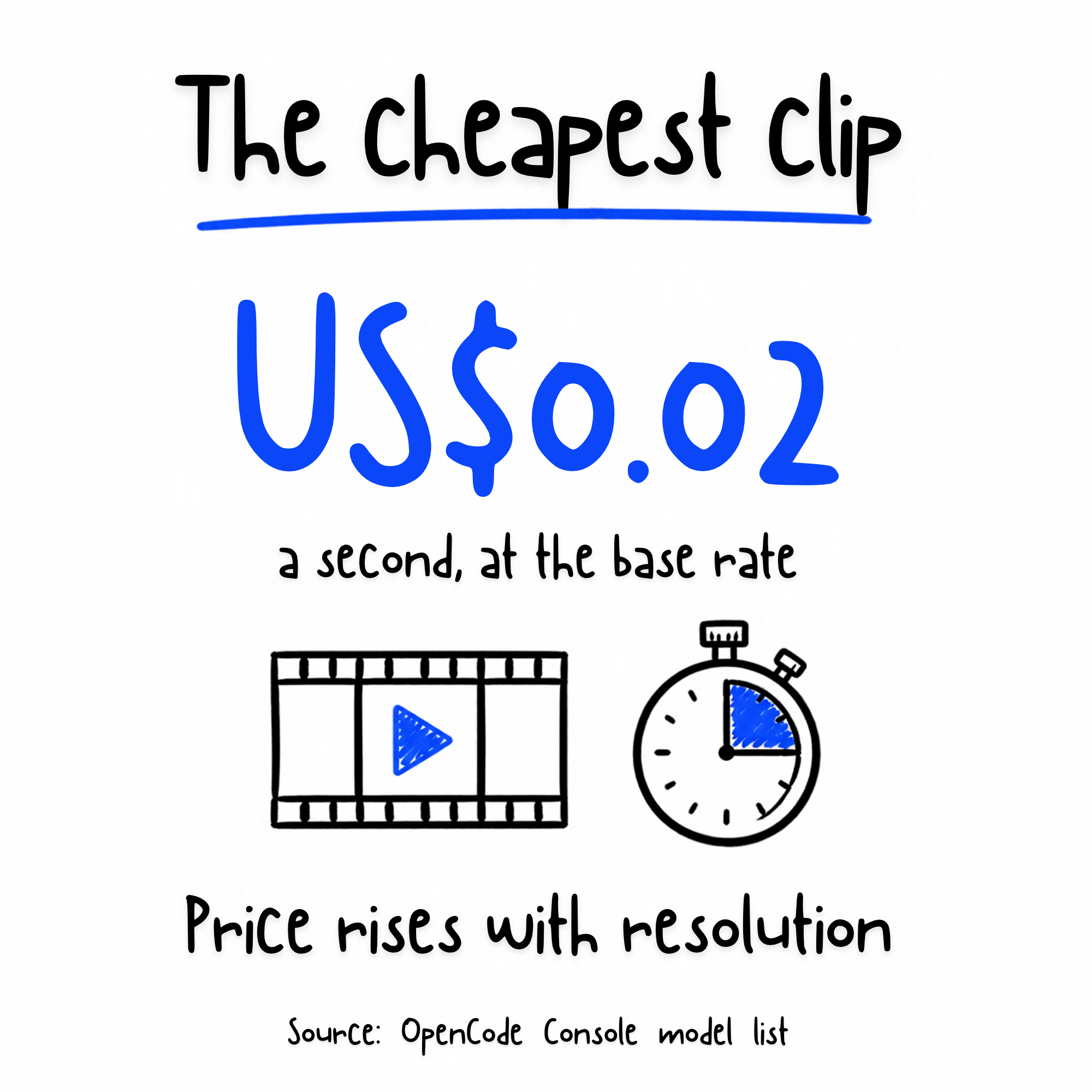
Three things to note in that table. The Console list doesn’t say which resolution the base rate covers. Both Grok models also charge US$0.01 for each input image, which matters for image-to-video work. And I haven’t checked xAI’s own price list against OpenCode’s figures, so treat them as what OpenCode charges through the Console, not as a comparison with going direct.
The Gemini model’s description in the list says it makes clips of up to 15 seconds with native audio, and supports extension, frame interpolation and reference-guided control. OpenCode reaches it through Google’s Interactions API.
Other ways to reach a video model
The Console isn’t the only route. The changelog and repository show provider paths for xAI’s Grok Imagine, Gemini Omni, OpenRouter, Seedance and MiniMax, with a Kling path in an open pull request. OpenRouter is the widest, because its catalogue includes 32 video models. If you already route OpenCode through OpenRouter, you can pick from that list without opening a Console account. The price cut piece covers what the Console charges for text models.
How peers reach video
OpenCode is unusual in shipping video as a built-in agent tool. Among the coding tools I looked at, the others either stop at images or leave video to an add-on.
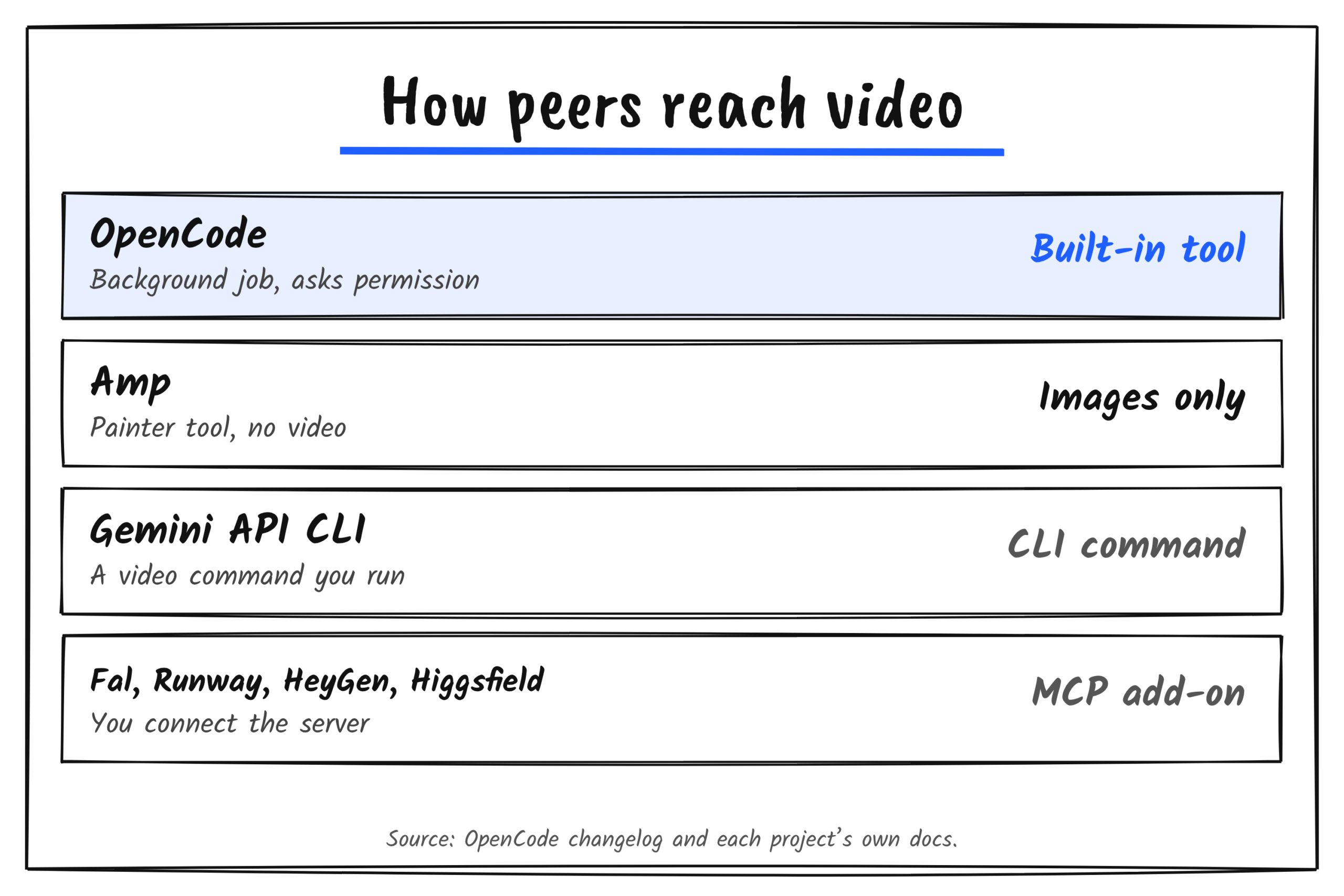
- Amp has a Painter tool, and it generates images only.
- Google’s Gemini API CLI has a
videocommand that you run yourself, rather than a tool the agent calls. - MCP servers from fal, Runway, HeyGen and Higgsfield add video to any agent that can use MCP, including OpenCode. You connect and permission each server yourself.
I haven’t run any of these side by side, so this compares where video sits in each tool, not the quality of the clips.
What came before
Requests for video sat in OpenCode’s repository for a long time as issue 34463, and community plugins filled the gap. The built-in tool arrived in v2.4.0, the same release that added automations. That release followed the shared background service from the OpenCode 2.0 explainer, which is what lets a render keep going between sessions.
Before you use it
Every clip costs money. The tool asks for permission each time, which is your cost control. Approving a loop of 1080p clips on the larger Grok model is US$2.50 for each 10 seconds, on the Console’s listed prices.
The routes are experimental. The setting names carry the word experimental, so expect them to move.
Copy what you want to keep. Blobs expire after a week, and SDK jobs are readable for only 24 hours.
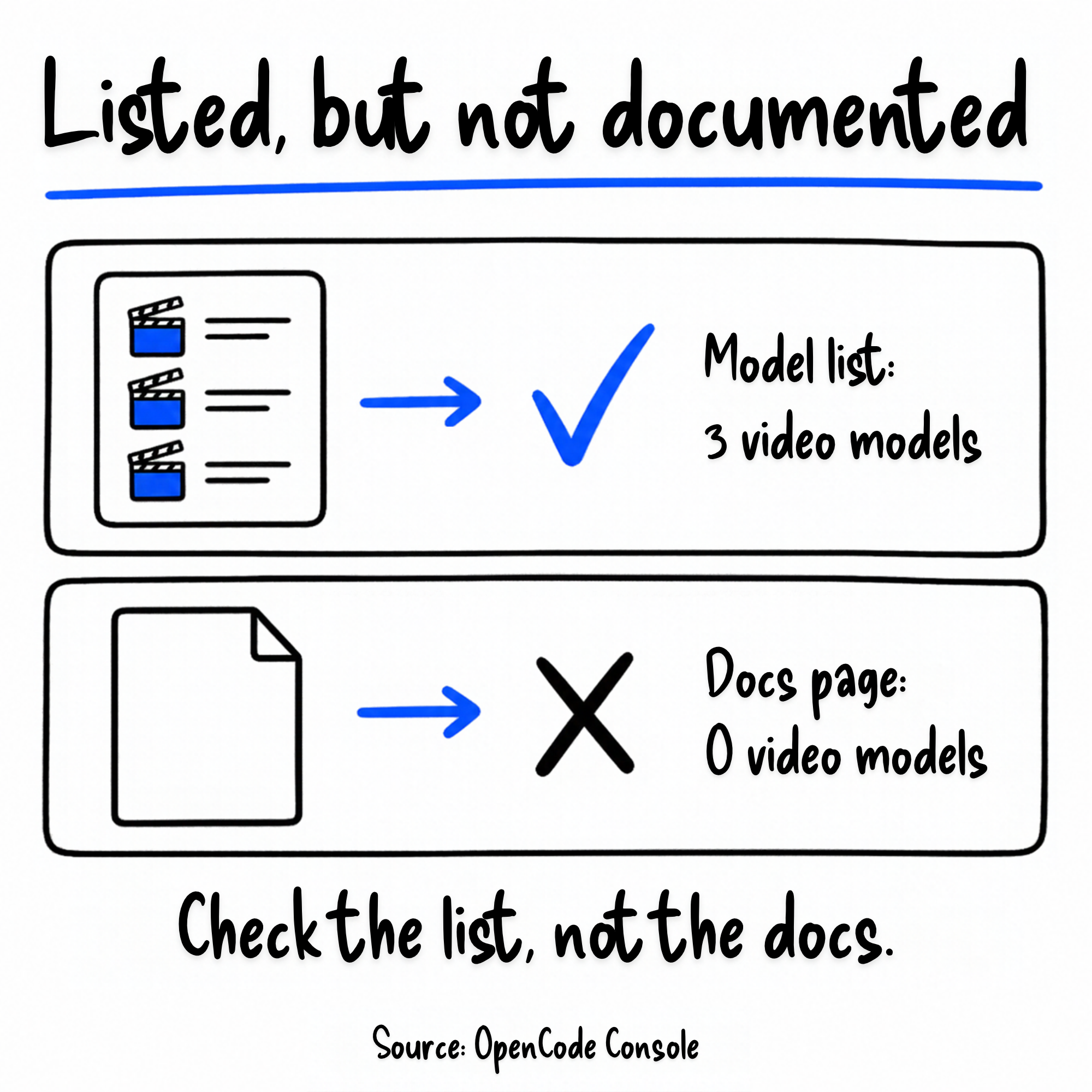
The docs lag the product. There’s no documentation page for the video tool that I could find, and the Console’s docs list image models but no video models. I haven’t run the tool myself, so everything here comes from the changelog, the repository and the Console’s public model list. Until the docs catch up, the model list endpoint is the place to check what you can call and what it costs.
Discover more from Sulat AI & Tech News
Subscribe to get the latest posts sent to your email.