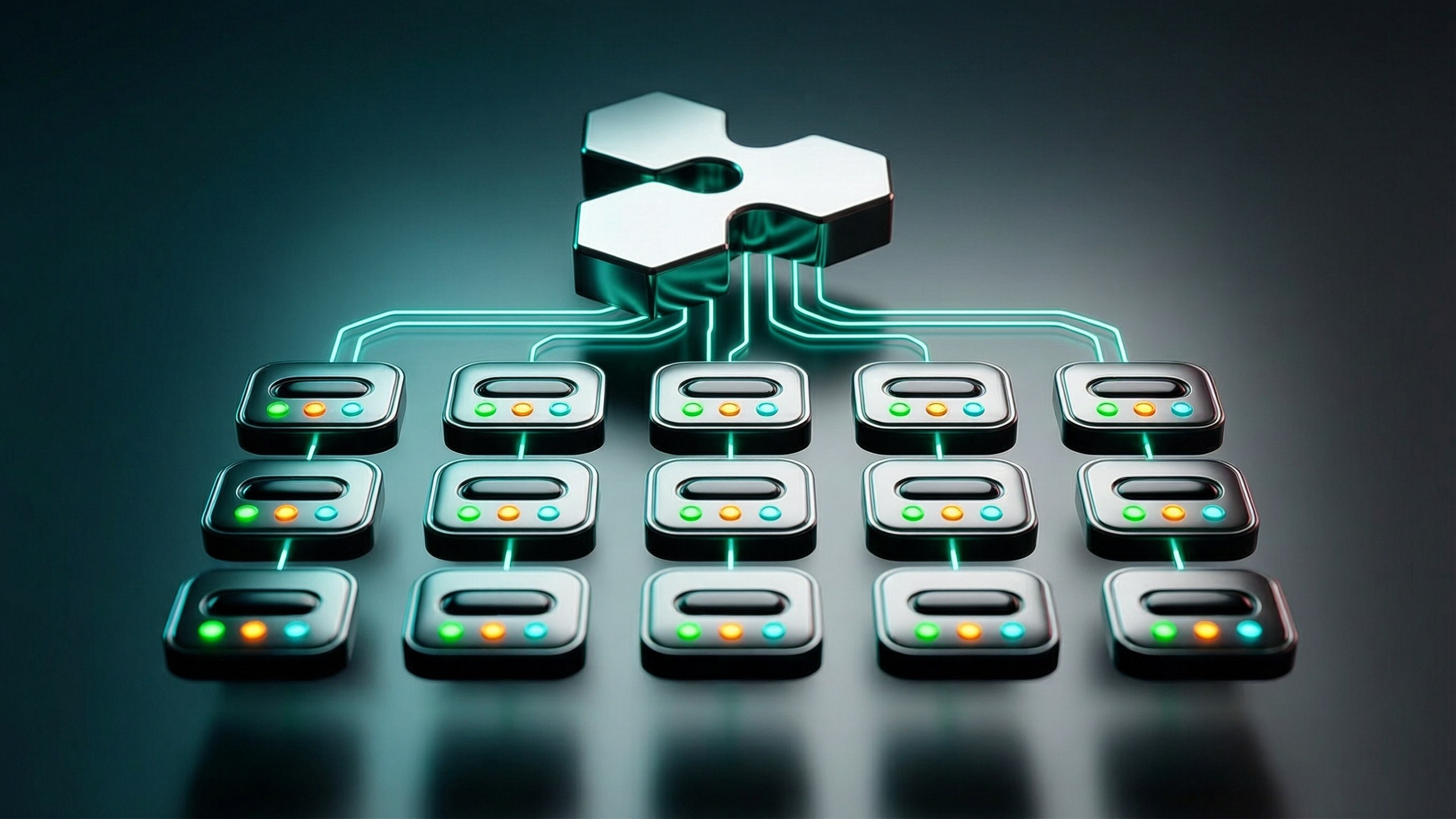
Cognition has added Org Charts to Devin Bots, a single canvas that shows every Bot you run, the sessions each one has going and which of them are waiting on you. Cognition announced it on X on 25 November 2026 US time, saying it is “live today in Devin Bots”.
Cognition’s post lists three things: “One canvas for all your Devin Bots”, “View progress across outcomes and goals” and “See what needs your attention and action”. Felix Schlegel, co-founder of The Interaction Company, the startup behind the Poke assistant that Cognition acquired on 23 July, put it more simply when he shared the announcement: “see everything that your devin bots are working on, all at once”.
What Org Charts is
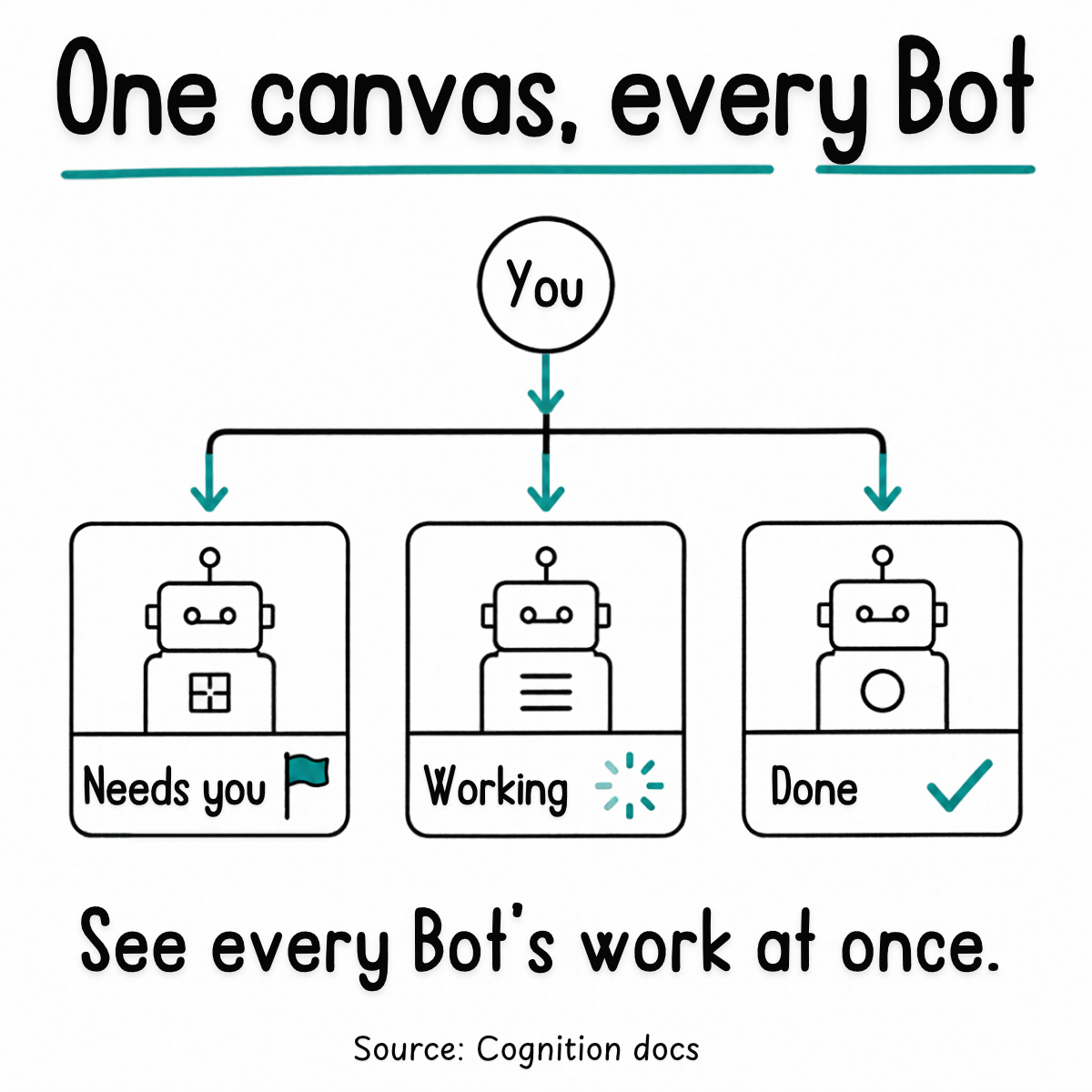
A Devin Bot, as Cognition launched them on 17 November, is an agent that owns an outcome and starts a Devin session for each piece of work. That works well with one or two Bots. With a dozen, you need somewhere to see them all. According to Cognition’s docs, the All Bots page is that place. You open it from View all Bots in the sidebar, and it has three tabs: Personal, Team’s Bots and Archived.
The default view is Canvas. You sit at the top, like the head of an org chart, and each Bot is a card below you. A card shows the Bot’s latest message, its session count and its sessions grouped by folder. It lists the five latest sessions with a Show more link, and the canvas runs up to five columns wide. Two options, Show empty Bots and Compact view, control how much space each card takes.
Three ways to look
Canvas isn’t the only layout. The docs describe List and Gallery too, so the same Bots can be read as a tree, a table or a set of tiles.
| View | What it shows |
|---|---|
| Canvas (default) | You at the top, a card per Bot with its latest message, session count and sessions grouped by folder. The five latest sessions show, with Show more. |
| List | Rows grouped by Bot or by status. Sort by Most recent, Needs you first, Name or Most sessions. Choose which properties show, and use Fold all or Expand all. |
| Gallery | One tile per Bot. |
Every session carries one of three statuses: Needs you, Working or Done. You can filter by status or by Bot and reset the filters in one click, and the docs say your settings are saved per account, so the page opens the way you left it. Sorting List by Needs you first turns it into a triage queue.
What the demo shows
Cognition’s 28-second demo uses Schlegel’s own account. Under the labels “Felix Schlegel” and “You” sit 15 Bot cards across five columns: Memory, Billing, Voice, Evals, Security, Growth, Felix’s Bot, QA, Oncall, Engineer, Infra, Email, Release, Reviewer and Calendar.
The demo’s task is typed to Felix’s Bot: “build me a poke-like personal assistant”. The canvas then fills with sessions that map to that goal, including “Build the agent loop”, which shows its pull request as merged, “Roast users who lowball”, with its pull request approved, “Haggle the monthly price”, “Connect the Apple Messages API” and “Send replies in under 2s”. The clip ends on a passing test run and the line “Your personal assistant is live.”
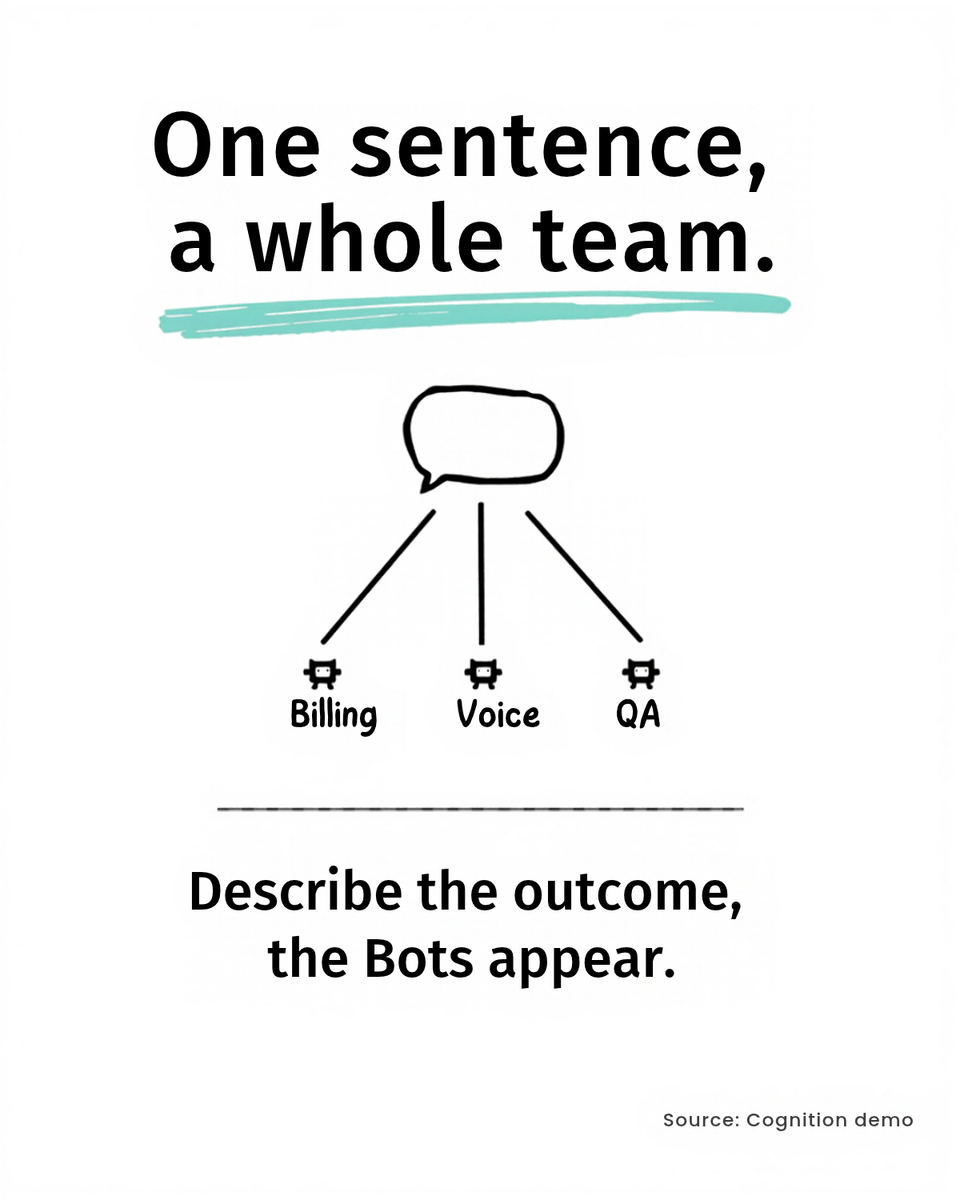
It’s a staged demo from the company that makes the product, so it shows what the canvas looks like at its busiest rather than how a typical team will use it. It does show the layout idea clearly: the work is organised by Bot and by session, and the status, not the chat, tells you where to look next.
Where it fits
Org Charts arrives eight days after Bots launched. In that launch Cognition said beta testers merged 4.5 times more pull requests per message, and Bots can run on schedules and hand work to each other. Once a person or team runs many Bots, the hard part stops being asking an agent for something and becomes knowing what the whole fleet is doing. Org Charts is Cognition’s answer to that.
Poke is the thread running through this. Fortune reported at launch that Bots incorporate technology from The Interaction Company, and Schlegel co-founded it. His demo asks a Bot to build a Poke-like assistant, which is the product Cognition bought. Fortune also framed Bots as a challenge to Anthropic’s Duet and OpenAI’s Dots. That was the paper’s framing, not a benchmark.
Bots are available on Max ($200 a month), Teams ($80 a month) and Enterprise plans, and a Bot’s usage bills to its creator. For a team, the cost question is the same as before, and the canvas at least makes the number of live sessions visible.
How to open it
- In the Devin sidebar, click View all Bots.
- Pick Personal, Team’s Bots or Archived.
- Stay on Canvas, or switch to List or Gallery.
- Filter by status or Bot, then sort List by Needs you first to see what is waiting.
Cognition’s earlier launch before Bots was Devin Apps. Our full explainer on how Bots work, from templates to access and pricing, is here.
Disclosure: I’m an OpenAI, Firecrawl and Devin ambassador.
Discover more from Sulat AI & Tech News
Subscribe to get the latest posts sent to your email.