Obsidian says its notes app now has official connectors for every AI agent, but the connectors are the open-source Obsidian Skills packaged for more agents, not a hosted server. Obsidian’s help page lists plugin-directory entries for seven agents and install routes for the rest. Nothing new opens a path into your notes. What changes is that an agent now arrives knowing how Obsidian files work.
The post from the official Obsidian account reads “Obsidian now has official connectors for every agent”. The word “connector” invites the obvious question: is this an MCP server? Obsidian’s own page answers it. The connectors are the same seven skills covered in our earlier report on the seventh skill, now listed where people already install agent add-ons.
What shipped
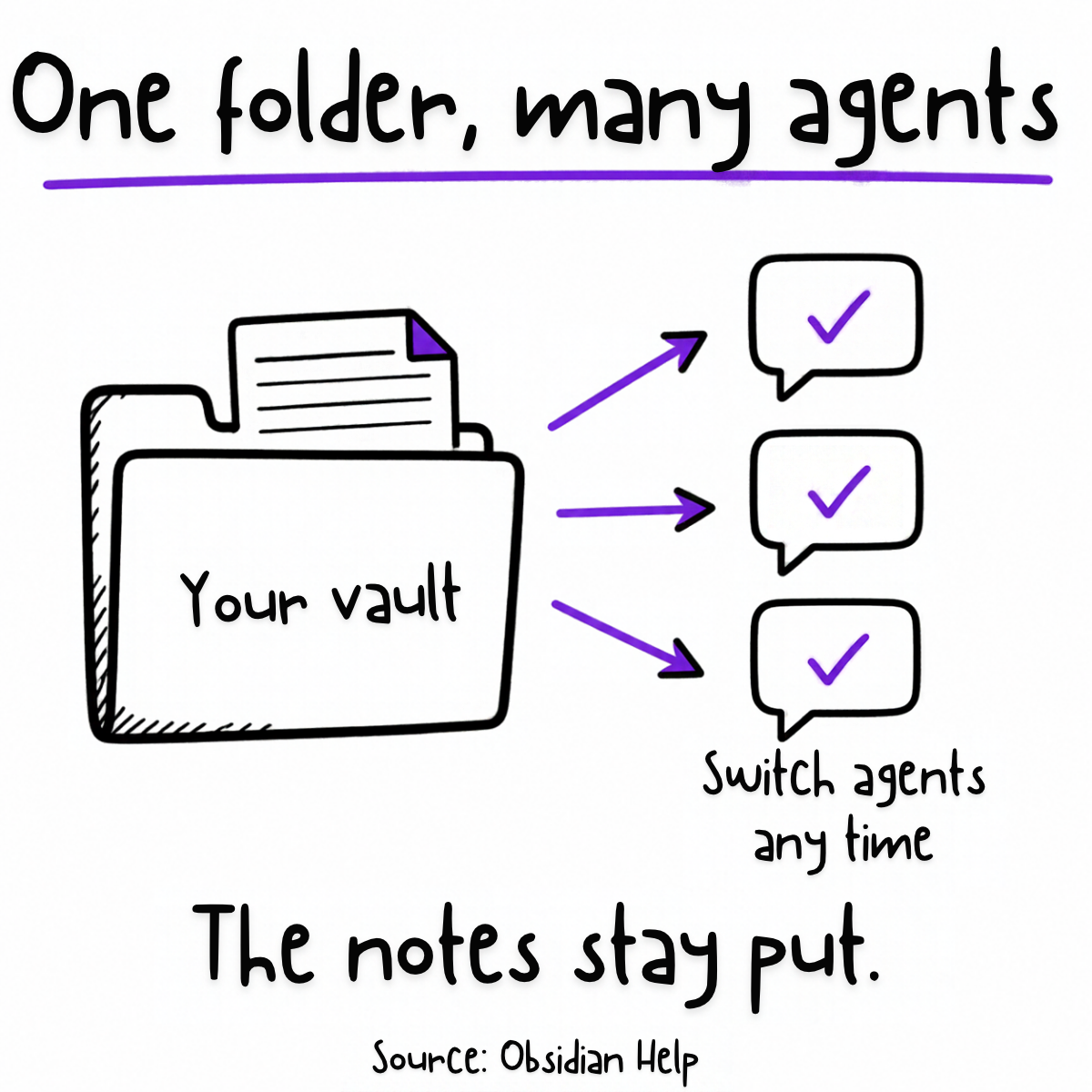
Obsidian’s help page says the connectors let an agent learn to write notes in Obsidian Flavored Markdown, create and edit Bases and Canvas files, search and manage notes in the running app through the Obsidian CLI, and sync and publish vaults through Obsidian Headless. The skills are open source in the obsidianmd/obsidian-skills repository, under an MIT licence.
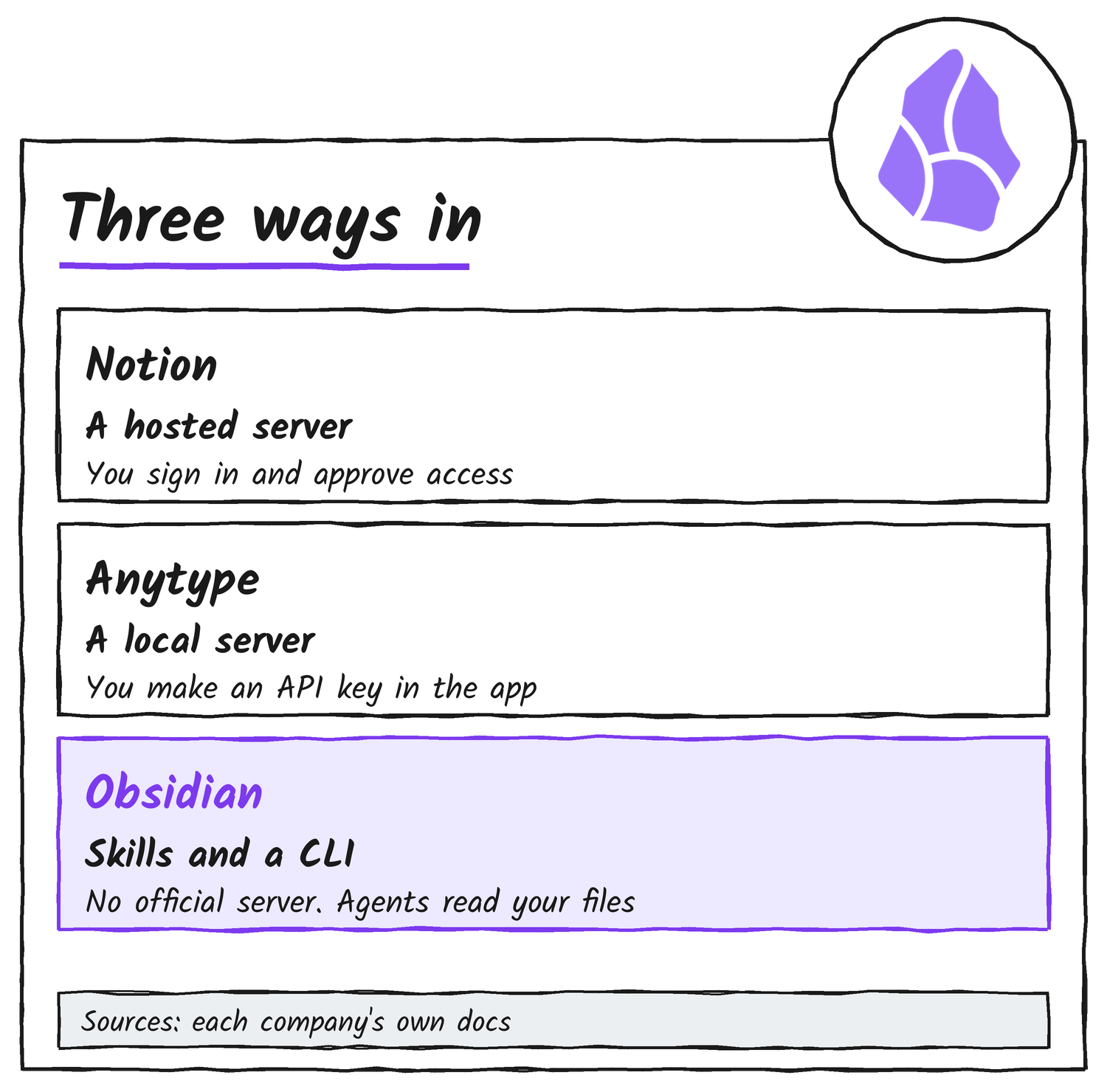
The page names Claude, ChatGPT, Antigravity, Cursor, GitHub Copilot, Grok Bot, Hermes, Kiro, Muse and OpenCode, and says “many more” are covered through the Agent Skills client list. Seven of them offer Obsidian by search in their plugin lists: Claude, ChatGPT, Dots, Cursor, Grok Bot, Hermes and Kiro. Obsidian says most other agents can install the skills if they are sent a link to the help page.
| Skill | What it does |
|---|---|
| obsidian-markdown | Create and edit Obsidian Flavored Markdown notes |
| obsidian-bases | Create and edit Bases with views, filters, formulas and summaries |
| json-canvas | Create and edit Canvas files in the JSON Canvas format |
| obsidian-cli | Work with the vault through the Obsidian CLI, including plugin and theme development |
| obsidian-headless | Sync and publish vaults from the command line with Obsidian Headless |
| defuddle | Extract clean Markdown from web pages with Defuddle |
| knap | Render Markdown templates from JSON or CSV data with Knap |
A connector here is a manual, not a door
In most of the AI tooling world, a connector is a server: a program that holds credentials and exposes tools an agent can call. Obsidian’s are different. A skill is a set of written instructions the agent loads when it needs them. It teaches the agent the syntax of wikilinks, the structure of a .base file, or the flags of the CLI. It does not open a network connection to your vault.
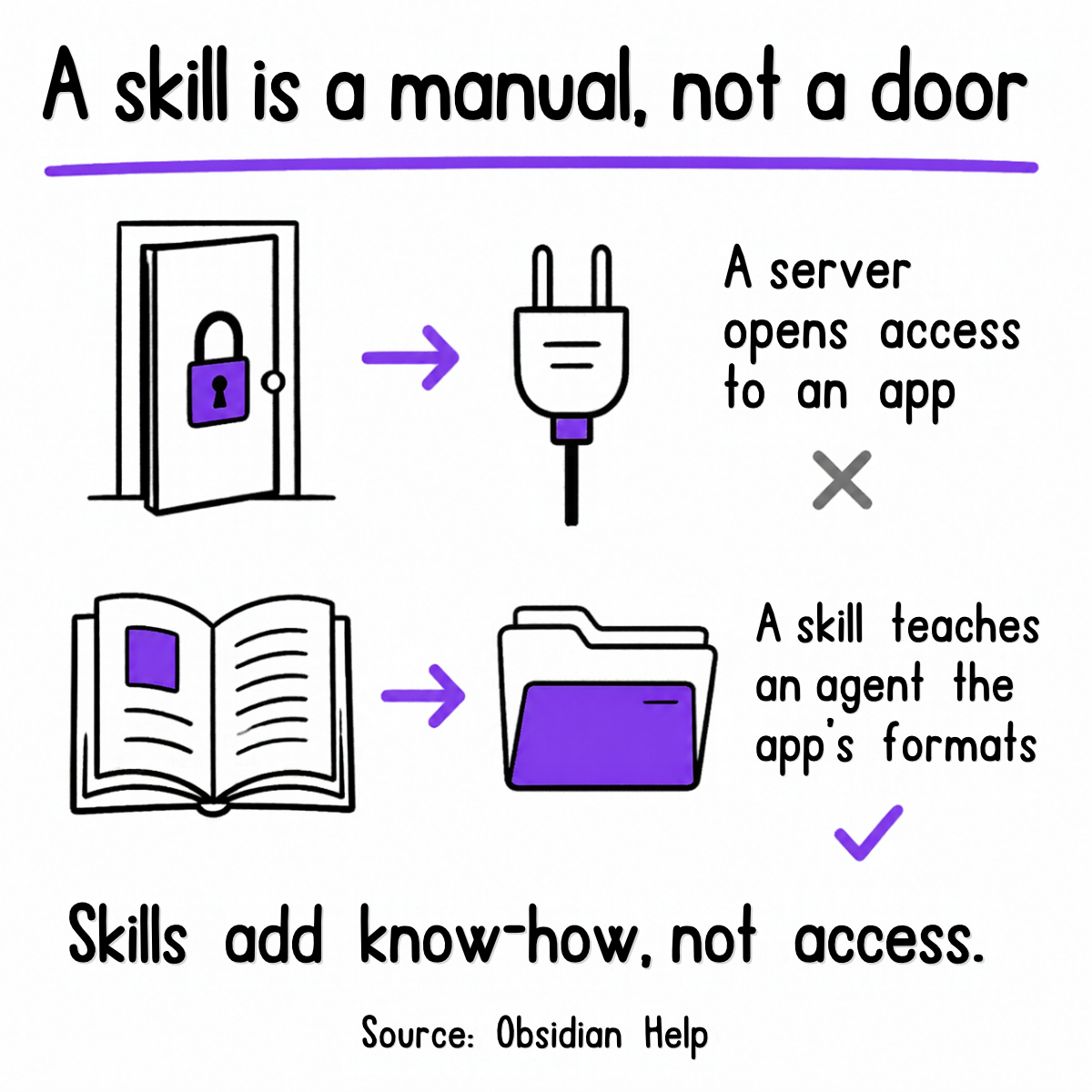
That matters for what each skill can do on its own. Obsidian’s requirements section says the Markdown, Bases and Canvas skills only describe file formats, so they work in any agent that can read and write files in your vault. The obsidian-cli skill needs the desktop app running with the CLI switched on, and an agent that can run commands on your computer. Obsidian’s CLI help adds that it needs installer version 1.12.7 or later.
Obsidian Headless, Defuddle and Knap are separate tools that are not bundled. When one is missing, the skill asks before installing it from npm. Obsidian Headless is the standalone client, still in open beta, that needs Node.js 22 or later, plus an active Sync or Publish subscription for those services. It is separate from the CLI, which controls the desktop app.
So “every agent” overstates the reach of two of the seven skills. A chat-only agent can write a correct note or Canvas file for you to drop into the vault. It cannot search your vault or run the CLI. An agent with a terminal and the desktop app open can do all of it.
How to install it
Obsidian’s page gives a different route for each agent. For Claude Code, the commands are:
claude plugin marketplace add obsidianmd/obsidian-skills
claude plugin install obsidian@obsidian-skills

# later, to pull in new skills
claude plugin update obsidian@obsidian-skills
Antigravity, Hermes and Kiro each have a one-line command, and the rest use the cross-agent installer:
agy plugin install https://github.com/obsidianmd/obsidian-skills
hermes plugins install obsidian
kiro-cli powers install obsidian
npx skills add https://github.com/obsidianmd/obsidian-skills
Claude, ChatGPT, Cursor and Grok Bot also have listings in their own plugin directories, and the ChatGPT plugin is described by Obsidian as working in ChatGPT, Codex and Dots. For GitHub Copilot and OpenCode, npx skills asks which agents to install into. To install by hand, copy the folders in plugins/obsidian/skills/ into the agent’s skills folder, for example ~/.copilot/skills/ for GitHub Copilot.
Privacy: the notes go to the model you chose
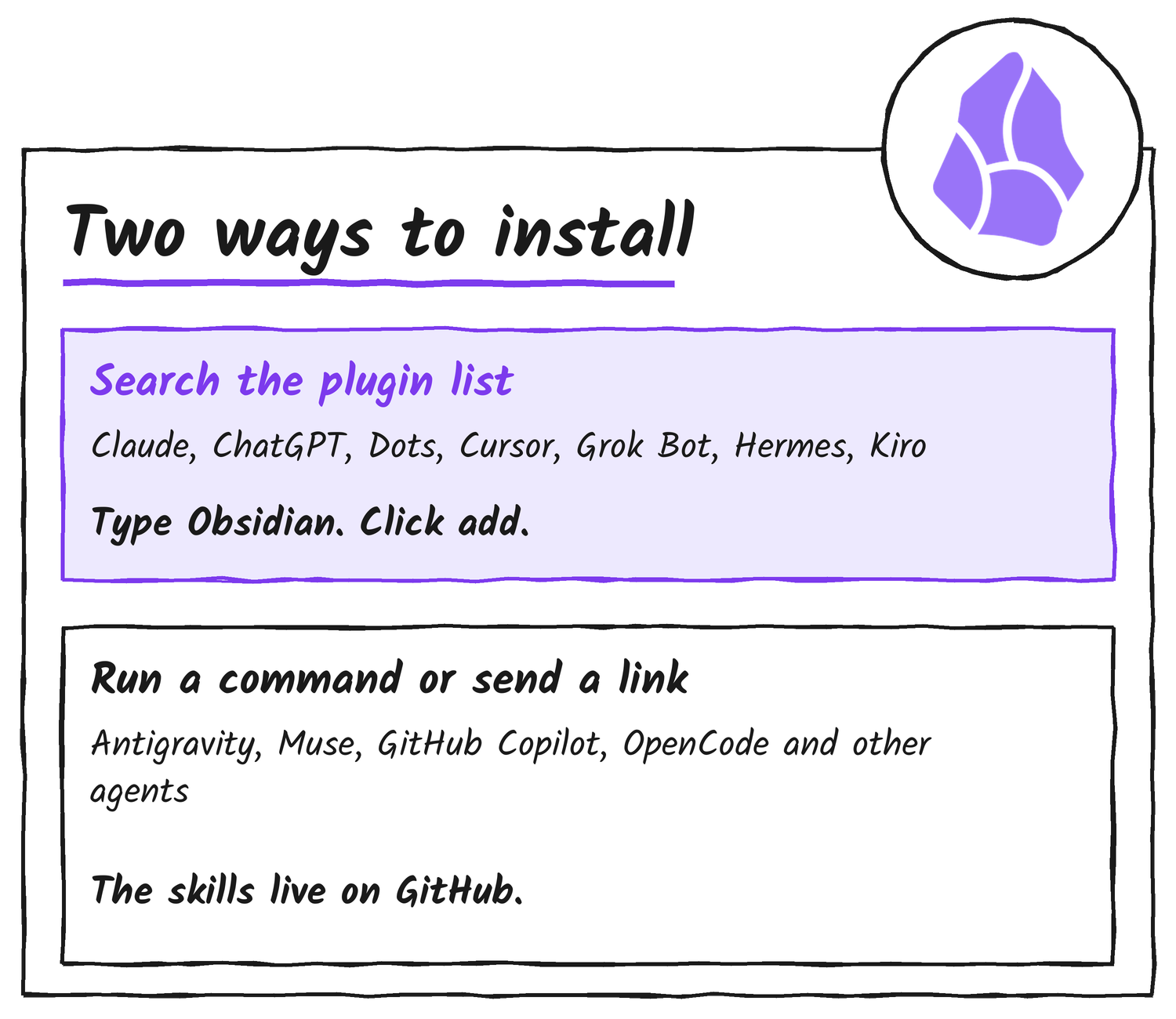
Obsidian’s page says the connectors “don’t send anything by themselves”. When an agent uses them, the notes it reads become part of the conversation and are processed by the AI model behind it. Obsidian tells users to review their agent’s privacy policy before pointing it at a vault with sensitive notes.
One agent gets a specific warning. Muse runs in Meta’s cloud, so the obsidian-cli skill does not work there, and anyone using Obsidian Headless in Muse signs in and syncs the vault in Meta’s cloud. In that setup the vault itself sits in the agent maker’s cloud, which is a bigger step than letting an agent read a few notes.
How it compares with Notion and Anytype
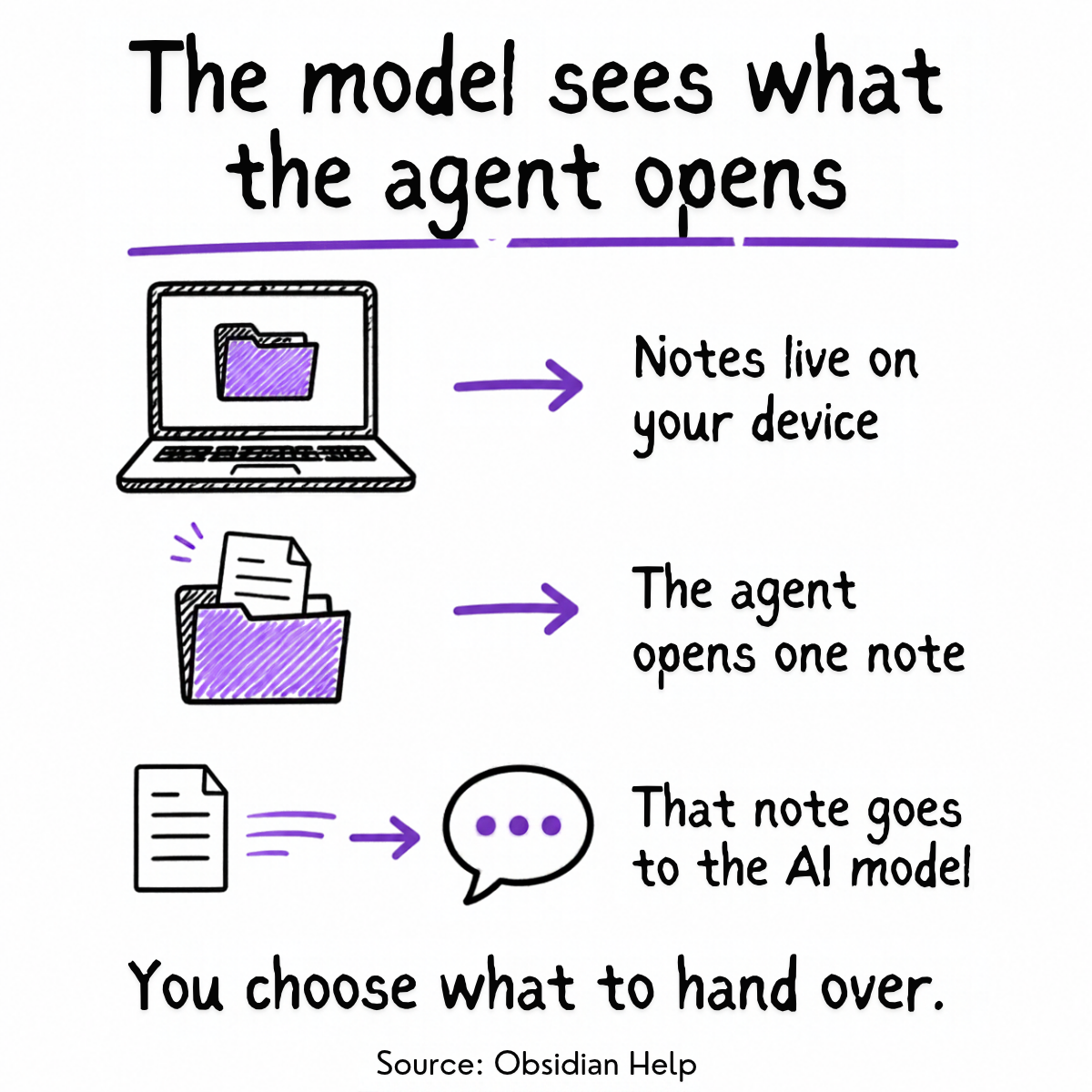
Other note apps that court agents take a different route. Notion runs a hosted MCP server at mcp.notion.com/mcp that agents reach through an OAuth sign-in, so the agent talks to Notion’s cloud. Anytype publishes a local MCP server on npm as @anyproto/anytype-mcp, which an agent runs against the desktop app using an API key. Obsidian ships neither. It ships skills and a command line.
| App | Route for agents | Where the access lives |
|---|---|---|
| Notion | Hosted MCP server, OAuth sign-in | Notion’s cloud |
| Anytype | Local MCP server from npm, API key | Your machine, through the Anytype app |
| Obsidian | Skills, plus the CLI and Headless | Plain files in your vault, or the running desktop app |
Readers who want an MCP server for Obsidian still have one route. The community Local REST API plugin, which is not made by Obsidian, has a built-in MCP endpoint at /mcp/. Its status is the plugin author’s to describe, not Obsidian’s, and it runs a local server inside the app, which the skills do not.
The design fits the product. A vault is a folder of Markdown files, so the most reliable thing an agent can do is read and write those files correctly, and the skills exist to make that correct. The cost is that capability depends on what the agent itself can reach. A server gives the same tools to any client. A skill gives each agent instructions and leaves the rest to that agent.
The business behind the announcement
Obsidian’s pricing page describes the company as “100% user-supported”. Sync costs US$4 per user per month billed annually, Publish costs US$8 per site per month billed annually, a Catalyst supporter licence is a US$25 one-off payment, and a commercial licence is optional. The app was started in 2020 by Shida Li and Erica Xu, and Steph Ango, who posts as kepano, has been CEO since February 2023.
The connectors may also work as a funnel. The free skills cover files, but Headless, the piece that lets an agent sync and publish without the desktop app, depends on paid Sync and Publish plans. Obsidian does not say so and the page does not push it, so that reading is inference.
How to check it yourself
- Open obsidian.md/help/connectors and read the requirements and privacy sections before installing anything.
- Install the skills with the route for your agent from the page, or search for Obsidian in the plugin list if it is one of the seven.
- Test the format skills first. Ask the agent for a note with wikilinks, a callout and properties, and open it in Obsidian.
- Switch on the CLI in the desktop app only if you want the agent to search the vault, and keep a backup of the vault folder first.
- Check which model your agent sends notes to, and keep sensitive folders out of the vault you share with it.
Sources: Obsidian Help, Connectors; the obsidianmd/obsidian-skills repository; Obsidian pricing; Obsidian Headless help; Notion’s and Anytype’s MCP documentation as linked above; and the Obsidian post on X. The install commands were not run for this report.
Discover more from Sulat AI & Tech News
Subscribe to get the latest posts sent to your email.